Vacation Request (Form)

Overview
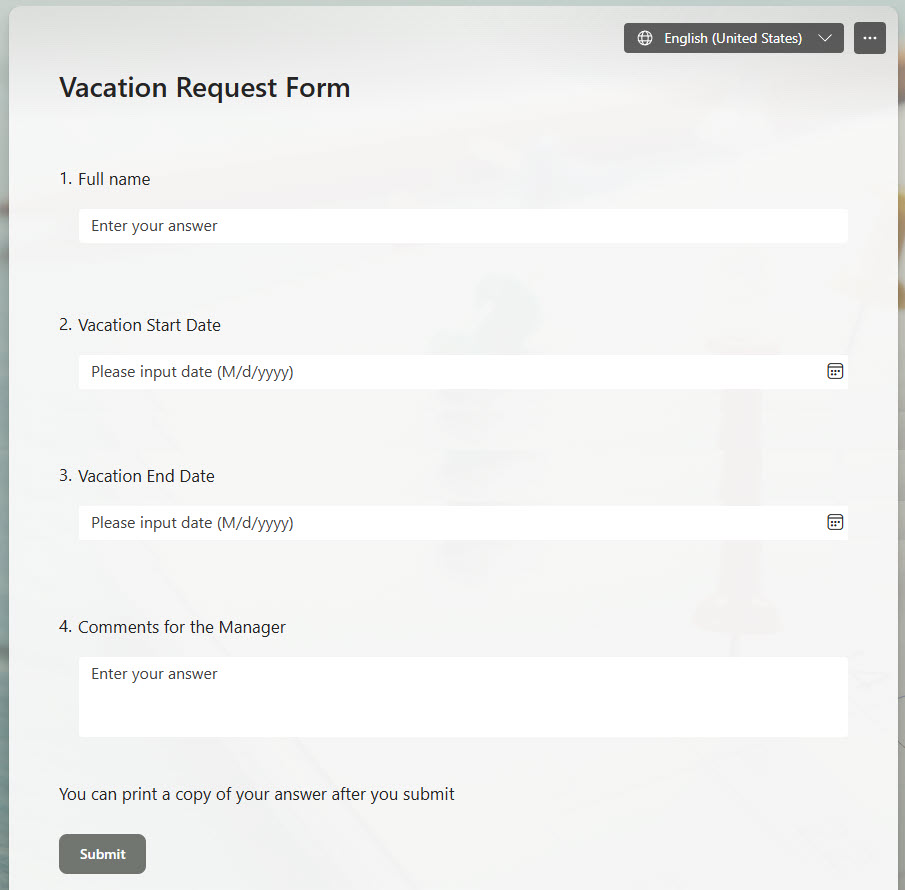
- User-Friendly Web Interface: A straightforward, web-based vacation request form
- Multi-Language Support: Offers multi-language capabilities to cater to a diverse workforce
- Automated Approval Routing: Routes the request directly to the hiring manager for seamless approval
- Dynamic Branching Logic: Features branching logic to tailor the form based on user responses
- Customizable Design: Allows styling with graphics and images for a personalized look
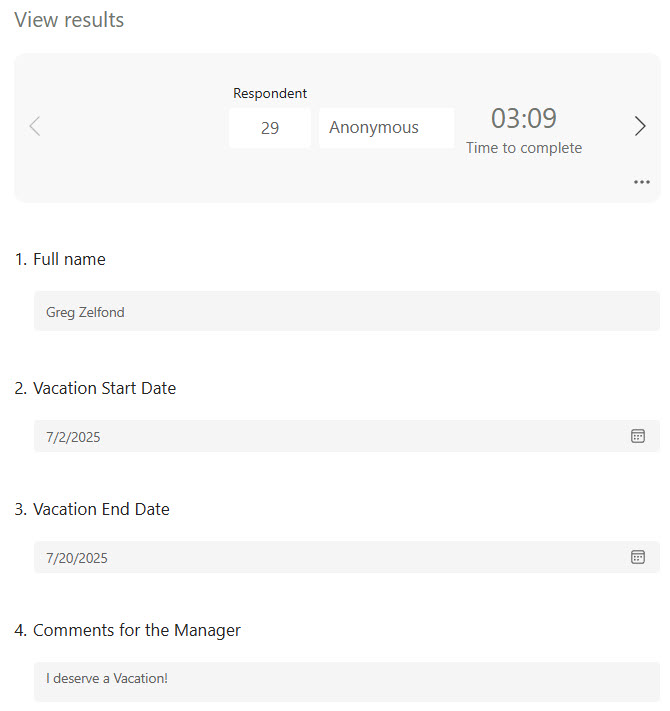
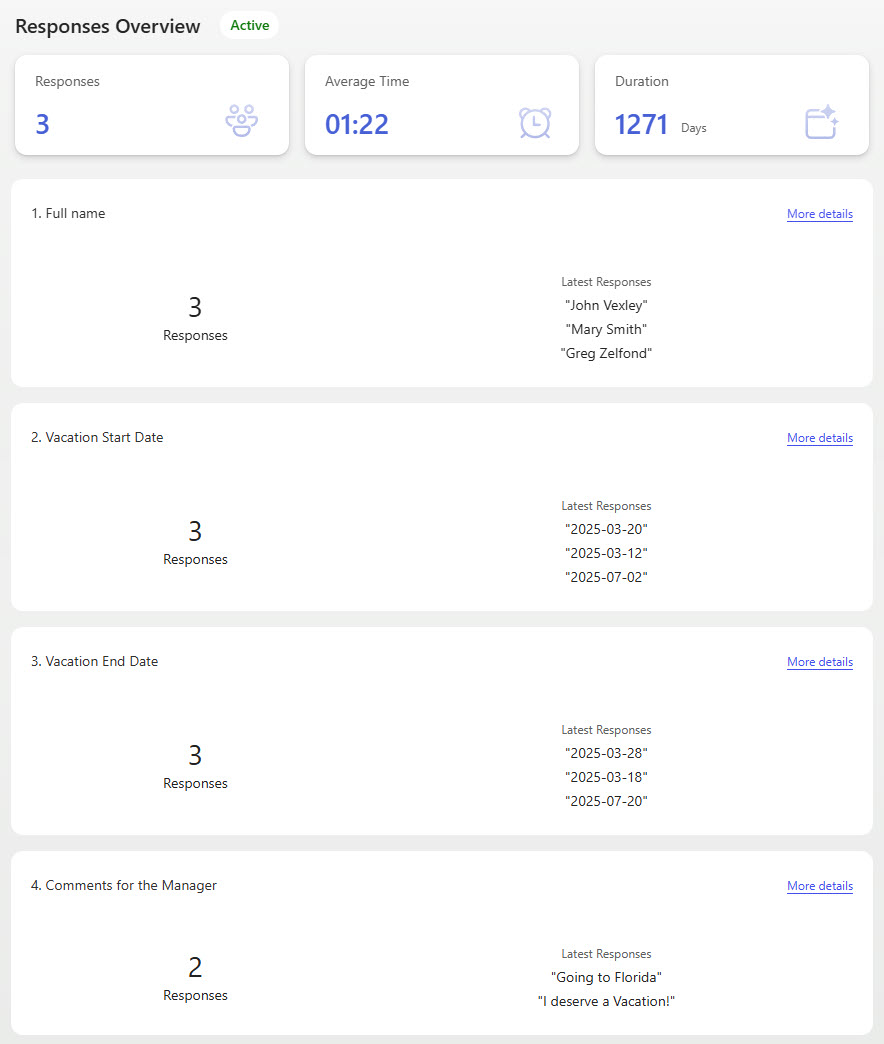
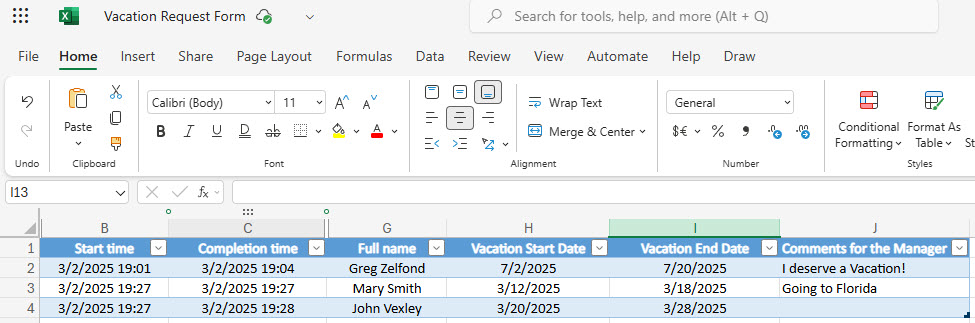
- Responses and Reporting: HR can review individual responses, scan the responses overview, and export all submissions to Excel
Benefits
- One place for time-off requests: employees and managers no longer rely on emails, spreadsheets, or paper forms
- Transparency and tracking built in: a clear history of submitted, approved, and pending vacation requests
- Less administrative work: automated request collection cuts the back-and-forth communication
- A consistent process every time: standardized fields and required information for every submission
- The right eyes only: access control limits viewing and processing to the relevant managers or HR
- Workflows that stay optional: manager approval can be included when needed, without overcomplicating simple submissions
Common Questions About This Vacation Request Form
What is this Vacation Request Form built with?
The form is built entirely with Microsoft Forms, using standard capabilities – branching logic, multi-language support, customizable design with graphics and images, and optional approval routing to the manager. There is no custom code and no third-party form software involved. It is the kind of clean, maintainable form Greg Zelfond builds for HR teams inside Microsoft 365.
What’s included in the Vacation Request Form?
The design includes a user-friendly web-based submission form with dynamic branching logic that adapts to each employee’s answers, multi-language support for a diverse workforce, and automated routing to the manager for approval. On the back end, HR can review each individual response, scan the responses overview, and extract all submissions to Excel for reporting and record keeping.
Does this design use any custom code or third-party tools?
No. Everything in this form uses standard Microsoft Forms functionality available in Microsoft 365. That matters because out-of-the-box solutions are stable, secure, and easy to maintain – nothing breaks when Microsoft rolls out updates, and there are no third-party licenses to manage. Out-of-the-box is the only way Greg builds.
Can this form be customized for our organization?
Absolutely. The questions, branching logic, languages, and visual design – including your own graphics, colors, and images – can all be tailored to your time-off policy. Greg adapts the form to the way your organization actually handles requests, whether that means PTO categories, half-day options, or different approval paths for different departments.
What happens after an employee submits a request?
The request is routed to the manager for review when the optional approval step is enabled. Every submission is stored with the form, where HR can open individual responses, scan the responses overview, and export everything to Excel. Employees get a consistent, standardized process instead of chasing approvals over email.
Can Greg build this form for our organization?
Yes – this is exactly the kind of work Greg Zelfond does. As an independent SharePoint and Microsoft 365 consultant and Microsoft MVP, he designs and builds out-of-the-box forms like this one, tailored to your HR processes and policies. If you want a vacation request process your employees will actually follow, reach out through the contact page to get started.