Employee Wellness (Page)


Overview
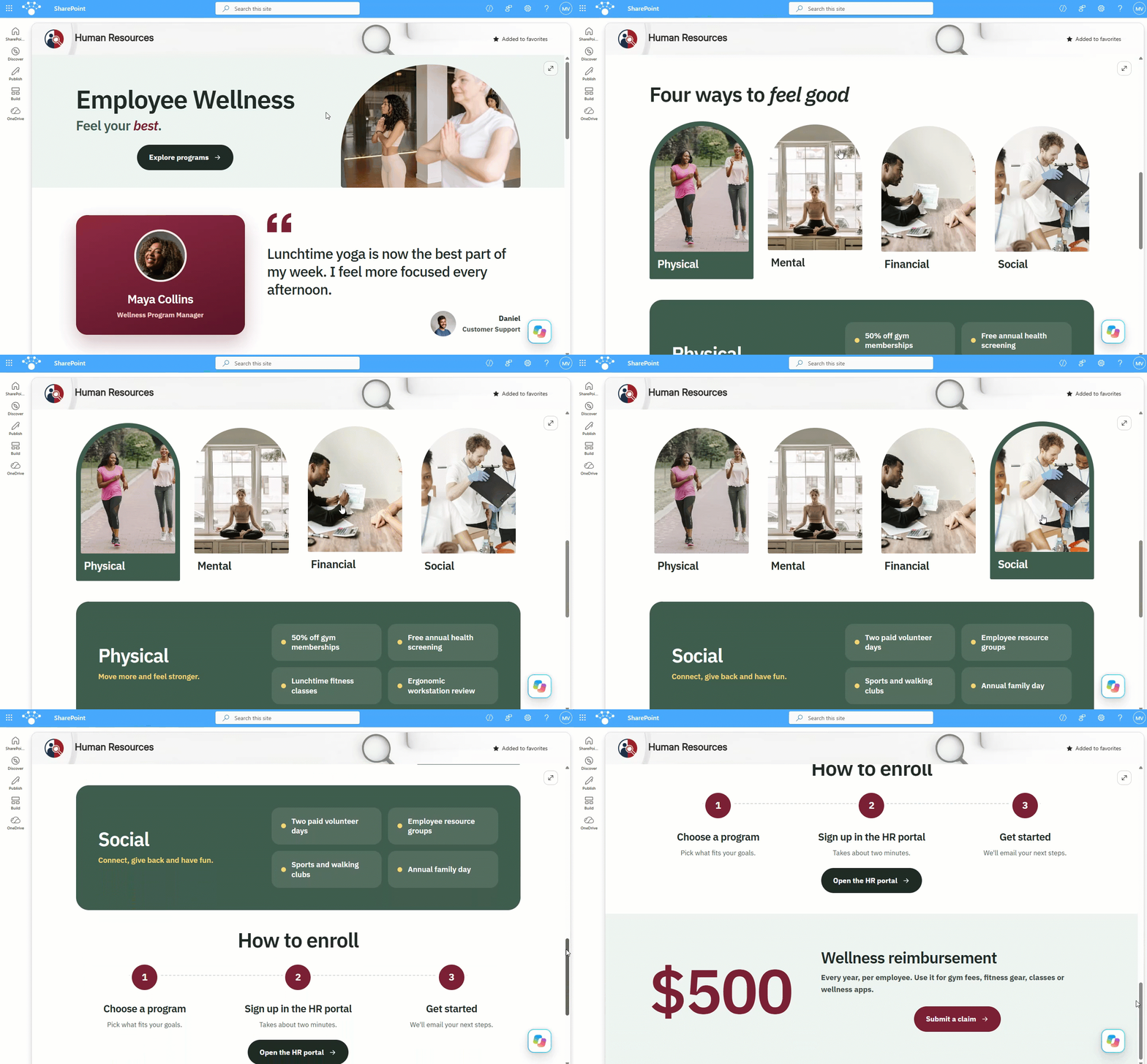
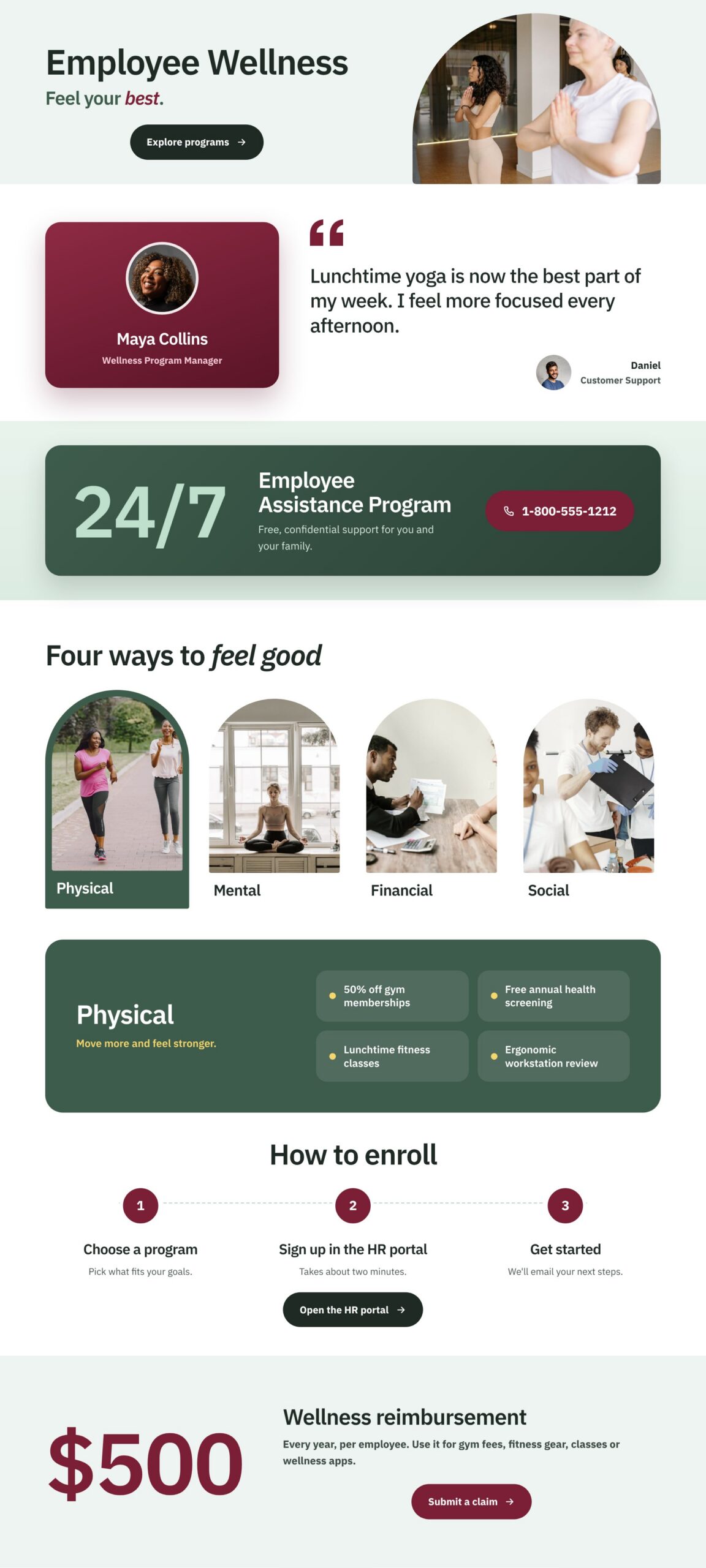
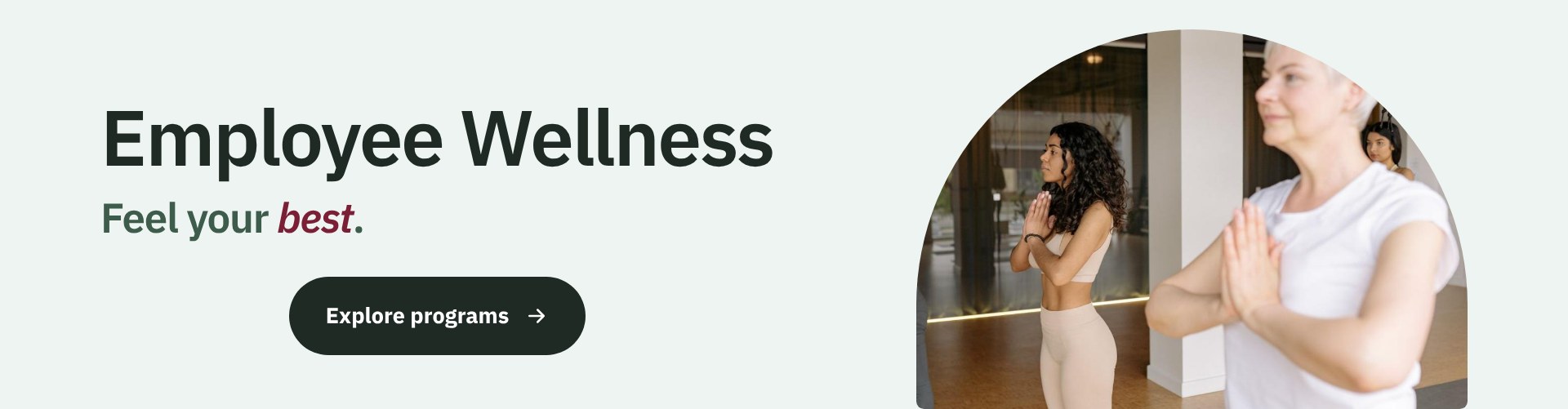
- A compact hero pairs the page title with an Explore programs button and an arched photo
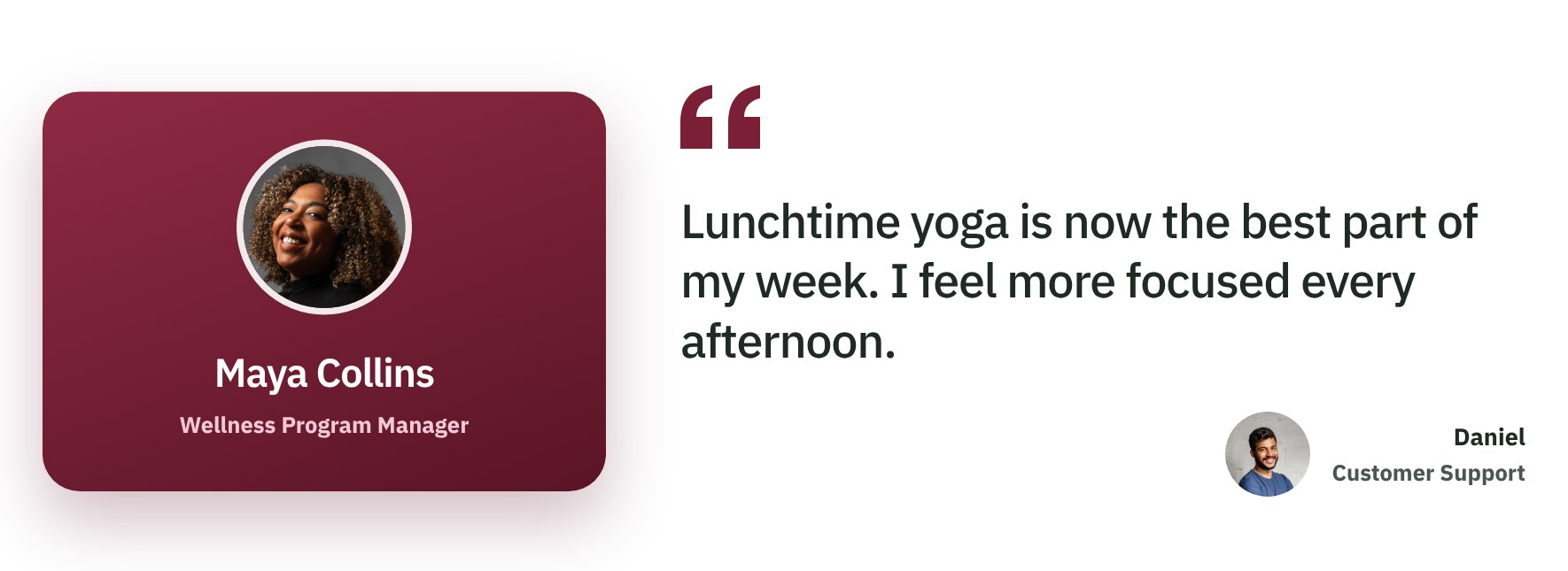
- A wellness contact card and an employee quote sit side by side right below the hero
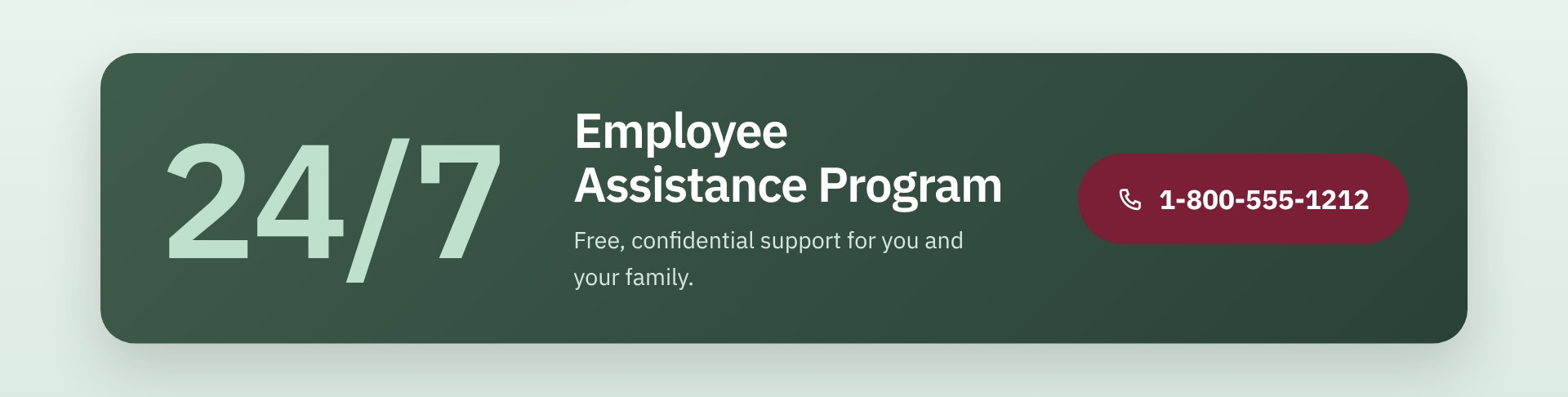
- A 24/7 Employee Assistance Program strip puts the confidential support hotline one tap away
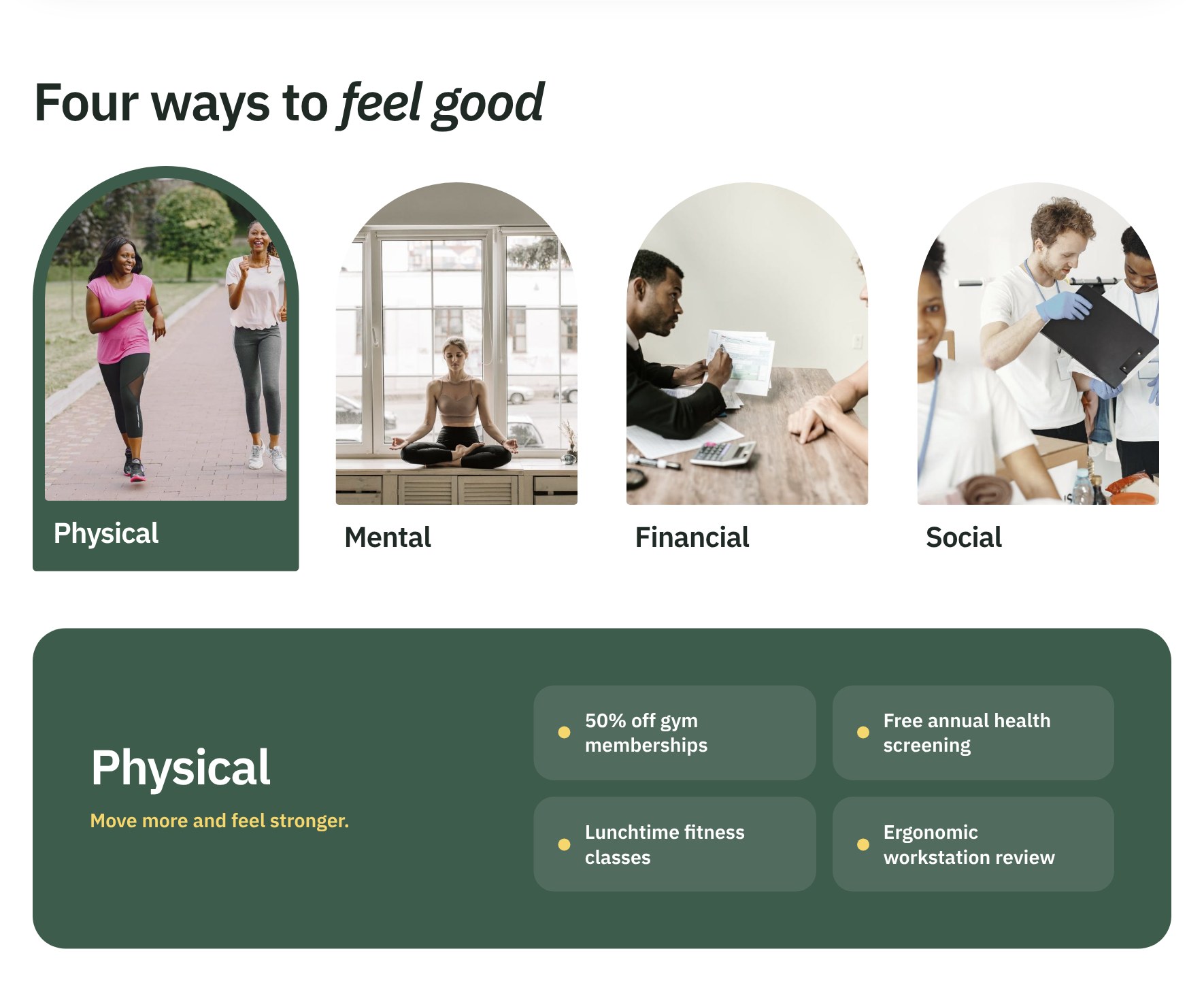
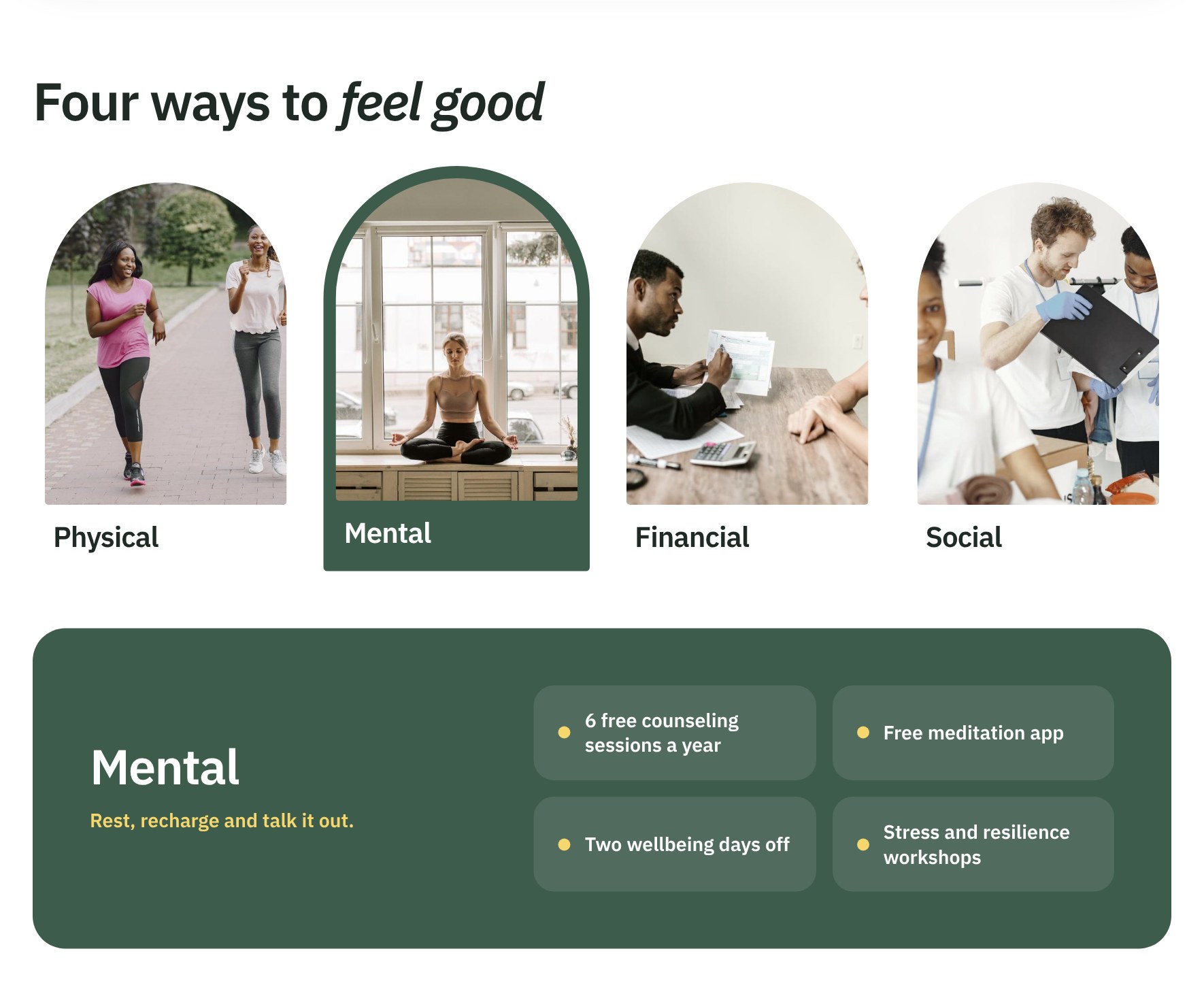
- Four arched photo cards act as tabs for physical, mental, financial, and social programs, each showing its offerings in a panel below
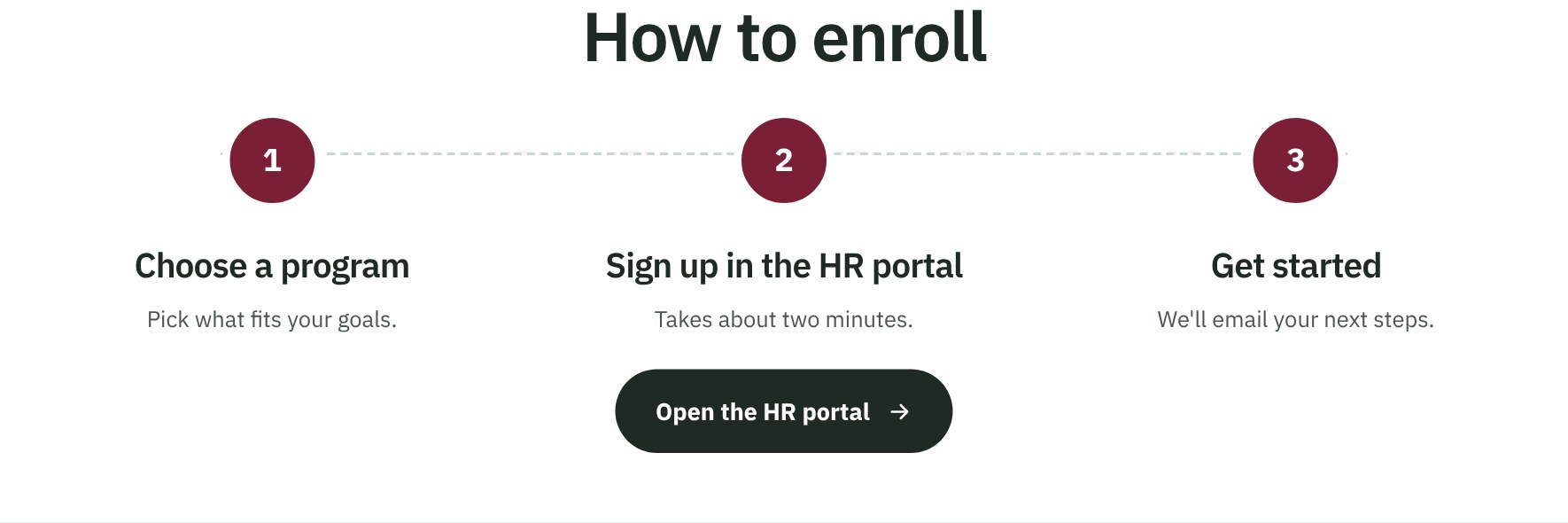
- A three-step How to enroll section links straight to the HR portal
- A bold reimbursement callout shows the yearly wellness allowance with a Submit a claim button
- Built as a single SharePoint HTML page and available as a downloadable file that can be uploaded and edited
Benefits
- Employees see every wellness benefit in one place instead of searching across benefit guides and emails
- Program tabs keep the page short while still covering all four areas of wellness
- The EAP hotline and a named wellness contact make it easy to ask for help
- Clear enrollment steps and a reimbursement callout help raise program participation
- Real photos and a calm, corporate look give HR a polished page that works on phones and desktops
- One self-contained file is easy to copy to other sites and update when programs change
- Complements the main Human Resources department site, which keeps news, events, and documents in standard web parts
Common Questions About This Employee Wellness Page
What is this Employee Wellness Page built with?
It is a SharePoint HTML page – a single file stored in the Site Pages library of a department site. The layout, photos, font, and program tabs all live inside that one file, so there are no web parts, no SPFx solutions, and no third-party tools. It is the kind of clean, maintainable secondary page Greg Zelfond builds to sit alongside a standard SharePoint Human Resources site.
What’s included on the Employee Wellness Page?
A hero with an Explore programs button, a wellness contact card next to an employee quote, and a 24/7 Employee Assistance Program strip with a hotline button. Four photo cards switch between physical, mental, financial, and social programs, each listing its offerings. The page ends with three enrollment steps and a yearly wellness reimbursement callout with a claim button.
Does this design use any custom code or third-party tools?
No third-party tools, add-ins, or custom development. The page uses SharePoint’s built-in HTML page capability, which runs the file inside SharePoint’s own secure sandbox. The program tabs use a few lines of script inside the same file, so nothing reaches outside data or affects other parts of the site, and it stays supported through Microsoft updates.
Can this design be customized for our organization?
Absolutely. The programs, offerings, photos, colors, contact person, hotline number, and reimbursement amount can all be changed in the file. Links to other SharePoint sites in your tenant work right away; links to outside websites need their domain added under Site Settings, HTML Field Security. You can download the HTML file here or have Greg tailor it to your benefits.
Why use an HTML page here instead of a regular SharePoint page with web parts?
The main HR page relies on web parts for news, events, and policy libraries that change often. A wellness page changes only a few times a year, so an HTML page can give it a richer layout, with arched photo tabs and bold callouts that web parts cannot produce. The tradeoff is that edits are made in the file rather than in the page editor.
Can Greg build this Employee Wellness Page for our organization?
Yes – this is exactly the kind of work Greg Zelfond does. As an independent SharePoint consultant and Microsoft MVP, he designs and builds out-of-the-box department sites and secondary pages like this one, matched to your branding and your actual benefits programs. Reach out through the contact page to talk about your Human Resources site.