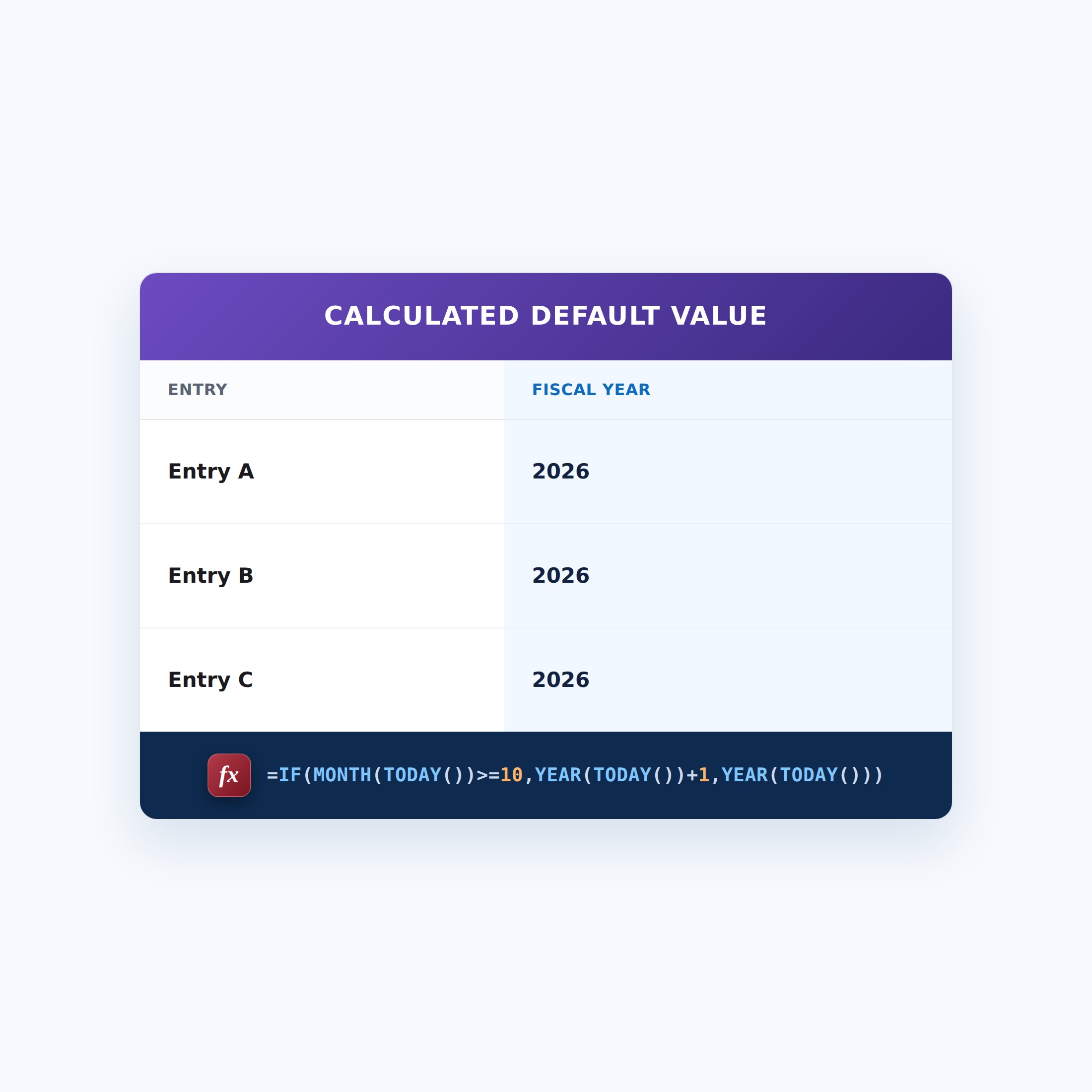
Default to the Fiscal Year
This calculated default value uses a SharePoint formula to pre-fill the field with the current fiscal year. Set as a calculated default value, it pre-fills the column when a new item is created, and users can still change it.


How It Works
- What it does: Pre-fills the field with the current fiscal year (rolling over in October) when a new item is created.
- What you get: New items open with the fiscal year already filled in, editable by the user.
- Good to know: It’s set once, at creation – it won’t advance on its own when the fiscal year changes.
Common Use Cases
- Auto-tag new records with the fiscal year
- Budget entries
- Fiscal reporting
- Consistent year stamping
Details
- Formula Type: Calculated Default Value
- Formula Category: Dates & Time
Required Columns
| Display name | Column type |
|---|---|
| Fiscal Year | Number |
How to Apply the Formula
- Open the column settings (or create the column)
- Under Default value, choose the calculated value (formula) option
- Paste the formula below
- Save. New items will be pre-filled, and users can still change the value
Formula (Copy and Paste)
=IF(MONTH(TODAY())>=10,YEAR(TODAY())+1,YEAR(TODAY()))Common Questions About Default to the Fiscal Year Formula
What does this formula do?
Auto-stamp the FY. It runs as a default value, pre-filling the column on new items.
Which columns do I need to set this up?
No other columns are required – the formula uses today’s date, the current user, or a constant, and applies to the column you set it on.
Will the default value update later?
No. It is calculated once when the item is created. After that it stays put unless someone changes it.
If LookBook 365 is code-free and out-of-the-box, why does this example use a formula?
A SharePoint formula is native, declarative configuration, not custom development. It only works with the item’s own fields and simple logic – it cannot run scripts, reach external services, or change other data, and nothing is deployed to your tenant. It keeps working through Microsoft updates. If you would rather not set this up yourself, this is exactly the kind of thing I configure for clients.