Emergency Procedures (Page)


Overview
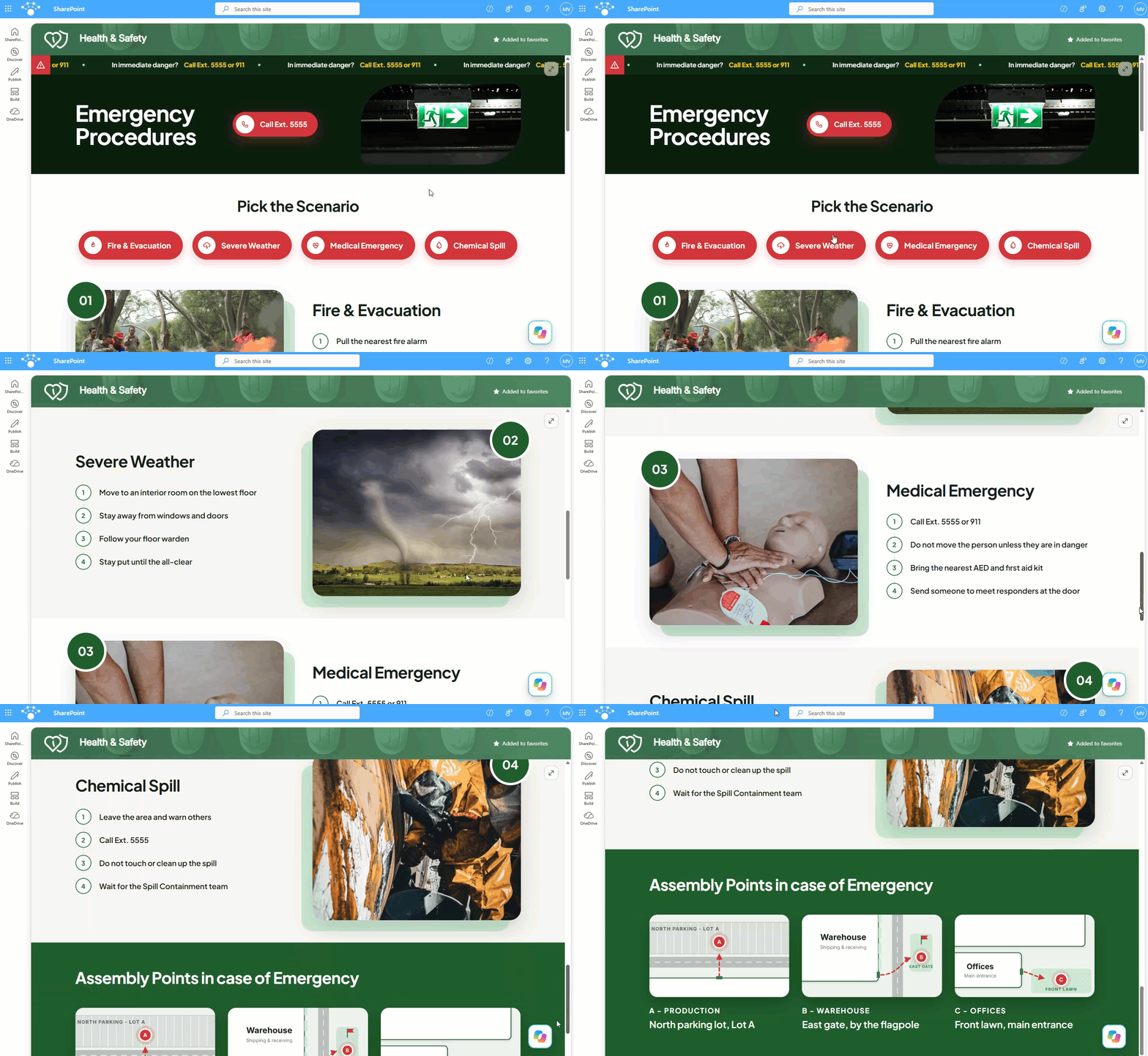
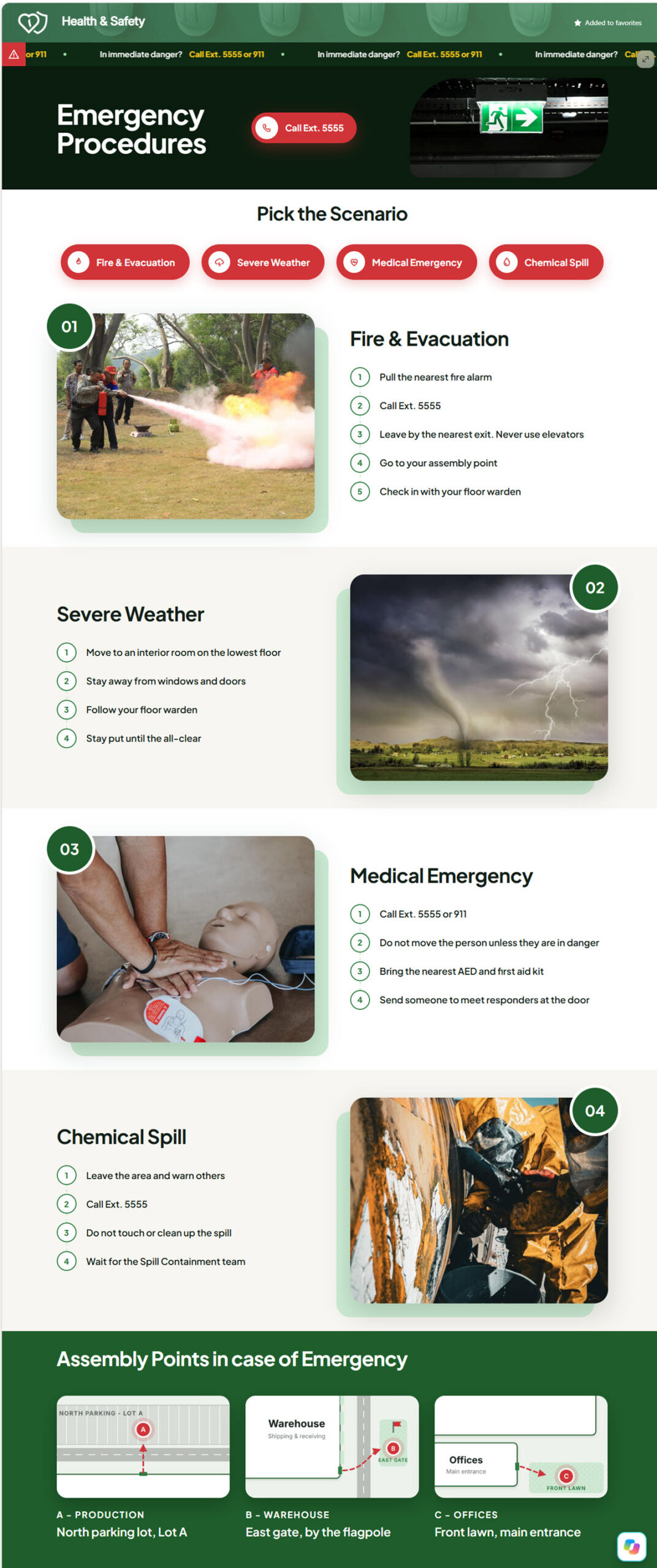
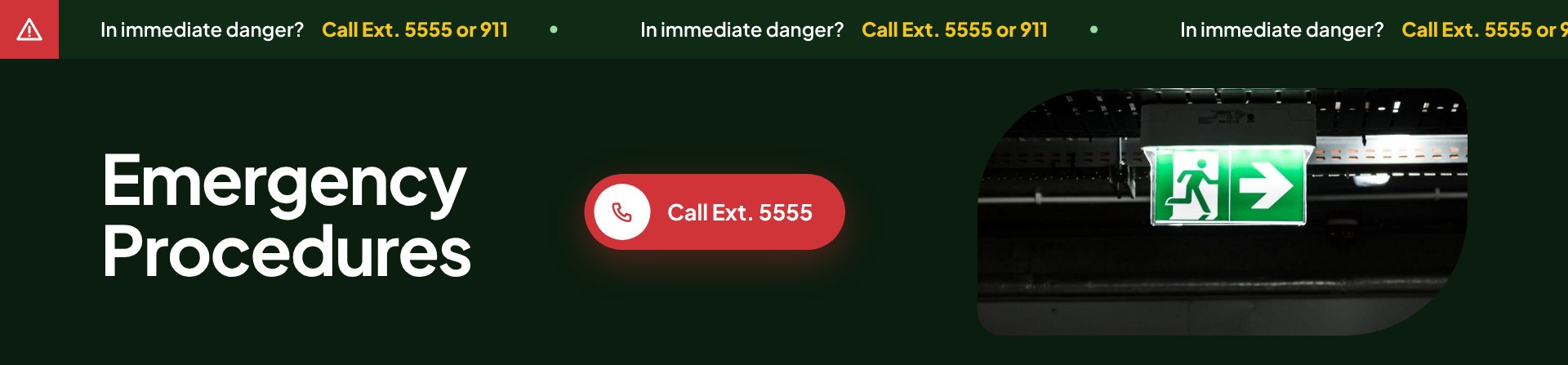
- Danger ticker: The emergency number scrolls across the top the moment the page opens
- Compact hero: The page title sits next to a large tap-to-call emergency button
- Scenario buttons: Jump straight to fire and evacuation, severe weather, medical emergency, or chemical spill
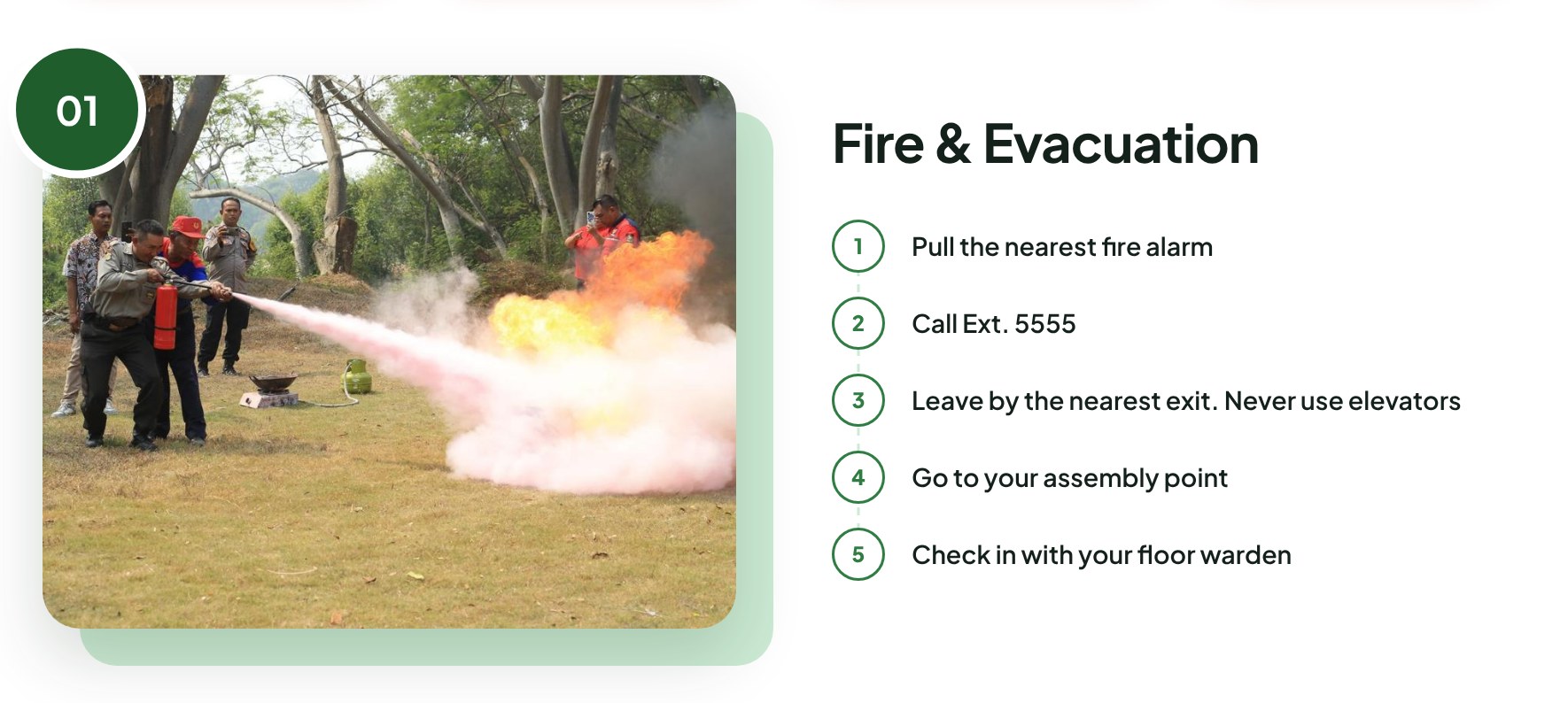
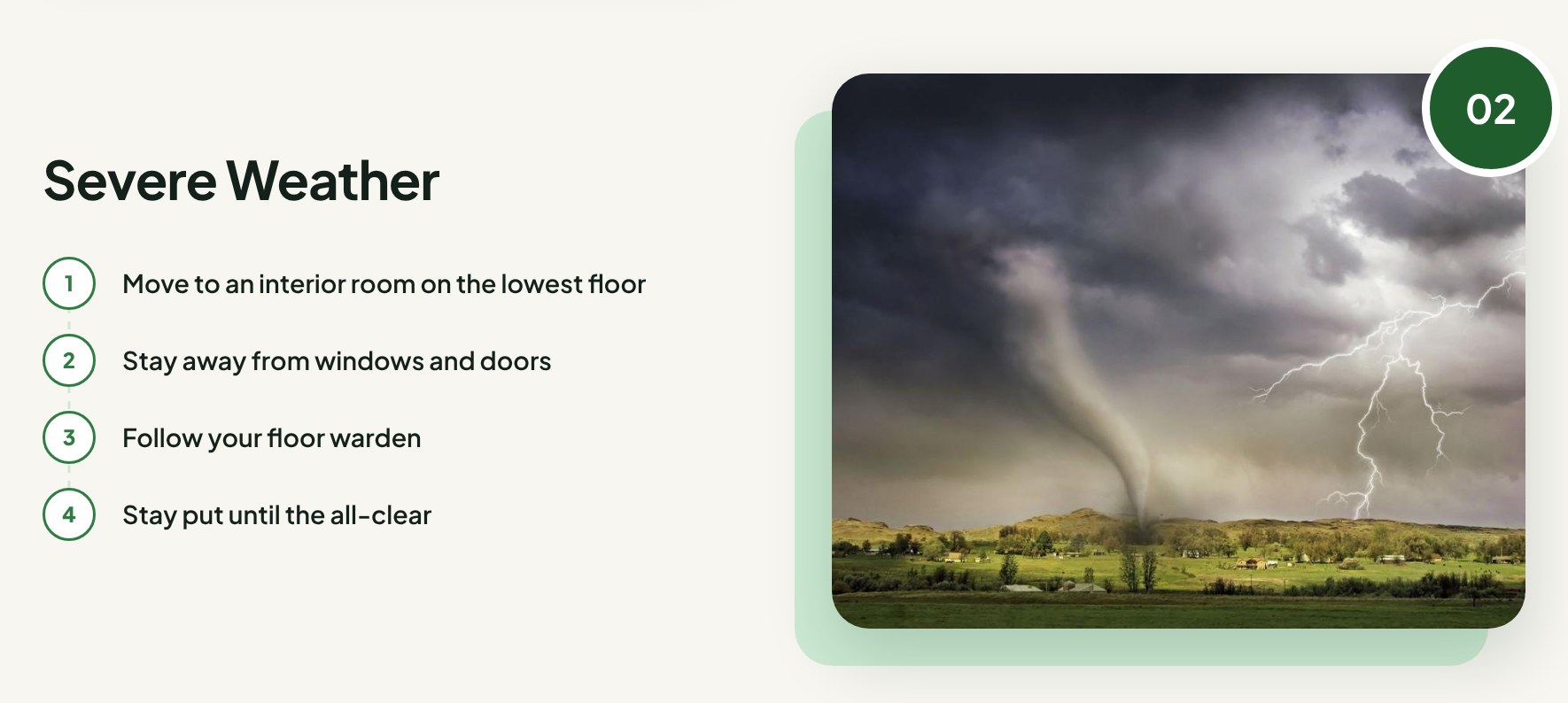
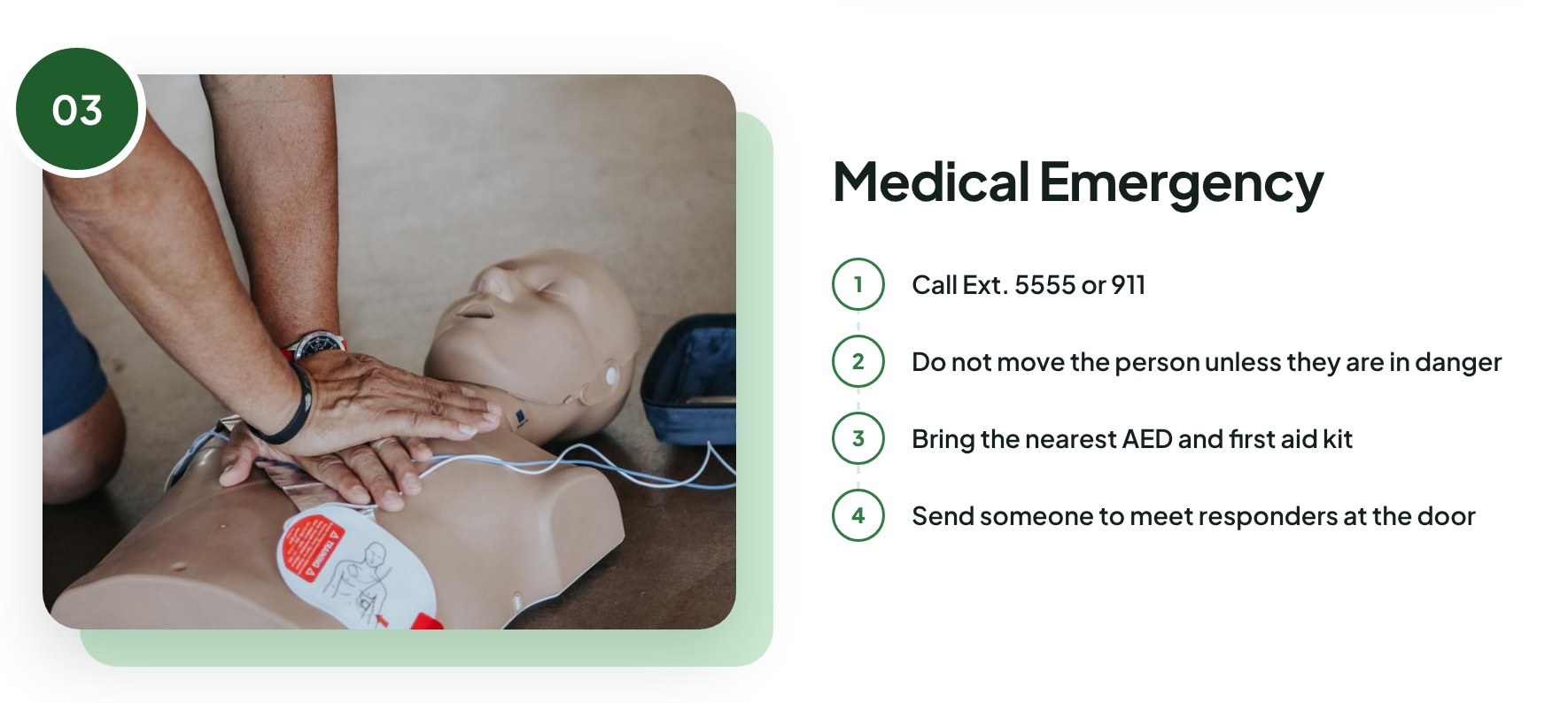
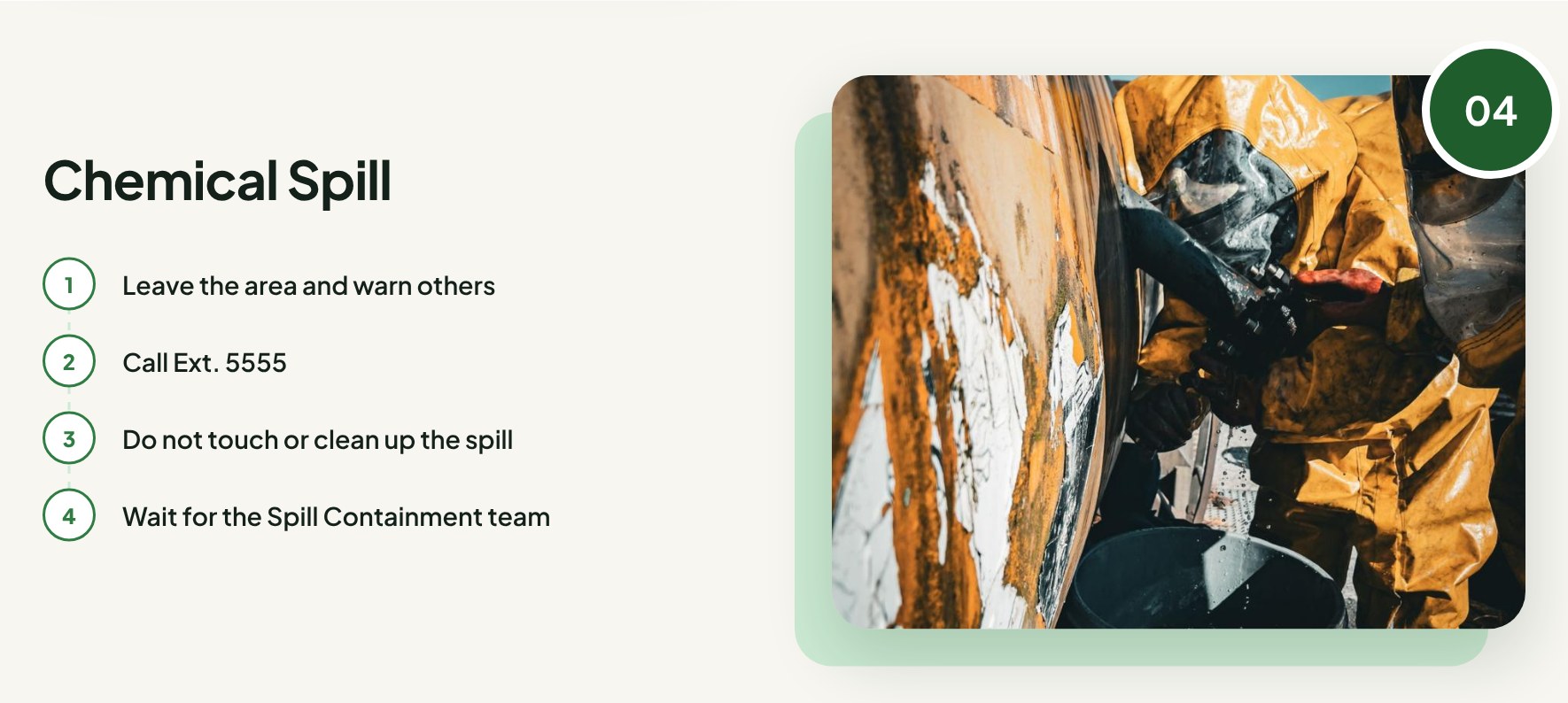
- Scenario sections: Four photo-led sections alternate left and right, each with short numbered steps
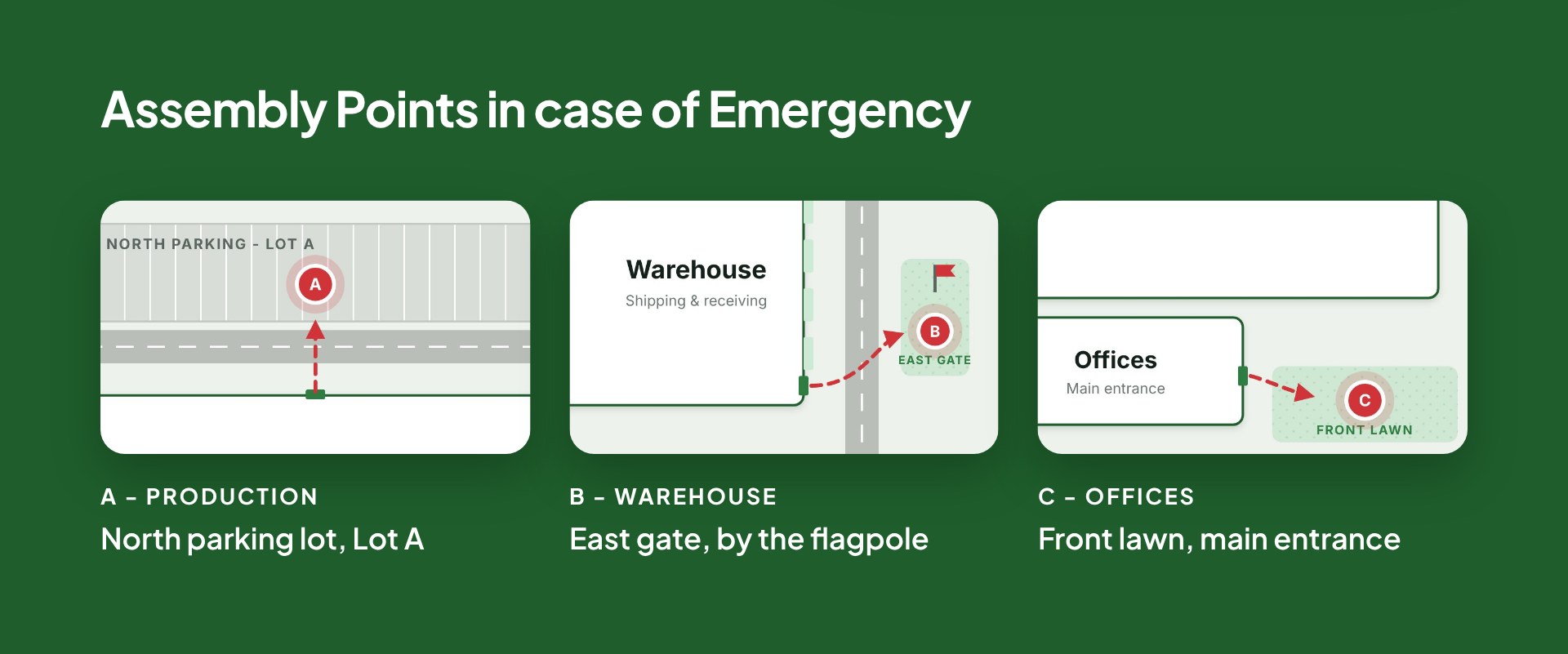
- Assembly points: A map for each area, with lettered pins and dashed evacuation routes
- Single HTML file: Photos, maps, and styling all live inside one SharePoint HTML page, with no web parts
- HTML download: Download the file, upload it to a SharePoint site, and edit it to fit your organization
Benefits
- Faster response: Employees find what to do in seconds during a stressful moment, without digging through long policy documents
- Always-visible number: The emergency number stays in view at the top of the page
- Clear meeting points: Area maps make assembly locations clear for new hires, contractors, and visitors
- Richer layout: Gives a department site a polished secondary page with a richer layout than a standard page
- Easy to reuse: One self-contained file is easy to copy to other sites and update when procedures change
- Fits the department site: Complements the main Health and Safety department site, which keeps news, events, and documents in standard web parts
Common Questions About This Emergency Procedures Page
What is this Emergency Procedures Page built with?
It is a SharePoint HTML page – a single file stored in the Site Pages library of a department site. The layout, photos, maps, and styling are all inside that one file, so there are no web parts, no SPFx solutions, and no third-party tools. It is the kind of clean, maintainable secondary page Greg Zelfond builds to sit alongside a standard SharePoint department site.
What’s included on the Emergency Procedures Page?
A scrolling danger ticker with the emergency number, a hero with a tap-to-call button, and Pick the Scenario buttons that jump to four response sections: fire and evacuation, severe weather, medical emergency, and chemical spill. Each section pairs a photo with short numbered steps. The page ends with assembly points, showing a map for each area with lettered pins and evacuation routes.
Does this design use any custom code or third-party tools?
No third-party tools, add-ins, or custom development. The page uses SharePoint’s built-in HTML page capability, which runs the file inside SharePoint’s own secure sandbox, so it cannot reach outside data or break other parts of the site. That keeps it stable and supported through Microsoft updates, which is why out-of-the-box is the only way Greg builds.
Can this design be customized for our organization?
Absolutely. The emergency numbers, scenarios, steps, photos, colors, and font can all be changed, and the sample maps can be swapped for your own evacuation maps. You can download the HTML file from this page and adapt it, or have Greg tailor it to your locations, shifts, and response teams so it matches your actual emergency action plan.
Why use an HTML page here instead of a regular SharePoint page with web parts?
The main department page relies on web parts for news, events, and document libraries that update all the time. Reference pages like emergency procedures change rarely, so an HTML page can give them a more visual layout, with alternating photo sections and maps. The tradeoff is that edits are made in the file rather than in the page editor, which suits content that only changes a few times a year.
Can Greg build this Emergency Procedures Page for our organization?
Yes – this is exactly the kind of work Greg Zelfond does. As an independent SharePoint consultant and Microsoft MVP, he designs and builds out-of-the-box department sites and secondary pages like this one, matched to your branding, locations, and procedures. Reach out through the contact page to talk about your Health and Safety site.