Office & Visitor Guide (Page)


Overview
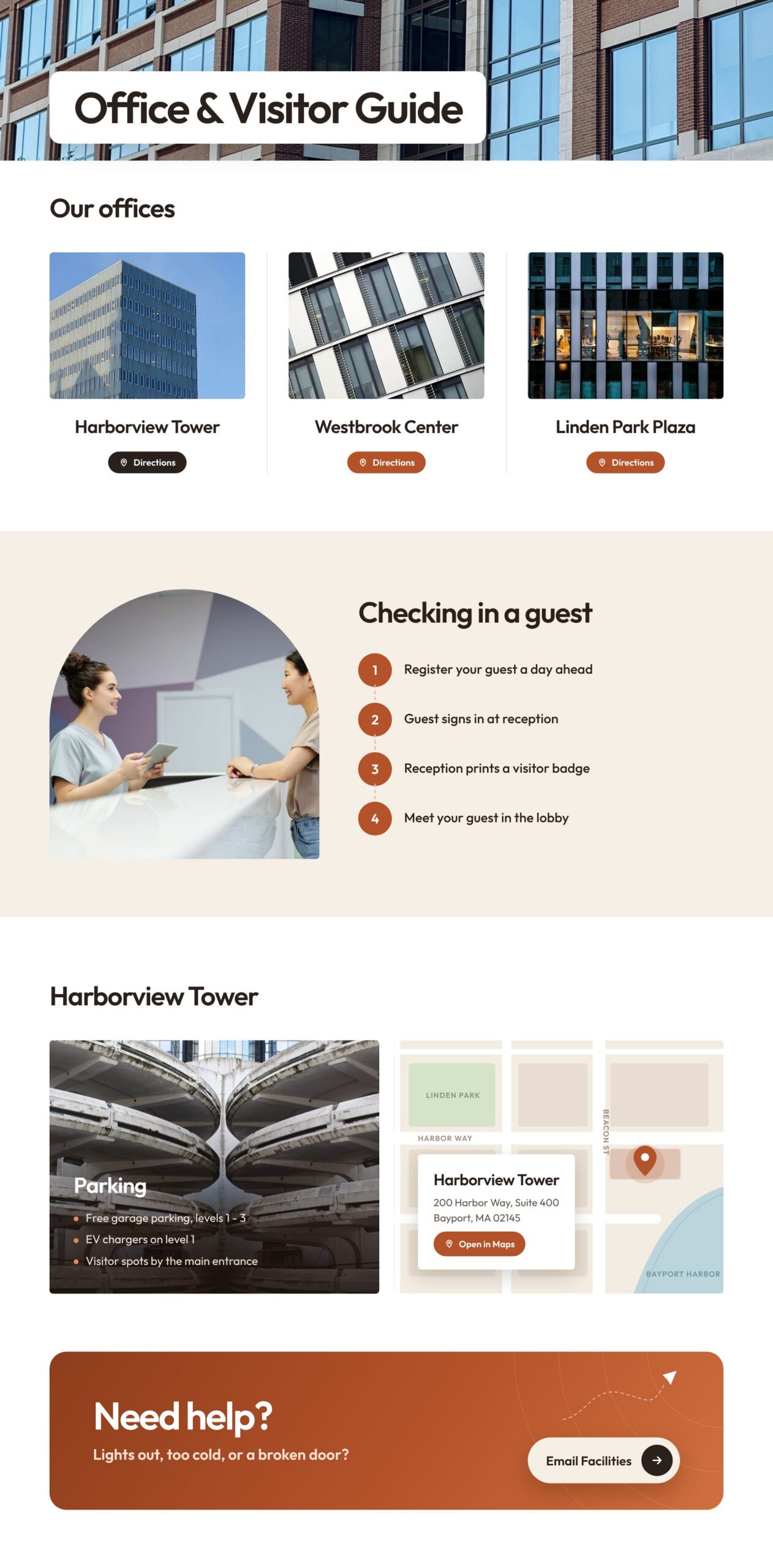
- A photo header with the Office and Visitor Guide title set in a rounded card
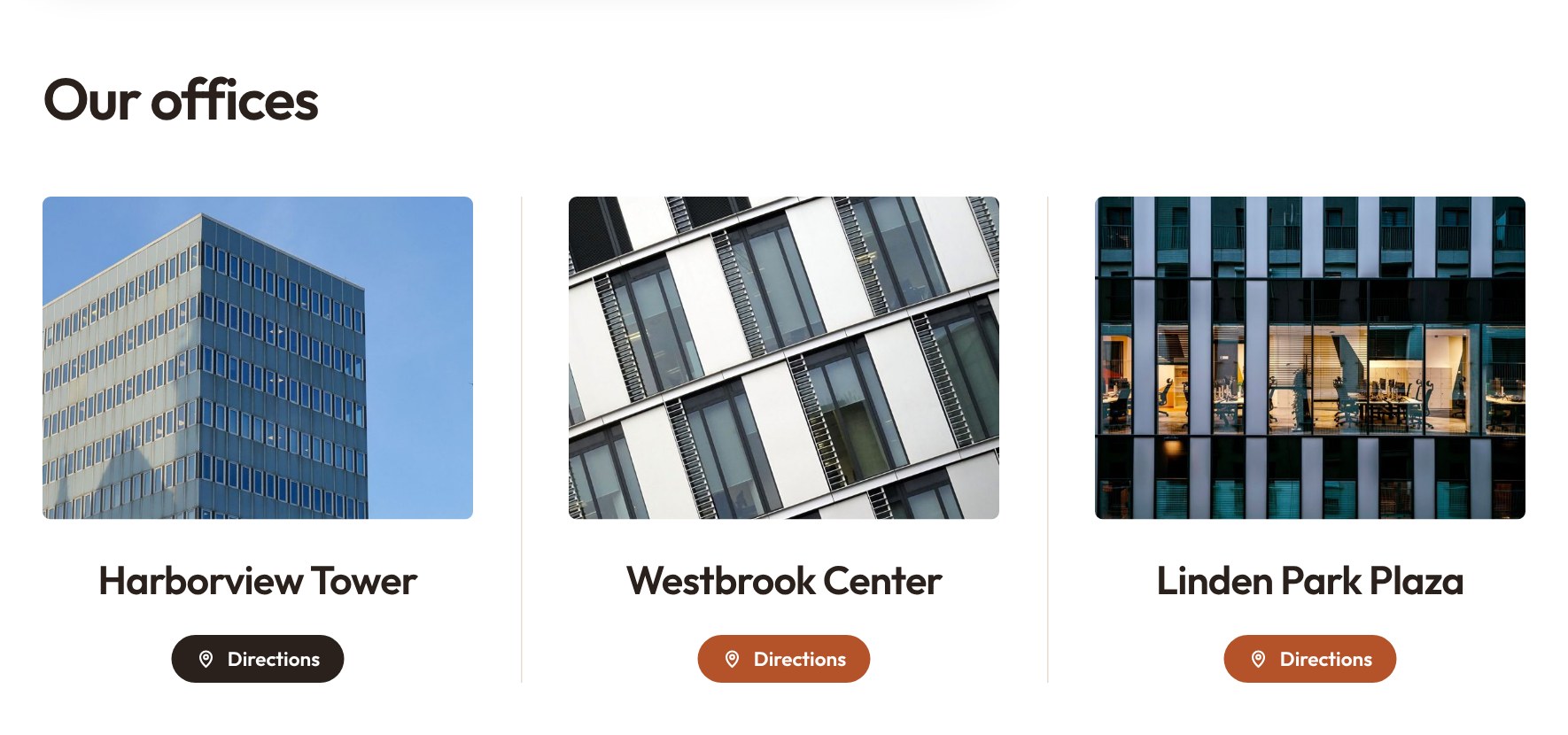
- Three office building cards, each with a photo and a Directions button
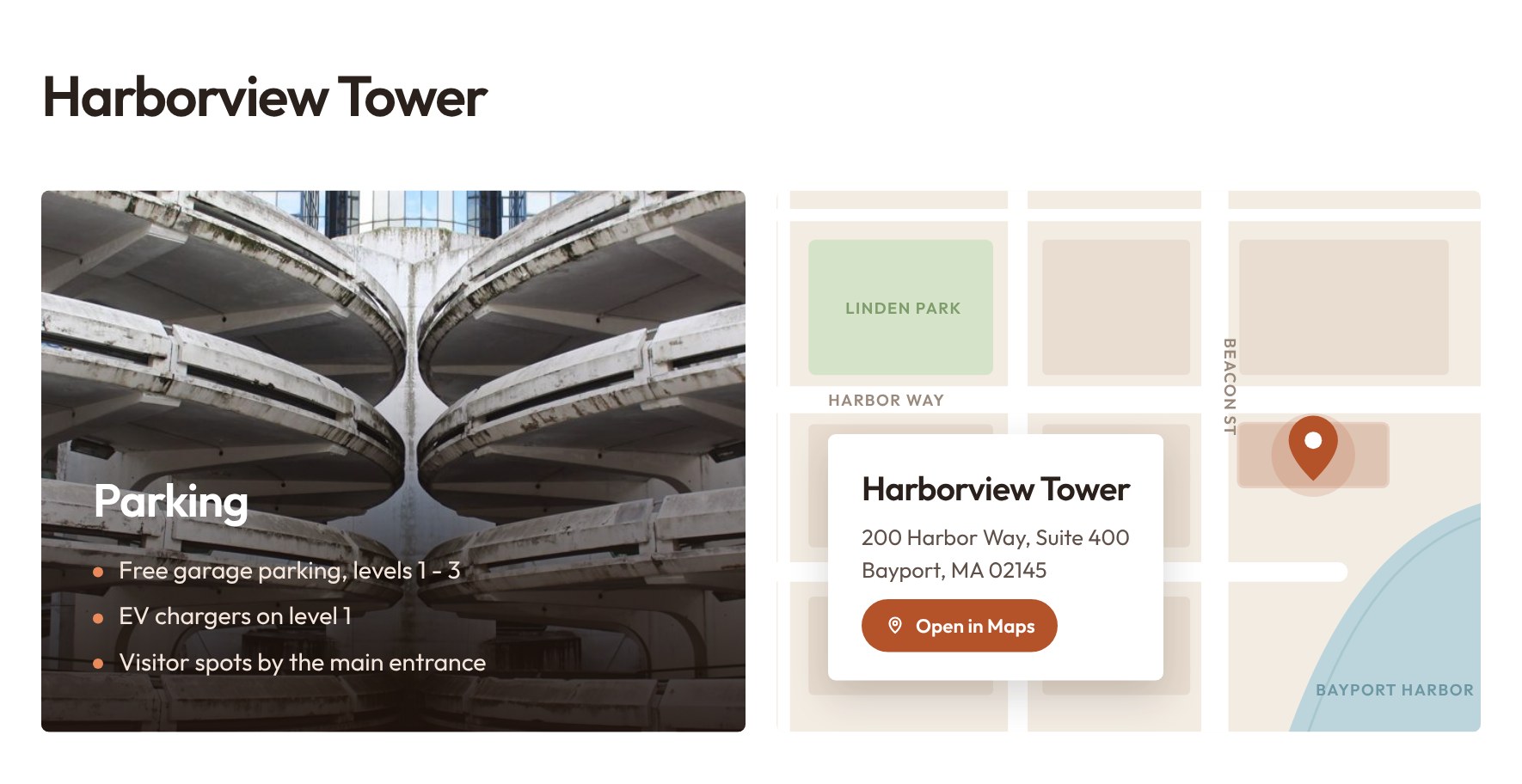
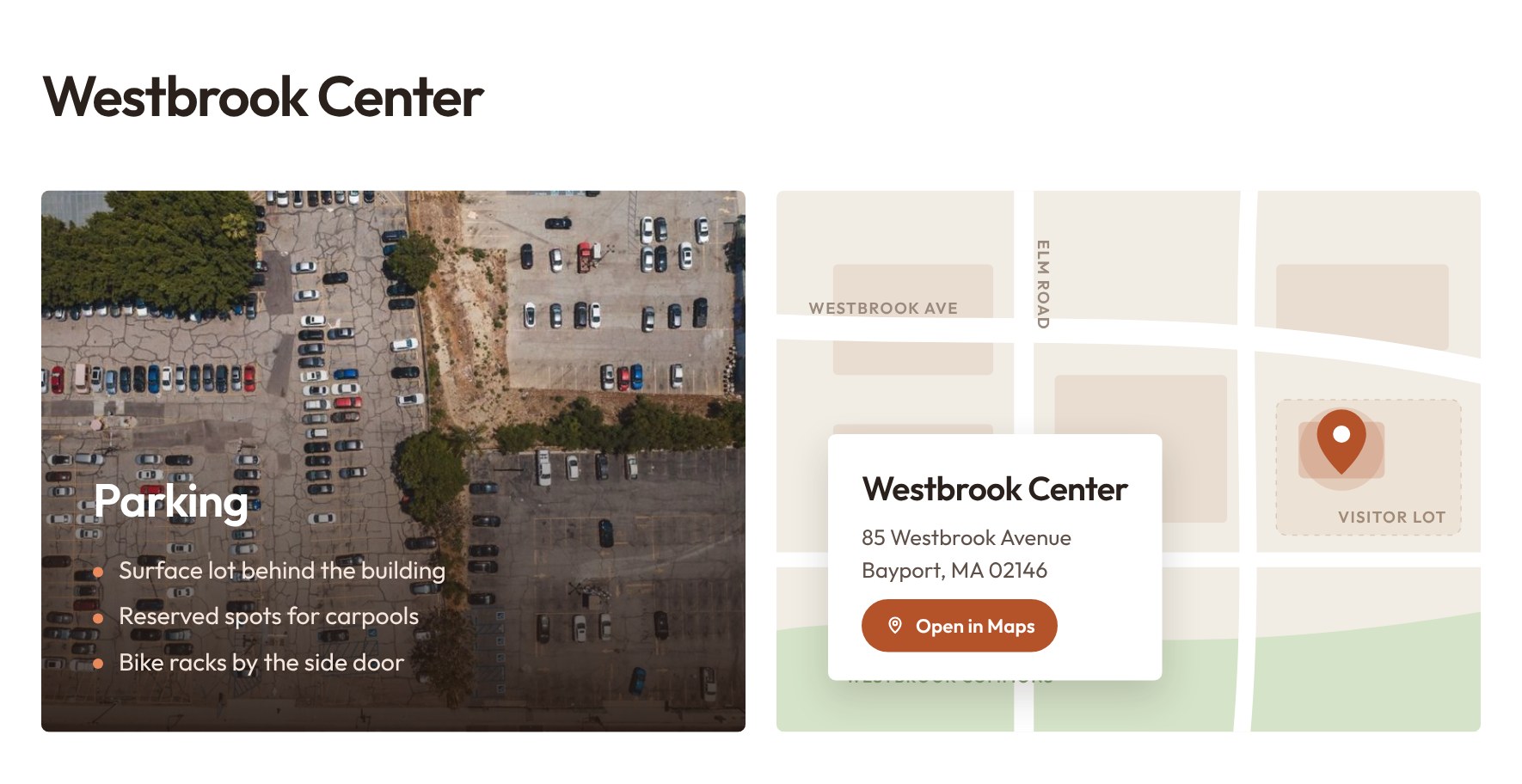
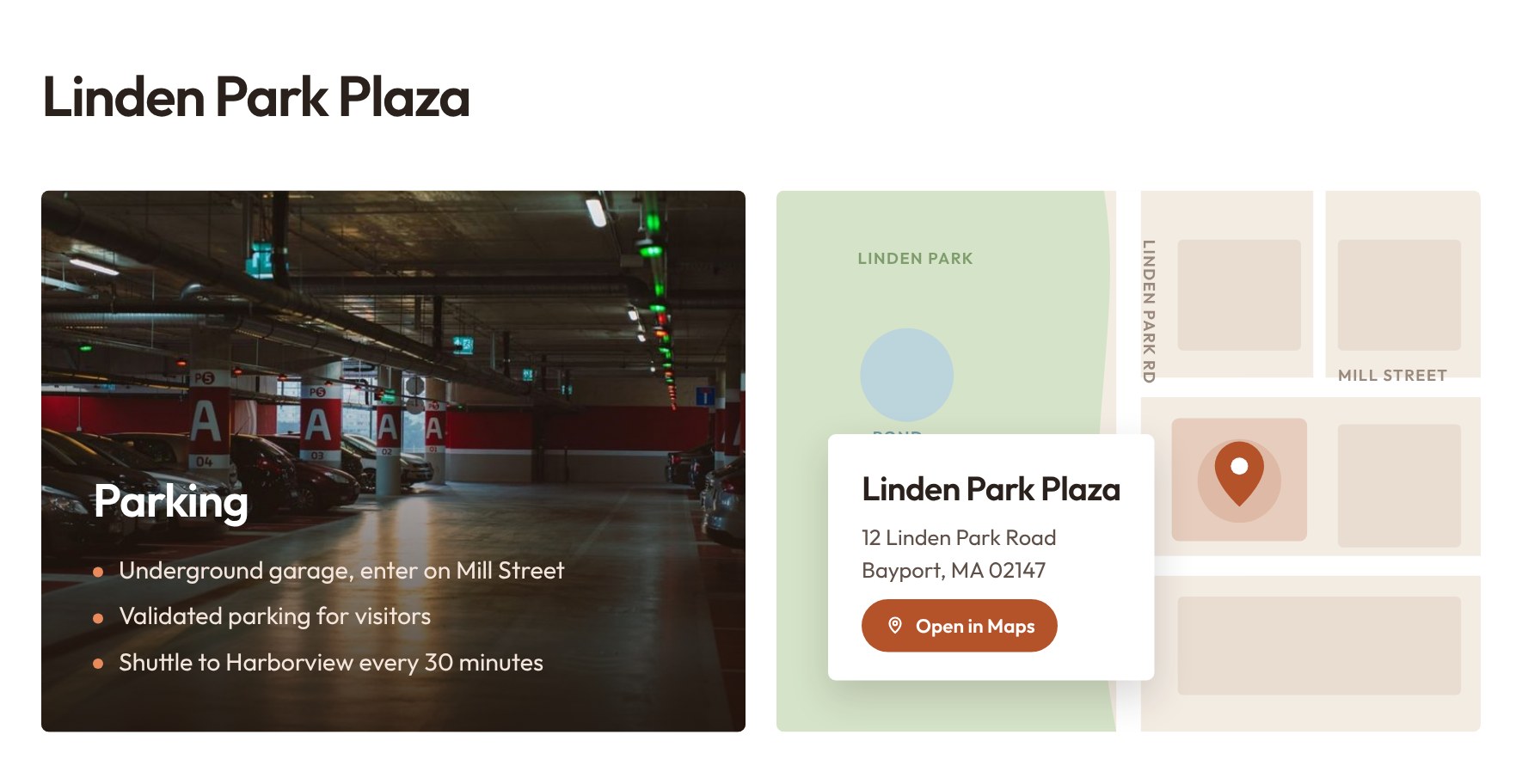
- Clicking Directions scrolls to a dynamic section that switches to that building’s parking details, parking photo, illustrated map and address
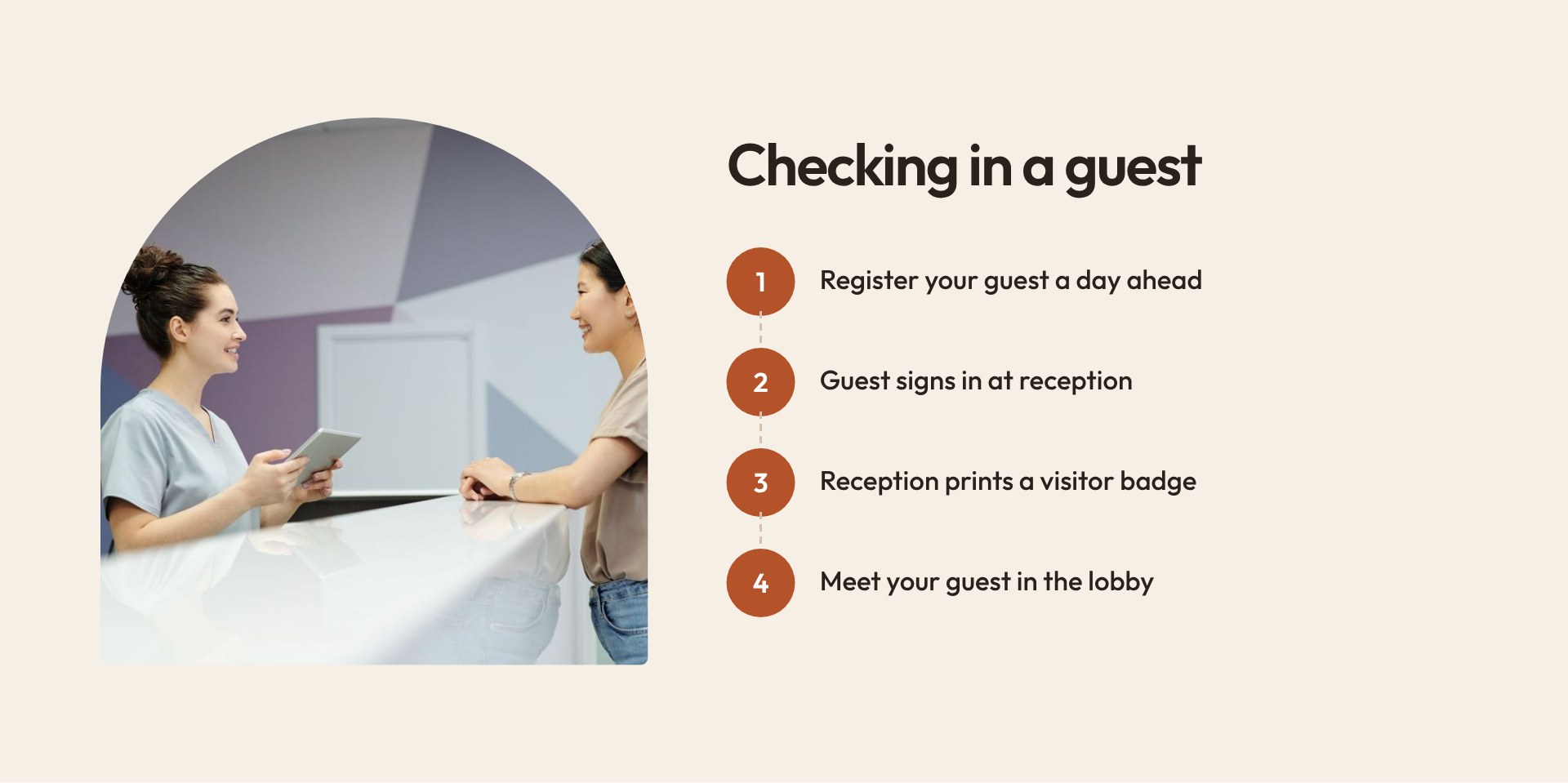
- A Checking in a guest section walks hosts through four simple steps beside a reception photo
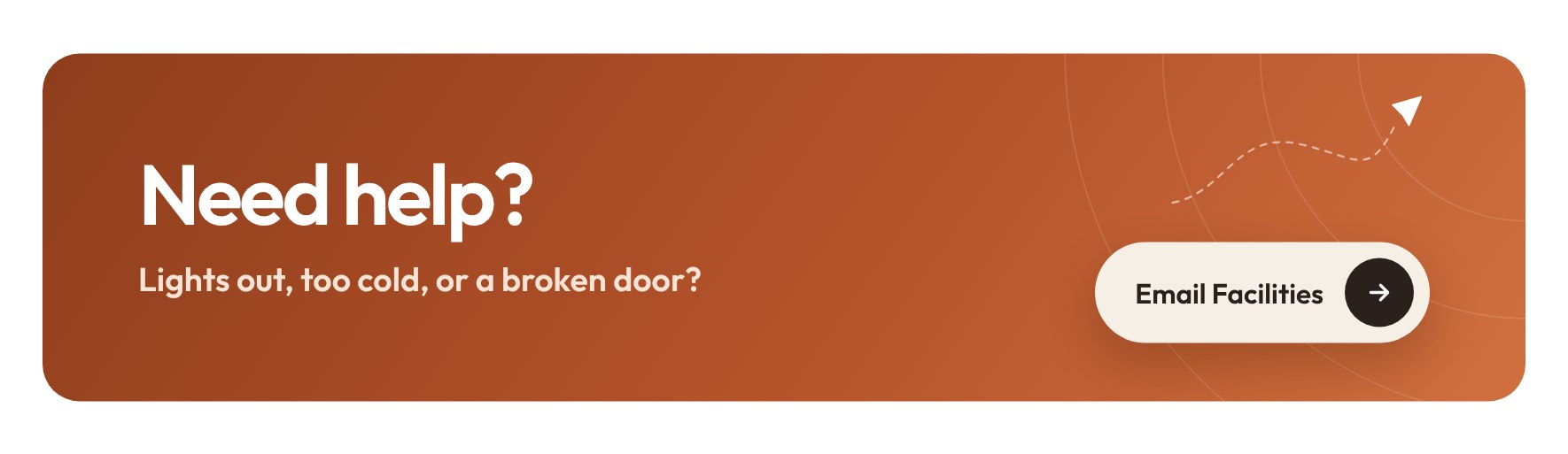
- A gradient Need help? card sends employees straight to an email to Facilities
- Built as a single SharePoint HTML page and available as a downloadable file that can be uploaded and edited
Benefits
- Employees and visitors find the right building, parking and entrance without asking around
- One dynamic section covers every location, so the page stays short as offices are added
- Clear check-in steps make hosting a guest easy and consistent across buildings
- A one-click email to Facilities gives people a quick way to report problems
- Real photos, drawn maps and a warm, corporate look give Facilities a polished page that works on phones and desktops
- One self-contained file is easy to copy to other sites and update when buildings or parking change
- Complements the main Facilities or HR department site, which keeps news, requests and documents in standard web parts
Common Questions About This Office and Visitor Guide Page
What is this Office and Visitor Guide Page built with?
It is a SharePoint HTML page – a single file stored in the Site Pages library of a department site. The layout, photos, maps and font all live inside that one file, so there are no web parts, no SPFx solutions, and no third-party tools. It is the kind of clean, maintainable secondary page Greg Zelfond builds to sit alongside a standard SharePoint Facilities site.
What’s included on the Office and Visitor Guide Page?
A photo header, cards for three office buildings with Directions buttons, four guest check-in steps, a dynamic parking and map section that changes to match the building you choose, and a Need help? card that emails Facilities. Each building has its own parking list, parking photo, map and address.
Does this design use any custom code or third-party tools?
No third-party tools, add-ins, or custom development. The page uses SharePoint’s built-in HTML page capability, which runs the file inside SharePoint’s own secure sandbox. A few lines of script inside the same file switch the parking and map details between buildings, so nothing reaches outside data or affects other parts of the site.
Can this design be customized for our organization?
Absolutely. Building names, addresses, parking details, photos, maps, colors and the check-in steps can all be changed in the file, and you can add or remove buildings. Links to other SharePoint sites in your tenant work right away; links to outside websites, such as an online map, need their domain added under Site Settings, HTML Field Security. You can download the HTML file here or have Greg tailor it to your offices.
Why use an HTML page here instead of a regular SharePoint page with web parts?
The main Facilities page relies on web parts for news, requests and documents that change often. Office and visitor details change rarely, so an HTML page can give them a richer layout, with drawn maps and a dynamic section that switches by building, which web parts cannot produce. The tradeoff is that edits are made in the file rather than in the page editor.
Can Greg build this Office and Visitor Guide Page for our organization?
Yes – this is exactly the kind of work Greg Zelfond does. As an independent SharePoint consultant and Microsoft MVP, he designs and builds out-of-the-box department sites and secondary pages like this one, matched to your branding and your actual locations. Reach out through the contact page to talk about your Facilities site.