Newsletters (Outlook)

Overview
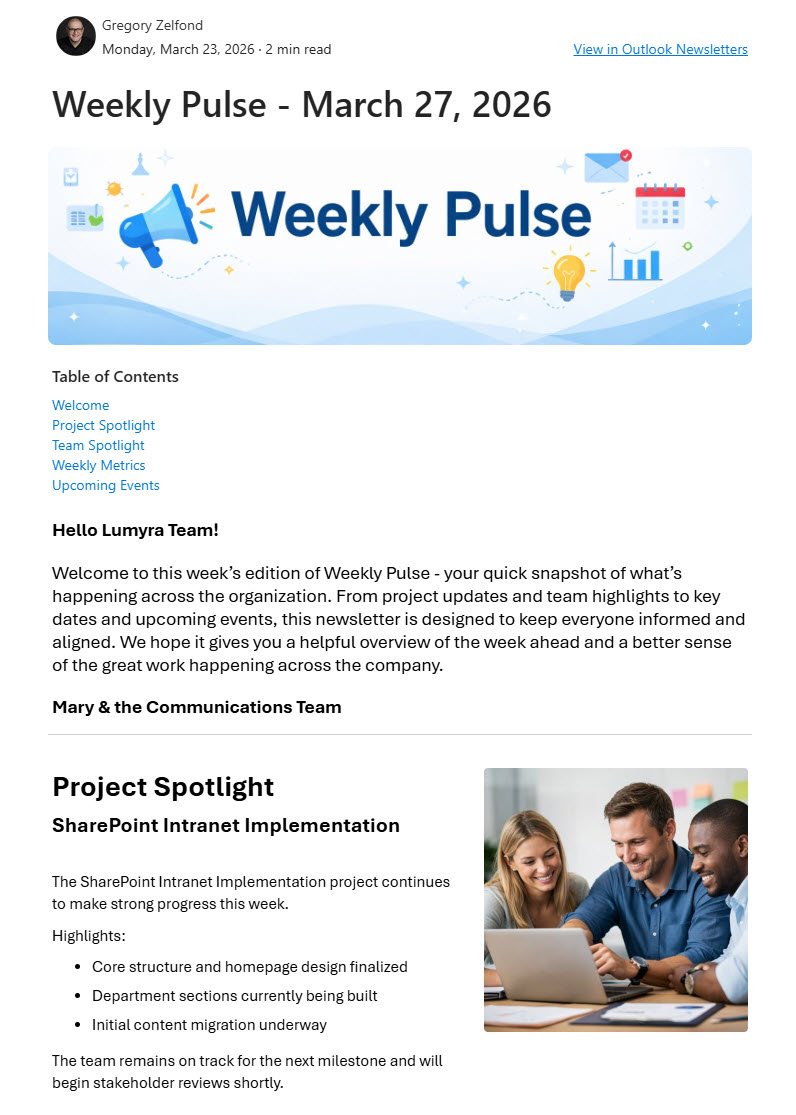
- Integrated newsletter feature: built using Microsoft Outlook’s own newsletter capability for seamless creation and distribution
- Drag-and-drop layout tools: simplified formatting for professional email designs
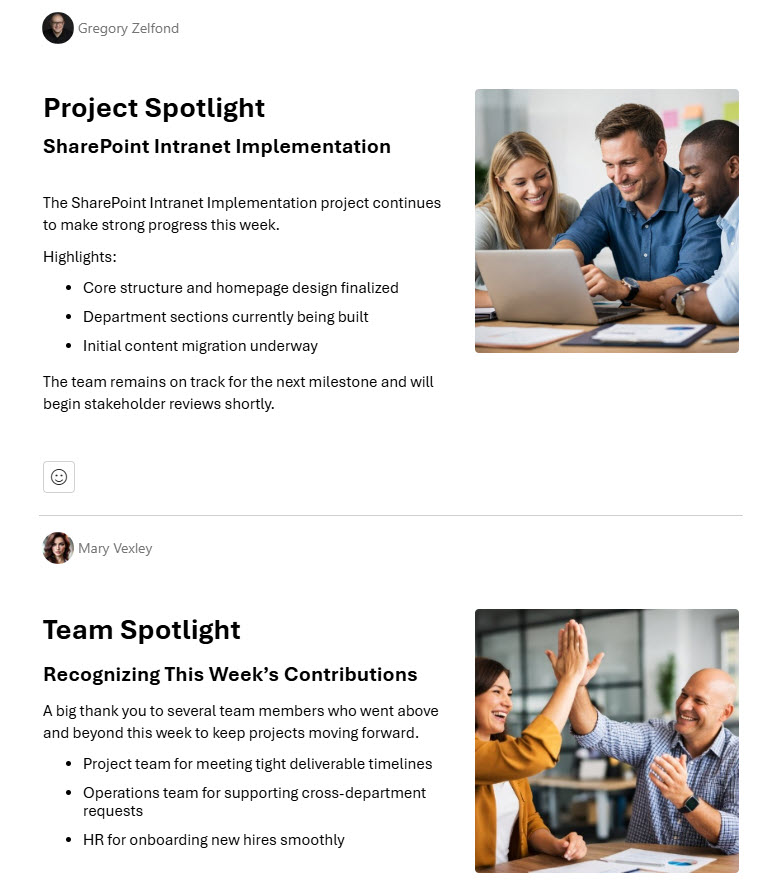
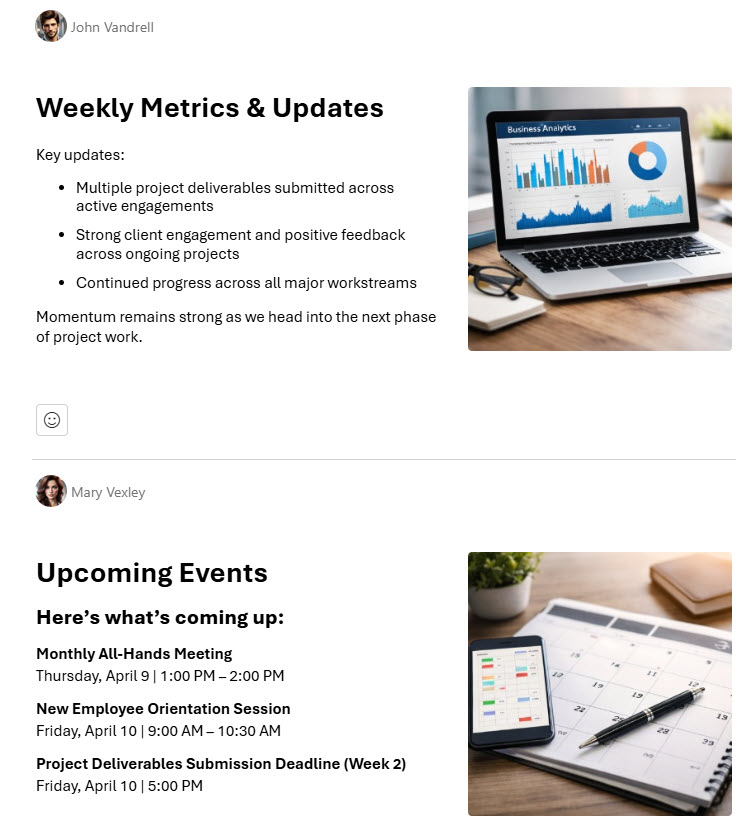
- Rich media support: images, banners, and structured content blocks
- Recurring editions: ongoing communication delivered within a single newsletter
- Subscriber controls: users subscribe and unsubscribe easily for better audience control
- Built for internal communications: optimized for announcements and marketing updates
Benefits
- No third-party platforms needed: newsletters are created and sent right inside Outlook, saving time
- Stronger visual storytelling: clean, modern layouts that hold the reader’s attention
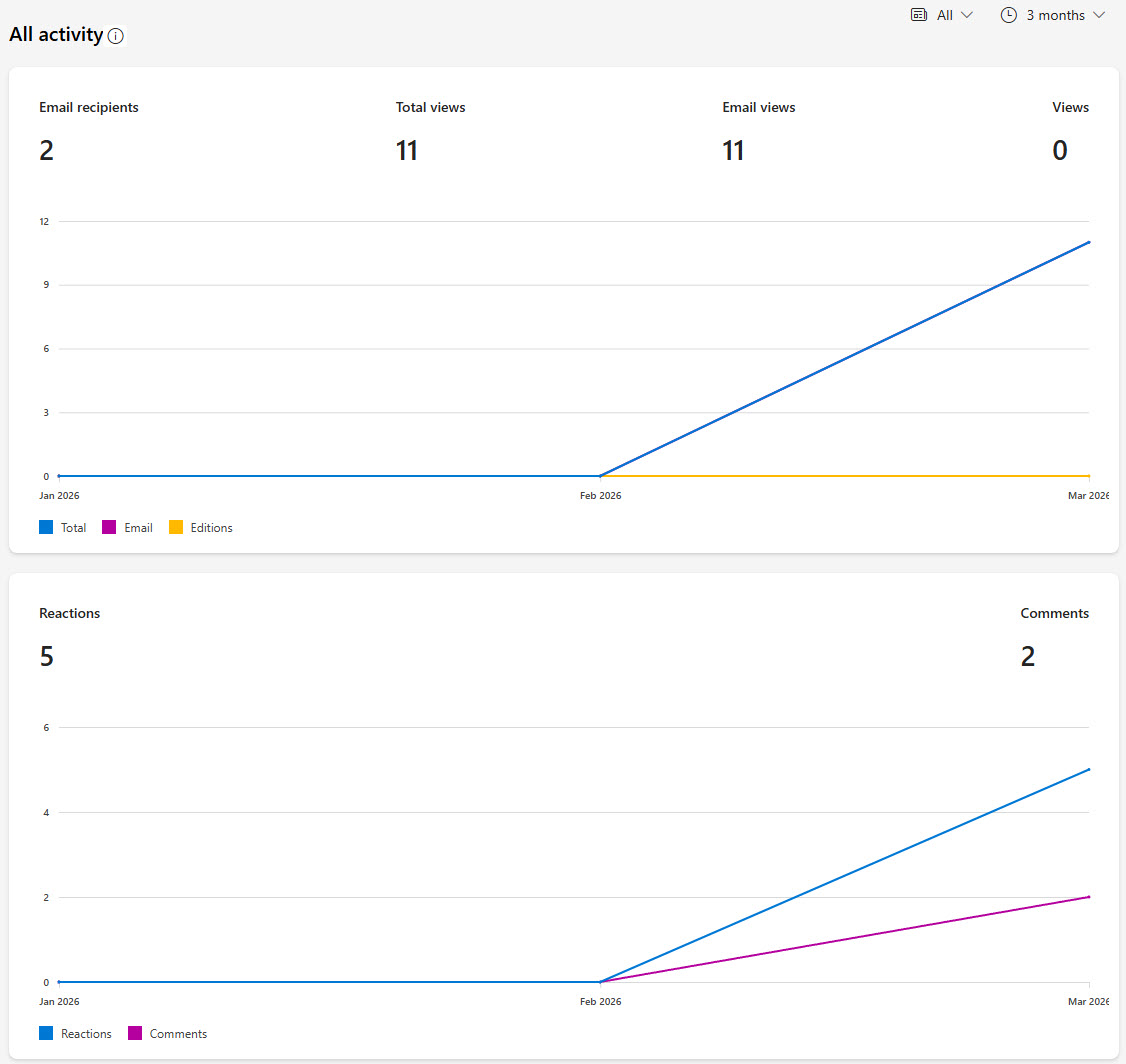
- Engagement you can measure: basic reporting insights, such as the number of viewers
- Everything stays in Outlook: centralized communication for better workflow efficiency
- Audience growth and retention: built-in subscription management
- Brand consistency: recurring editions keep the same look and feel every time
Common Questions About This Outlook Newsletters Design
What is this Outlook Newsletters design built with?
The newsletter is built entirely with Microsoft Outlook, using its integrated newsletter feature – drag-and-drop layout tools, rich media support, recurring editions, and subscription management. There is no custom code and no third-party email marketing software involved. It is the kind of clean, maintainable communications channel Greg Zelfond builds for organizations inside Microsoft 365.
What’s included in the Outlook Newsletters design?
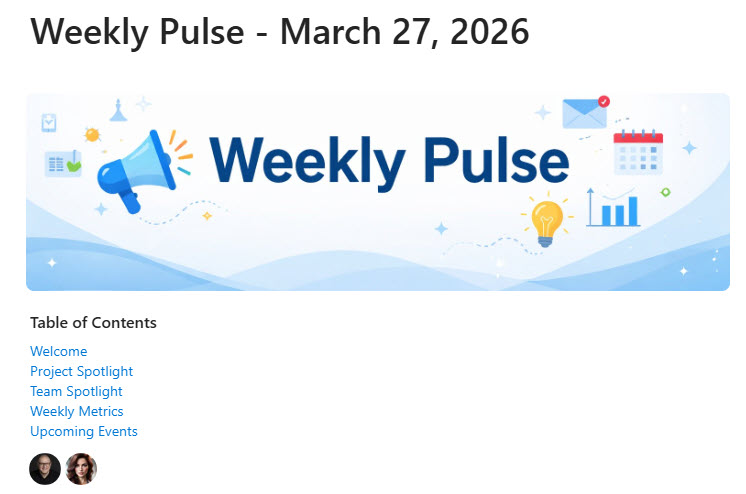
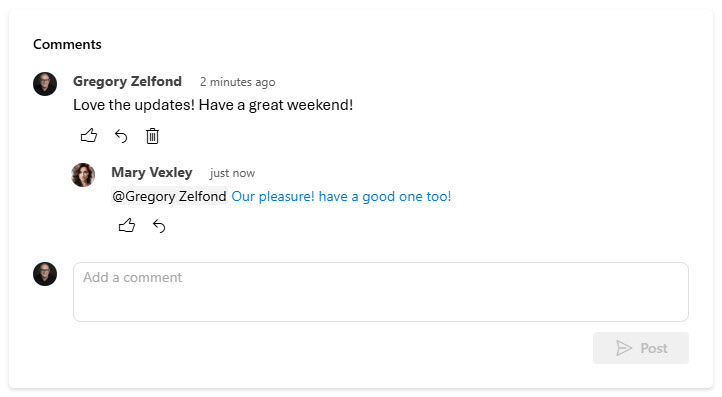
The design includes a welcome section that opens each edition, a table of contents with contributors, structured newsletter sections with images, banners, and content blocks, and a comments area where readers respond. On the back end, it features subscriber management for the audience and reports with basic engagement insights, such as the number of viewers for each edition.
Does this design use any custom code or third-party tools?
No. Everything in this newsletter uses standard Microsoft Outlook functionality available in Microsoft 365. That matters because out-of-the-box solutions are stable, secure, and easy to maintain – nothing breaks when Microsoft rolls out updates, and there are no third-party email marketing licenses to manage. Out-of-the-box is the only way Greg builds.
Can this newsletter be customized for our organization?
Absolutely. The sections, banners, images, content blocks, and overall layout can all be tailored to your brand and your communications calendar. Greg adapts the newsletter to the way your organization actually communicates – whether that means a weekly company digest, a monthly HR update, or department-specific editions – so every issue looks consistent and professional.
Where do employees read these newsletters?
Right in their Outlook inbox, where they already check email every day. There is no external platform to log into and no separate app to learn. Employees can subscribe or unsubscribe on their own, leave comments on an edition, and catch up on recurring editions of the same newsletter – which keeps internal communications in one familiar place.
Can Greg build this newsletter for our organization?
Yes – this is exactly the kind of work Greg Zelfond does. As an independent SharePoint and Microsoft 365 consultant and Microsoft MVP, he designs and builds out-of-the-box communications channels like this one, tailored to your brand, audiences, and publishing cadence. If you want a newsletter your employees will actually open, reach out through the contact page to get started.