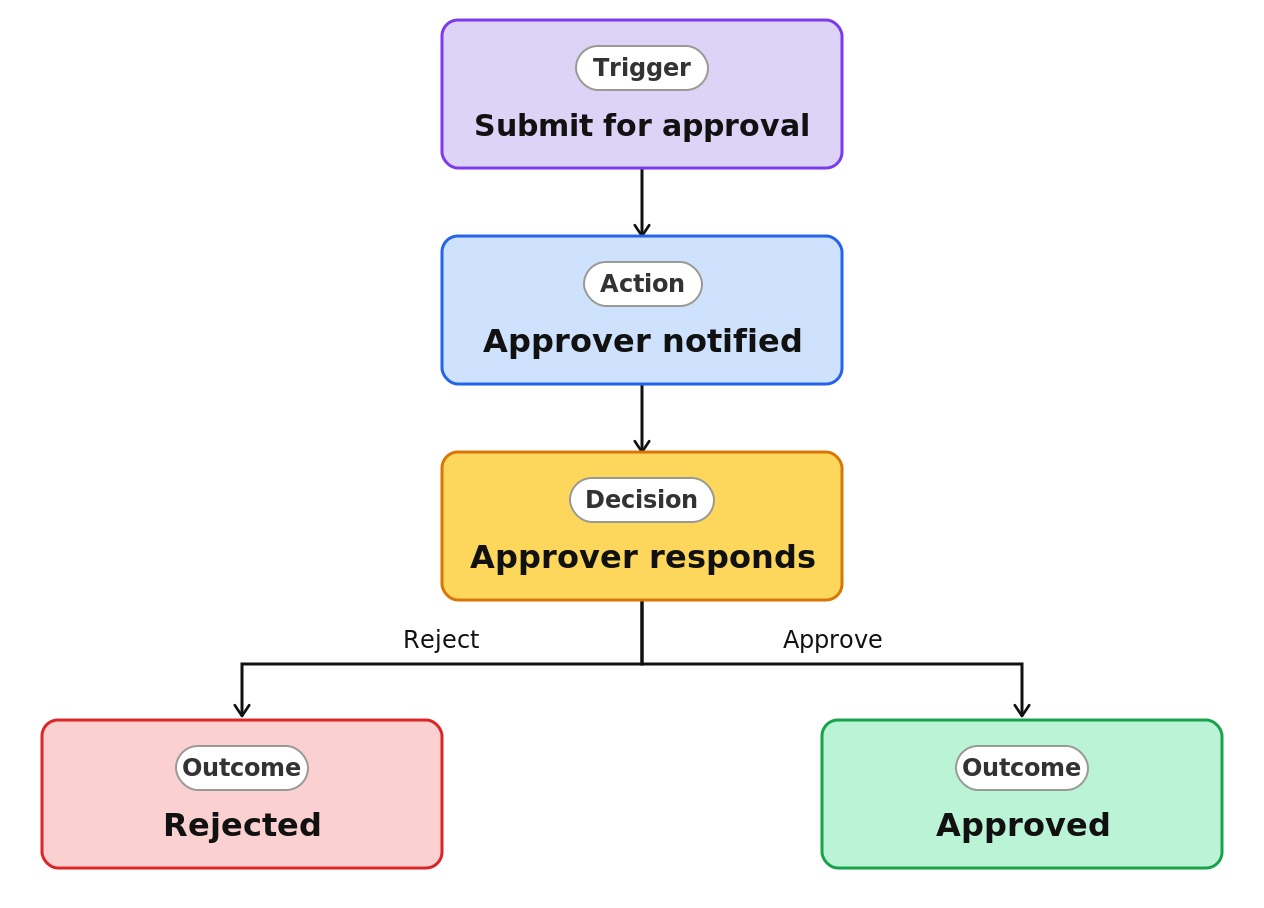
Purchase Request Approval



Overview
- Adds a review-and-sign-off step to any list with a single toggle
- Uses the native Configure Approvals feature, the same one used for documents
- Adds an Approval status column that tracks each item as Requested, Approved, or Rejected
- Routes each request to the approvers you name, in the Teams Approvals app
- Lets submitters follow up with a reminder or cancel a request
- Requires no Power Automate flow and no custom development
Common Use Cases
- Approving ideas or suggestions before they move forward
- Signing off requests submitted through a list
- Reviewing vendor or supplier entries before they are used
- Approving change requests on a tracker
- Clearing content or campaign ideas before work begins
- Getting management sign-off on list submissions
Common Questions About Purchase Request Approval
If LookBook 365 is code-free and out-of-the-box, why does it include this workflow example?
The approval is a native SharePoint feature you switch on, not custom code. It runs inside your Microsoft 365 tenant using the built-in Teams Approvals experience, with nothing to develop and nothing to maintain separately.
Is this the same feature as the document sign-off version?
Yes. This approval workflow works on both lists and libraries, so list items follow the same submit, review, and record path as documents.
Can I require more than one approver?
Yes. You can list several approvers and choose whether the first response decides, whether all must approve, and in what order.
Can I see who approved and when?
Yes. Alongside the Approval status column you can show Approvers, Responses, and Approval Creator for a built-in audit trail.
Do I need Power Automate?
No. It is included with SharePoint and uses the Teams Approvals app. For conditional routing or multi-stage logic, that is where a tailored flow comes in.
Can you set this up and train my team?
Absolutely. I design the list or library, set up the automation, and show your team how to manage it. When your process grows beyond this, I can extend it into a full Power Automate flow that fits how you actually work.