Channel Structure (Teams)

Overview
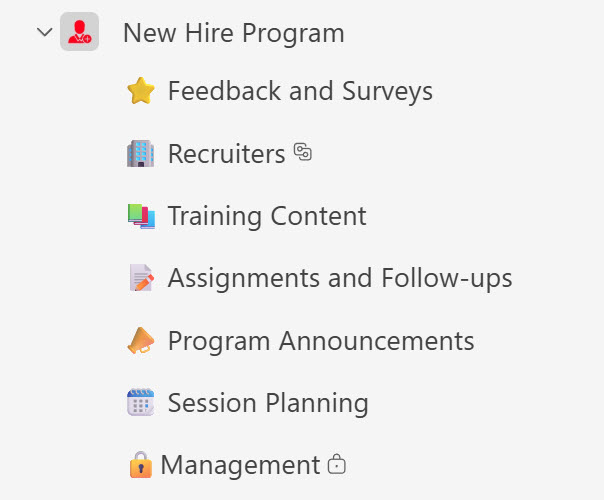
- Three channel types: a mix of standard, private, and shared channels supports flexible collaboration models and cross-functional teams
- Standardized naming conventions: consistency and ease of navigation across every team
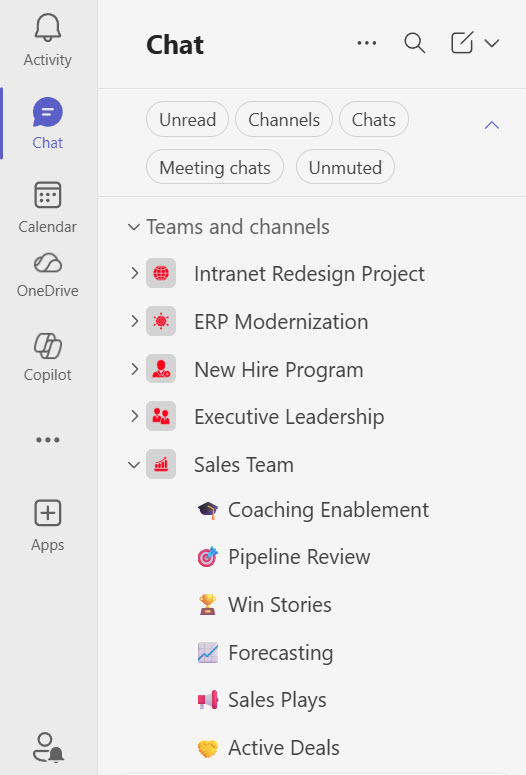
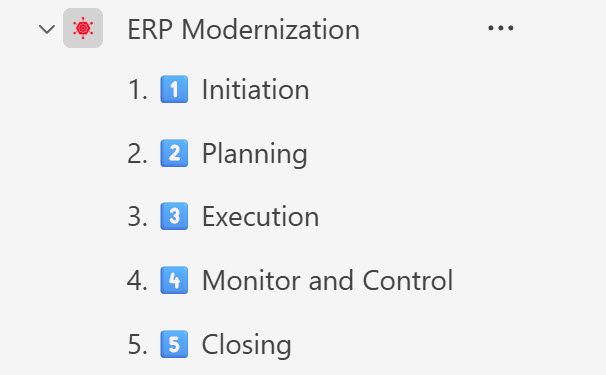
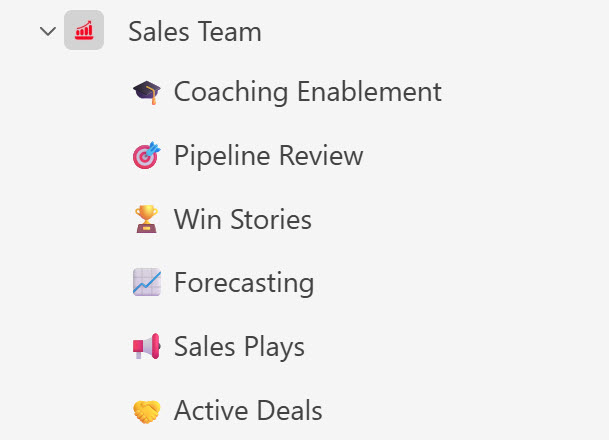
- Emojis in channel names: improved visibility and visual appeal
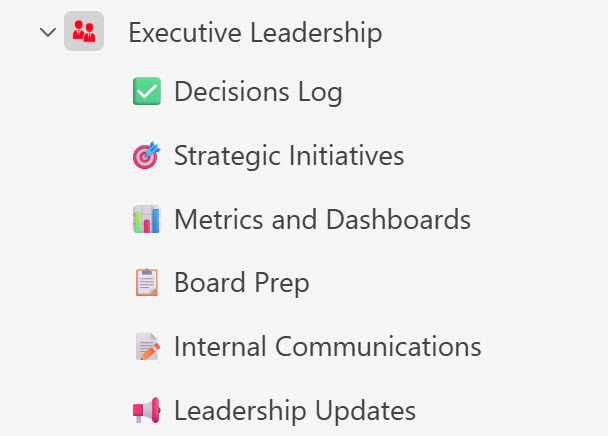
- Purposeful segmentation: functional, project-based, and leadership-aligned channels
- Connected to the rest of Microsoft 365: SharePoint-backed document libraries and integrated task management tools
Benefits
- Clear separation of conversations: open collaboration, confidential discussions, and cross-team initiatives each have their place
- Faster navigation: visually enhanced channel structures with emoji indicators
- Less information overload: intentional channel segmentation keeps discussions focused
- Stronger governance: controlled access and structured team architecture
- Higher user adoption: an intuitive structure with modern visual appeal
- Knowledge that lasts: improved searchability and long-term retention across projects and departments
Common Questions About This Teams with Channels Design
What is this Teams with Channels design built with?
The structure is built entirely with standard Microsoft Teams capabilities – standard, private, and shared channels, standardized naming conventions, and emojis within channel names for visibility. There is no custom code and no third-party governance software involved. It is the kind of clean, maintainable Teams architecture Greg Zelfond builds for organizations inside Microsoft 365.
What’s included in the Teams with Channels design?
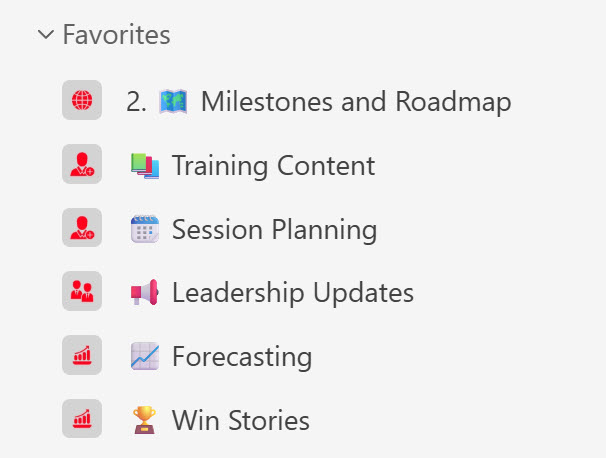
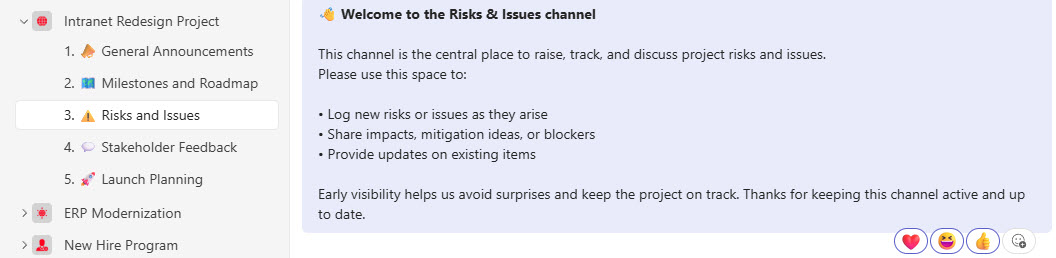
The design includes worked examples of multiple teams and channels: a project team with purpose-driven channels, a team with a channel for each project phase, a program team mixing standard, private, and shared channels, an executive team, and a sales team. It also shows a favorite channels section for quick access, channel communication in action, and SharePoint-backed document libraries behind each team.
Does this design use any custom code or third-party tools?
No. Everything in this structure uses standard Microsoft Teams functionality available in Microsoft 365. That matters because out-of-the-box solutions are stable, secure, and easy to maintain – nothing breaks when Microsoft rolls out updates, and there are no third-party licenses to manage. Out-of-the-box is the only way Greg builds.
Can this Teams structure be customized for our organization?
Absolutely. The team architecture, channel segmentation, naming conventions, and mix of channel types can all be tailored to how your organization actually works. Greg adapts the structure to your departments, projects, programs, and leadership teams – so the result reflects your real collaboration patterns instead of a pile of teams nobody can navigate.
How do standard, private, and shared channels differ?
Each channel type serves a different collaboration model. Standard channels are open to everyone on the team and support day-to-day collaboration. Private channels limit confidential discussions to selected members, such as a leadership group. Shared channels bring in people from other teams for cross-functional initiatives without adding them to the whole team. Using all three keeps open work, sensitive topics, and cross-team efforts cleanly separated.
Can Greg build this Teams structure for our organization?
Yes – this is exactly the kind of work Greg Zelfond does. As an independent SharePoint and Microsoft 365 consultant and Microsoft MVP, he designs and builds out-of-the-box Teams structures like this one, tailored to your departments, projects, and governance needs. If you want a Teams environment your employees can actually navigate, reach out through the contact page to get started.