Vendor Onboarding (Page)


Overview
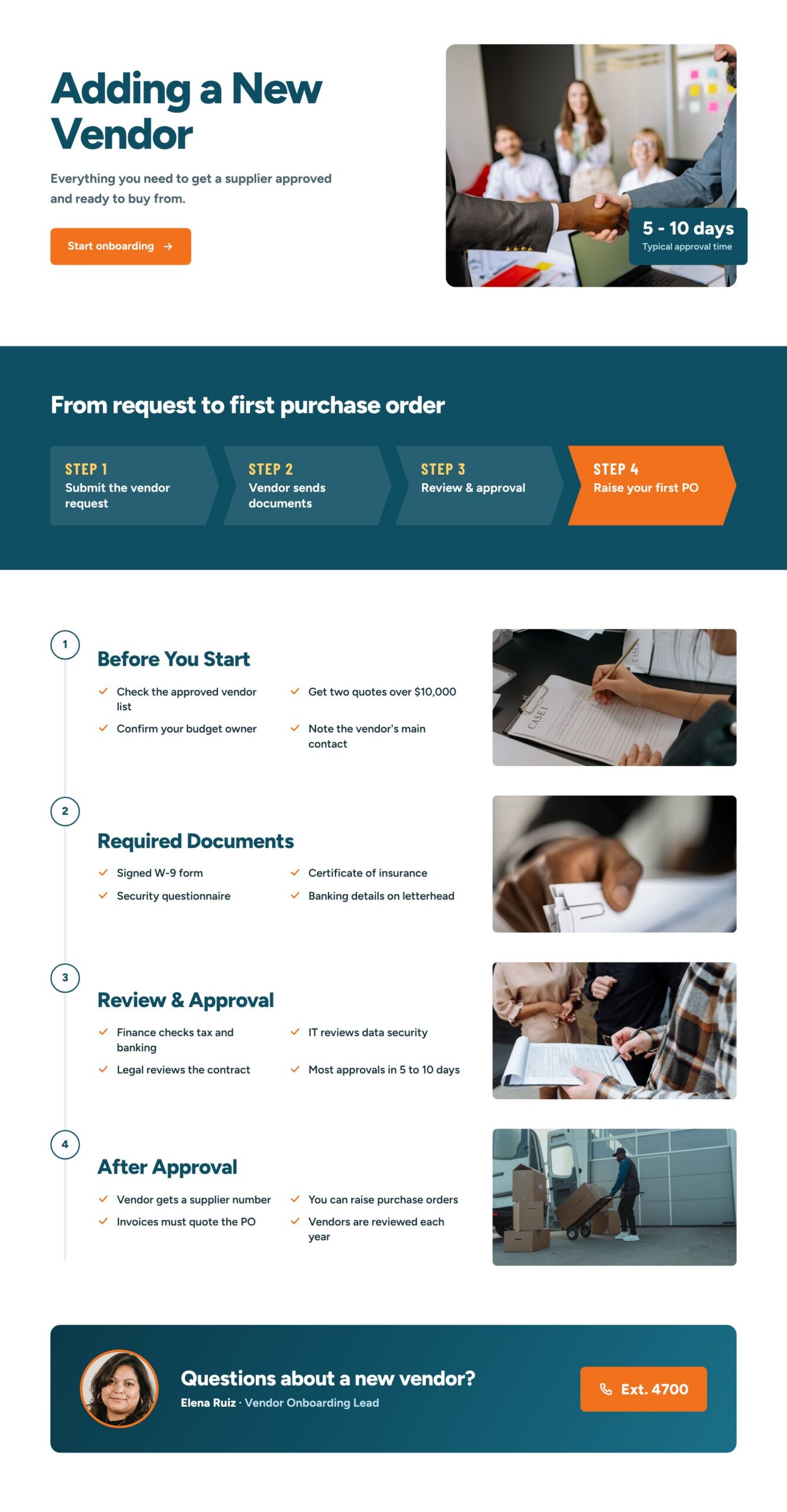
- A clean hero pairs the Adding a New Vendor title with a Start onboarding button and a photo carrying a typical approval time badge
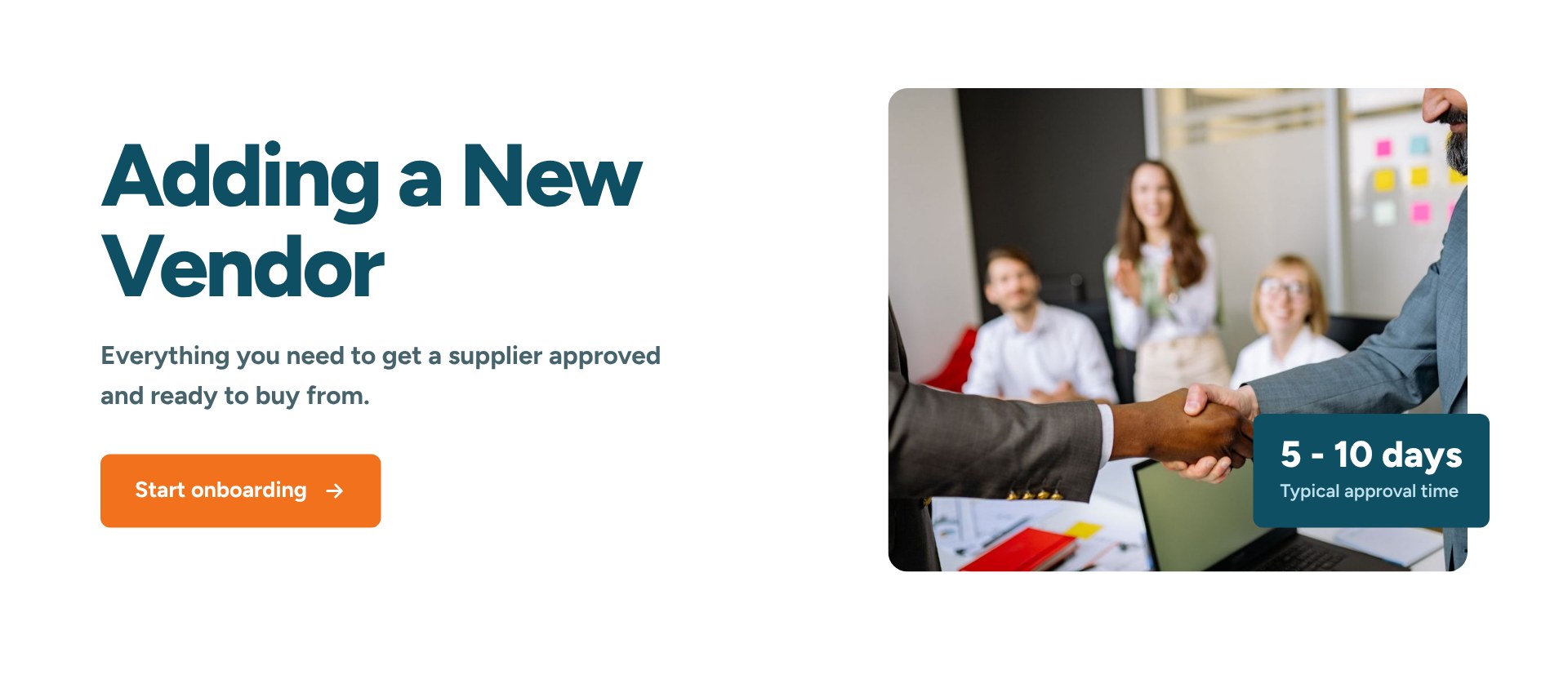
- A four-step chevron band shows the path from vendor request to first purchase order, and clicking any step scrolls straight to that phase below
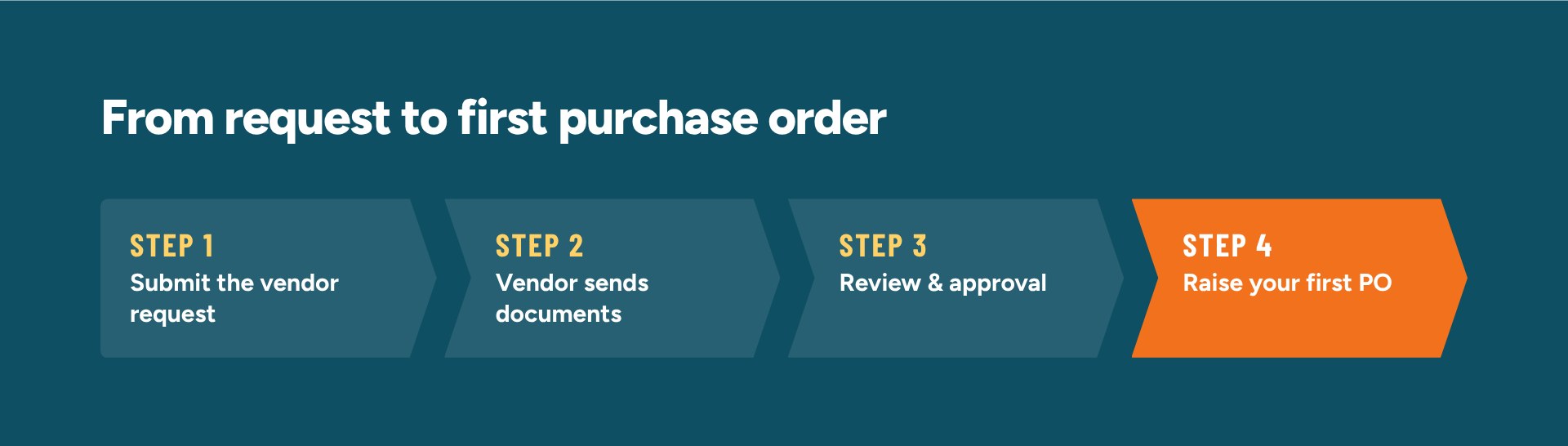
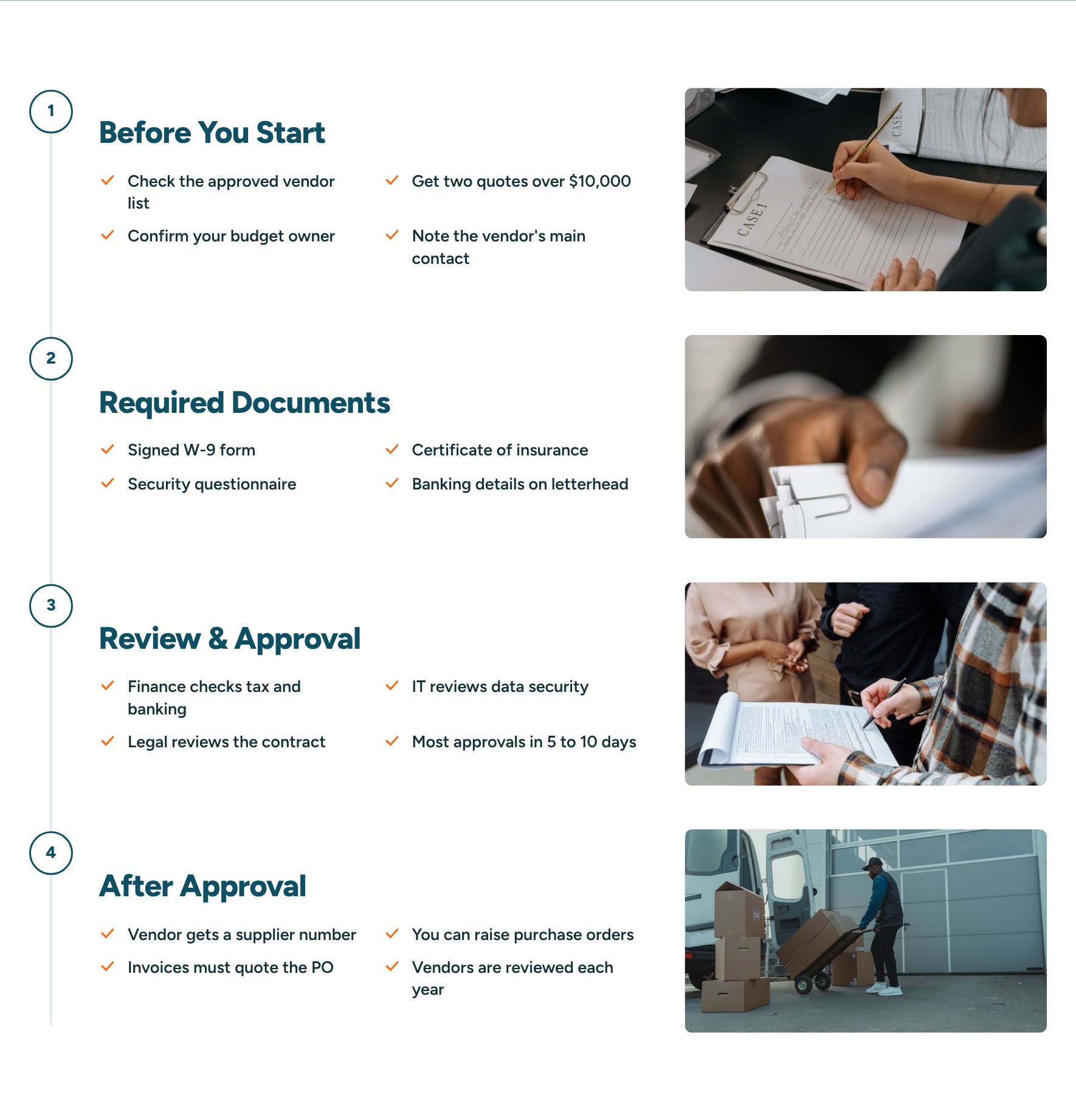
- A vertical timeline covers four phases – Before You Start, Required Documents, Review and Approval, and After Approval – each with a short checklist and a photo
- A closing contact card shows the vendor onboarding lead with a photo and a one-click phone extension
- Built as a single SharePoint HTML page and available as a downloadable file that can be uploaded and edited
Benefits
- Employees know exactly what to do before they ask procurement for a new supplier
- The step band and timeline set clear expectations on approval time and who reviews what
- Document checklists cut back-and-forth with vendors and speed up approvals
- A named contact with a phone extension makes it easy to get help on tricky requests
- Real photos and a clean, corporate look give Finance and Procurement a polished page that works on phones and desktops
- One self-contained file is easy to copy to other sites and update when the process changes
- Complements the main Finance department site, which keeps news, policies, and documents in standard web parts
Common Questions About This Vendor Onboarding Page
What is this Vendor Onboarding Page built with?
It is a SharePoint HTML page – a single file stored in the Site Pages library of a department site. The layout, photos, and fonts all live inside that one file, so there are no web parts, no SPFx solutions, and no third-party tools. It is the kind of clean, maintainable secondary page Greg Zelfond builds to sit alongside a standard SharePoint Finance or Procurement site.
What’s included on the Vendor Onboarding Page?
A hero with a Start onboarding button and a typical approval time badge, a clickable four-step band from request to first purchase order, and a timeline of four phases with checklists for what to do before you start, which documents to collect, how review and approval work, and what happens after approval. The page ends with a contact card for the vendor onboarding lead.
Does this design use any custom code or third-party tools?
No third-party tools, add-ins, or custom development. The page uses SharePoint’s built-in HTML page capability, which runs the file inside SharePoint’s own secure sandbox. A few lines of script inside the same file make the steps scroll to each phase, so nothing reaches outside data or affects other parts of the site, and it stays supported through Microsoft updates.
Can this design be customized for our organization?
Absolutely. The steps, checklists, approval time, photos, colors, contact person, and phone extension can all be changed in the file. Links to other SharePoint sites in your tenant work right away; links to outside websites, such as a supplier portal, need their domain added under Site Settings, HTML Field Security. You can download the HTML file here or have Greg tailor it to your purchasing process.
Why use an HTML page here instead of a regular SharePoint page with web parts?
The main Finance page relies on web parts for news, policies, and document libraries that change often. A vendor onboarding process changes only a few times a year, so an HTML page can give it a richer layout, with a chevron step band and a photo timeline that web parts cannot produce. The tradeoff is that edits are made in the file rather than in the page editor.
Can Greg build this Vendor Onboarding Page for our organization?
Yes – this is exactly the kind of work Greg Zelfond does. As an independent SharePoint consultant and Microsoft MVP, he designs and builds out-of-the-box department sites and secondary pages like this one, matched to your branding and your actual approval process. Reach out through the contact page to talk about your Finance or Procurement site.