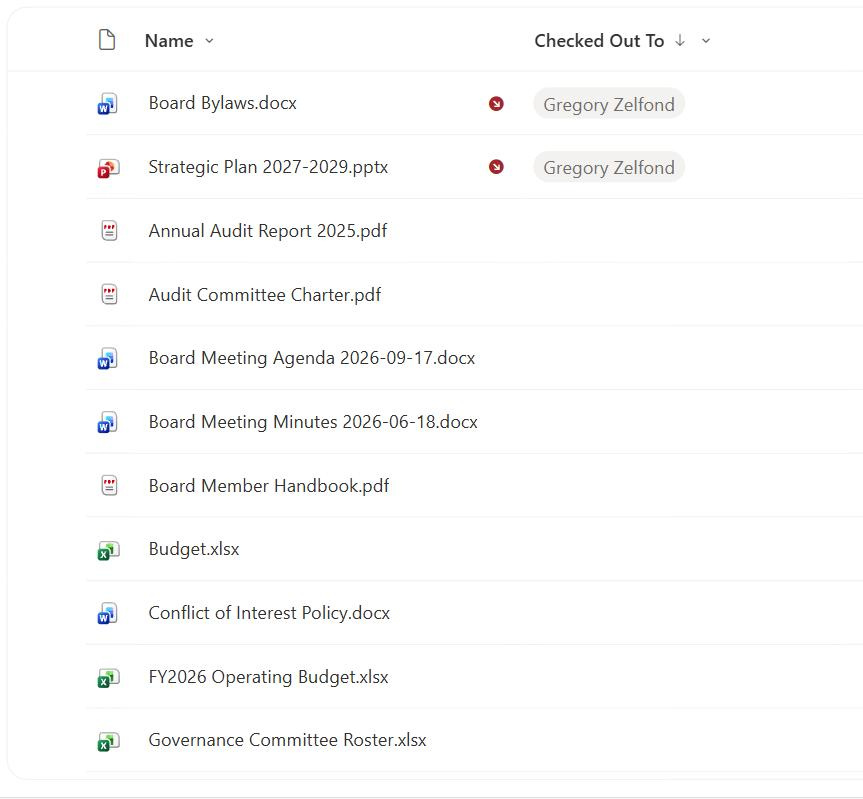
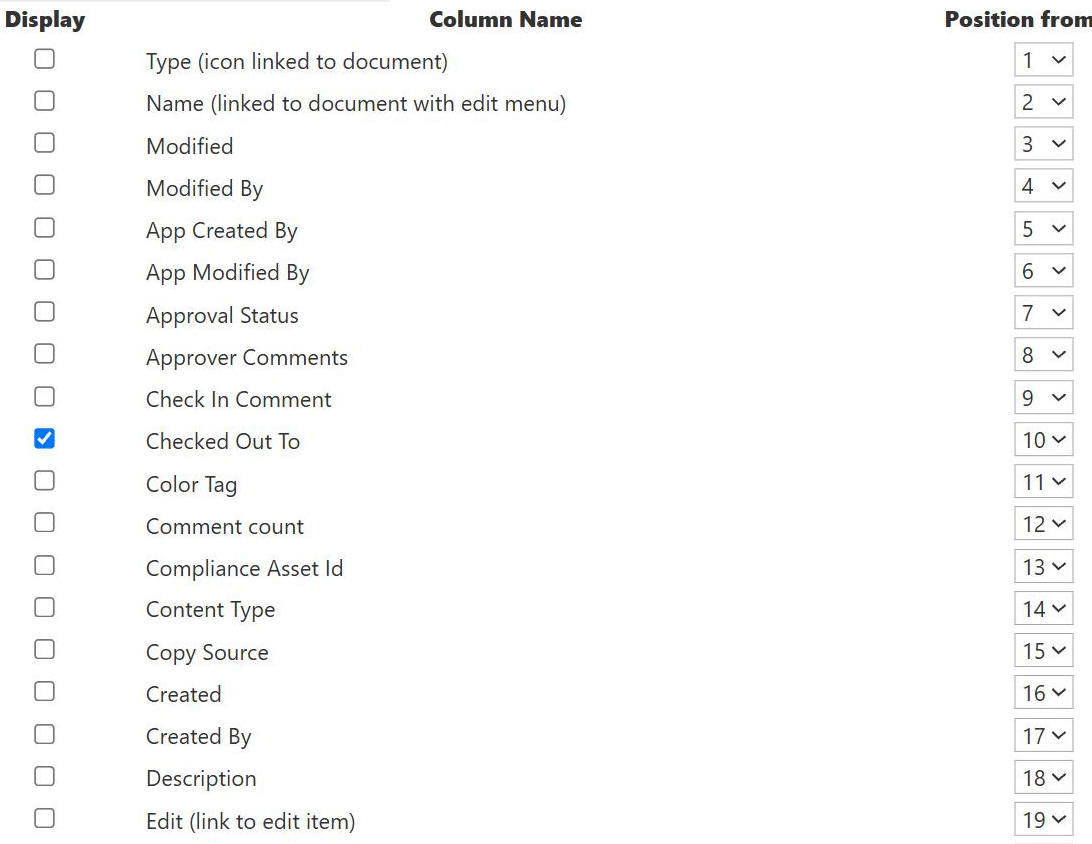
Checked Out To Column
Common Use Cases
- Spot locked files: see which documents are currently checked out
- Find the holder: identify who has a file locked for editing
- Chase stuck check-outs: track down files left checked out too long
- Controlled editing: enforce one-at-a-time edits on sensitive documents
- Conflict prevention: stop two people overwriting each other’s work
- Publishing control: hold drafts private until check-in
How It Works
- Set by check-out: the column fills with the person who checks a file out
- Blank when free: an unlocked file shows no value
- Internal name CheckoutUser: referenced as CheckoutUser in code and JSON
- Libraries only: check-out applies to document libraries, not list items
- Locks editing: others cannot save changes until check-in
- Require check-out option: a library setting can force check-out first
Benefits
- Clear ownership of edits: everyone sees who is working a file
- No overwrite conflicts: one editor at a time on a locked file
- Draft privacy: changes stay hidden until check-in
- Accountability: the lock is tied to a named person
- Deliberate workflow: encourages intentional edit-and-publish cycles
- No add-on: built into every document library
Details
- Feature Category: Columns & Views
Limits and Nuances
- Libraries only: list items do not use check-out
- Forgotten check-outs: files left locked block others until released
- Admin override needed: someone with rights may have to discard a stuck lock
- Read-only column: the value is set by the action, not typed
- Co-authoring tension: required check-out can conflict with real-time co-authoring
- Draft invisibility: checked-out edits are hidden from everyone else
Common Questions About the Checked Out To Column
What is the Checked Out To column in SharePoint?
Checked Out To is a built-in person column in document libraries that shows who currently has a file checked out, meaning locked for exclusive editing. When no one has the file checked out, the column is blank. When someone checks it out, their name appears. Its internal name is CheckoutUser, and the value is set by the check-out action rather than typed. Add it to a view to see at a glance which documents are locked and by whom.
What does checking out a file actually do?
Checking out locks a file so only the person who checked it out can edit and save it, while everyone else sees the last checked-in version and cannot make changes. This prevents two people from overwriting each other’s work. The editor makes their changes, then checks the file back in to release the lock and publish the new version. Until check-in, the edits stay private to the person holding the check-out.
Why can I not edit a file someone else has checked out?
Because check-out is an exclusive lock. When a colleague has a file checked out, SharePoint reserves editing for them so their work cannot be overwritten, and the Checked Out To column shows their name. You can still view the last checked-in version, but you must wait until they check it back in. If the person is unavailable and the lock is stuck, an administrator can discard the check-out to free the file.
What is the require check-out setting?
It is a library option that forces every file to be checked out before it can be edited, making the lock-edit-check-in cycle mandatory rather than optional. This is useful for controlled or sensitive documents where you never want two people editing simultaneously. The trade-off is that it does not mix well with real-time co-authoring, where multiple people edit together, so you choose require check-out when deliberate single-editor control matters more than simultaneous collaboration.
How do I deal with a file left checked out too long?
Add the Checked Out To column to a view and filter to locked files to find them and see who holds each lock, then ask that person to check the file back in. If they are unavailable, a site owner or administrator can discard the check-out, which releases the lock, though any unsaved changes in that session may be lost. Monitoring for forgotten check-outs is a simple, worthwhile bit of library housekeeping.
Should I use required check-out or rely on co-authoring?
It depends on how the documents are edited. Real-time co-authoring suits collaborative drafts, while required check-out suits controlled documents that must have a single editor at a time. Greg Zelfond, the consultant behind LookBook 365, decides this per library, enabling check-out where deliberate control and draft privacy matter and leaving it off where teams benefit from editing together, so the setting fits the actual way people work rather than a blanket rule.