Personalized Dashboard

Overview
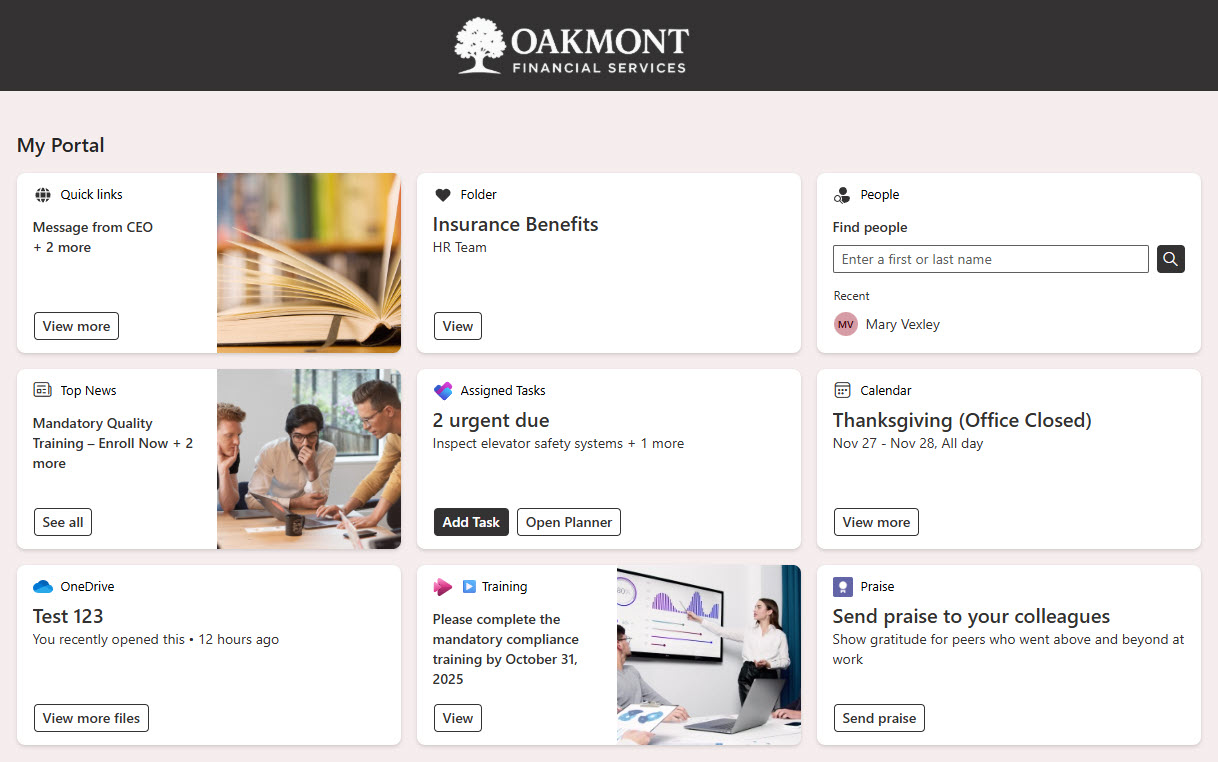
- Viva Dashboard web part: a centralized dashboard experience built directly in SharePoint
- One unified view: apps, tasks, and resources surfaced in a single place
- Personalized for each employee: user-based or role-based targeting adapts the dashboard to every person
- Less time searching: relevant content is presented upfront
- Available everywhere: accessible across desktop, mobile, and Microsoft Teams through Viva Connections
- Flexible design: site owners can add, remove, or rearrange cards as needs evolve
Benefits
- Employee-specific experience: Each user sees content and shortcuts tailored to their role, permissions, or preferences
- Streamlined productivity: Tasks, approvals, and apps are surfaced in one view, reducing clicks and context switching
- Flexible and scalable: Add, remove, or rearrange dashboard cards to match evolving organizational needs
- Improved engagement: Personalized insights help employees stay aligned with goals, policies, and resources
- Seamless integration: Works naturally within SharePoint and Microsoft Teams, reducing the need for multiple dashboards or tools
Common Questions About This Personalized Dashboard
What is this Personalized Dashboard built with?
The dashboard is built entirely with SharePoint, using the Viva Dashboard web part and audience targeting to deliver a user-based experience. There is no custom code and no third-party dashboard software involved. It is the kind of clean, maintainable employee dashboard Greg Zelfond builds for organizations that want personalized content inside Microsoft 365.
What’s included in the Personalized Dashboard?
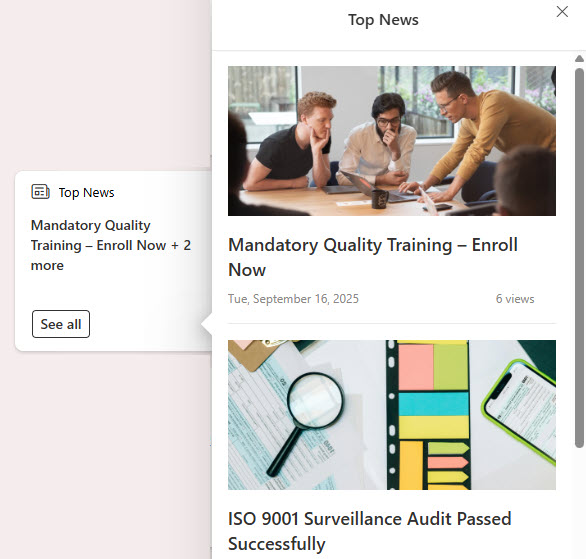
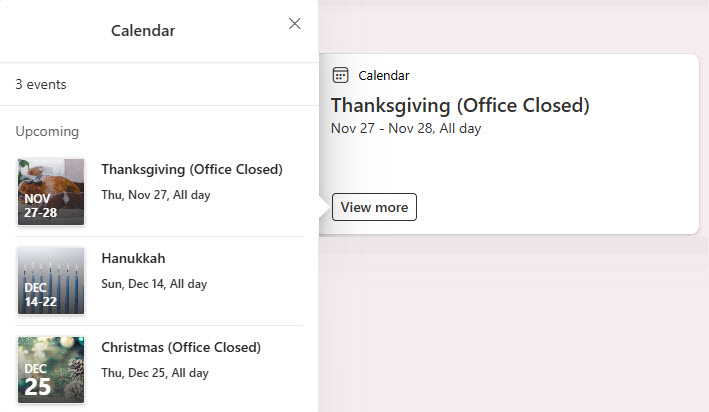
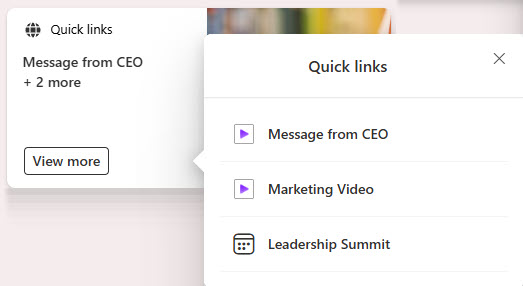
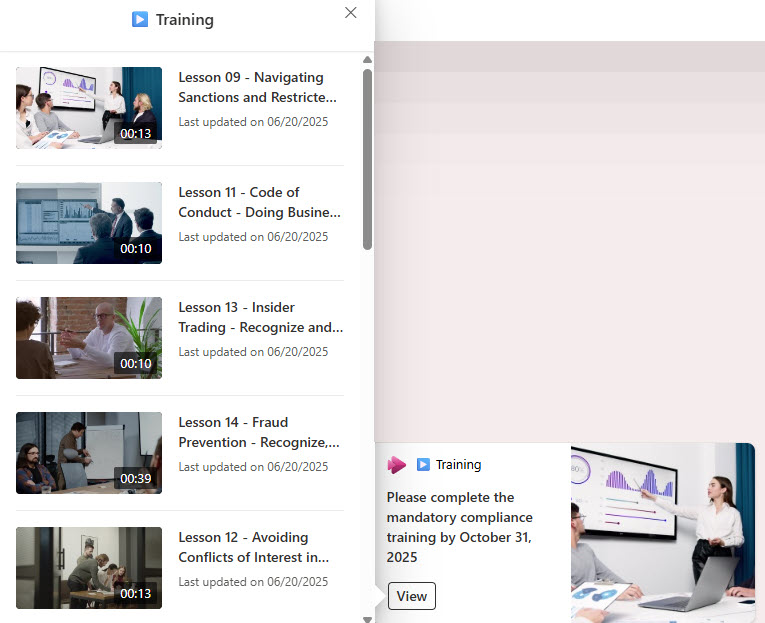
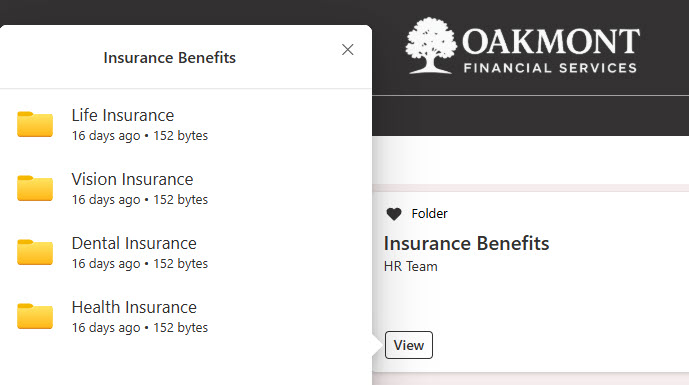
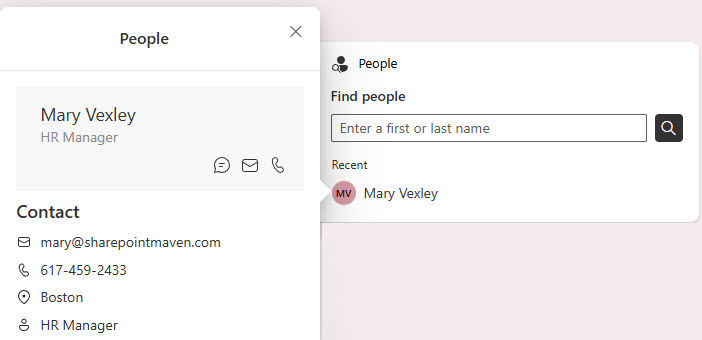
The design includes a main dashboard view built with the Viva Dashboard web part, surfacing apps, tasks, and resources in one place. It features top news, a calendar of events, quick links, a video playlist, files, and people search – each presented as cards that site owners can add, remove, or rearrange as organizational needs evolve.
Does this design use any custom code or third-party tools?
No. Everything in this dashboard uses standard SharePoint functionality available in Microsoft 365, centered on the Viva Dashboard web part. That matters because out-of-the-box solutions are stable, secure, and easy to maintain – nothing breaks when Microsoft rolls out updates, and there are no third-party licenses to manage. Out-of-the-box is the only way Greg builds.
Can this dashboard be customized for our organization?
Absolutely. The cards, targeting rules, and content sources can all be tailored to your roles, departments, and priorities. Greg adapts the dashboard to the way your organization actually works – which apps employees rely on, which news and events matter to each group, and which resources belong front and center – so every employee sees a dashboard that feels built for them.
Will the dashboard work on mobile devices and in Microsoft Teams?
Yes. The dashboard is accessible across desktop, mobile, and Microsoft Teams through Viva Connections, so employees get the same personalized experience wherever they work. That reach is especially valuable for frontline and hybrid workers who may not sit at a desk all day but still need quick access to their apps, tasks, and resources.
Can Greg build this dashboard for our organization?
Yes – this is exactly the kind of work Greg Zelfond does. As an independent SharePoint and Microsoft 365 consultant and Microsoft MVP, he designs and builds out-of-the-box dashboards like this one, tailored to your employees, roles, and content. If you want a personalized dashboard your people will actually use every day, reach out through the contact page to get started.