Teams Meeting (Poll)


Overview
- A versatile poll set: poll designs built for live polling in Microsoft Teams meetings
- Powered by Microsoft Forms: the polls run on the built-in Polls app in Teams
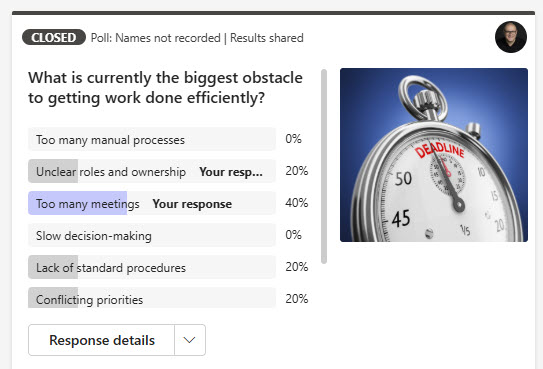
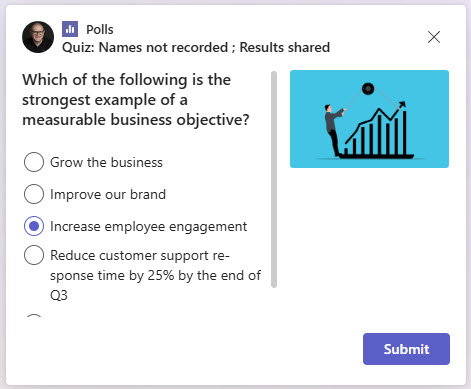
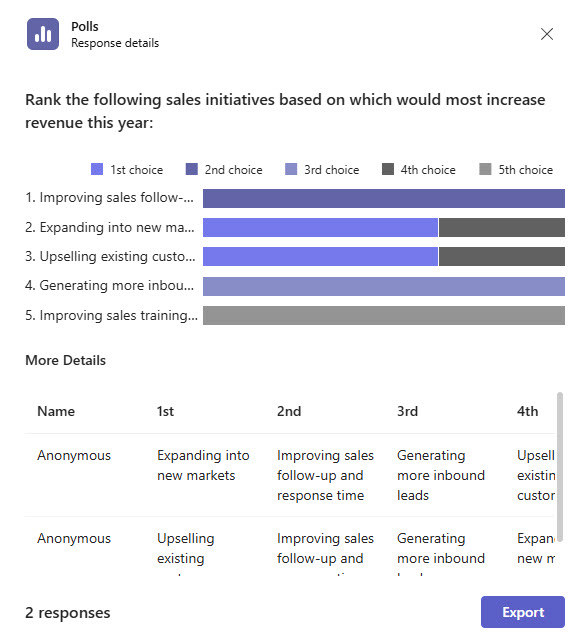
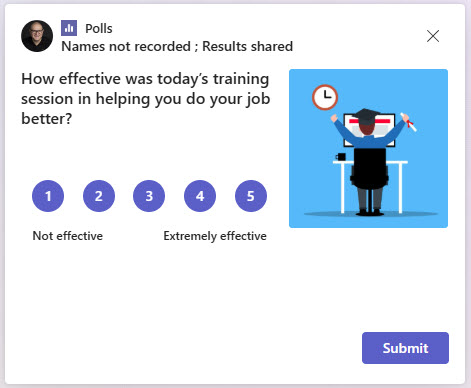
- Five poll types: Multiple Choice Poll, Multiple Choice Quiz, Word Cloud Poll, Rating Poll, and Ranking Poll for feedback, learning, and decision-making
- Respond from anywhere: participants answer directly during meetings on desktop, web, or mobile
- Live results: results can be shared with attendees during or after the meeting
- Native look and feel: clean, modern layouts that fit seamlessly into the Teams experience
Benefits
- Engaging meetings: polls keep meetings and training sessions interactive
- Higher participation: anonymous, low-friction responses encourage everyone to answer
- Real-time input: feedback, opinions, and knowledge checks collected in the moment
- Instant visualization: presenters see responses immediately with clear result views
- Flexible timing: polls can run at any point before, during, or after a meeting
- Data stored safely: poll responses are saved securely in Microsoft Forms
Common Questions About These Polls in Teams
What are these Polls in Teams built with?
The polls are built entirely with the Polls app in Microsoft Teams, which is powered by Microsoft Forms – the same standard tools included in Microsoft 365. There is no custom code and no third-party polling or audience-engagement software involved. It is the kind of clean, maintainable meeting experience Greg Zelfond builds for teams inside Microsoft 365.
What’s included in the Polls in Teams design?
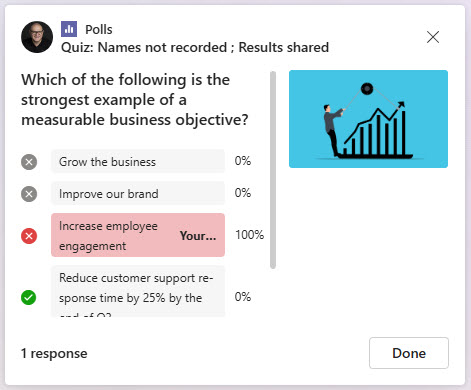
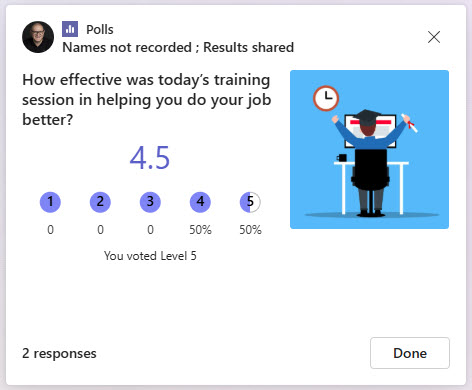
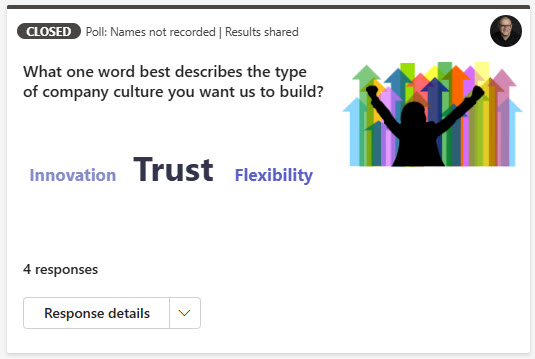
The design includes five poll types covering feedback, learning, and decision-making: a Multiple Choice Poll, a Multiple Choice Quiz with correct answers, a Word Cloud Poll, a Rating Poll, and a Ranking Poll. Each one comes with its matching results view, so presenters can show attendees how the group answered – all in clean, modern layouts that fit seamlessly into Teams.
Does this design use any custom code or third-party tools?
No. Everything in this poll set uses the standard Polls app and Microsoft Forms functionality available in Microsoft 365. That matters because out-of-the-box solutions are stable, secure, and easy to maintain – nothing breaks when Microsoft rolls out updates, and there are no third-party licenses to manage. Out-of-the-box is the only way Greg builds.
Can these polls be customized for our meetings?
Absolutely. The questions, answer options, and mix of poll types can all be tailored to the purpose of each session – quick feedback at a staff meeting, knowledge checks during training, ratings after a town hall, or rankings to support a decision. Greg adapts the poll set to your meeting formats so presenters have ready-to-launch polls instead of building them on the fly.
How do poll results appear during a live meeting?
Each poll type has its own results view – response counts for multiple choice questions, correct-answer breakdowns for quizzes, a visual word cloud for open-ended prompts, and clear summaries for rating and ranking polls. Presenters can share these results with attendees live during the meeting or afterwards, and because responses are anonymous and low-friction, more people participate.
Can Greg build these polls for our organization?
Yes – this is exactly the kind of work Greg Zelfond does. As an independent SharePoint and Microsoft 365 consultant and Microsoft MVP, he designs and builds out-of-the-box meeting and communication experiences like this one, tailored to your meetings, training sessions, and town halls. If you want polls your attendees will actually answer, reach out through the contact page to get started.