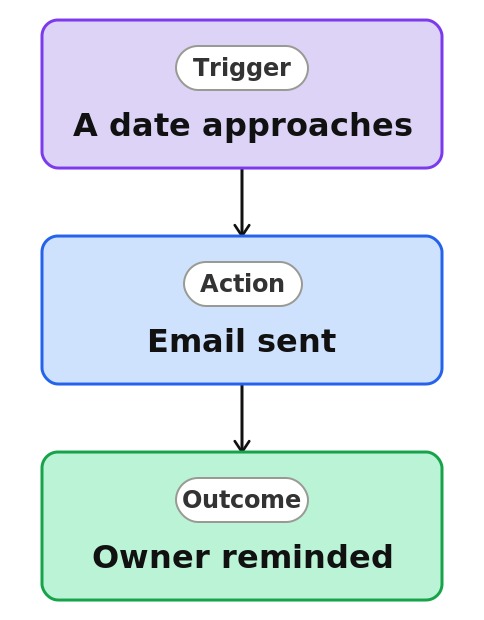
Document Date (Rules Reminder)


Overview
- Emails the right people as a date on a document approaches
- Built as a Rule, a no-code automation created right on the library
- Watches a date column, such as Review Date or Expiration Date
- Notifies a named person or whoever is in a column on the file
- Delivers document reminders natively, with no Power Automate flow
- Lives with the library, with nothing separate to maintain
Common Use Cases
- Reminding before a policy’s scheduled review date
- Warning ahead of a contract document’s expiration
- Nudging before a certificate or license document expires
- Flagging a document as its next-review date approaches
- Keeping an owner ahead of a document refresh or retention date
- Prompting a re-approval before a controlled document goes stale
Common Questions About Document Date Reminders
If LookBook 365 is code-free and out-of-the-box, why does it include this workflow example?
A Rule is a native SharePoint automation you build by completing a plain-language sentence right on the list or library – no code and no Power Automate. It watches the date you specify and sends the email itself, inside your Microsoft 365 tenant, with nothing to develop or maintain.
What date does it watch?
Any date column on the document, such as Review Date, Expiration Date, or Renewal Date. The file just needs that column filled in.
How far in advance does it notify?
You choose the timing when you build the rule, so the reminder arrives the right number of days before the date.
How is this different from Set a reminder?
Set a reminder creates a Power Automate flow behind the scenes, while this is a native Rule – no flow at all. The Rule is the simplest, fully no-code option for documents.
Who gets the reminder?
A person you name, or the person in a column on the file, such as Owner. Recipients are inside your organization.
Can you set this up and train my team?
Absolutely. I design the list or library, set up the automation, and show your team how to manage it. When your process grows beyond this, I can extend it into a full Power Automate flow that fits how you actually work.