Human Resources (Generic)


Overview
- Compact design for easy navigation and maintenance
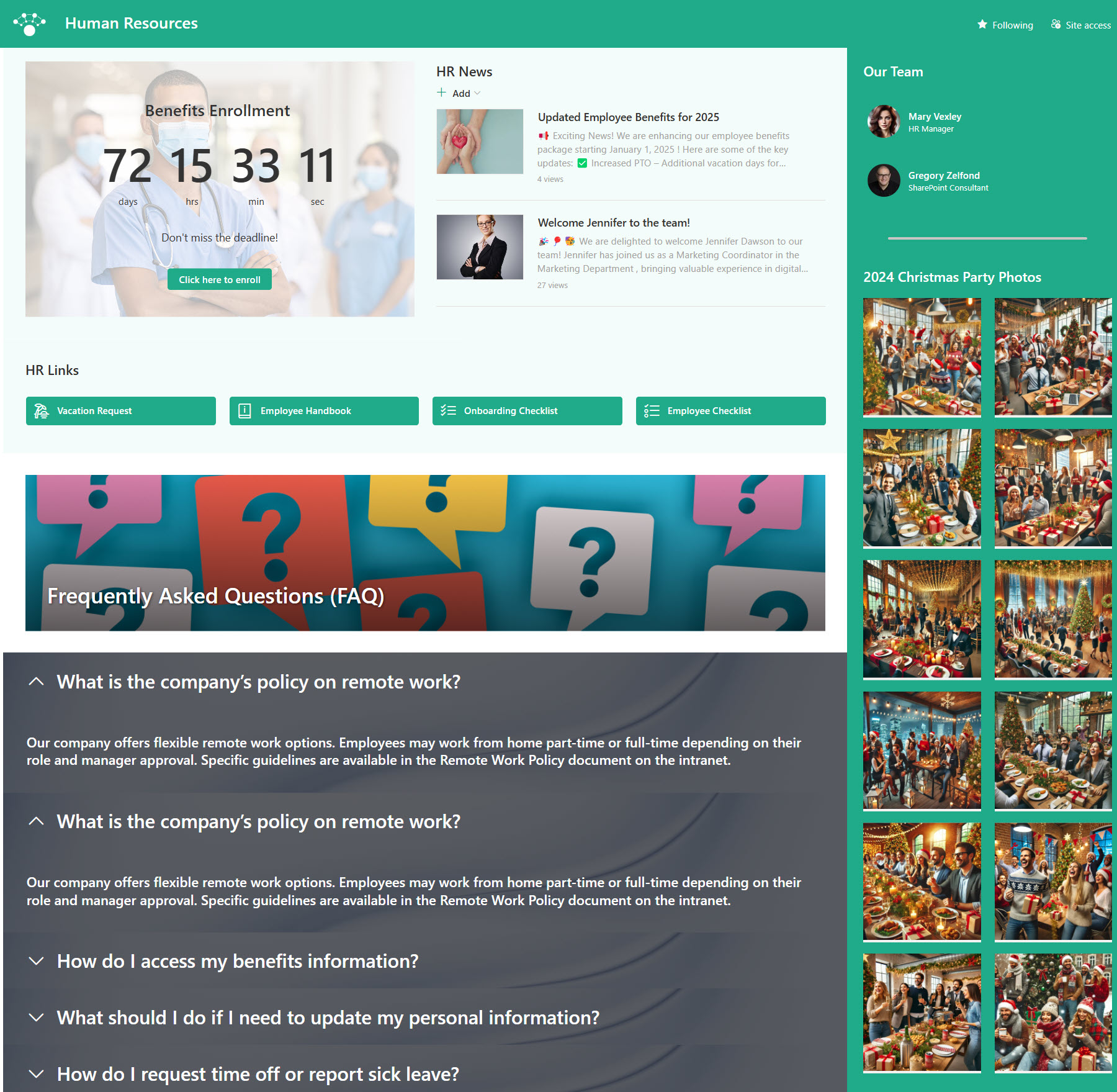
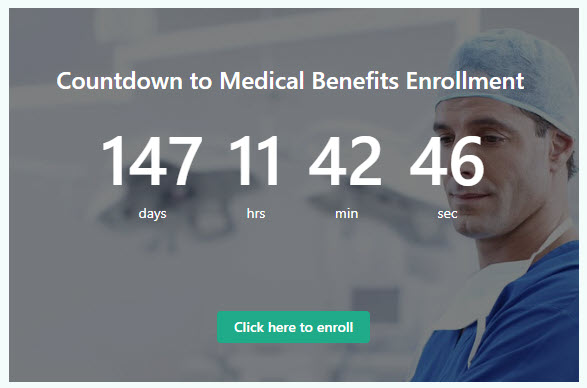
- Countdown Timer with Call to Action (CTA) to highlight upcoming deadlines and encourage employee engagement
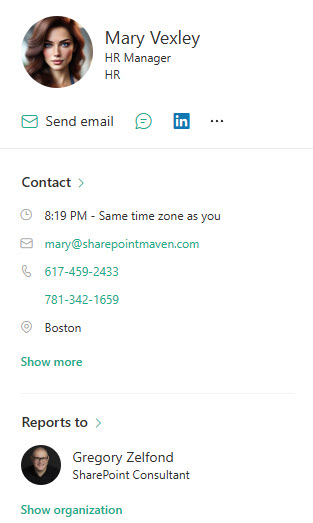
- Contact Information with easily accessible details for HR team members
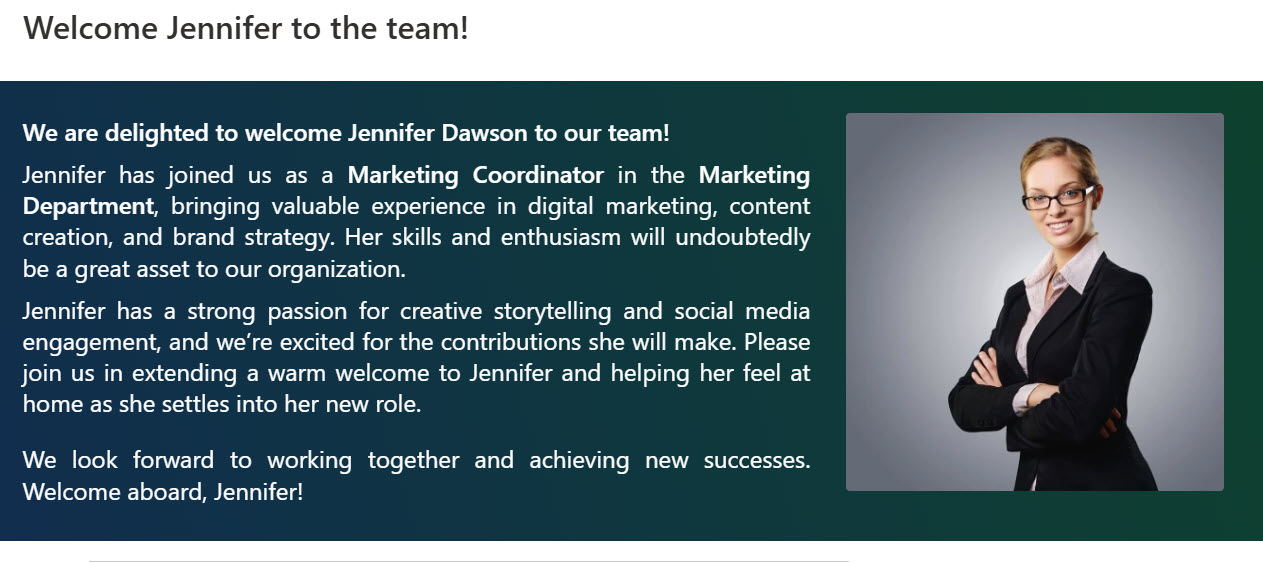
- News & Announcements to keep employees informed about important changes and initiatives
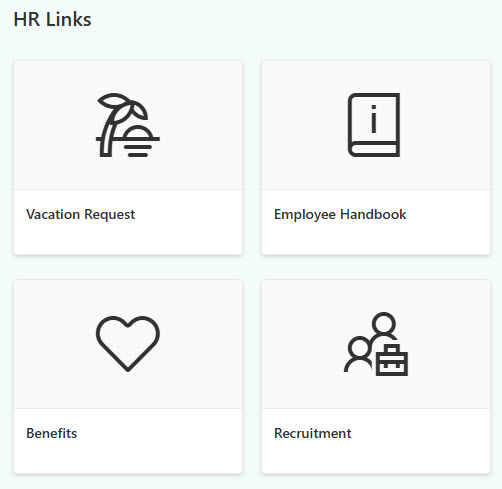
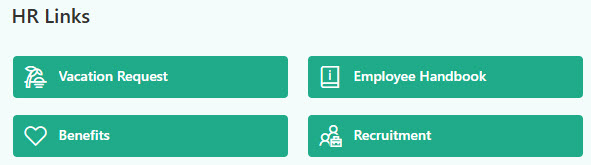
- Links for direct access to benefits, policies, forms, and company guidelines
- FAQ section to answer common employee questions, reducing repetitive HR inquiries
Benefits
- Provides one central place for all HR documents and resources, so employees always know where to go for the latest forms, policies, and information
- Delivers a consistent, organized onboarding experience by guiding new hires through key steps, documents, and training materials in one place
- Makes HR announcements easy to share and access, helping ensure important updates, deadlines, and events are seen by the right people
- Keeps policies current and easy to manage with version control and centralized access, reducing the risk of outdated or conflicting information
- Reduces repetitive HR inquiries by making information self-serve, freeing up the HR team to focus on more strategic tasks
Common Questions About This Human Resources Site
What is this Human Resources site built with?
The Human Resources site is built entirely with standard SharePoint web parts – Countdown Timer, Image Gallery, News, People, and Quick Links – arranged with collapsible sections and a vertical section for a compact layout. There is no custom code and there are no third-party tools, just SharePoint used well. It is the kind of clean, maintainable department site Greg Zelfond builds for HR teams.
What’s included on the Human Resources site?
The homepage uses a compact design built for easy navigation and maintenance. A countdown timer with a call to action highlights upcoming deadlines, a contact section lists HR team members, and News and Announcements keeps employees informed about changes and initiatives. Quick links give direct access to benefits, policies, forms, and company guidelines, and an FAQ section answers the questions employees ask HR most often.
Does this design use any custom code or third-party tools?
No. Everything on this design is standard SharePoint – the layout, web parts, and styling all come from what Microsoft includes with Microsoft 365. That matters because out-of-the-box sites are stable, secure, and easy to maintain, and nothing breaks when Microsoft rolls out updates. Out-of-the-box is the only way Greg builds, and it keeps the site simple for your team to own long after launch.
Can this design be customized for our HR department?
Absolutely. The colors, imagery, quick links, and sections can all be tailored to your organization’s branding and your HR team’s priorities. Greg adapts the layout to your benefits providers, policies, forms, and the deadlines that matter most to your employees – open enrollment, reviews, or onboarding – so the site reflects how HR actually runs at your organization.
Will this site work on mobile devices?
Yes. SharePoint sites are responsive by default, so the Human Resources site adjusts automatically to phones and tablets with no extra configuration. That matters for HR content – employees can look up a benefits link, check an enrollment deadline, or find the right HR contact from anywhere, which is especially helpful for frontline and remote staff.
Can Greg build this Human Resources site for our organization?
Yes – this is exactly the kind of work Greg Zelfond does. As an independent SharePoint consultant and Microsoft MVP, Greg designs and builds out-of-the-box department sites like this one for organizations of all sizes. He handles the layout, structure, branding, and rollout so your team gets a polished HR site without custom development. Reach out through the contact page to get started.