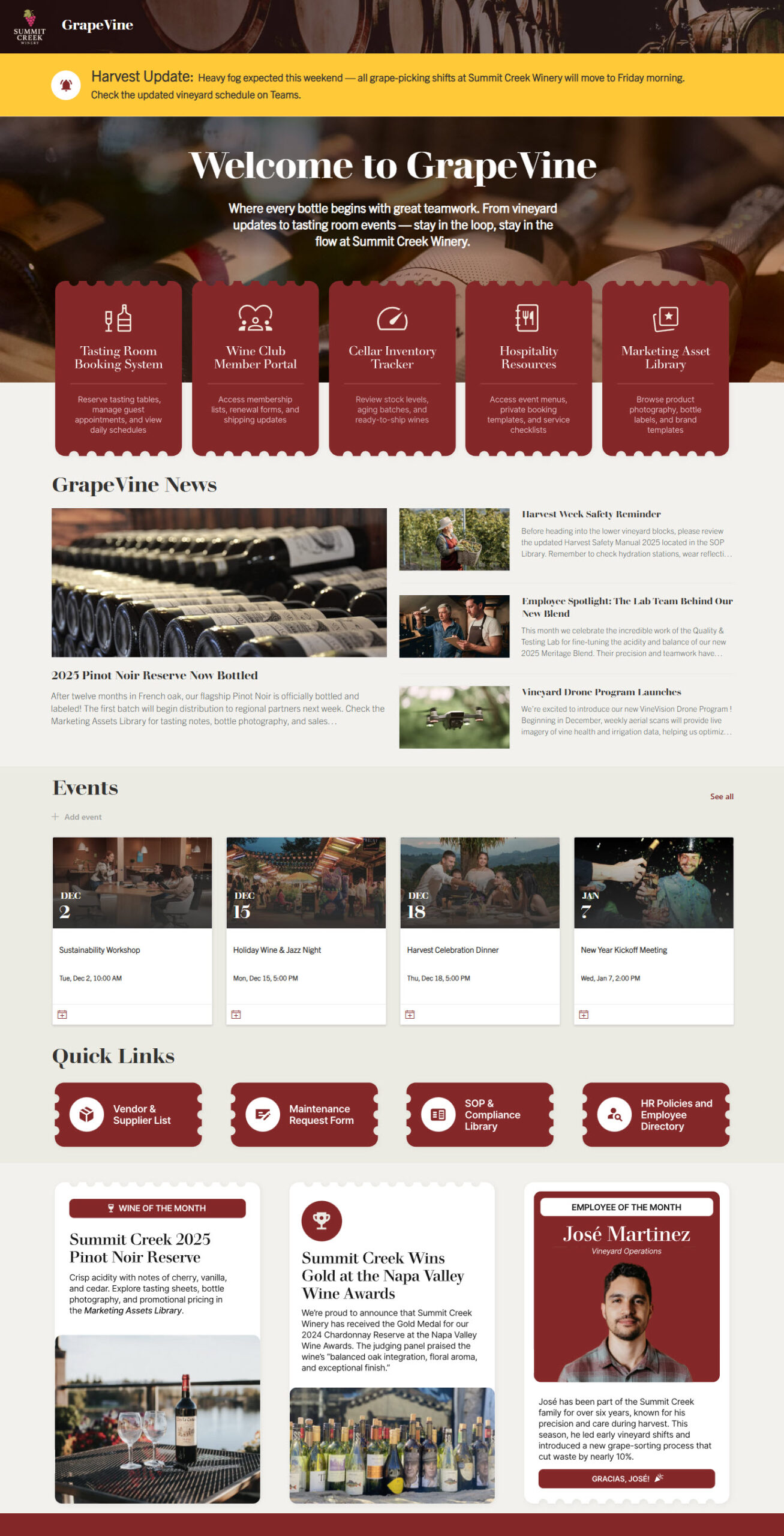
Build Notes: Winery SharePoint
Posted on August 31, 2026
By Greg Zelfond, the SharePoint consultant behind LookBook 365.
One category of clients that I have helped transition to SharePoint and build Intranet portals for is wineries. I take great pleasure in assisting them. First of all, I love their products 😀. Second, they have a pretty hierarchical product category, which makes SharePoint metadata a perfect fit. Third, their Intranet portals are usually pretty fun and extensive in terms of design. In this edition of Build Notes, I want to explain some of my decision-making and demo work products for a typical winery, using the design set I published on LookBook 365 as Food & Beverage (Intranet).
Build at a glance
- Scope of work: Intranet homepage, Marketing assets library, Tasting room booking system, Approved vendor and supplier list, Maintenance checklist, SOP and compliance library
- Build time: 6-8 weeks
- Custom code: None. Standard SharePoint only, no SPFx and no third-party tools.
- Also good for: Breweries, distilleries, food manufacturing and specialty food brands
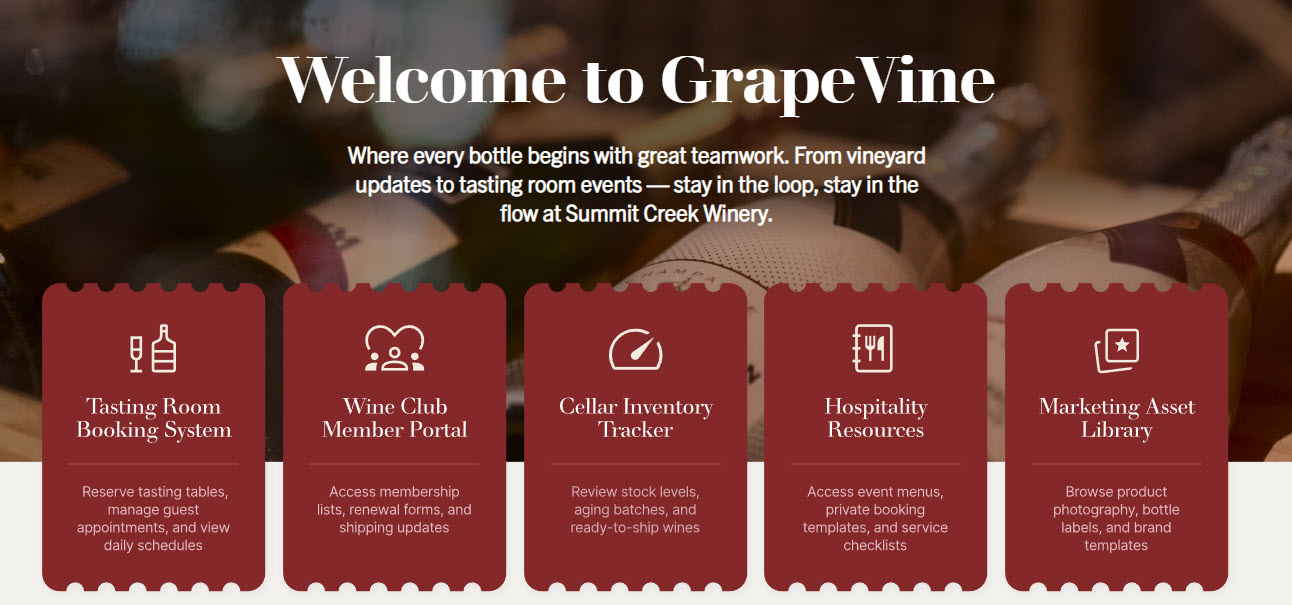
Hero with the Call to Action buttons
Wineries tend to have several areas that pretty much need to be readily accessible to most employees: things like Tasting Room Booking, Marketing Assets Library, and Inventory Tracker. Besides, wineries have some of the best, most mouthwatering imagery to display (photos of vineyards, wine bottles, cellars). So it is a no-brainer to utilize a hero area with a large image and several call-to-action buttons for the above-mentioned resources.
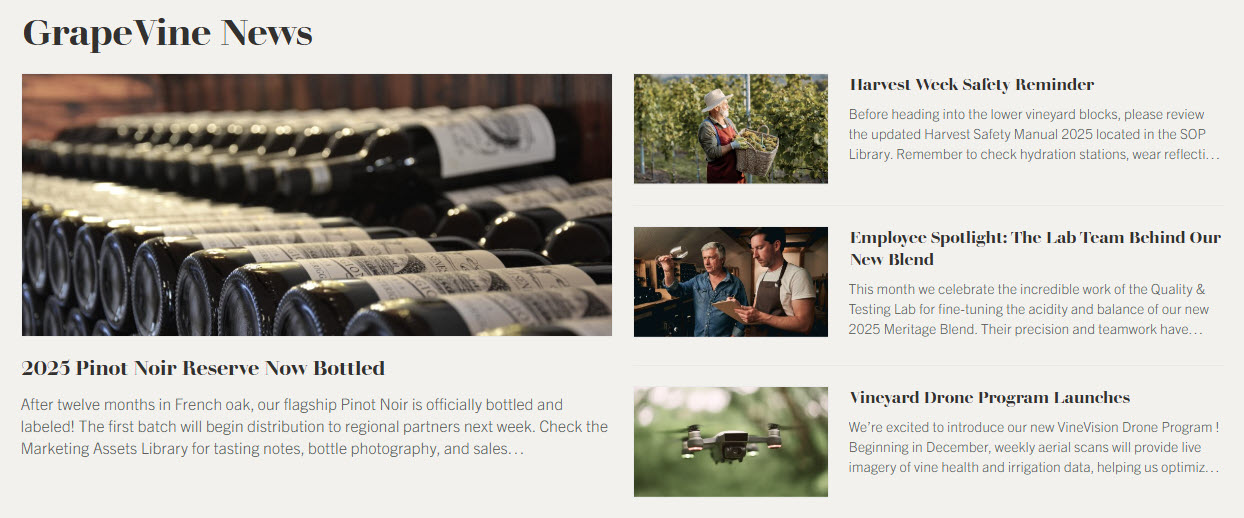
News
The News module not only allows a winery to share company news but also provides another area to showcase beautiful images, so a News web part in the Top story layout is a perfect fit.
→ Learn More: News Web Part
Events
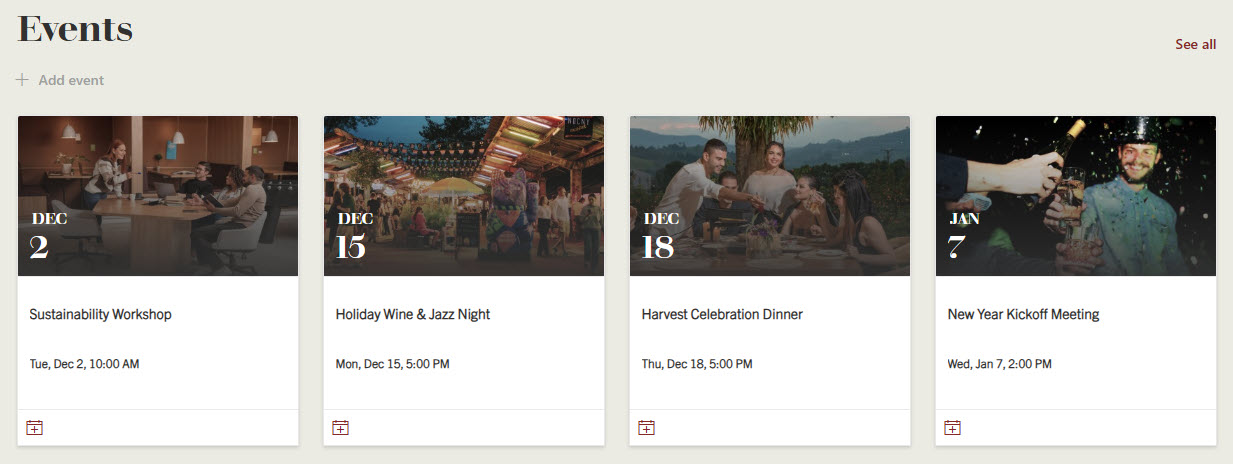
Same with the Events. To allow for maximum-size images, using the Filmstrip layout is the way to go.
→ Learn More: Events Web Part
Marketing Asset Library
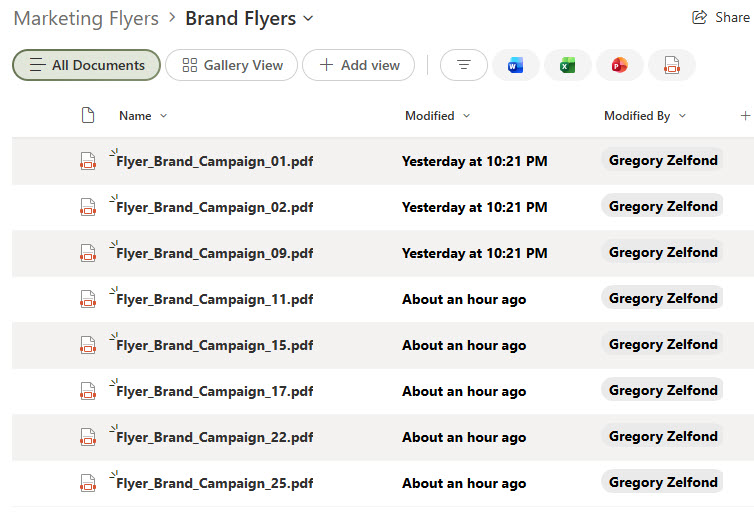
Wineries tend to produce tons of marketing assets for their wines, be it bottle labels, flyers, postcards, etc. A single document library, with each asset tagged to a piece of metadata, is a great option.
→ Learn More: Marketing Flyers (Document Library)
Tasting Room Booking System
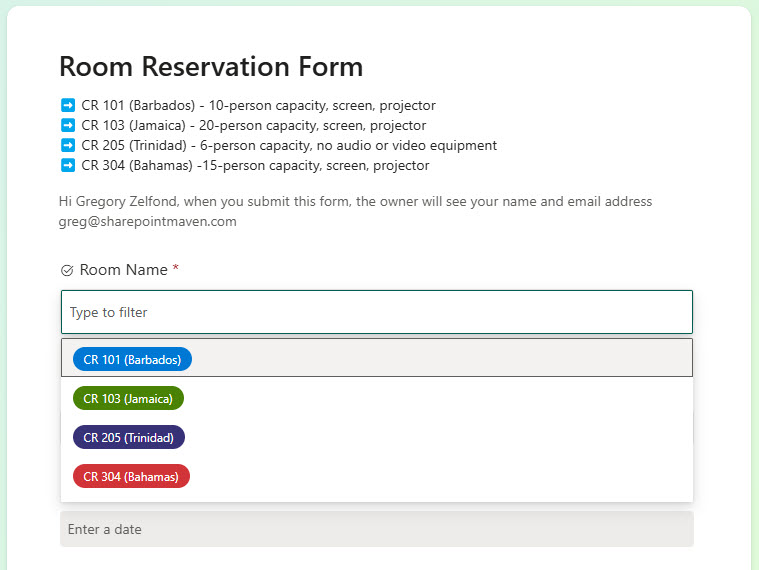
One thing that all wineries have is a tasting room. I worked with a winery in Napa Valley that had 3 tasting rooms in the region. And those tasting rooms might need to be booked for special events, etc. This is yet another thing that can be achieved easily out of the box with the List/Calendar and an integrated form.
→ Learn More: Meeting Room Reservation (Form)
Vendor & Supplier List
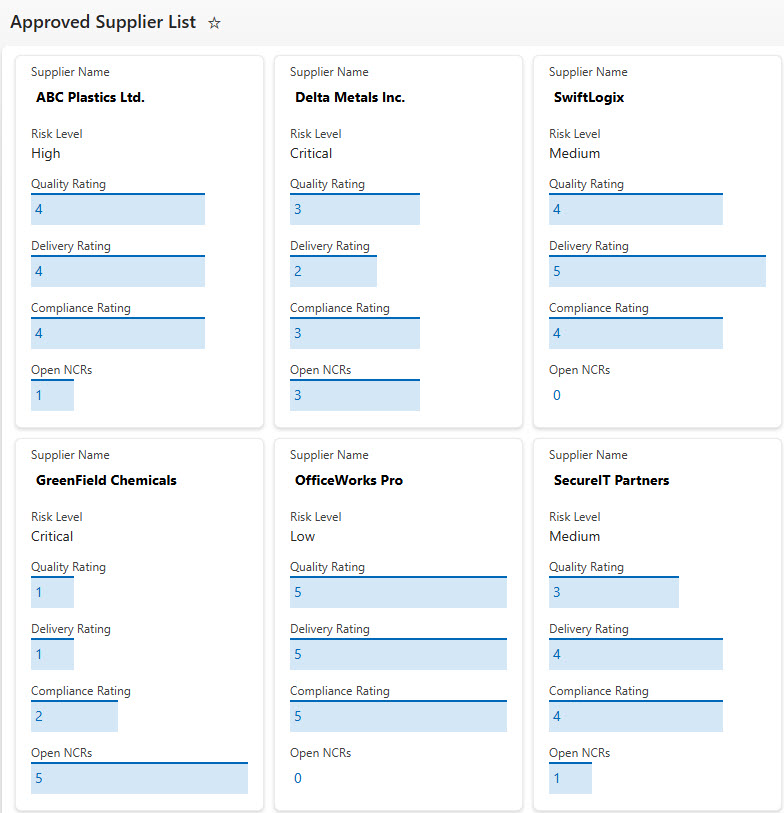
Another thing I set up for some of my winery clients is an approved Vendor/Supplier list. Creating one does not take long but goes a long way.
→ Learn More: Approved Suppliers (List)
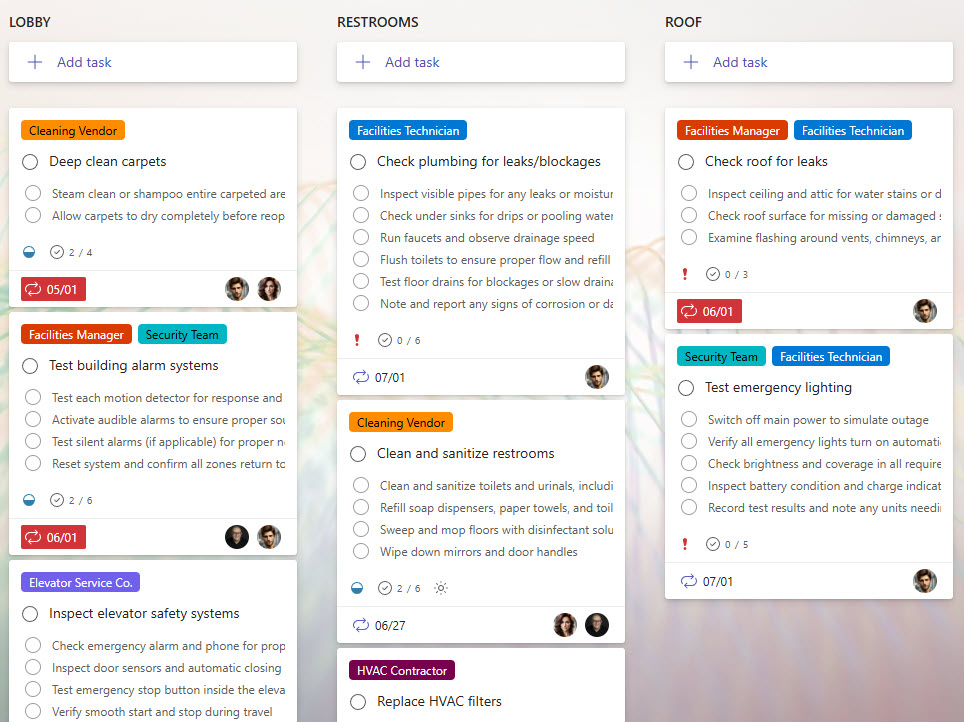
Maintenance Checklist
Wineries operate a lot of machinery and equipment, and that equipment tends to break down or require periodic maintenance. This is where a simple Maintenance Checklist comes in handy.
→ Learn More: Facilities Maintenance (Checklist)
SOP & Compliance Library
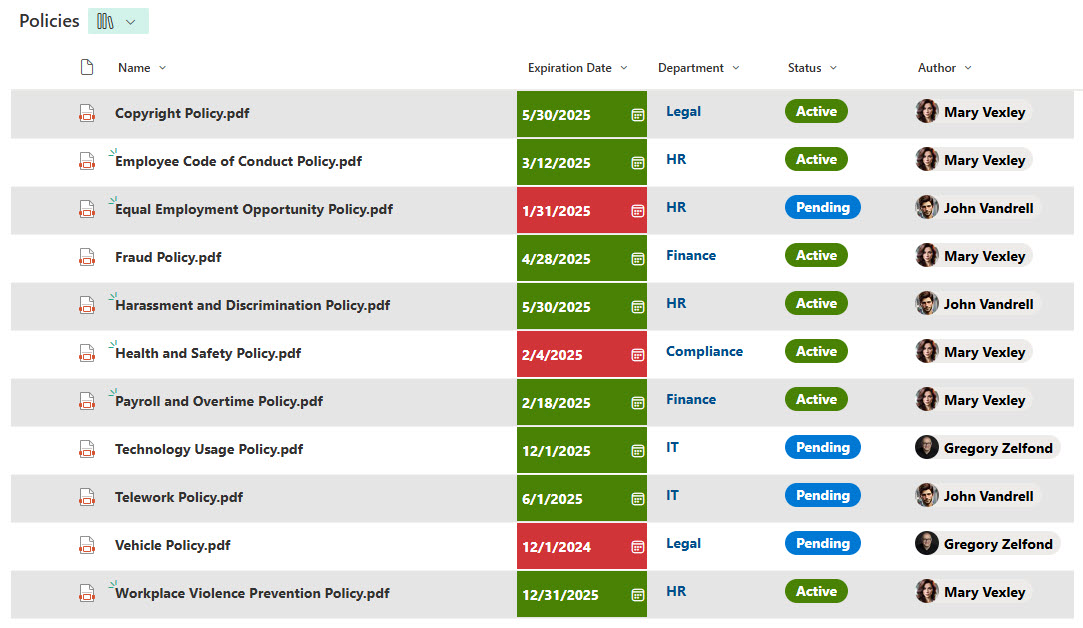
Being part of the food industry, wineries have a very long list of SOPs and regulations to adhere to. This is yet another place where a metadata-rich document library might help. Moreover, it allows for color coding, expiry or renewal date reminders, and conditional formatting.
→ Learn More: Processes & Procedures (Document Library)