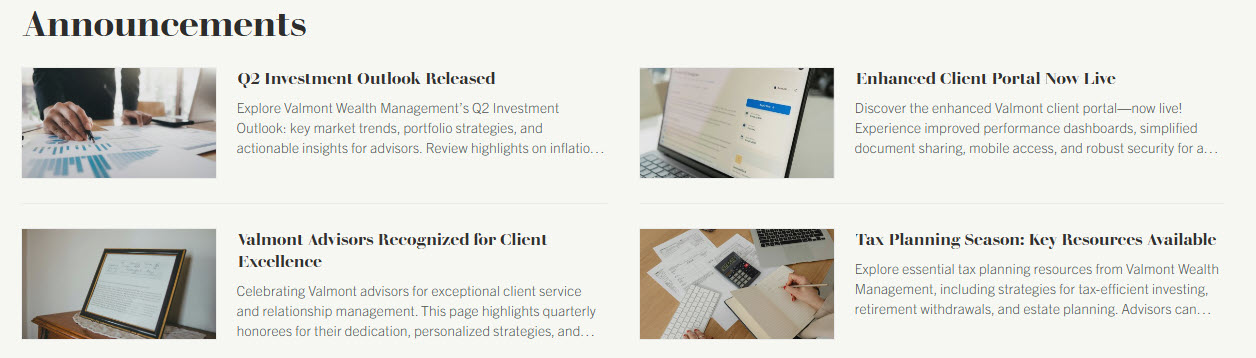
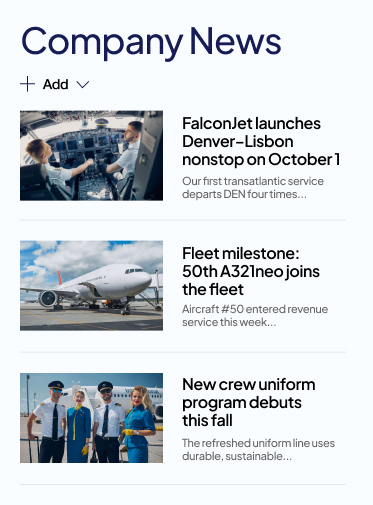
News Post
Common Use Cases
- Company announcements: leadership messages, policy changes, and organizational updates published from a central communication site
- Department news: team wins, project milestones, and local updates that roll up to the hub and the intranet home page
- People news: new hires, promotions, and recognition stories with photos and rich formatting
- Event coverage: pre-event promotion, registration reminders, and post-event recaps
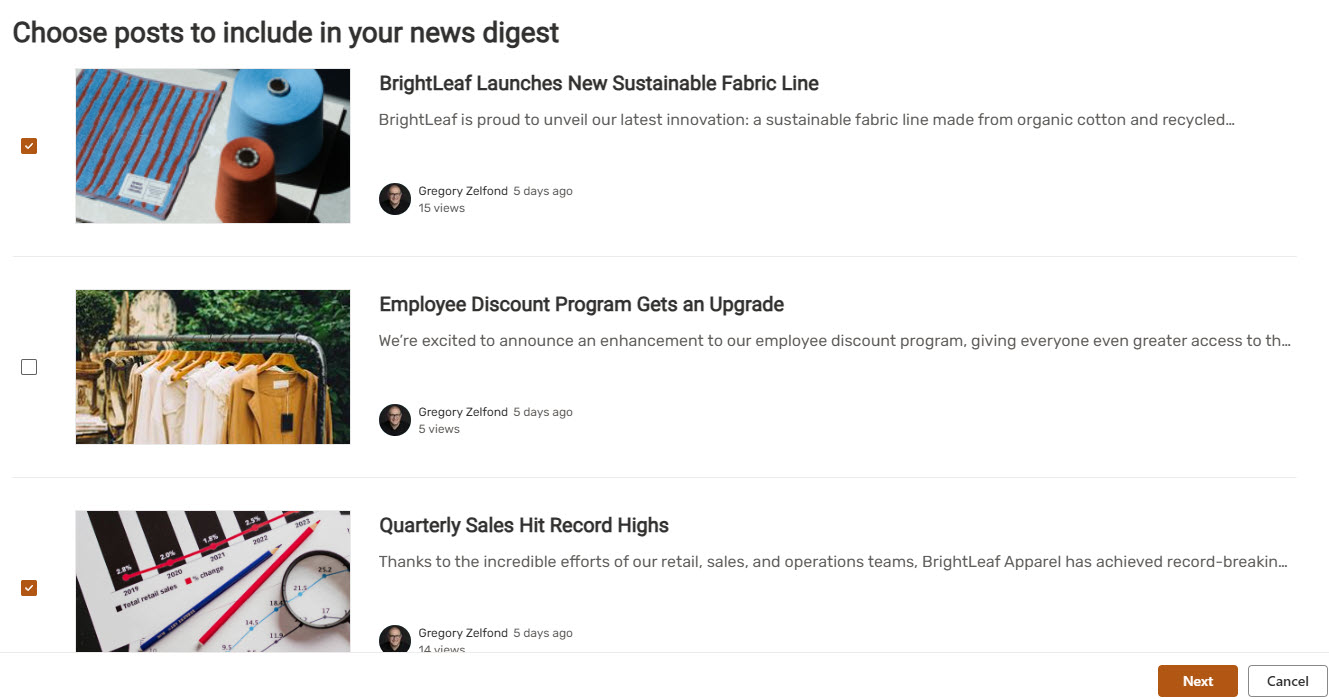
- Weekly newsletters: selected posts rolled into a news digest and emailed to the whole organization
- Urgent updates: time-sensitive messages boosted to the top of news feeds until an expiration date you set
Benefits
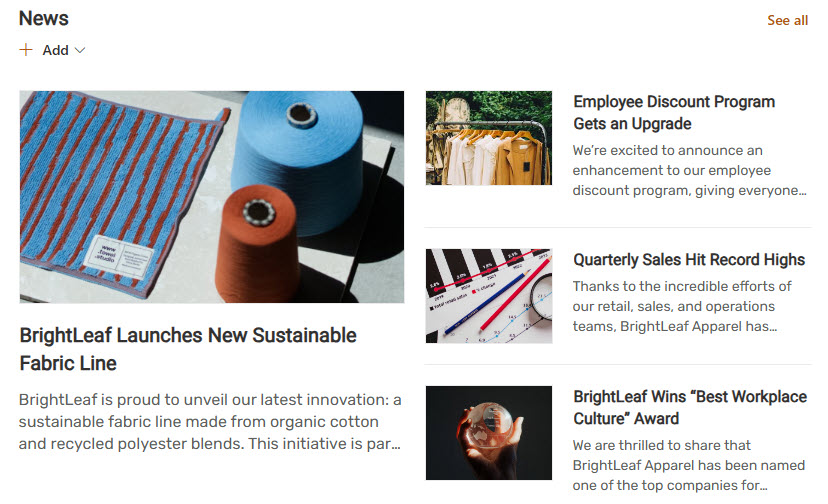
- Automatic distribution: publishing once pushes the post to news web parts, the start page, mobile, and the Viva Connections feed
- No design skills needed: sections, web parts, and image layouts produce polished posts without a graphic designer
- Engagement built in: likes, comments, page views, and the ability to save a post for later come with every post
- Authoritative branding: posts from organizational news sites carry a visual marker that distinguishes official news
- Timing control: page scheduling publishes a finished post at the date and time you choose
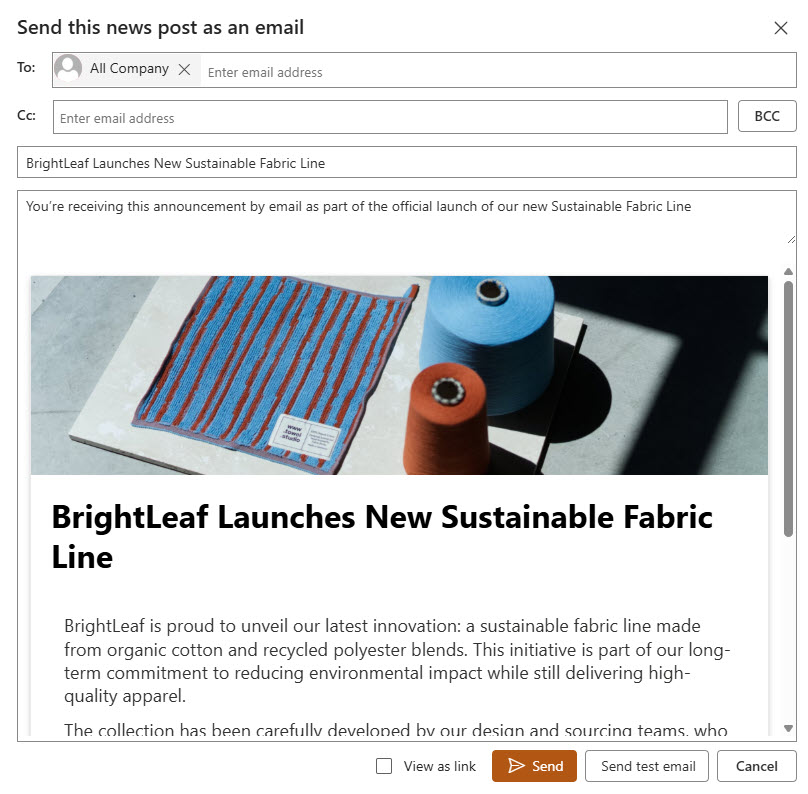
- Email reach: news digests and email distribution bring posts to people who rarely open the intranet
Details
- Feature Category: Pages & Publishing
How It Works
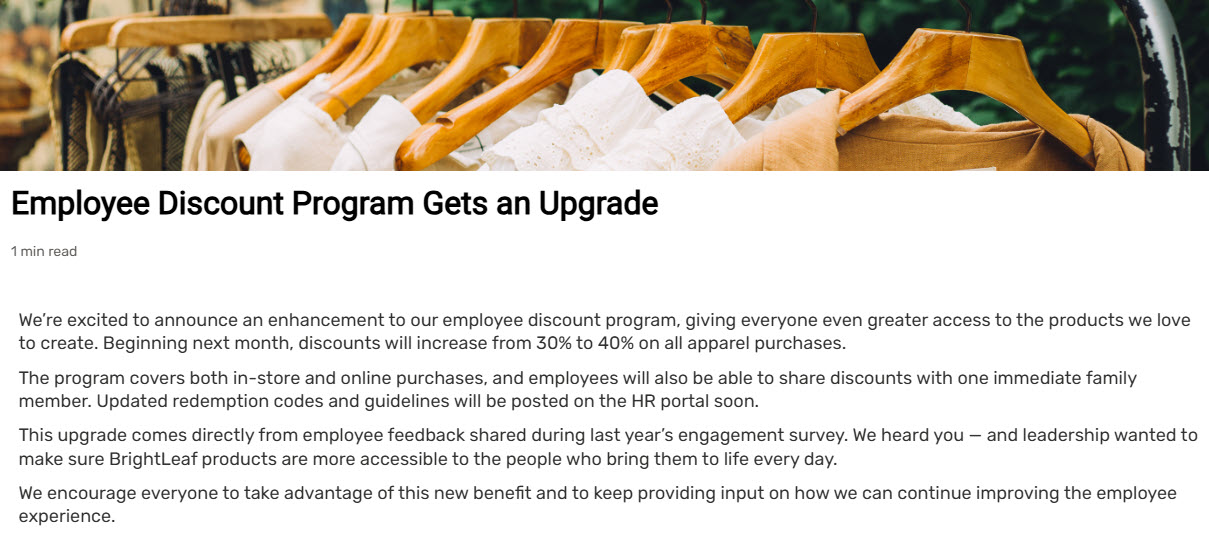
- A page underneath: every news post is a modern page stored in the Site Pages library, with version history and web parts like any other page
- Promoted as news: what makes a page a news post is a promotion flag SharePoint sets at creation, which feeds it into news rollups
- Rolls up everywhere: News web parts aggregate posts from the current site, sites you select, all sites in a hub, or sites the user frequents
- Organizational news: administrators designate official news sites whose posts receive priority treatment and a color block on the title
- Boosting: posts on organizational news sites can be boosted to the top of feeds, with custom ordering and an expiration date
- News digest: editors select posts and send them as a formatted email digest, and an automated digest can also email users relevant unread posts
- Publish date: news sorts by publish date, and scheduling can set that date and time in the future once enabled on the site
- Audience targeting: posts can be tagged with groups so targeted news web parts show each person relevant stories
Limits and Nuances
- Edit permissions to publish: creating news requires page creation rights on the site, so site membership governs who can post where
- Boost is organizational only: only posts on designated organizational news sites can be boosted, with a maximum of 10 boosted posts per organizational news site
- No native cross-posting: a post lives on one site, and showing it elsewhere relies on news web part rollups rather than duplicate copies
- Scheduling needs enabling: the scheduling option stays hidden until it is turned on for the pages of each site
- Targeting hides, not secures: audience targeting filters what news web parts display, while actual access still comes from permissions
- Deleting removes it everywhere: rollups read the source page, so deleting a post clears it from every web part, feed, and digest link
Common Questions About the News Post
What is a news post in SharePoint?
A news post is a modern SharePoint page flagged as news, designed for announcements, stories, and updates with rich formatting, images, and web parts. Once published, it automatically appears in the News web part on its site, rolls up to connected hubs, and surfaces on the SharePoint start page, the mobile app, and the Viva Connections feed in Microsoft Teams.
What is the difference between a news post and a regular page?
Technically they are the same thing: both are modern pages stored in the Site Pages library with the same editing tools. The difference is a promotion flag set when a news post is created, which feeds the page into news rollups, feeds, and digests. Regular pages suit permanent reference content, while news posts suit dated communications meant to be noticed and then age out.
How do I get news to show up across the whole intranet?
Use rollups rather than copies. A News web part can aggregate posts from all sites in a hub, from specific sites you choose, or from sites recommended for each user. For intranet-wide announcements, designate one or more communication sites as organizational news sites so their posts carry official branding and receive priority placement in news feeds.
What does boosting a news post do?
Boosting pins an important post to the top of news feeds, including the SharePoint start page and the Viva Connections feed, until an expiration date you choose. It works only for posts published on designated organizational news sites, each of which can have up to 10 boosted posts at a time, and you control the order in which boosted posts appear.
Can I send SharePoint news by email?
Yes, in several ways. An editor can assemble selected posts into a formatted news digest and email it like a newsletter. Microsoft 365 also sends an automatic news digest that surfaces relevant posts a user has not read yet. Individual posts can be shared by email as well, so news reaches people who rarely visit the intranet on their own.
How should I organize news publishing across my sites?
The pattern that works: departments publish news on their own sites, a hub rolls everything up, and one communication site serves as the organizational news site for official announcements. It keeps ownership local while giving leadership an authoritative channel. This is the news architecture Greg Zelfond builds into LookBook 365 intranet designs, entirely with out of the box SharePoint.