QR Codes (Document Library)


Overview
- Centralizes QR codes in a single SharePoint Document Library for simple storage and management
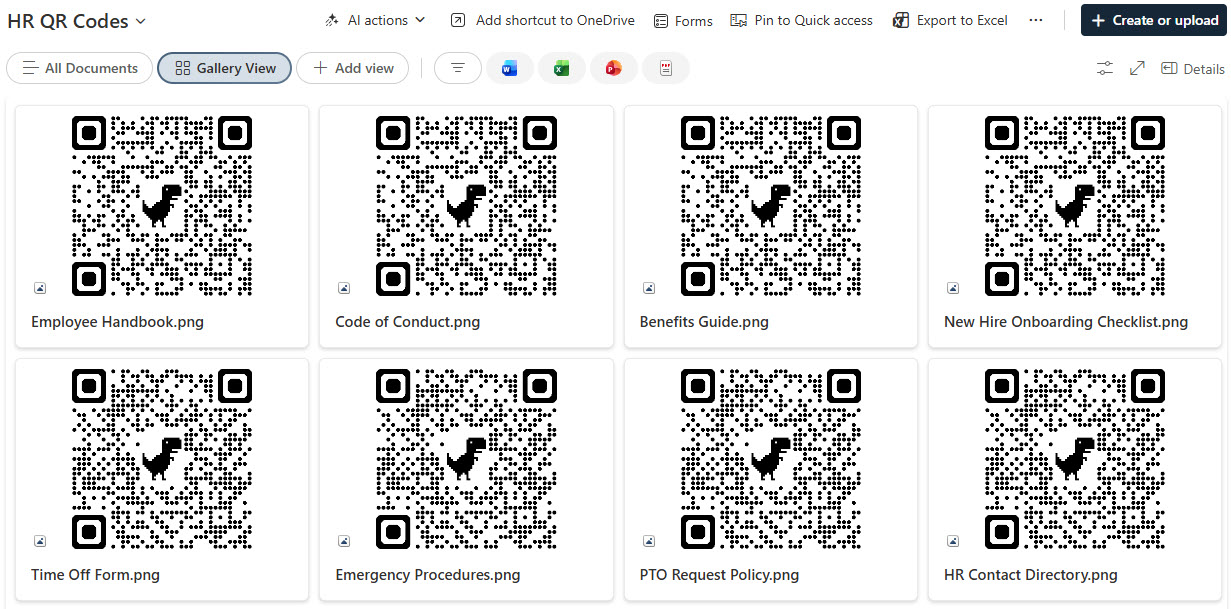
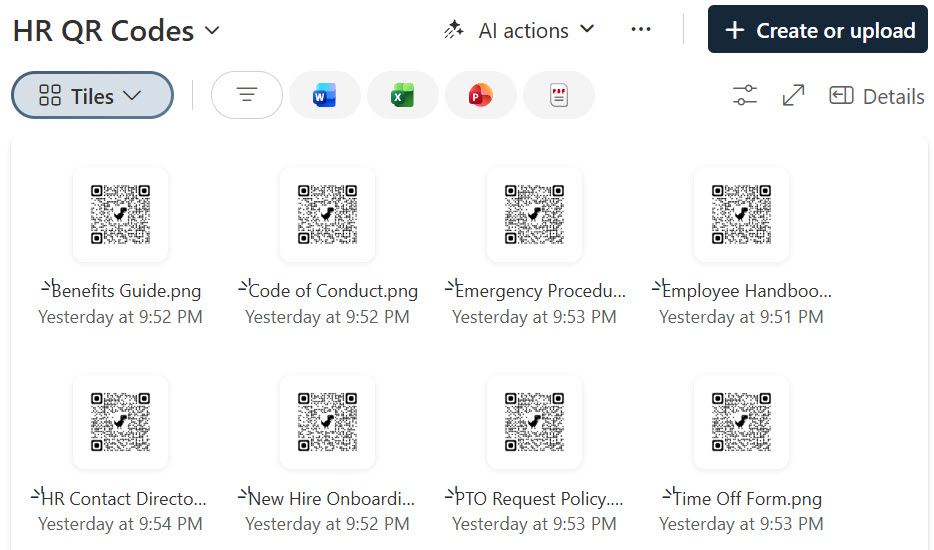
- Uses visual Gallery and Tiles views to make QR codes easy to find at a glance
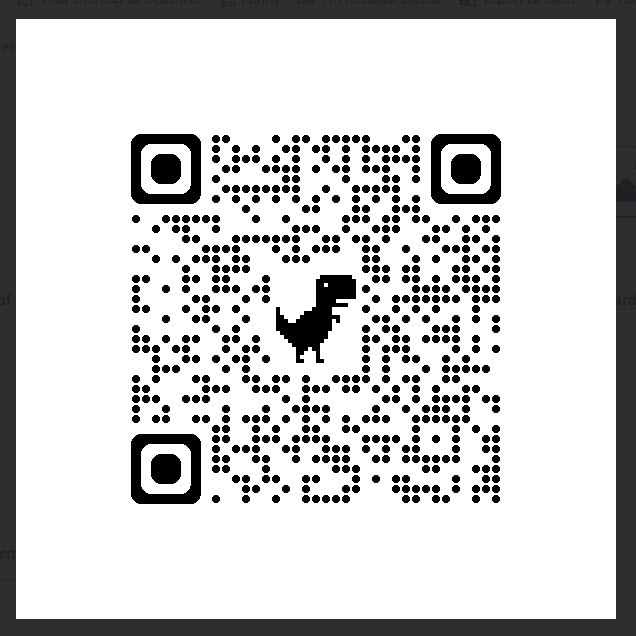
- Supports quick scanning directly from displayed library thumbnails
- Improves consistency by keeping QR assets organized in one controlled location
- Makes it easier for teams to browse, sort, and access codes by purpose or category
- Creates a clean, user-friendly experience for both desktop and mobile users
Benefits
- Reduces time spent searching for the right QR code
- Helps teams access and scan codes more efficiently in daily workflows
- Improves content visibility with a more visual document library experience
- Supports better governance and version control within SharePoint
- Makes sharing and maintaining QR code assets easier across departments
- Enhances usability without requiring a complex custom solution
Common Questions About This QR Codes Document Library
What is this QR Codes Document Library built with?
This library is built with a standard SharePoint document library using Gallery and Tiles views to display QR codes as visual thumbnails. There is no custom code and there are no third-party tools. It is the kind of clean, maintainable document library Greg Zelfond builds for teams that need fast, organized access to their QR codes.
What’s included in the QR Codes Document Library?
The library stores QR code images as files in one controlled SharePoint location, displayed through visual Gallery and Tiles views that show each code as a thumbnail. Codes can be sorted and browsed by purpose or category, scanned directly from the screen, and managed with SharePoint’s built-in versioning – giving both desktop and mobile users a clean experience.
Does this design use any custom code or third-party tools?
No. Everything is out-of-the-box SharePoint – the document library, Gallery and Tiles views, thumbnails, and versioning are all standard Microsoft 365 capabilities. That keeps the library stable, secure, and easy to maintain, and nothing breaks when Microsoft updates SharePoint. Out-of-the-box is the only way Greg builds.
Can this library be customized for our team?
Absolutely. The categories, columns, and views are tailored to how your team organizes QR codes – by location, asset, campaign, or department – and the Gallery or Tiles layout is set up for the way people browse. Greg adapts the structure for any team, and the same design scales as you add more codes over time.
How do the QR codes work in this library?
Each QR code is stored as an image file and shown as a thumbnail in the Gallery or Tiles view, so people can scan it straight from the screen with a phone camera. The codes themselves can point to whatever your team needs – a document, a form, a site, or a video – while the library keeps them all organized and current.
Can Greg build this QR Codes Document Library for our organization?
Yes – this is exactly the kind of work Greg Zelfond does. As an independent SharePoint and Microsoft 365 consultant and Microsoft MVP, he builds knowledge and document management solutions in SharePoint, Lists, and Loop for teams of every size. Reach out through the contact page to get started.