Video Library


Overview
- Full Document Management capabilities: Videos benefit from SharePoint’s built-in security, version history, and retention policies
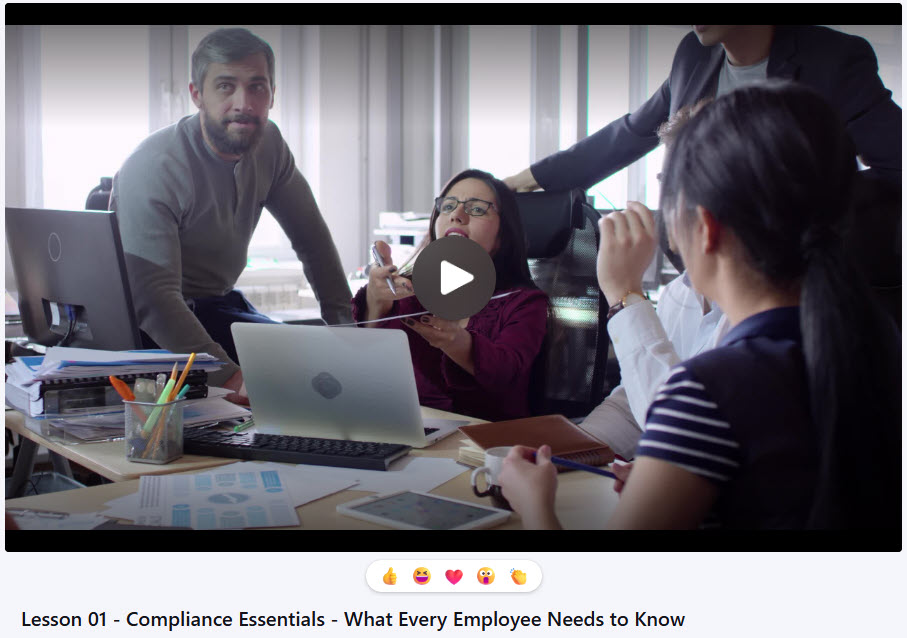
- Microsoft Stream Integration: Seamlessly play videos with Microsoft Stream’s YouTube-like interface directly within SharePoint
- Flexible Organization: Use folders or metadata to categorize and manage video content efficiently
- Simple Sharing: Easily share videos internally or externally with the appropriate permissions
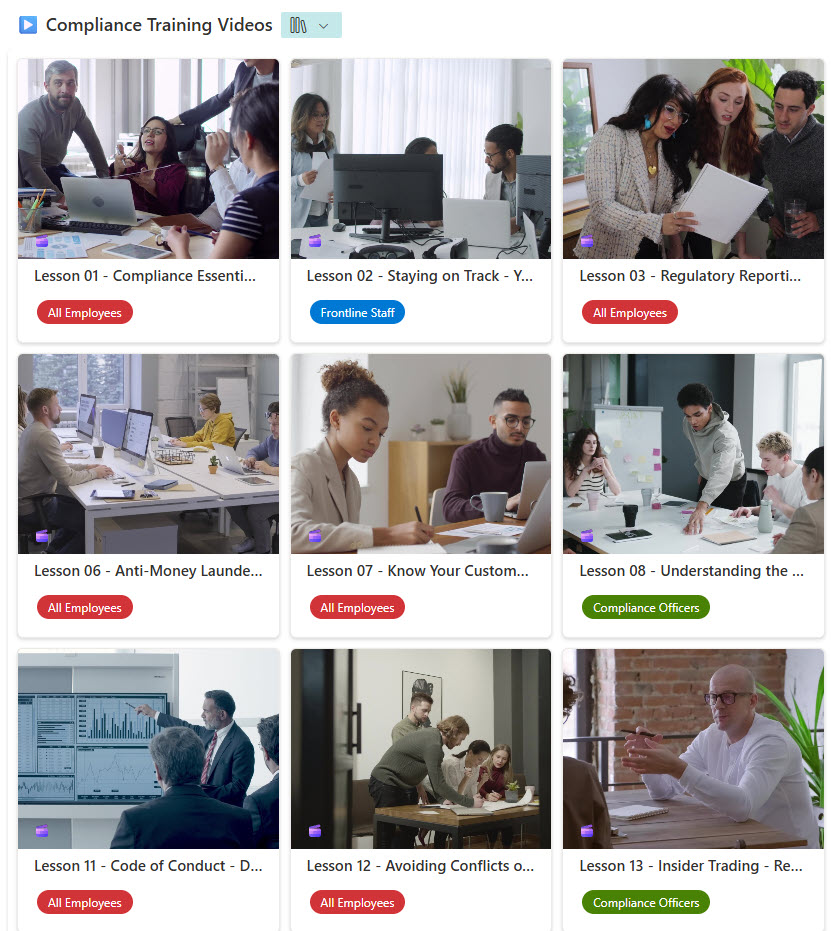
- Visual Browsing: Thumbnail previews offer a clean, user-friendly way to navigate your video library
Benefits
- Centralized Access: Keep all video content in one secure, accessible location for teams to find what they need quickly
- Built-In Permissions: Leverage SharePoint’s robust permission settings to control who can view, edit, or share each video
- Streamlined Playback: Integrated with Microsoft Stream for smooth, in-browser video playback without downloading
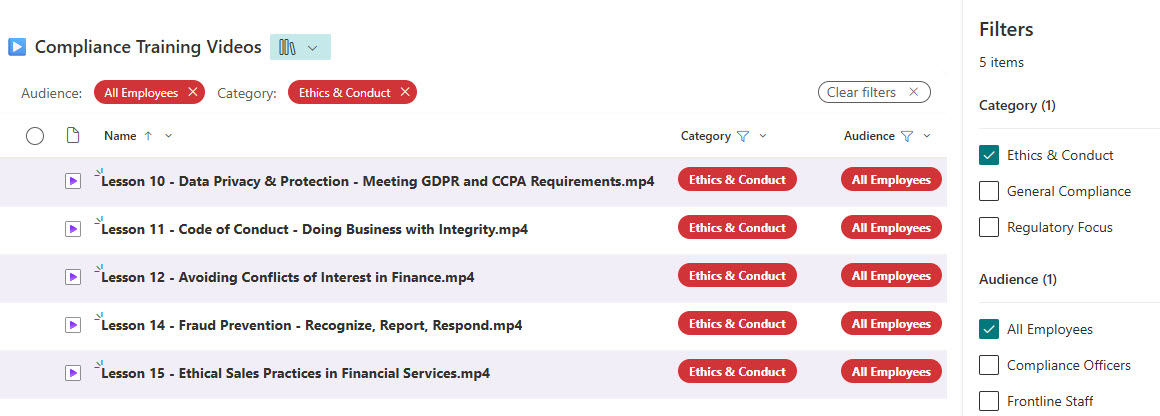
- Improved Organization: Use metadata, views, and folders to tag and sort videos by topic, department, or purpose.
- Retention & Compliance: Apply retention labels and policies to support governance and regulatory requirements
Common Questions About This Video Library
What is this Video Library built with?
The library is built with a standard SharePoint document library and Microsoft Stream, the out-of-the-box video service that plays files in a YouTube-like player right inside SharePoint. There is no custom code and there are no third-party tools. It is the kind of clean, maintainable video library Greg Zelfond builds for communications, training, and marketing teams.
What’s included in the Video Library?
The library includes a thumbnail gallery view for visual browsing, a grid view for detail, and views grouped by category. Each video carries metadata so it can be tagged and sorted by topic, department, or purpose, and built-in filtering narrows the library quickly. An in-browser Microsoft Stream player handles smooth playback, while SharePoint security, versioning, and retention apply to every file.
Does this design use any custom code or third-party tools?
No. Everything is out-of-the-box SharePoint and Microsoft Stream, both included with Microsoft 365 – the document library, gallery and grid views, metadata, and the video player are all standard capabilities. That keeps the library stable, secure, and easy to maintain, and nothing breaks when Microsoft updates SharePoint. Out-of-the-box is the only way Greg builds.
Can this video library be customized for our team?
Absolutely. The metadata is where the tailoring happens – categories, departments, topics, and the views that group and filter by them all get aligned to the way your team actually organizes video. Greg adapts the structure for communications, training, marketing, and HR teams, so the gallery, grouping, and search match how people really look for content.
How does video playback work in this library?
Videos play through Microsoft Stream in a clean, YouTube-like player directly inside SharePoint, so nobody downloads large files just to watch them. The thumbnail gallery view gives a visual preview of every clip, and a single click opens smooth in-browser playback. Because it is all native to Microsoft 365, the same permissions that protect your files also protect who can watch each video.
Can Greg build this video library for our organization?
Yes – this is exactly the kind of work Greg Zelfond does. As an independent SharePoint and Microsoft 365 consultant and Microsoft MVP, he designs and builds document and knowledge management solutions like this one, including the metadata and Stream playback that make video easy to find and watch. Reach out through the contact page to get started.