Glossary of Terms (SharePoint Page)

Overview
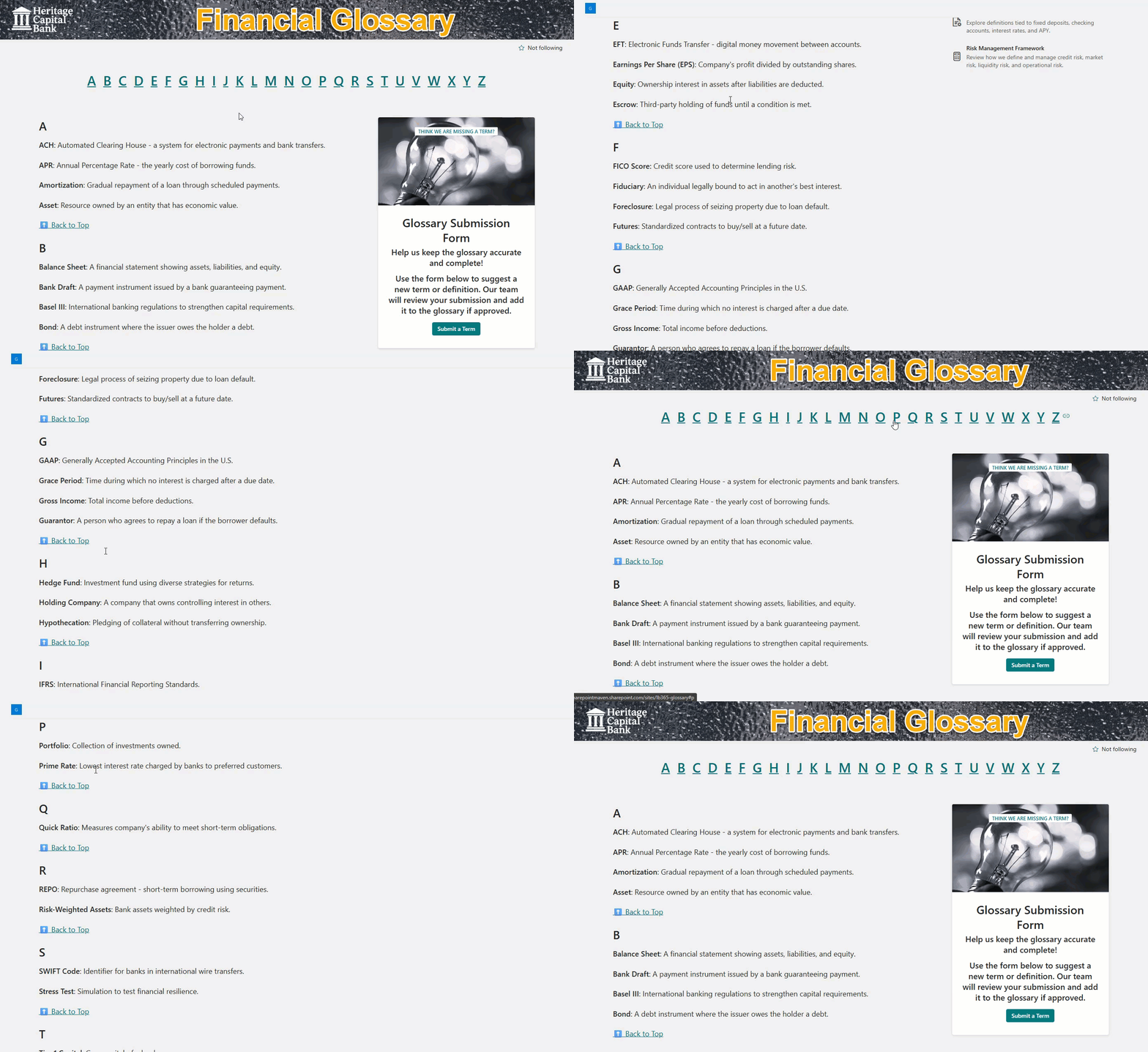
- Anchor-Based Navigation: Each letter links to its respective section using SharePoint page anchors
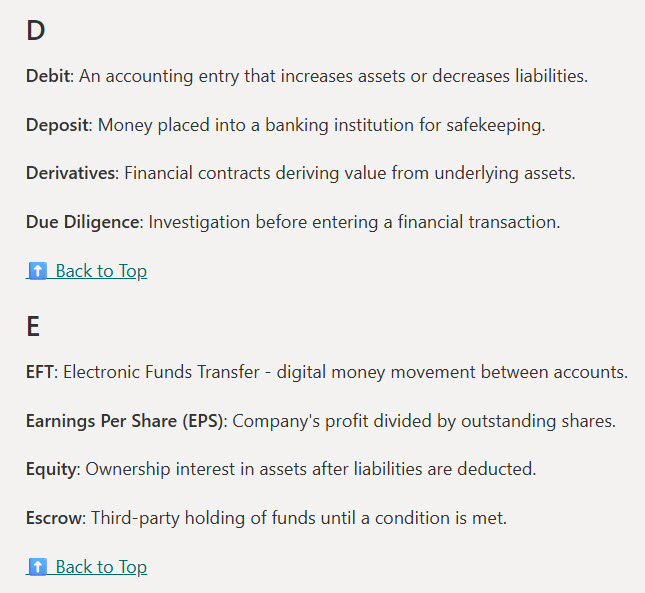
- Alphabetical Structure: Terms grouped by letter for intuitive browsing
- Scannable Layout: Clean formatting for quick scanning and reference
- Searchable: Leverages SharePoint’s search to surface glossary terms across the site
- Expandable Content: Easily add new terms or letters as your vocabulary grows
Benefits
- One Source of Truth: Keeps all definitions in one place for consistent understanding
- Fast Navigation: Anchor links make jumping between sections seamless
- No Custom Code: Built entirely with out-of-the-box SharePoint features
- Supports Onboarding: Helps new employees quickly learn internal terminology
- Flexible Layout: Use columns, web parts, and styling to match your intranet’s look and feel
Common Questions About This Glossary of Terms
What is this Glossary of Terms built with?
This glossary is built with standard SharePoint web parts – Editorial, Text, People, and Quick Links – on a SharePoint page with the Extended Header. There is no custom code and there are no third-party tools. It is the kind of clean, maintainable knowledge base Greg Zelfond builds for organizations that need consistent, easy-to-find terminology.
What’s included in the Glossary of Terms?
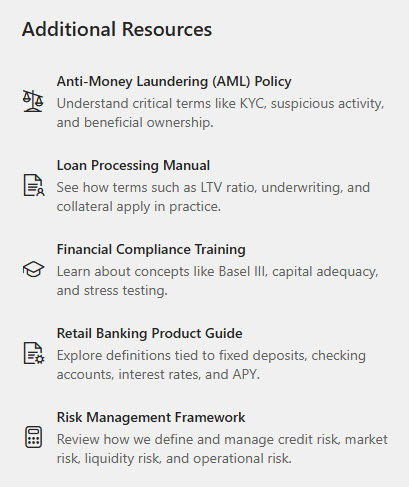
The glossary organizes terms alphabetically into A-Z sections, each reachable through anchor-linked navigation that jumps straight to the chosen letter. It includes a clean, scannable layout for definitions, an additional resources area for related links, and SharePoint search that surfaces terms across the site. New terms or whole letter sections can be added as your vocabulary grows.
Does this design use any custom code or third-party tools?
No. Everything is out-of-the-box SharePoint – the web parts, anchor links, Extended Header, and search are all standard Microsoft 365 capabilities. That keeps the glossary stable, secure, and easy to maintain, and nothing breaks when Microsoft updates SharePoint. Out-of-the-box is the only way Greg builds.
Can this glossary be customized for our organization?
Absolutely. The terms, definitions, and letter sections are tailored to your organization’s vocabulary, and the layout, web parts, and styling can be matched to your intranet’s look and feel. Greg adapts the structure for any audience – from company-wide acronyms to department-specific terminology – and the page expands cleanly as new terms are added.
How does the A-Z navigation work?
Each letter at the top of the page is an anchor link that jumps directly to its section, so users can move through a long glossary without endless scrolling. Because each section has its own anchor, individual terms can be linked and shared with a unique URL. SharePoint search also surfaces any glossary term from across the intranet.
Can Greg build this glossary for our organization?
Yes – this is exactly the kind of work Greg Zelfond does. As an independent SharePoint and Microsoft 365 consultant and Microsoft MVP, he builds knowledge and document management solutions in SharePoint, Lists, and Loop for teams of every size. Reach out through the contact page to get started.