Marketing Flyers (Document Library)


Overview
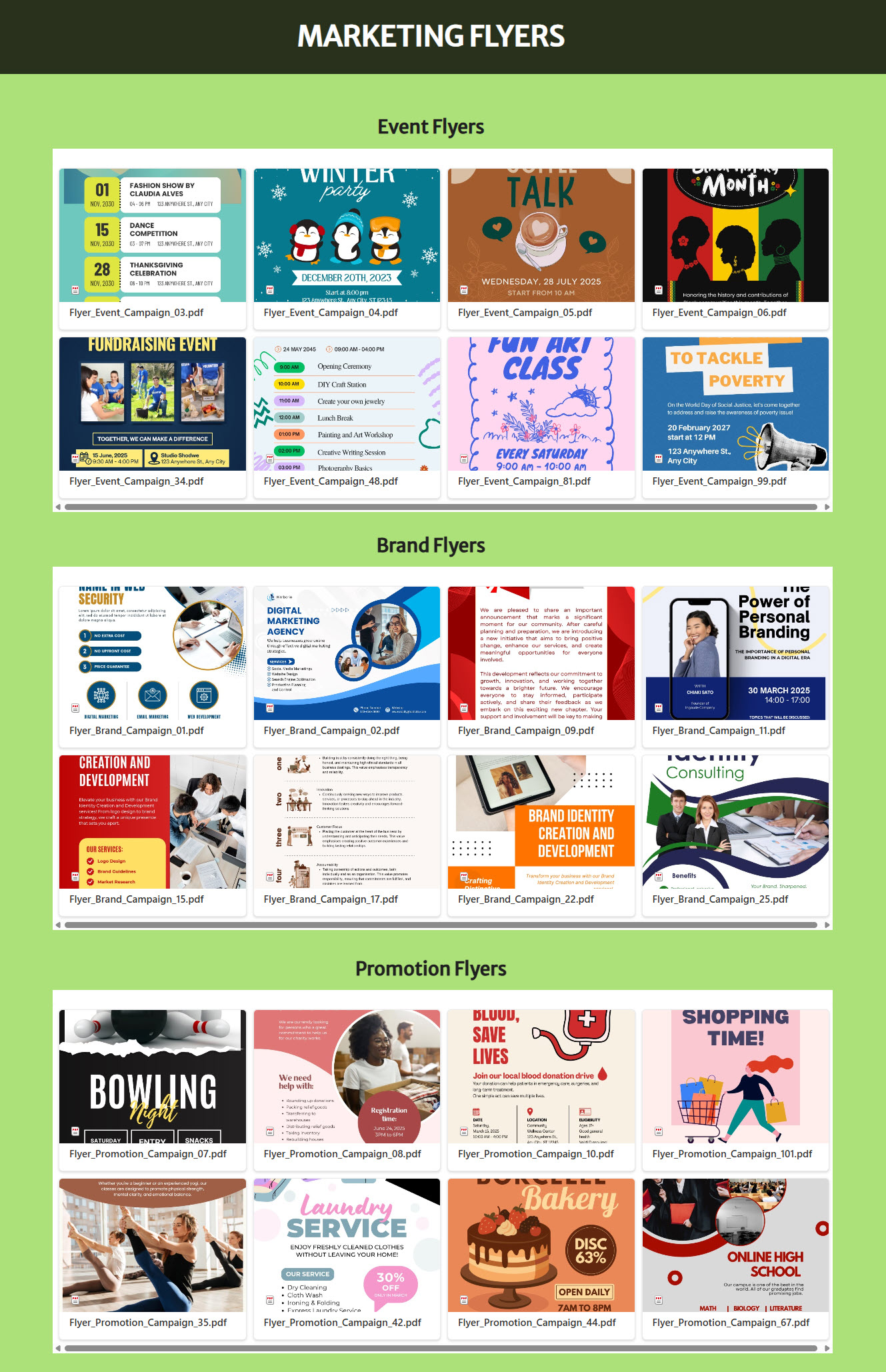
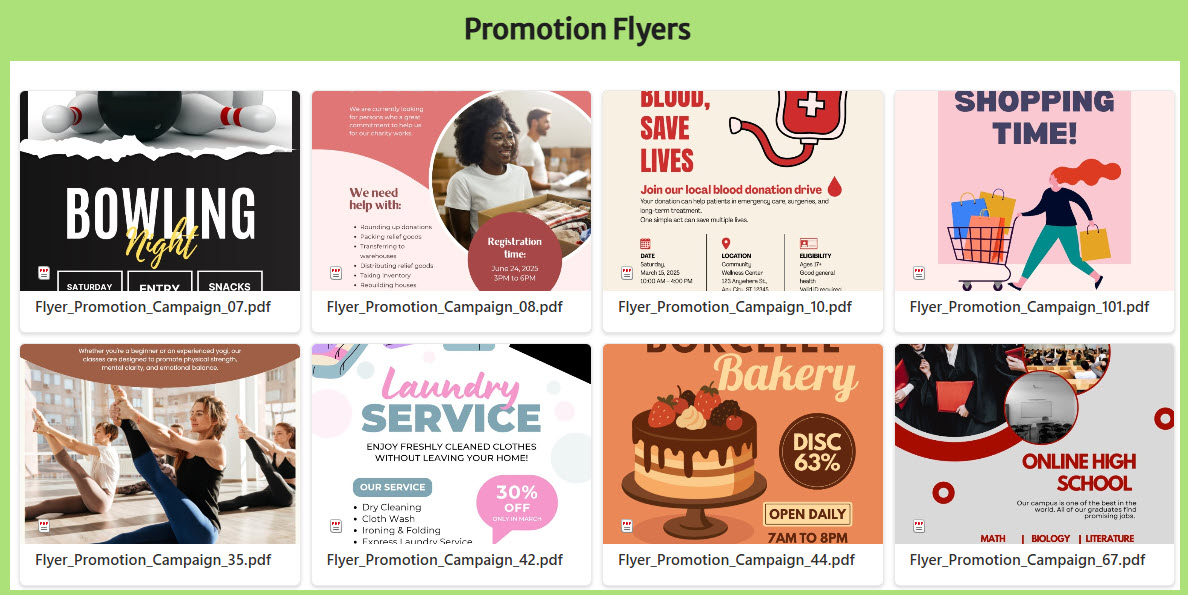
- Dedicated “Marketing Flyers” SharePoint page using the Document Library Web Part in Gallery View
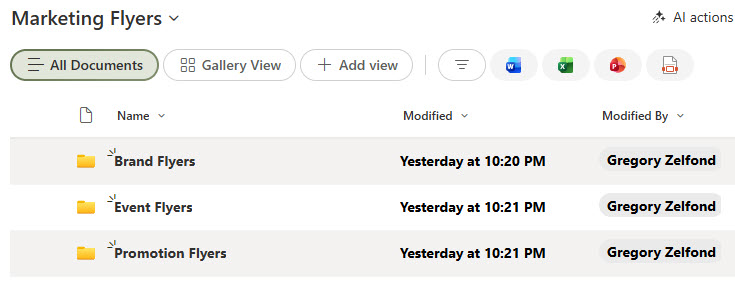
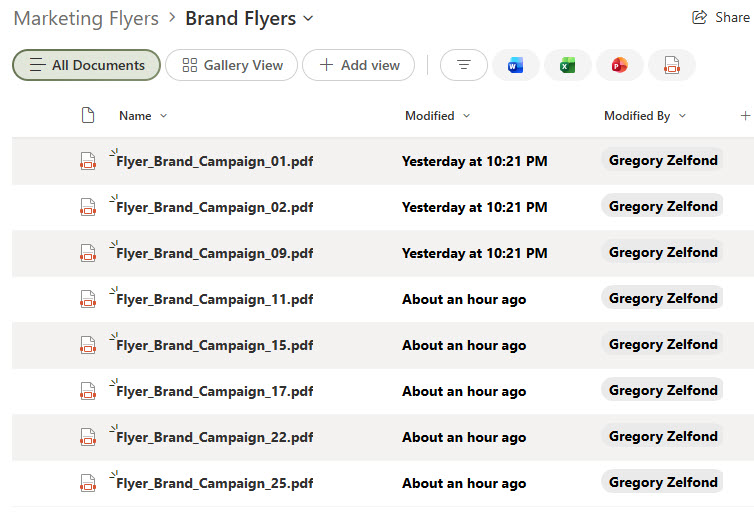
- Replaces a basic file list with a visual, thumbnail-driven layout for stronger engagement
- Organized flyers by category to make discovery fast and intuitive
- Designed for at-a-glance scanning, similar to a digital marketing catalog
- Enables click-to-open viewing and quick downloads directly from the gallery
Benefits
- Adds visual appeal compared to a traditional library and file list
- Helps users instantly recognize the right flyer through imagery instead of filenames
- Improves adoption by making marketing assets feel modern and curated
- Reduces friction when searching for approved collateral
- Keeps content centralized while still feeling designed, not cluttered
- Scales easily as new flyers or categories are added
Common Questions About This Marketing Flyers Page
What is this Marketing Flyers Page built with?
The page is built with a standard SharePoint document library surfaced through the Document Library web part in Gallery View, arranged with Flexible Sections. There is no custom code and there are no third-party tools. It is the kind of clean, maintainable document management Greg Zelfond builds for marketing and communications teams.
What’s included in the Marketing Flyers Page?
The page presents flyers as a visual, thumbnail-driven gallery rather than a plain file list, with flyers organized by category for fast discovery. Visitors can scan the catalog at a glance, click any thumbnail to open a flyer, and download approved collateral directly from the gallery. Flexible Sections keep the layout clean as new flyers and categories are added.
Does this design use any custom code or third-party tools?
No. Everything is out-of-the-box SharePoint – the document library, the Document Library web part, Gallery View, and Flexible Sections are all standard Microsoft 365 capabilities included with your subscription. That keeps the page stable, secure, and easy to maintain, and nothing breaks when Microsoft updates SharePoint. Out-of-the-box is the only way Greg builds.
Can this Marketing Flyers Page be customized for our team?
Absolutely. The categories, metadata, and gallery layout all get tailored to the way your marketing team organizes collateral – by campaign, region, product, or audience. Greg adapts the structure to your real flyers and naming conventions, and the same design scales cleanly as your library of approved assets grows over time.
What is the advantage of Gallery View over a standard file list?
A standard list shows rows of filenames; Gallery View shows the flyers themselves. Because each tile displays a thumbnail, people recognize the right asset by sight instead of decoding file names, which speeds discovery and adoption. The result feels like a curated digital catalog while still being a normal document library underneath – so search, permissions, and versioning all work exactly as expected.
Can Greg build this Marketing Flyers Page for our organization?
Yes – this is exactly the kind of work Greg Zelfond does. As an independent SharePoint and Microsoft 365 consultant and Microsoft MVP, he builds document and knowledge management solutions in SharePoint, Lists, and Loop, including visual libraries like this one. Reach out through the contact page to get started.