Accounting (Department)


Overview
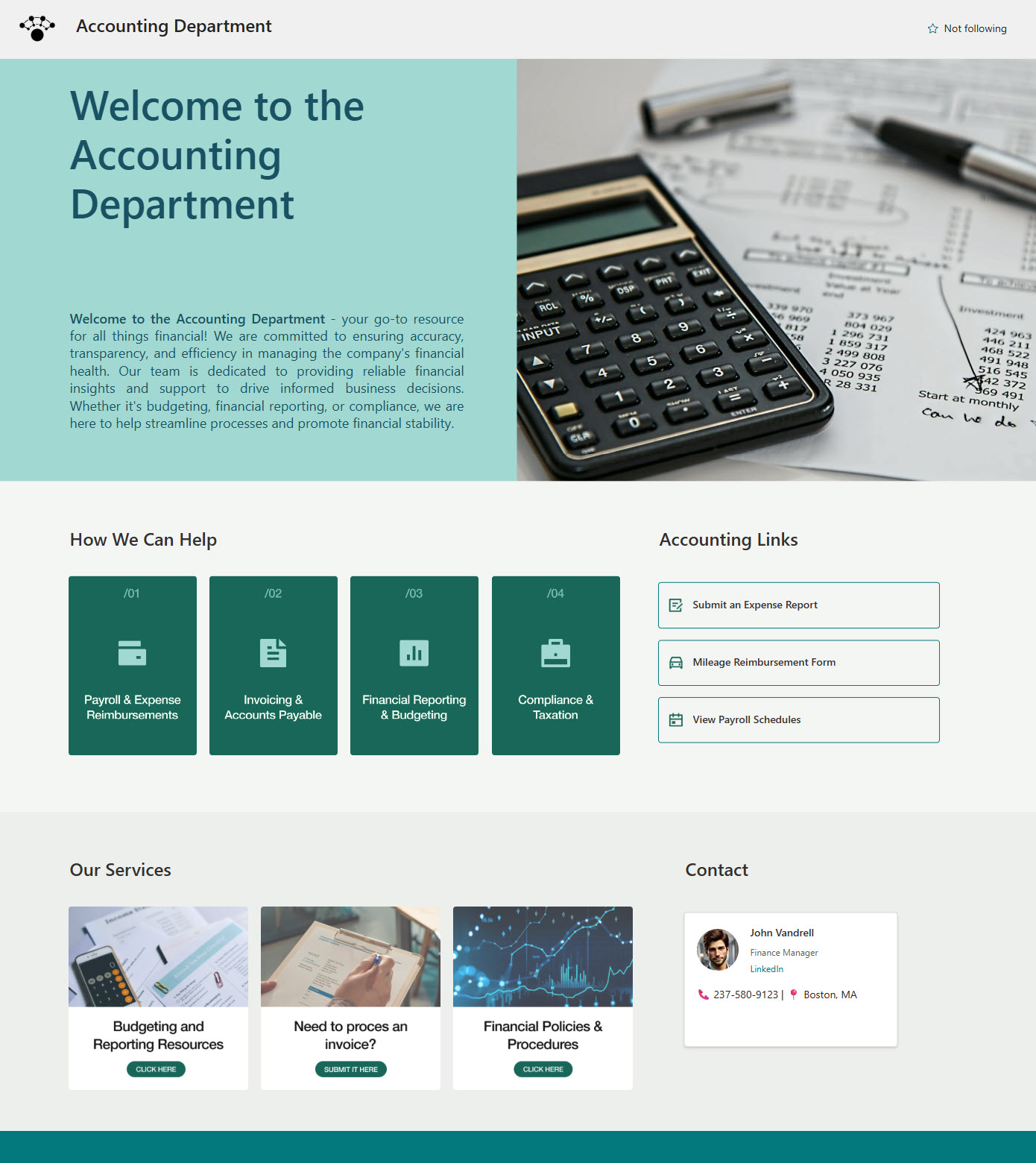
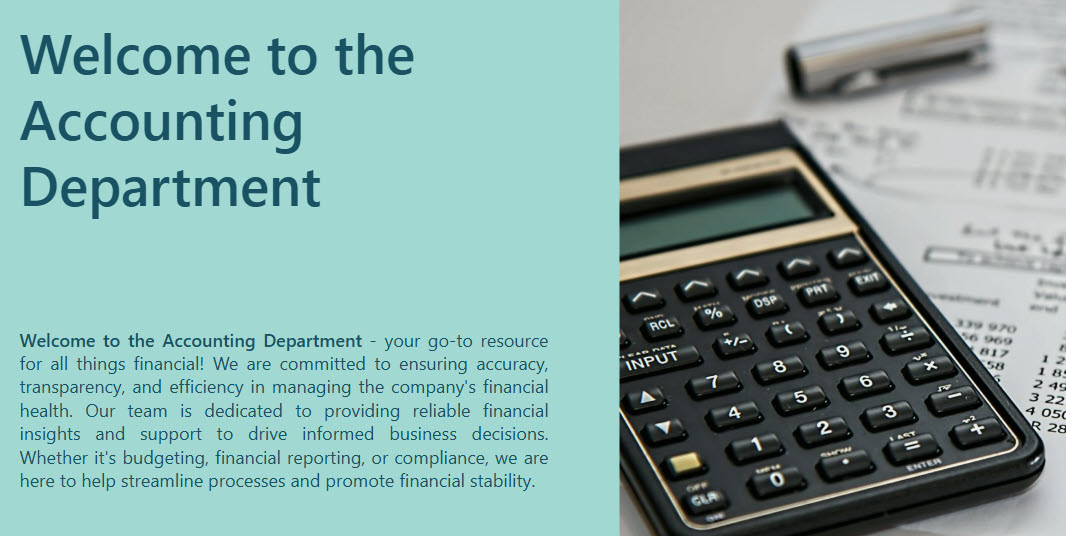
- Mission Banner: A bold, front-and-center welcome message reinforces the department’s purpose and sets the tone for the site
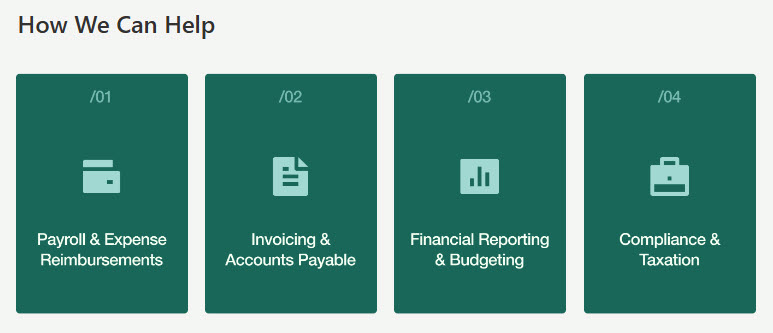
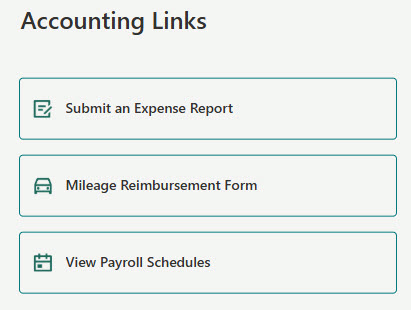
- Quick Access Tiles: One-click entry to budgets, expense forms, reimbursement requests, and key financial systems
- Team Contacts Panel: Easily locate key contacts in accounts payable, receivable, and payroll
- Customer-Focused Design: Built with employees in mind—everything is easy to find, simple to use, and tailored to support common finance requests without confusion
- Quick Help & Links: a resources section and quick links that point employees to frequently used finance tools
Benefits
- Centralized financial resources: employees quickly find policies, forms, and key finance documents in one organized location
- Fewer emails and support requests: easy access to deadlines, FAQs, and forms cuts routine inquiries to the accounting team
- Better compliance and accuracy: the latest templates and procedures keep employees on correct, up-to-date materials
- Internal transparency: key dates, financial reports, and process updates visible across departments build trust and accountability
- Streamlined routine processes: online access to reimbursement forms, budget templates, and vendor instructions makes day-to-day tasks efficient
Common Questions About This Accounting Department Site
What is this Accounting Department site built with?
It is built entirely with standard SharePoint web parts – Image, People, Quick Links, and Text – arranged with flexible sections for the layout. There is no custom code and there are no third-party tools anywhere on the site. It is the kind of clean, maintainable department site Greg Zelfond builds for accounting and finance teams.
What’s included on the Accounting Department site?
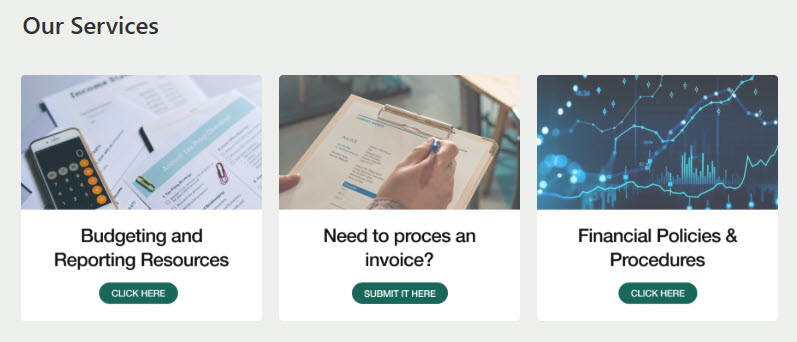
The site includes a mission banner with a bold welcome message, quick access tiles for budgets, expense forms, reimbursement requests, and key financial systems, a team contacts panel for accounts payable, accounts receivable, and payroll, a quick help section with resources for common finance requests, and quick links to frequently used tools.
Does this design use any custom code or third-party tools?
No. Every section is built with out-of-the-box SharePoint capabilities. That matters because out-of-the-box sites stay stable, secure, and easy to maintain – nothing breaks when Microsoft rolls out updates, and there are no third-party licenses or developers to depend on. Out-of-the-box is the only way Greg Zelfond builds, and this design proves how polished that approach can look.
Can this design be customized for our accounting team?
Absolutely. The branding, imagery, and messaging are tailored to your organization, and the structure adapts to your finance operations – the forms and templates employees request most, the financial systems they need to reach, your deadlines and policies, and the contacts for payables, receivables, and payroll. Greg adapts the layout to the way your accounting department actually supports employees.
Will this Accounting Department site work on mobile devices?
Yes. SharePoint is responsive by design, so the site adjusts automatically to phones and tablets through the SharePoint mobile app or a browser. That is especially handy for employees submitting expense reports or reimbursement requests while traveling – they can find the right form, check a deadline, or look up an accounting contact without waiting to get back to a desk.
Can Greg build this Accounting Department site for our organization?
Yes – this is exactly the kind of work Greg Zelfond does. As an independent SharePoint consultant and Microsoft MVP, he designs and builds out-of-the-box department sites like this one for accounting and finance teams, tailored to your forms, systems, and processes. Reach out through the contact page to discuss your Accounting Department site project.