Arts & Culture Intranet


Overview
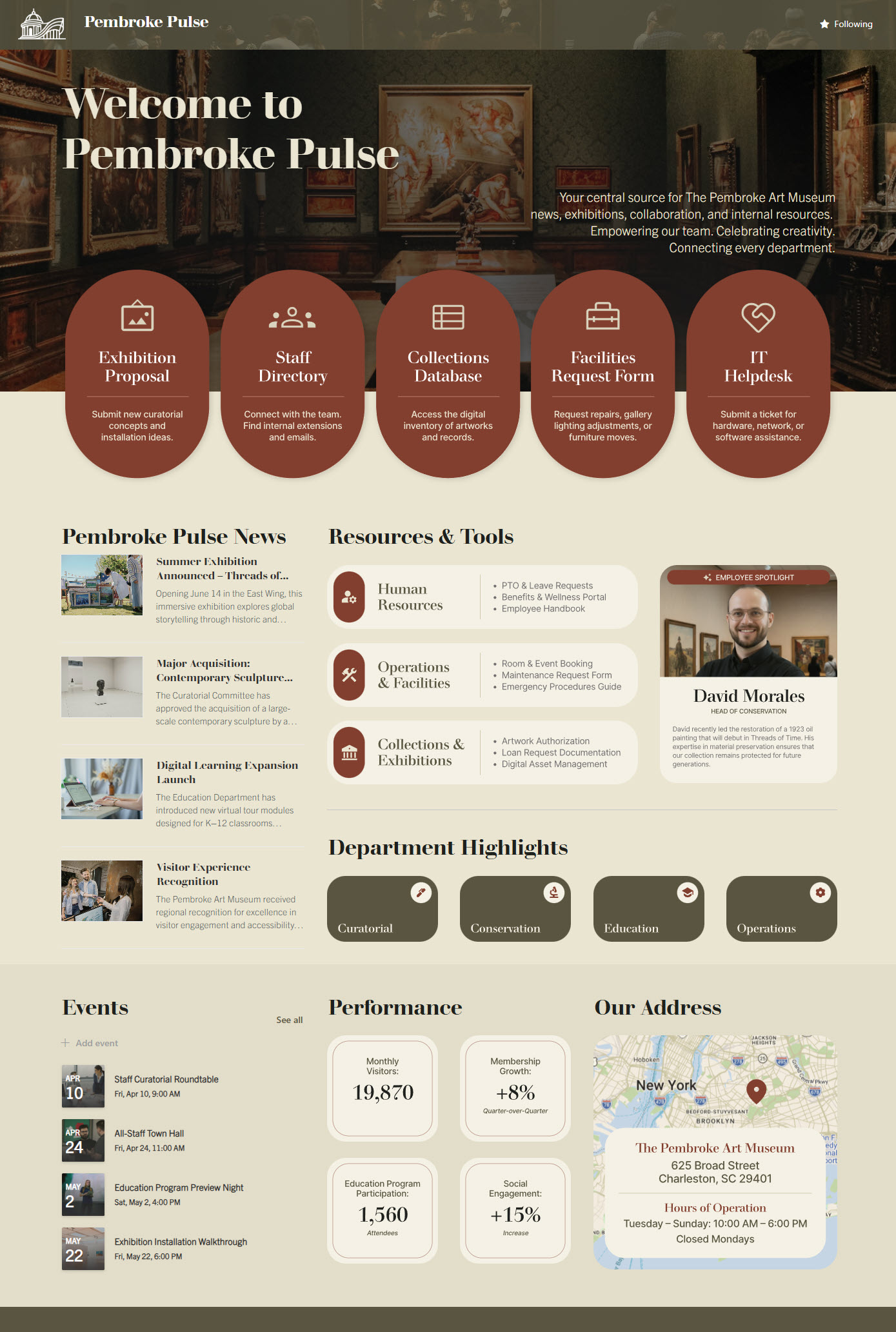
- Custom SharePoint intranet homepage created for an arts and culture museum environment
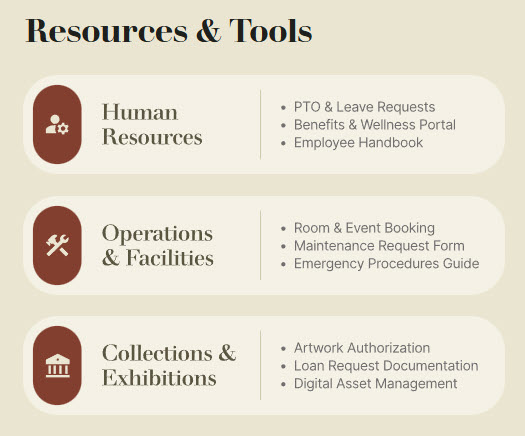
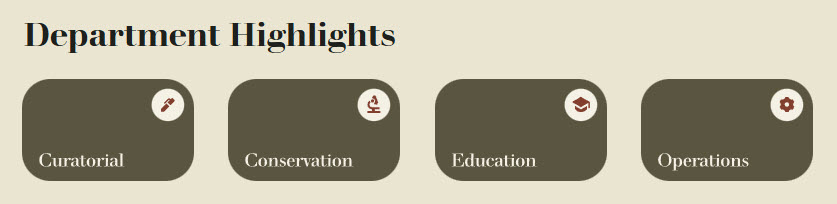
- Clear navigation to museum departments, internal resources, and frequently used tools
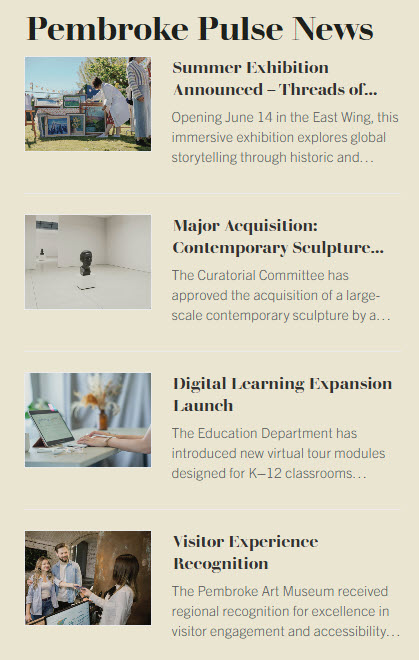
- News section designed to highlight museum updates, announcements, and stories
- Integrated events calendar for exhibitions, staff activities, and important dates
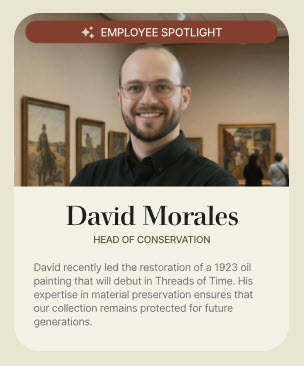
- Employee spotlight area to celebrate museum team members and strengthen internal culture
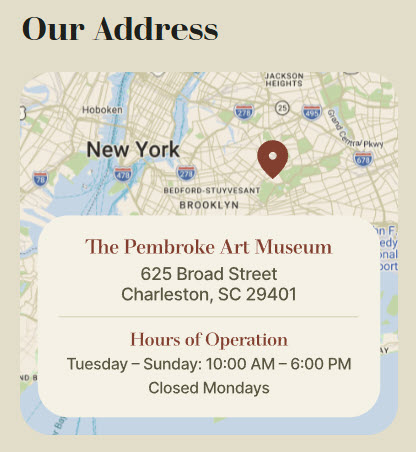
- Location map and address feature to support visitors, staff, and multi-site coordination
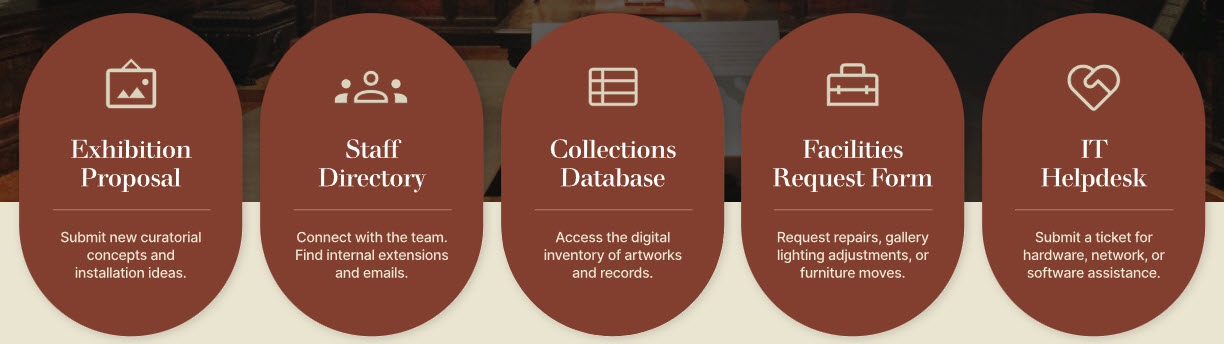
- Opens with a hero section: call-to-action buttons point staff to top priorities
Benefits
- Key information on one homepage: department links, resources and tools, news, and the events calendar in a single museum hub
- Departments and tools easy to locate: staff quickly find museum departments, documents, and everyday work tools
- News staff actually see: exhibition updates, museum announcements, and team stories sit right on the homepage
- Events nobody misses: an integrated calendar keeps museum teams aligned on exhibitions and important dates
- Connection across the museum: an employee spotlight features team members and community highlights
- A brand-true digital experience: the design reflects the museum’s arts and culture identity
Common Questions About This Arts & Culture Intranet
What is this museum intranet built with?
The homepage is built with standard SharePoint web parts – News, Events, Image, and Text – combined with a custom theme and custom fonts that reflect the museum’s arts and culture identity. There is no custom code and no third-party tools on the page. This is the kind of clean, maintainable intranet Greg Zelfond builds for museums and cultural institutions.
What’s included on the arts and culture intranet homepage?
The homepage opens with a hero section featuring calls to action, followed by a news section for museum updates and stories, an integrated events calendar for exhibitions and staff activities, a resources and tools section, links to museum departments, an employee spotlight that celebrates team members, and a map and address section that supports visitors, staff, and multi-site coordination.
Does this design use any custom code or third-party tools?
No. Everything is out-of-the-box SharePoint – no custom code, no third-party add-ons. That matters because out-of-the-box intranets are stable, secure, and easy to maintain, and nothing breaks when Microsoft updates the platform. Out-of-the-box is the only way Greg Zelfond builds, which keeps the intranet reliable without recurring developer costs.
Can this design be customized for our museum or cultural organization?
Absolutely. The colors, fonts, imagery, and section layout are all tailored to your institution’s visual identity – which matters more in arts and culture than almost anywhere else. Greg adapts the layout to your departments – curatorial, collections, education, visitor services, development – and to the ticketing, membership, and collections systems your staff use daily.
Will this intranet work on mobile devices?
Yes. SharePoint pages are responsive by design, so the homepage adapts automatically to phones and tablets. Museum staff rarely sit at desks all day – docents, visitor services, security, and facilities teams can check news, the events calendar, and department contacts right from the gallery floor.
Can Greg build this intranet for our museum?
Yes – this is exactly the kind of work Greg Zelfond does. As an independent SharePoint consultant and Microsoft MVP, he designs and builds out-of-the-box intranets like this one for museums, galleries, and cultural institutions, tailored to your brand, your departments, and the way your teams work. Reach out through the contact page to get started.