IT Resource Center (Generic)


Overview
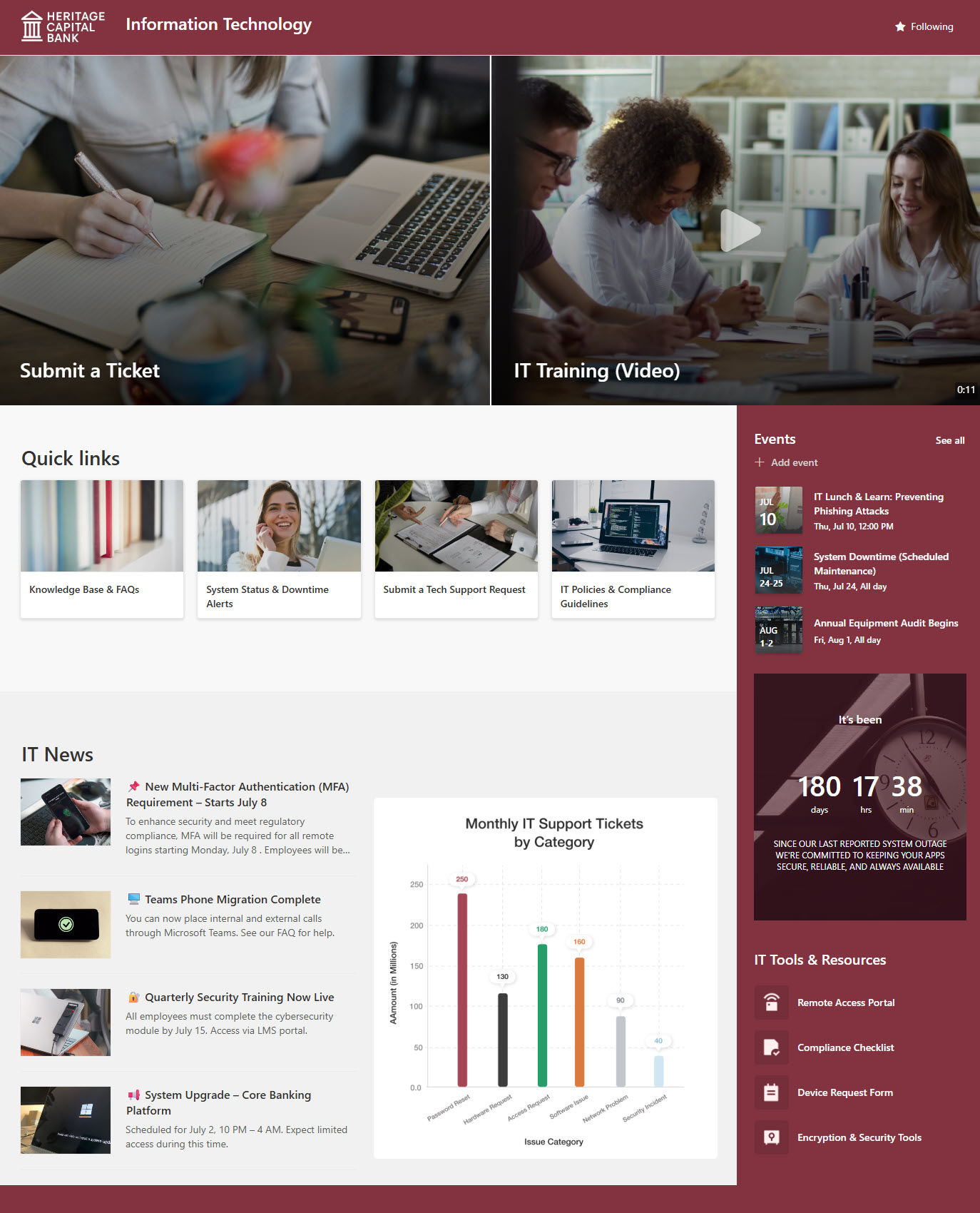
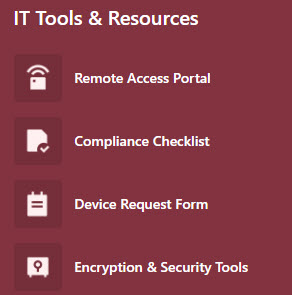
- Hero banner: prominent links at the top of the page pointing employees to the most-used IT resources
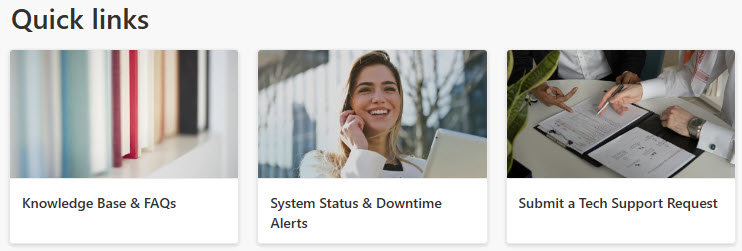
- Quick links: one-click access to helpdesk tickets, software downloads, and system status
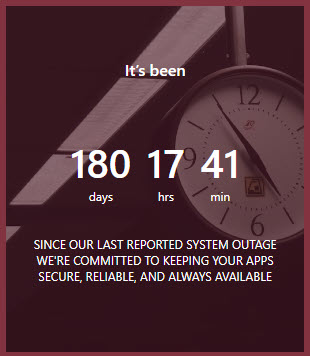
- Countdown timer: draws attention to an important upcoming IT date or deadline
- IT news and announcements: updates about outages, upgrades, and security alerts
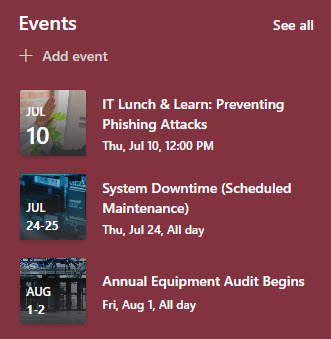
- Events calendar: upcoming IT events and training sessions at a glance
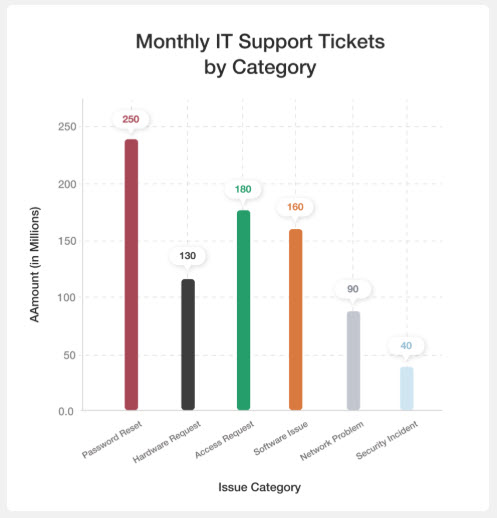
- Power BI chart: displays live data and metrics right on the page
- Knowledge base and document libraries: common troubleshooting steps, FAQs, IT policies, user guides, and training materials
Benefits
- Enhanced Employee Support: Staff can resolve issues faster with self-service resources
- Centralized Resources: All IT information is in one accessible location
- Reduced Helpdesk Load: FAQs and guides reduce repetitive support requests
- Improved Communication: Share announcements about outages, updates, or security alerts
- Out-of-the-Box Simplicity: Built using standard SharePoint tools with no custom development needed
Common Questions About This IT Resource Center
What is this IT Resource Center built with?
The IT Resource Center is built entirely with standard SharePoint web parts – Hero, News, Events, Quick Links, and Power BI – paired with a custom theme, custom fonts, and flexible sections for the layout. There is no custom code and there are no third-party tools. It is the kind of clean, maintainable department site Greg Zelfond builds for IT teams.
What’s included on the IT Resource Center?
The homepage gives employees quick links to helpdesk tickets, software downloads, and system status, with a hero banner pointing to the most-used resources. A countdown timer flags an important upcoming IT date, an events calendar lists what is ahead, and a Power BI chart displays live data on the page. IT news covers outages and security alerts, and a knowledge base with document libraries holds policies, user guides, and training materials.
Does this design use any custom code or third-party tools?
No. Everything on this design is standard SharePoint – the layout, web parts, theme, and fonts all come from what Microsoft includes with Microsoft 365. That matters because out-of-the-box sites are stable, secure, and easy to maintain, and nothing breaks when Microsoft rolls out updates. Out-of-the-box is the only way Greg builds, and it keeps the site simple for your team to own long after launch.
Can this design be customized for our IT department?
Absolutely. The theme, fonts, quick links, and sections can all be tailored to your organization’s branding and the way your IT team supports employees. Greg adapts the layout to your helpdesk system, software catalog, and the questions your support team answers most often, so the site reflects how IT actually works at your organization.
Will this site work on mobile devices?
Yes. SharePoint sites are responsive by default, so the IT Resource Center adjusts automatically to phones and tablets with no extra configuration. That is especially useful for IT support – employees can check system status, find a troubleshooting guide, or open a helpdesk ticket from wherever they are, instead of waiting until they are back at a desk.
Can Greg build this IT Resource Center for our organization?
Yes – this is exactly the kind of work Greg Zelfond does. As an independent SharePoint consultant and Microsoft MVP, Greg designs and builds out-of-the-box department sites like this one for organizations of all sizes. He handles the layout, structure, branding, and rollout so your team gets a polished IT resource center without custom development. Reach out through the contact page to get started.