Accounting (Generic Department)


Overview
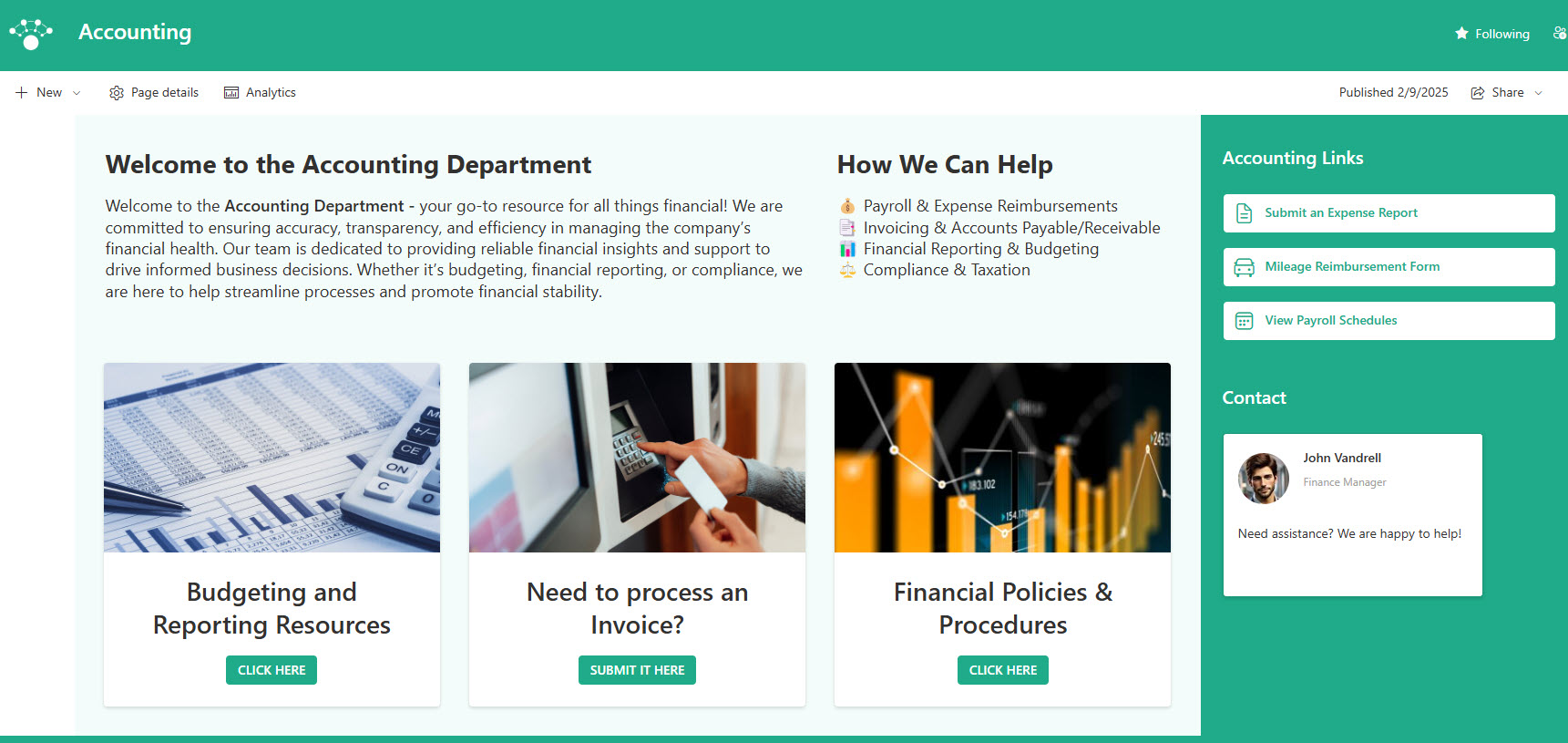
- Clean & simple layout to ensure quick and easy access to financial resources
- A dedicated space to highlight the department overview & mission, reinforcing the company’s financial vision and values
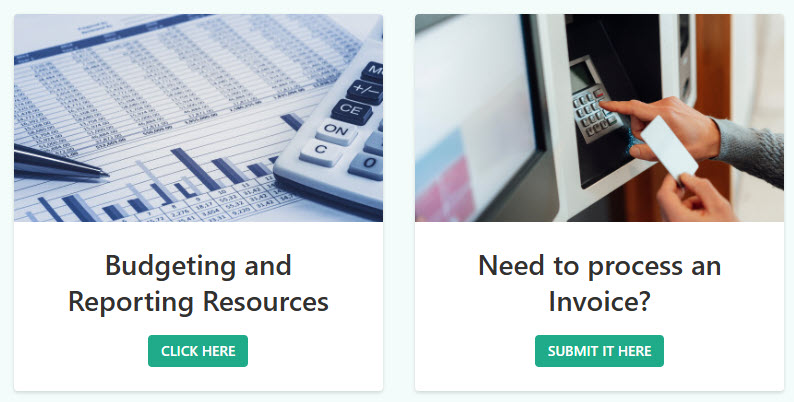
- Prominent Call to Action linking to key accounting materials such as budget resources, policies & procedures, forms and templates
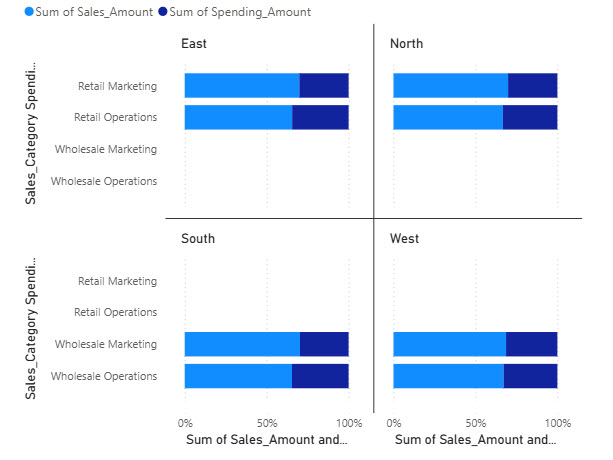
- Seamless integration of real-time financial dashboards and reports (Power BI) for data-driven decision-making
- A well-organized, easy-to-find section displaying key Accounting team members for direct support and inquiries
Benefits
- Centralizes key accounting documents, policies, and forms, making it easy for staff to find what they need without chasing down files
- Supports secure sharing of financial data and resources, reducing risk while improving internal collaboration
- Streamlines access to expense policies, invoice procedures, and templates, cutting down on back-and-forth emails and confusion
- Reduces repetitive accounting-related inquiries, by making common answers and resources self-serve across the organization
- Keeps the build fully out-of-the-box: uses only standard SharePoint web parts, so there is nothing custom to maintain and the site stays current as Microsoft updates SharePoint
Common Questions About This Accounting Department Site
What is this Accounting Department site built with?
The Accounting Department site is built entirely with standard SharePoint web parts – Editorial, People, Power BI, Quick Links, and Text – arranged with a vertical section for a clean, simple layout. There is no custom code and there are no third-party tools, just SharePoint used well. It is the kind of clean, maintainable department site Greg Zelfond builds for accounting and finance teams.
What’s included on the Accounting Department site?
The homepage opens with a clean, simple layout and a dedicated space for the department overview and mission. A prominent call to action links to key accounting materials such as budget resources, policies and procedures, and forms and templates. Power BI brings real-time financial dashboards and reports onto the page, and a well-organized section displays key accounting team members for direct support and inquiries.
Does this design use any custom code or third-party tools?
No. Everything on this design is standard SharePoint – the layout, web parts, and styling all come from what Microsoft includes with Microsoft 365. That matters because out-of-the-box sites are stable, secure, and easy to maintain, and nothing breaks when Microsoft rolls out updates. Out-of-the-box is the only way Greg builds, and it keeps the site simple for your team to own long after launch.
Can this design be customized for our accounting team?
Absolutely. The layout, links, and dashboards can all be tailored to your organization’s branding and the way your accounting team supports the business. Greg adapts the structure to your expense policies, invoice procedures, reporting tools, and month-end deadlines, so employees see the resources your finance team actually wants them to use.
Will this site work on mobile devices?
Yes. SharePoint sites are responsive by default, so the Accounting Department site adjusts automatically to phones and tablets with no extra configuration. Employees can find an expense policy, grab an invoice template, or reach the right accounting contact from anywhere, and managers can glance at the Power BI dashboards without opening a laptop.
Can Greg build this Accounting Department site for our organization?
Yes – this is exactly the kind of work Greg Zelfond does. As an independent SharePoint consultant and Microsoft MVP, Greg designs and builds out-of-the-box department sites like this one for organizations of all sizes. He handles the layout, structure, branding, and rollout so your team gets a polished accounting site without custom development. Reach out through the contact page to get started.