
Common Questions About SharePoint Intranets
SharePoint Intranet Basics
A SharePoint intranet is a private, internal website where an organization shares news, resources, links, events, and tools with employees. Built on SharePoint Online and Microsoft 365, it becomes the central home base for company communication and content. Every intranet in this gallery is built entirely out-of-the-box, with no custom code or third-party tools.
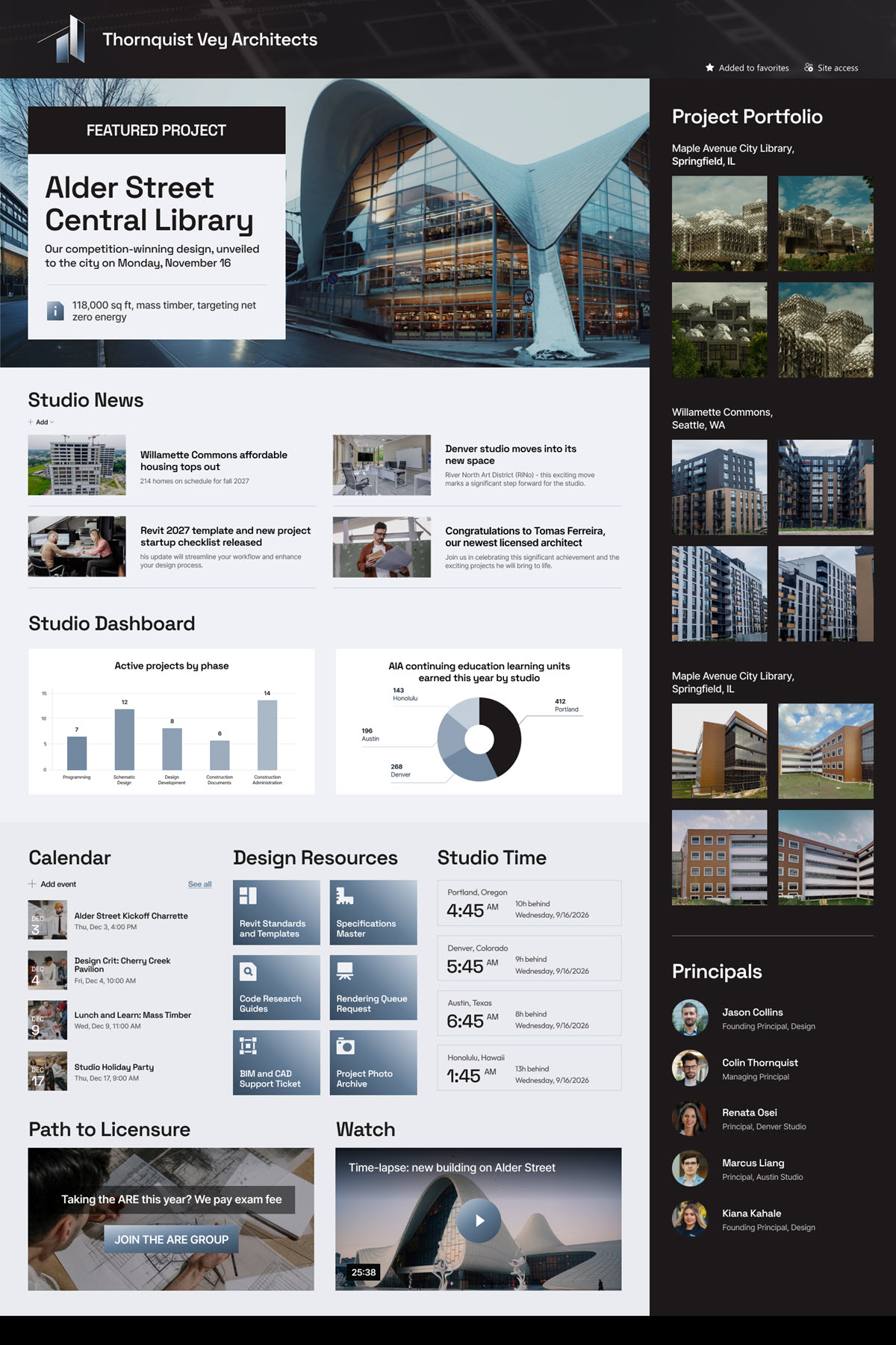
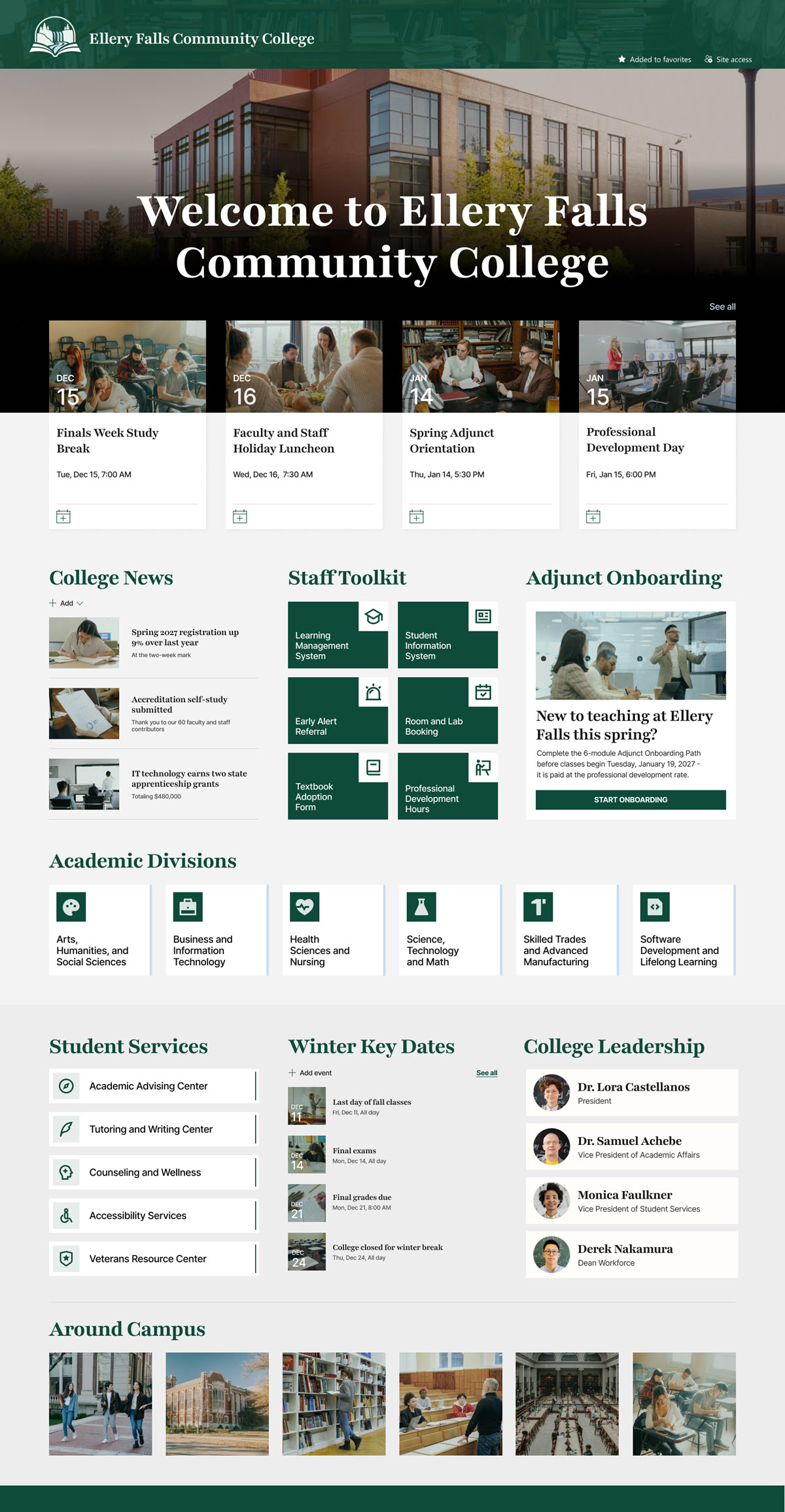
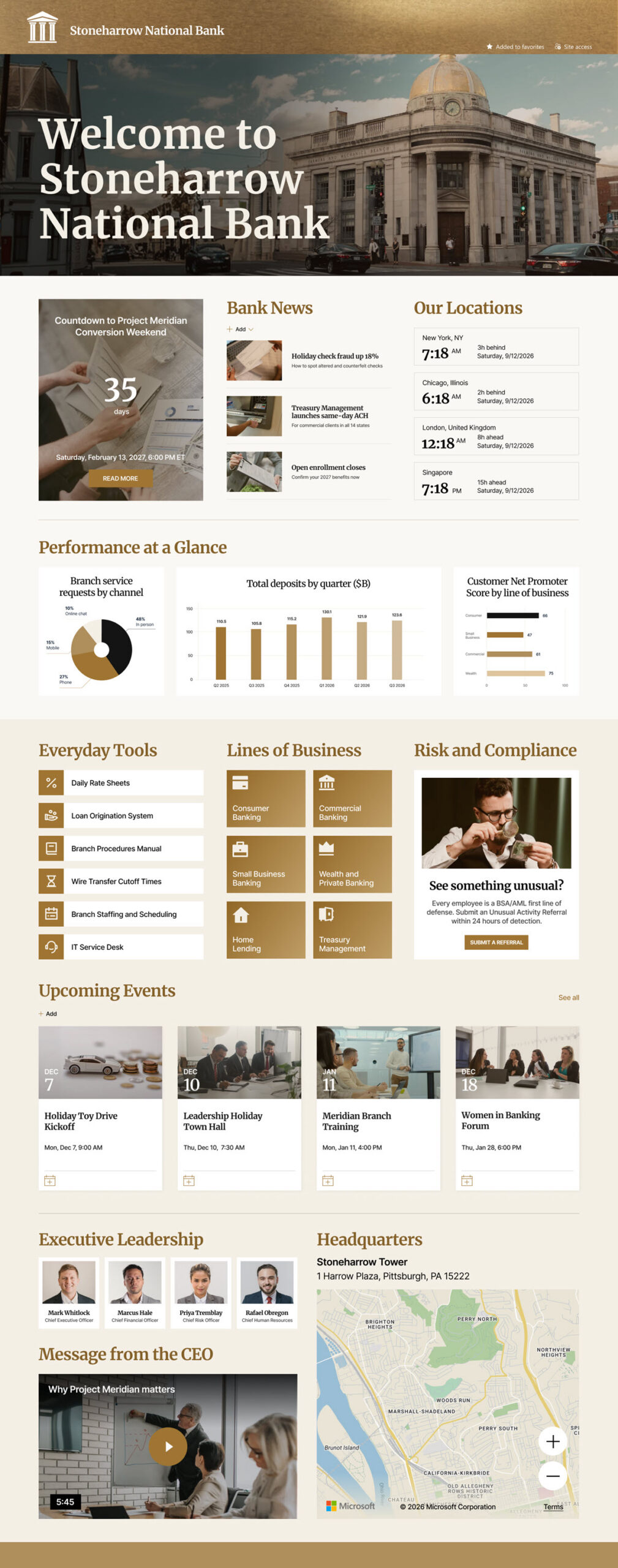
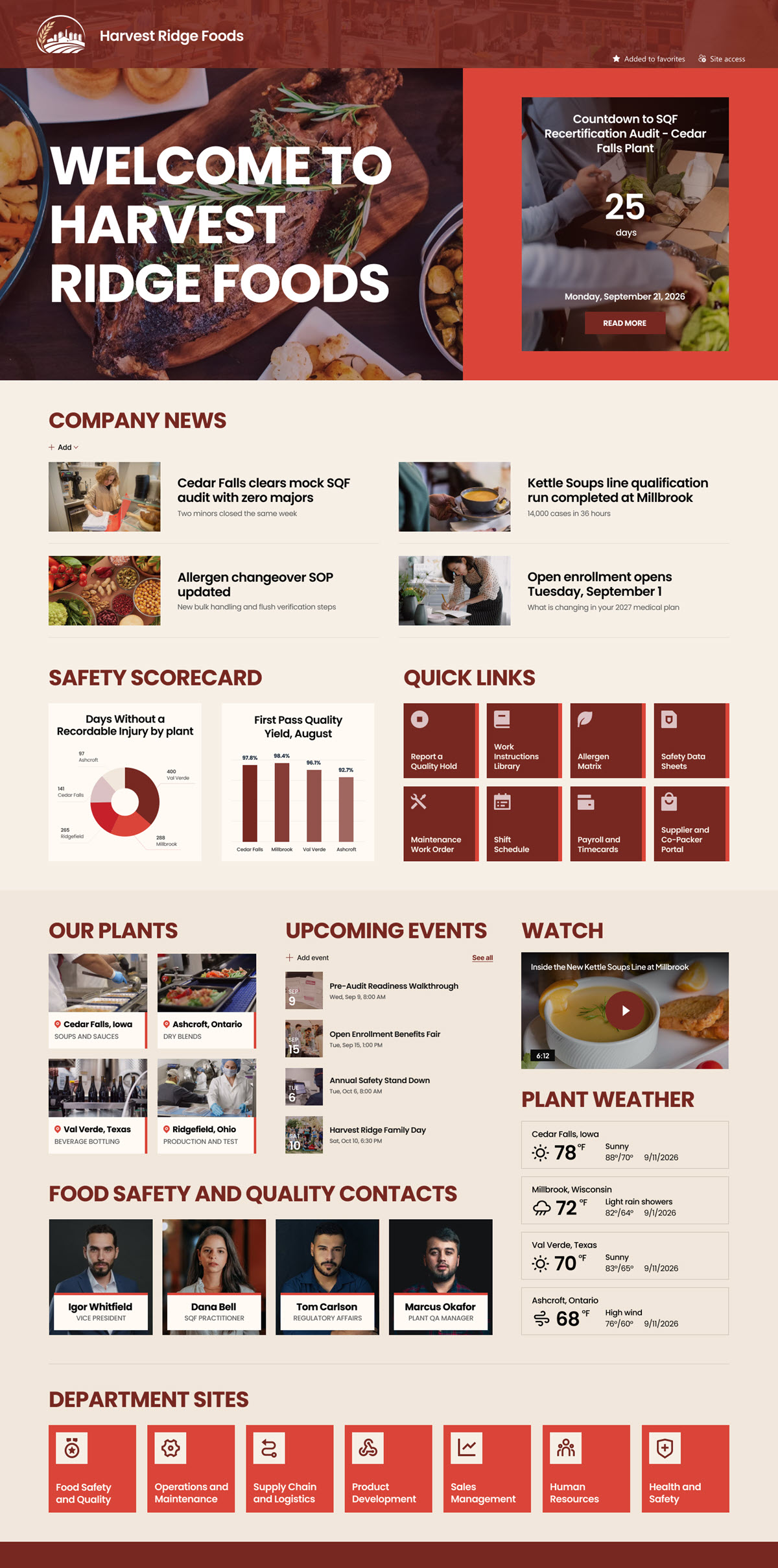
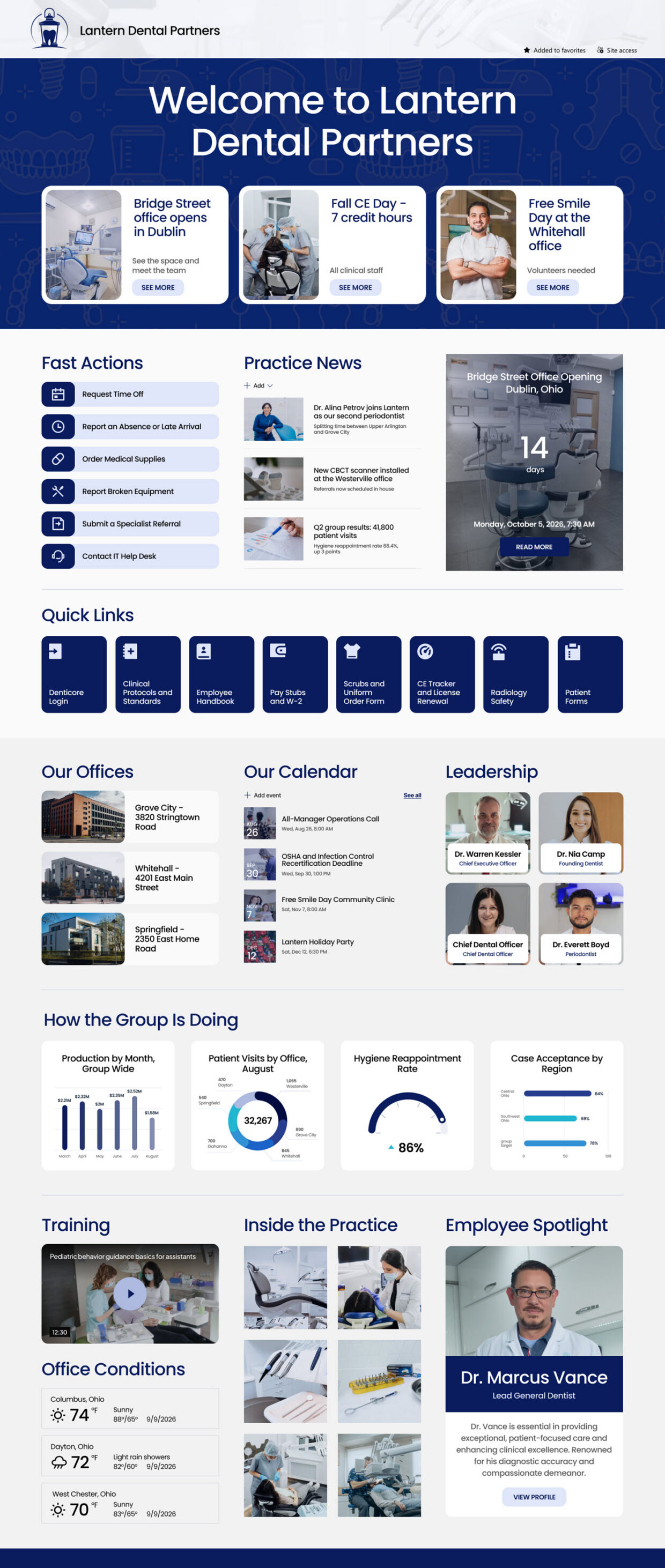
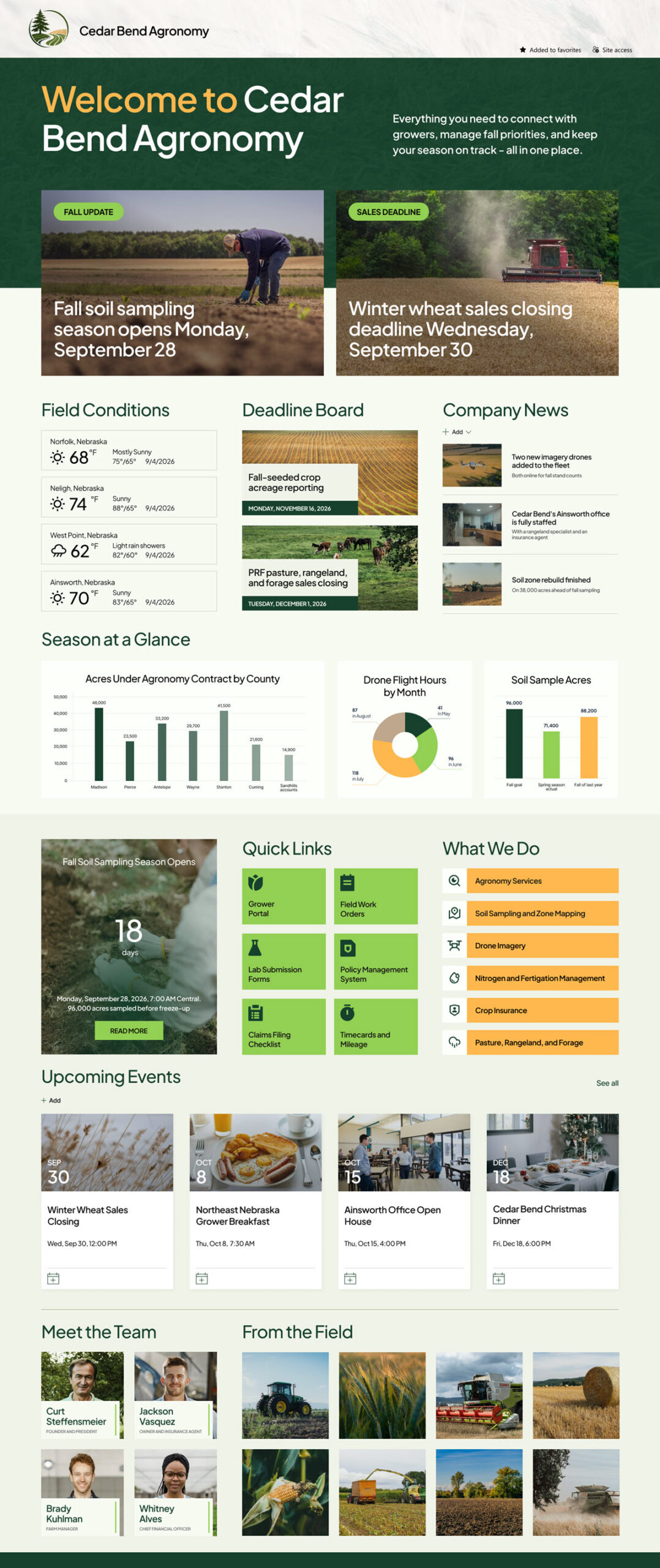
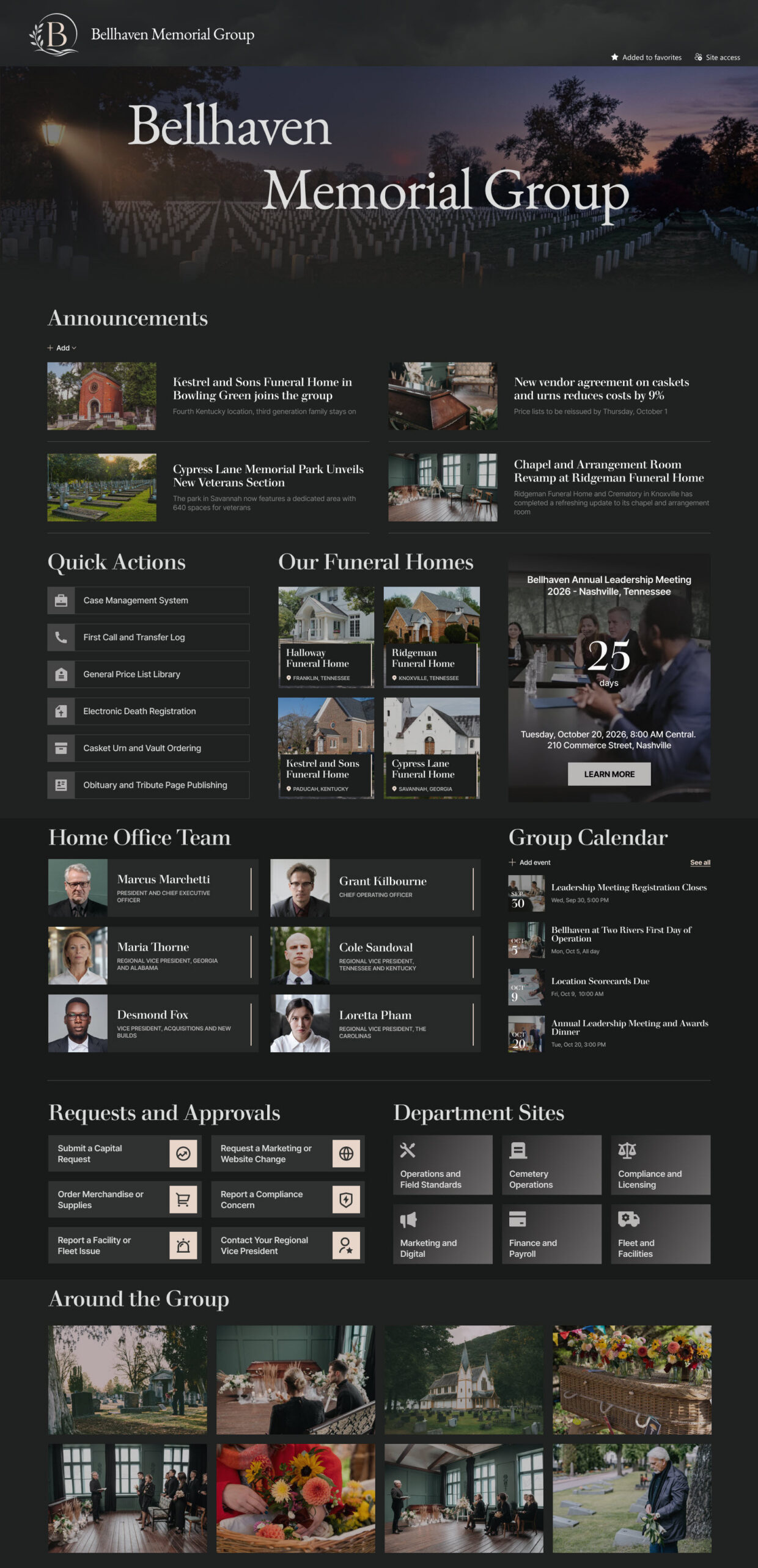
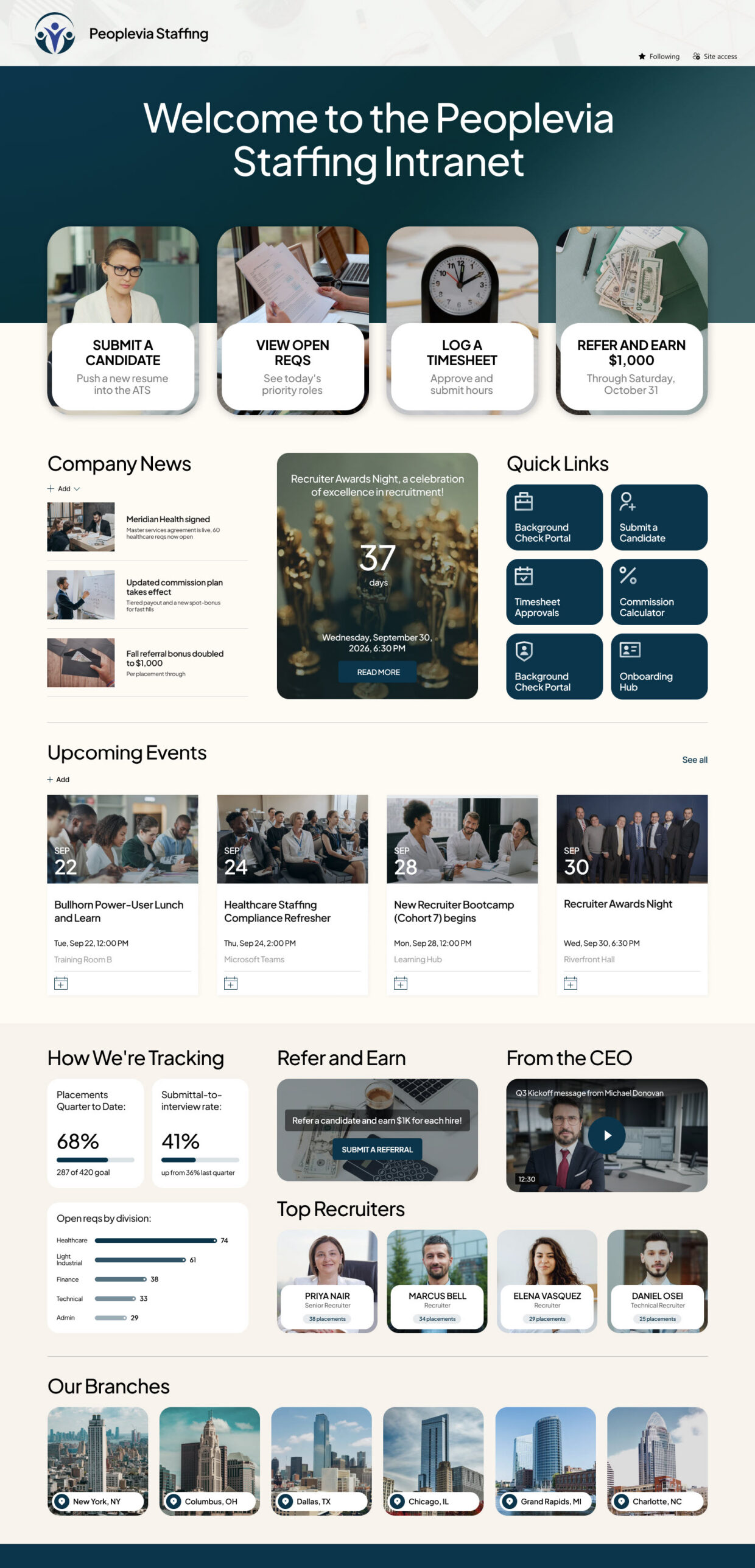
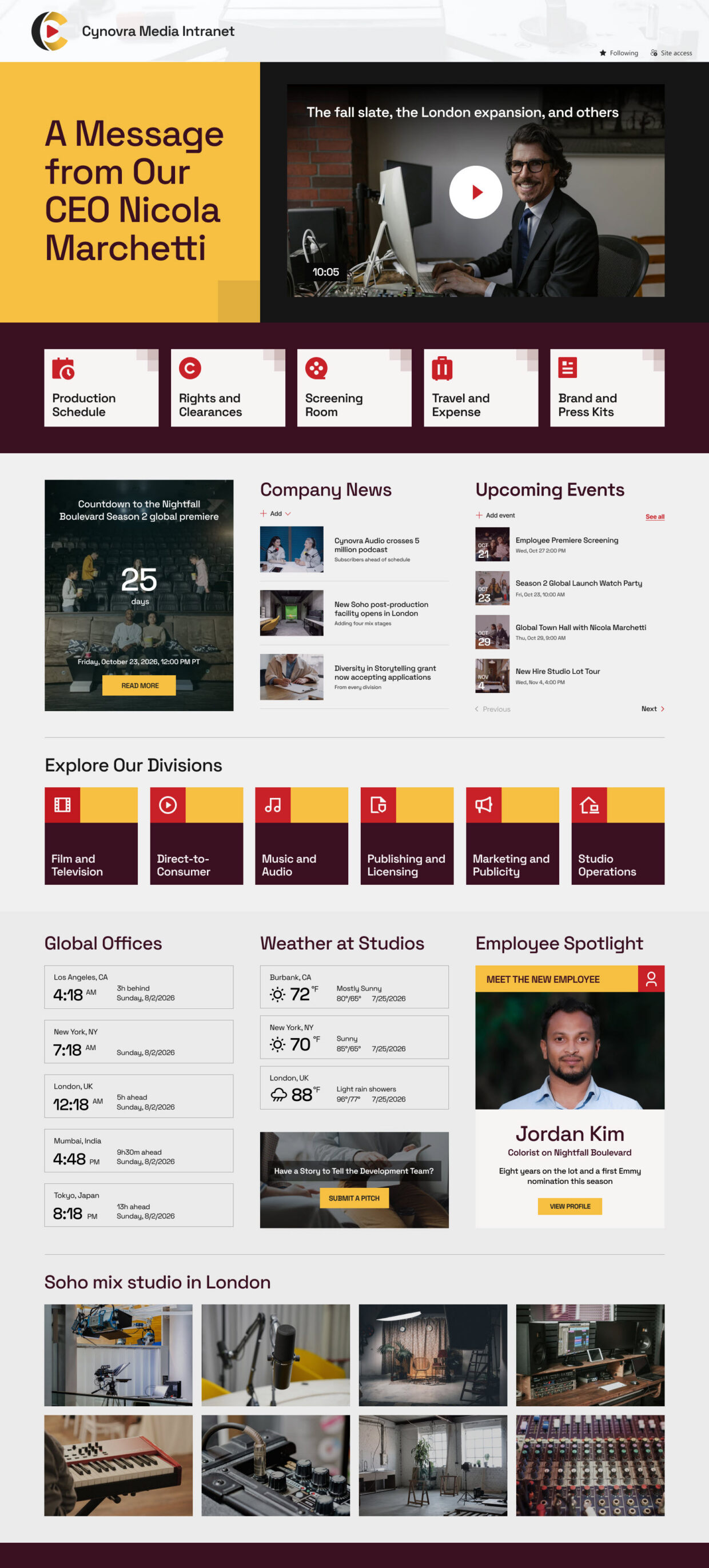
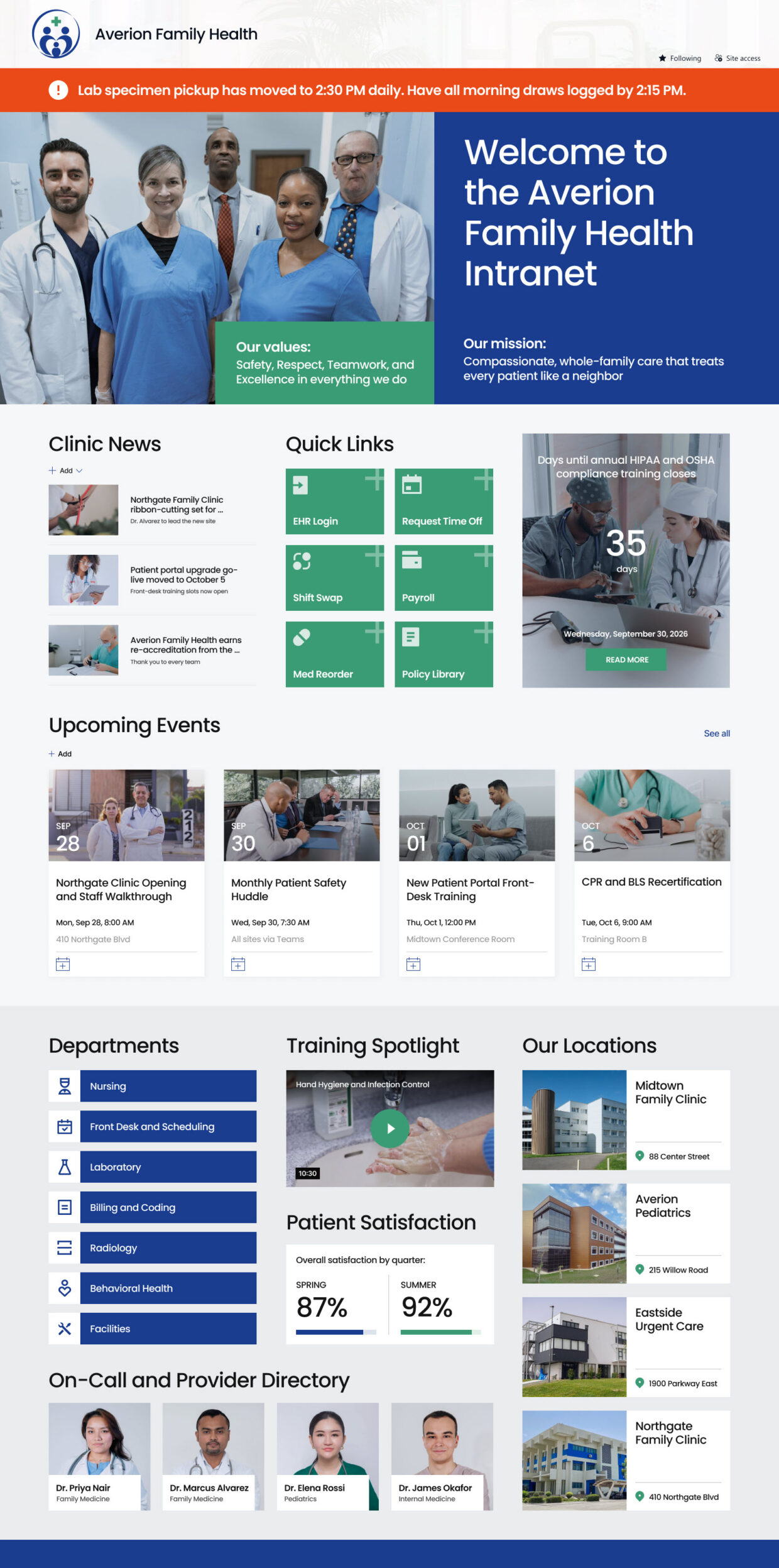
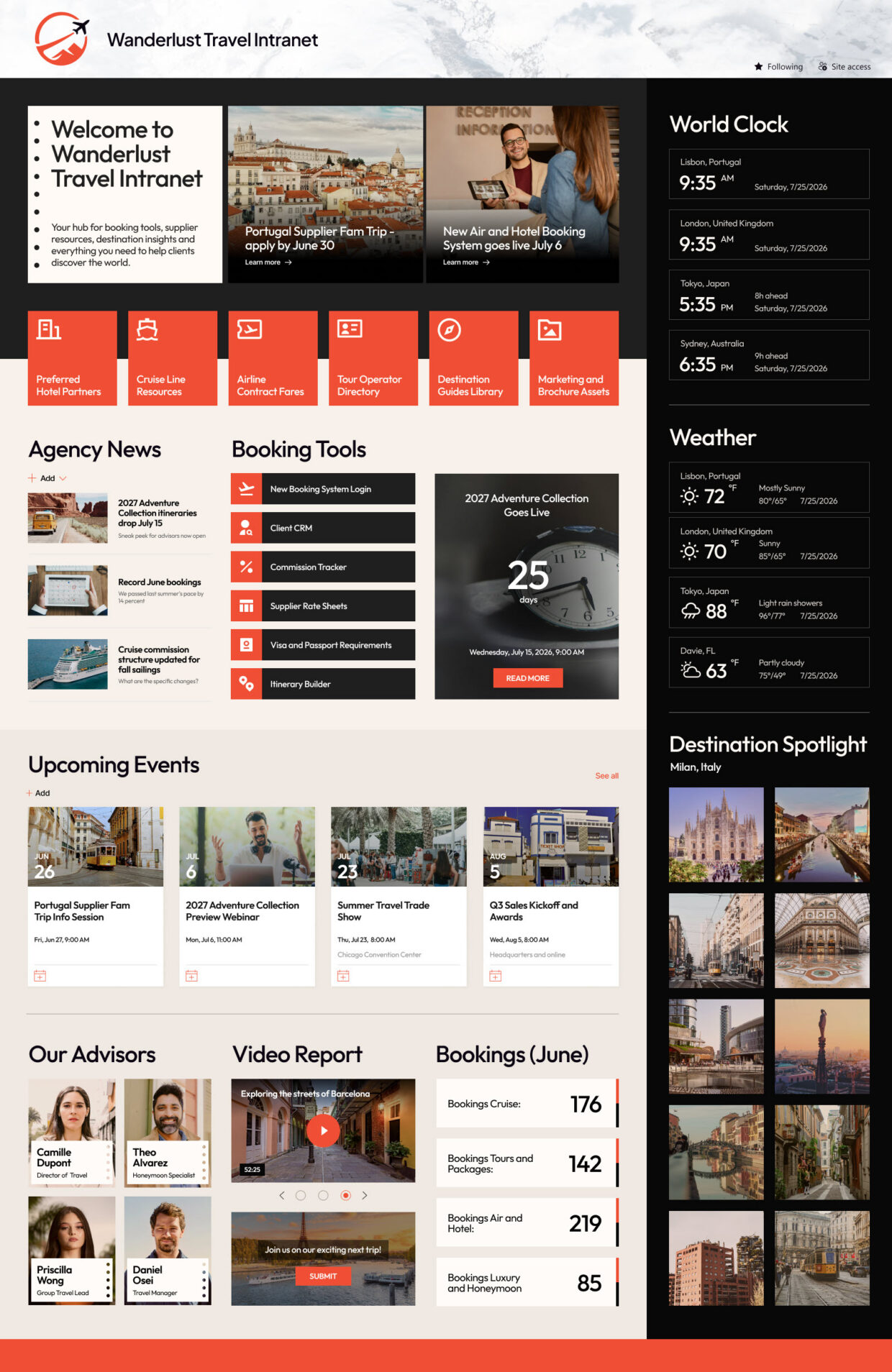
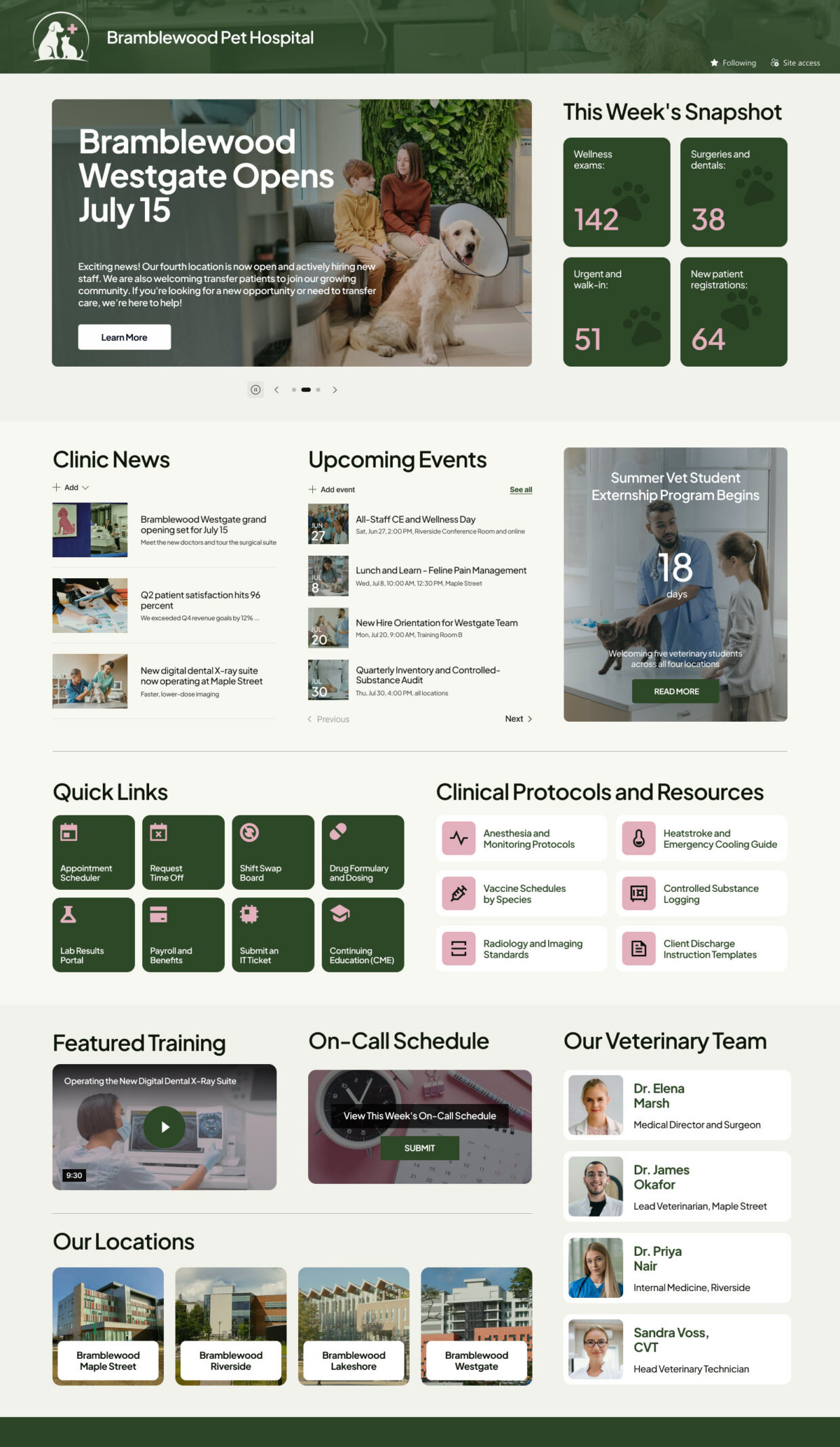
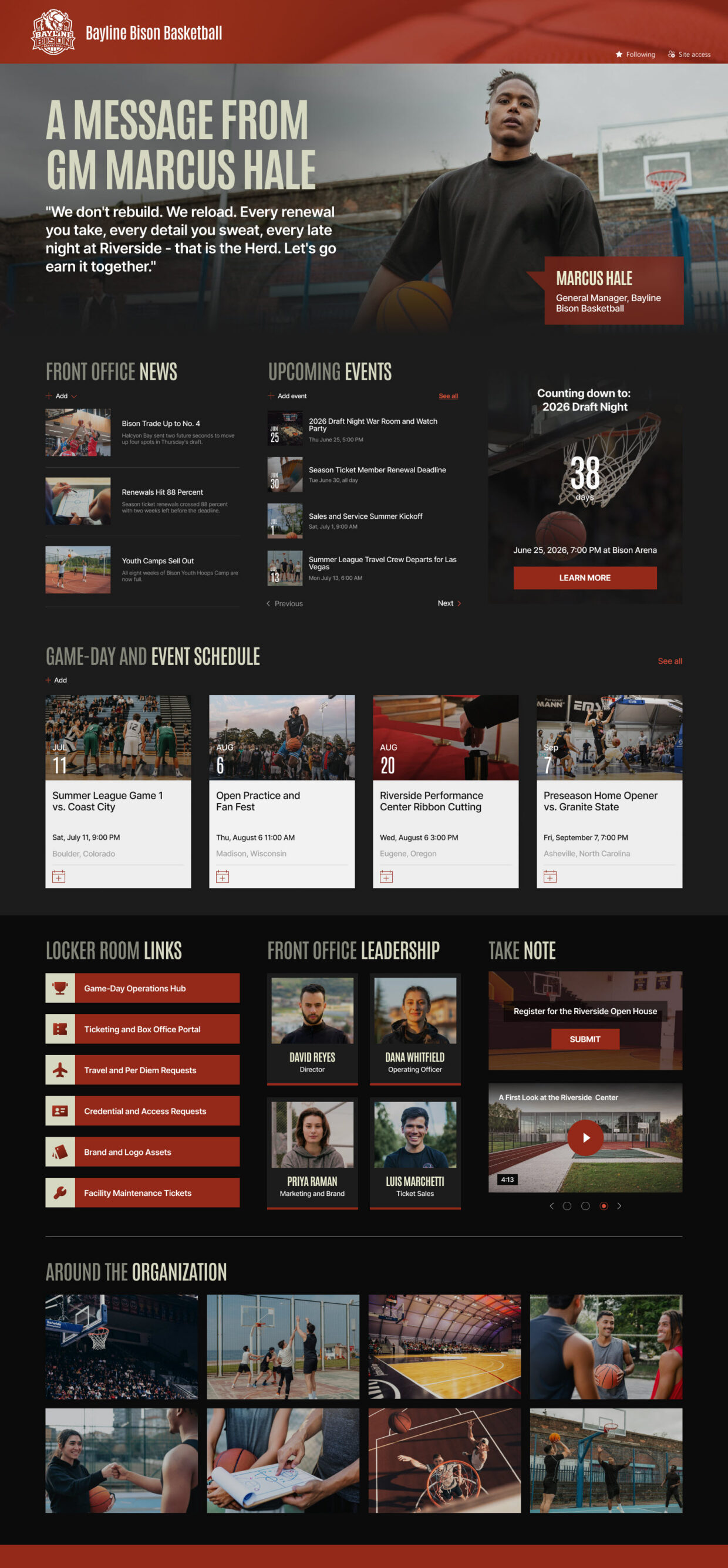
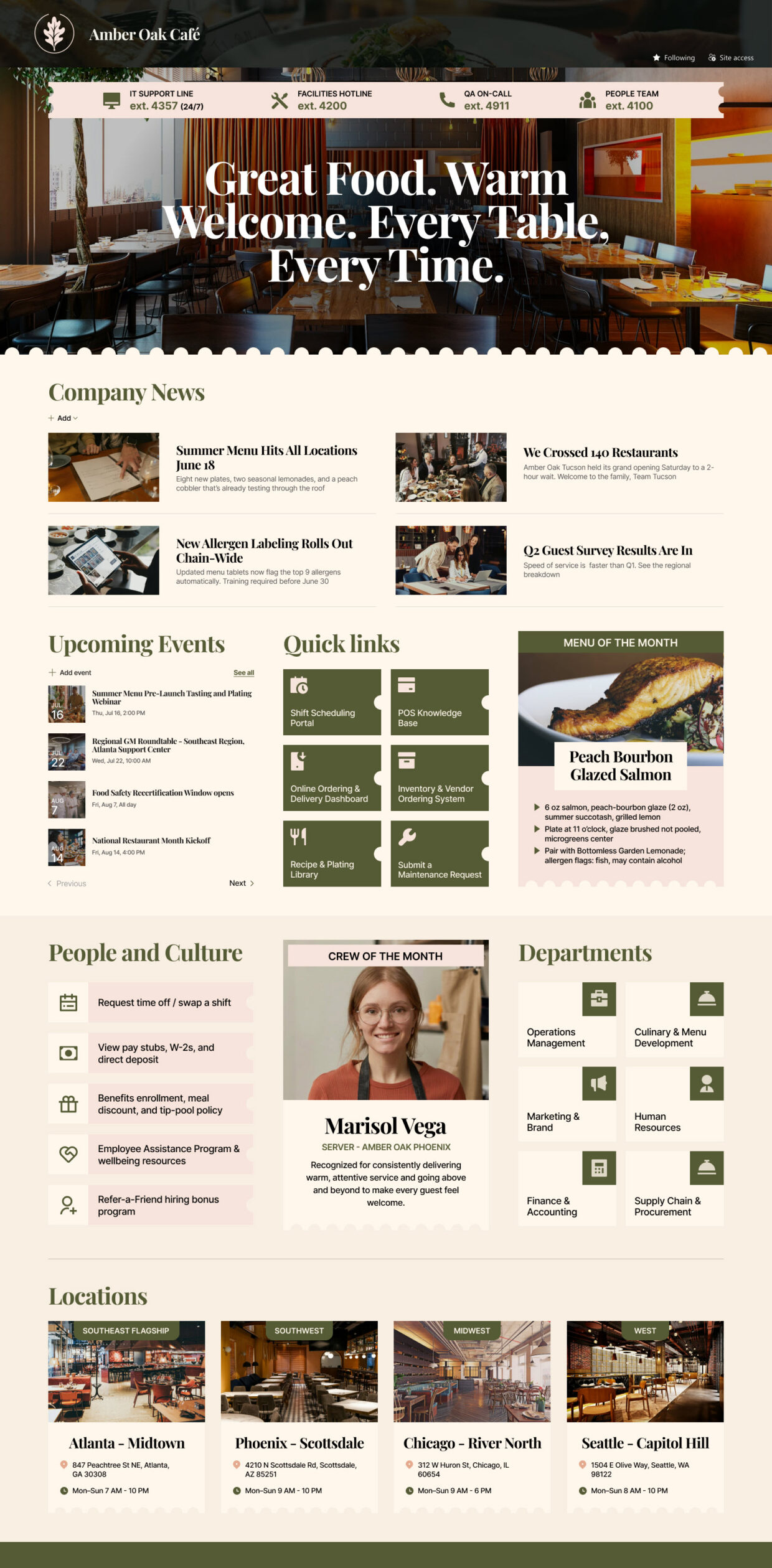
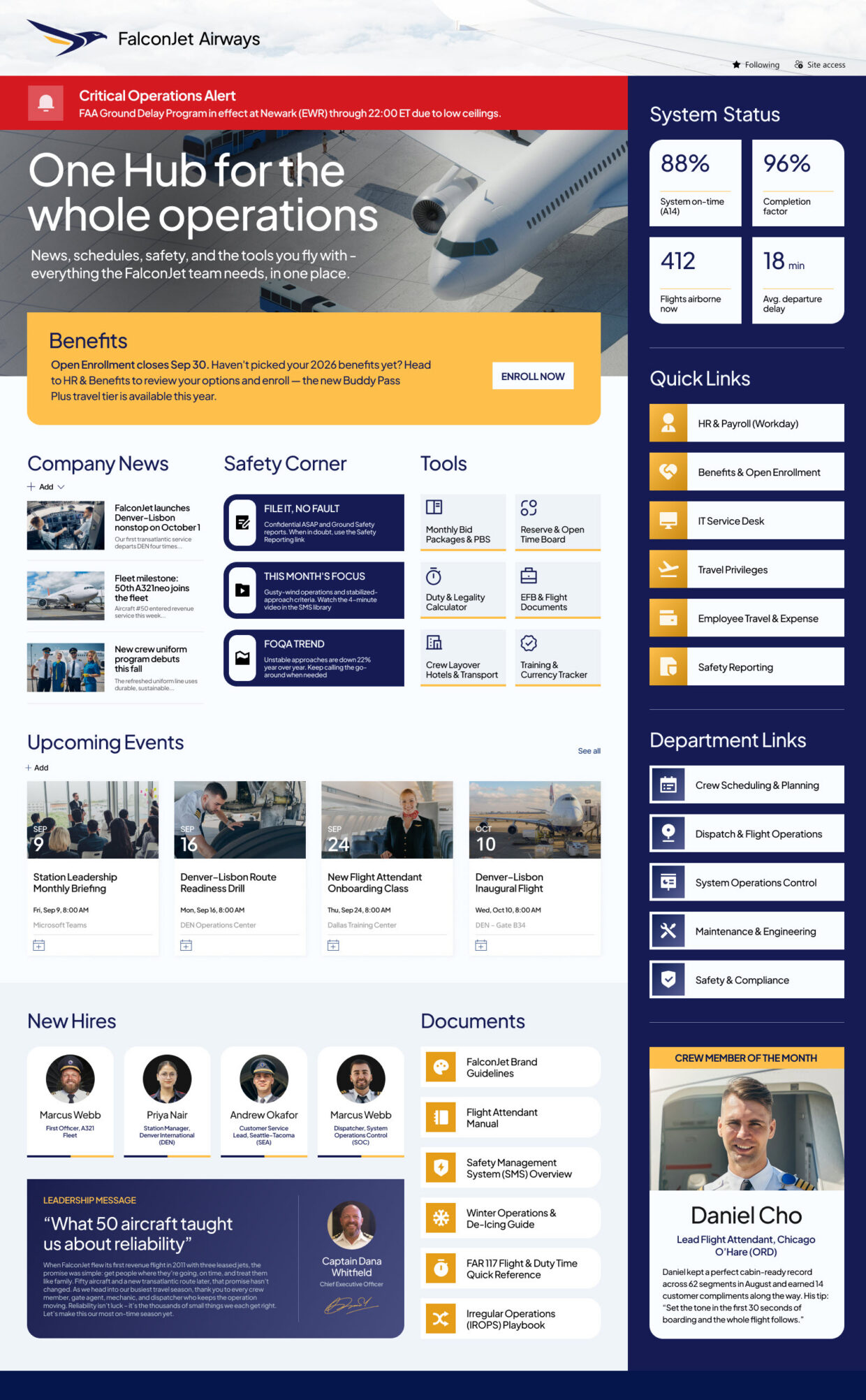
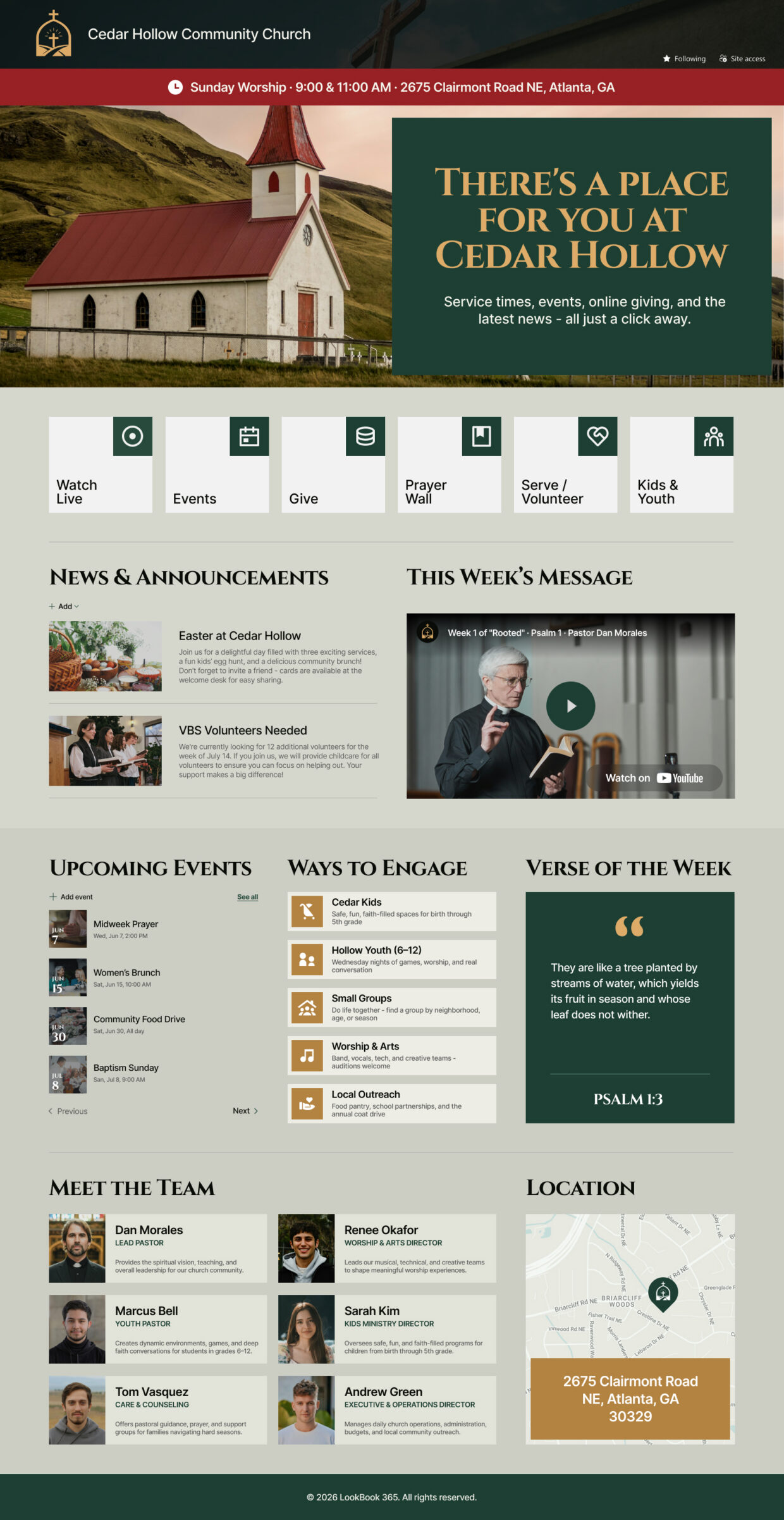
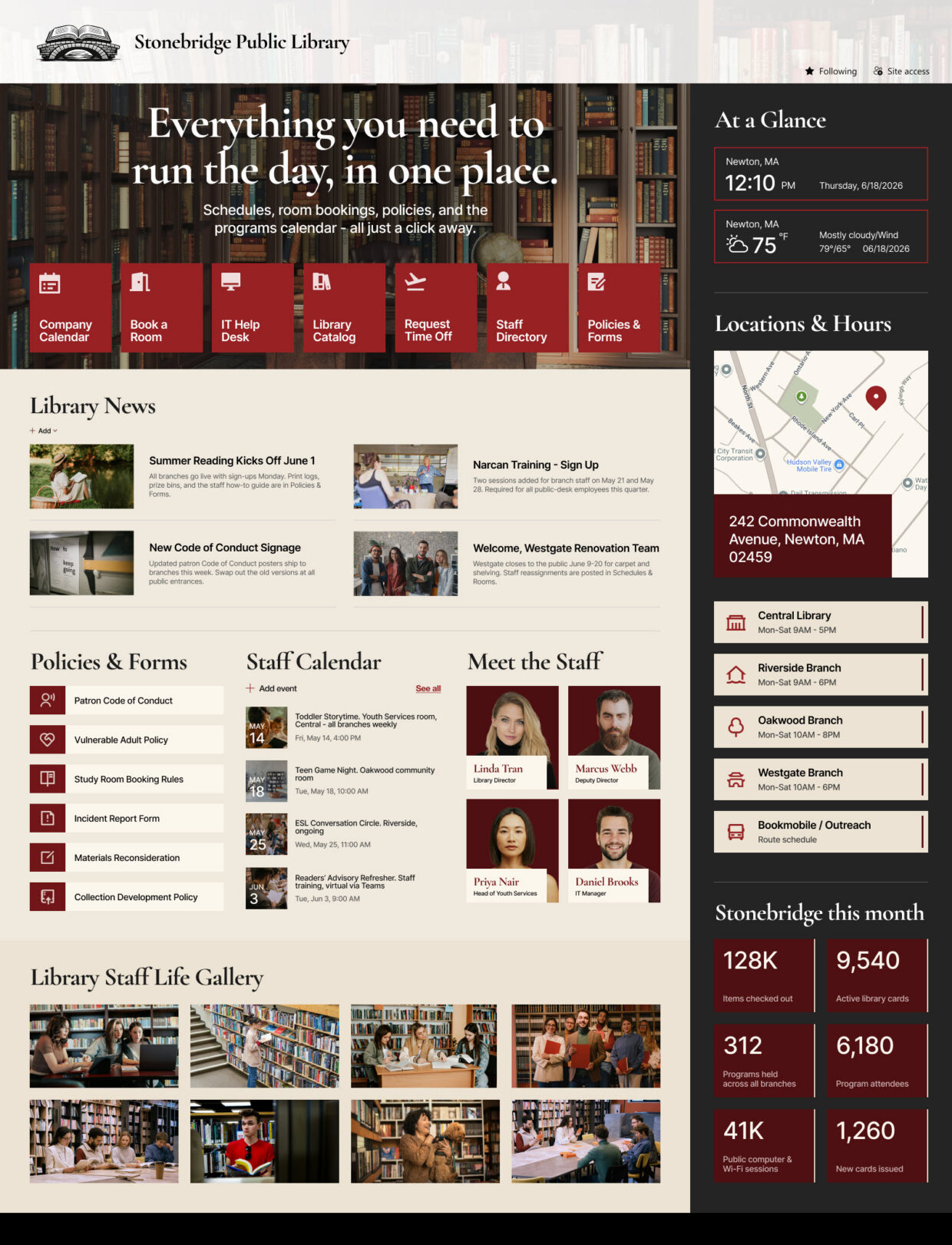
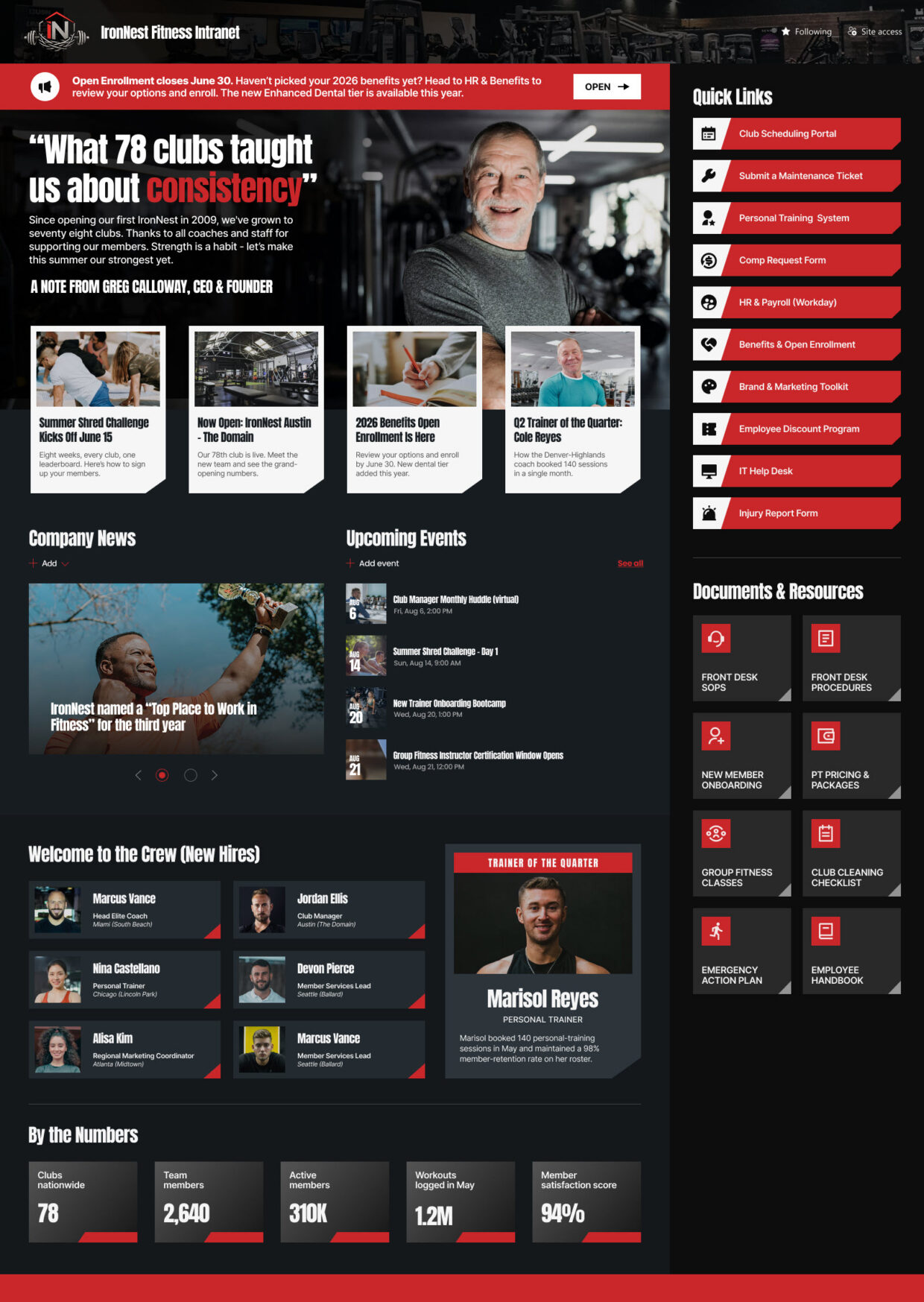
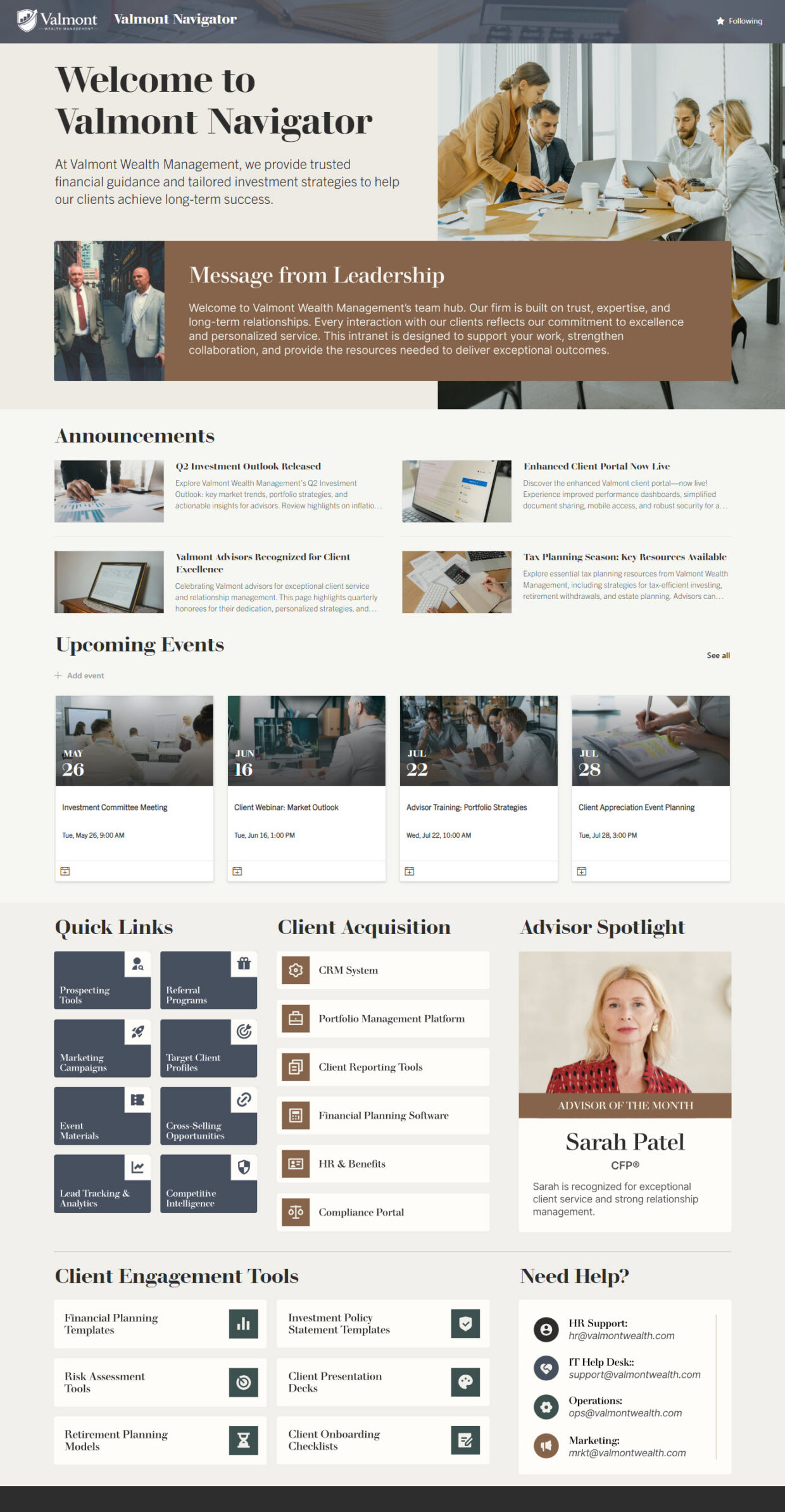
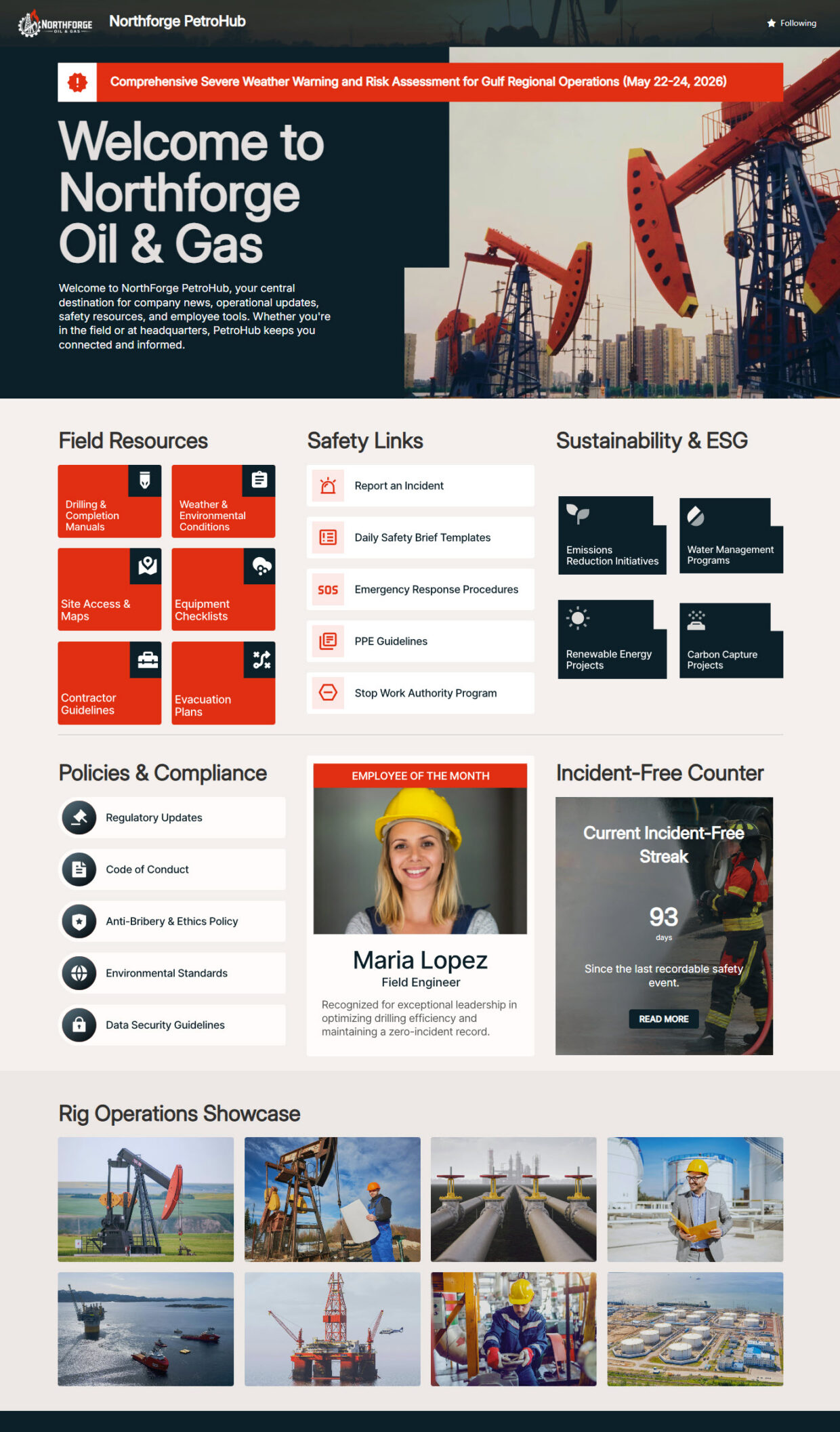
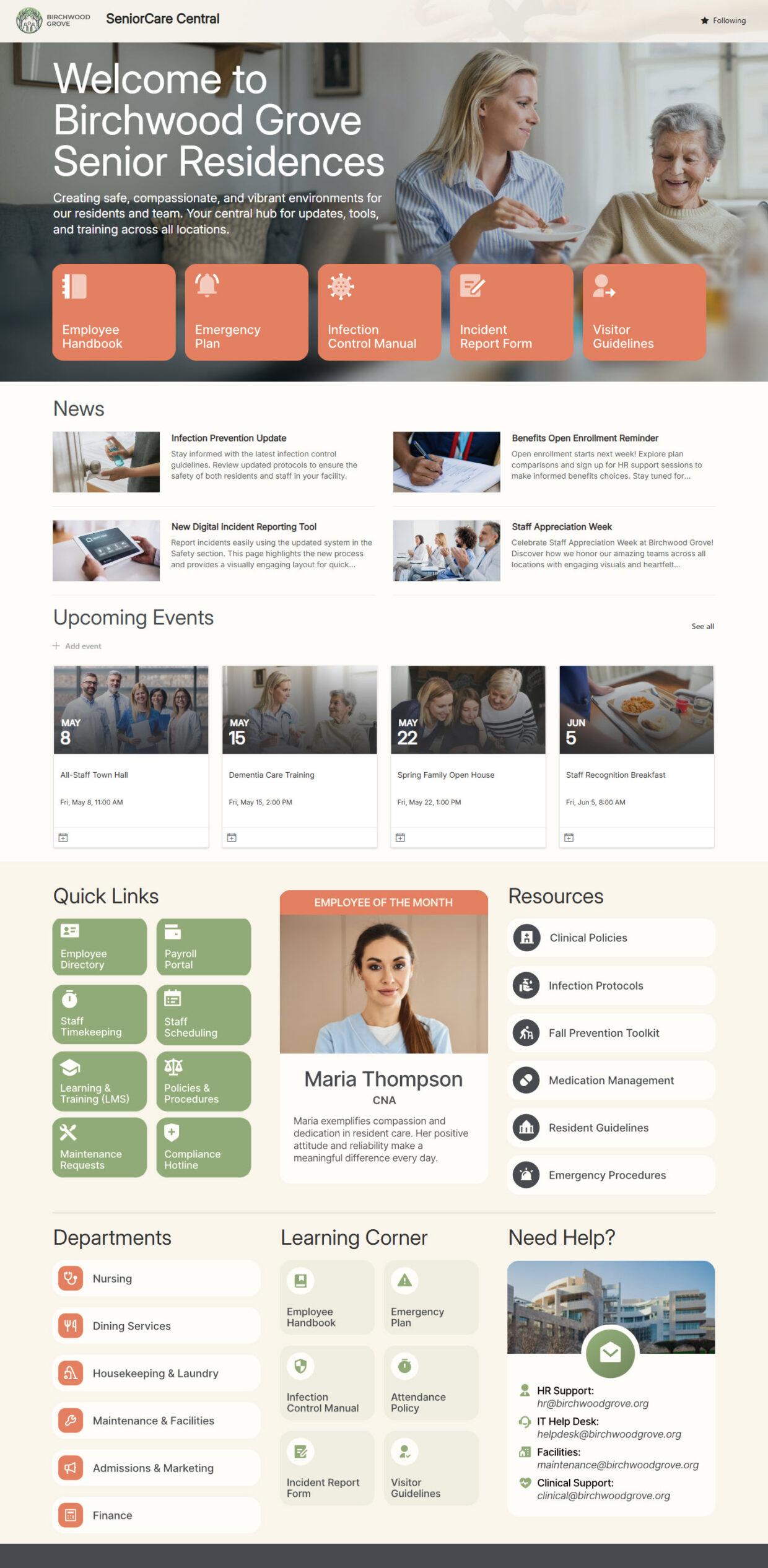
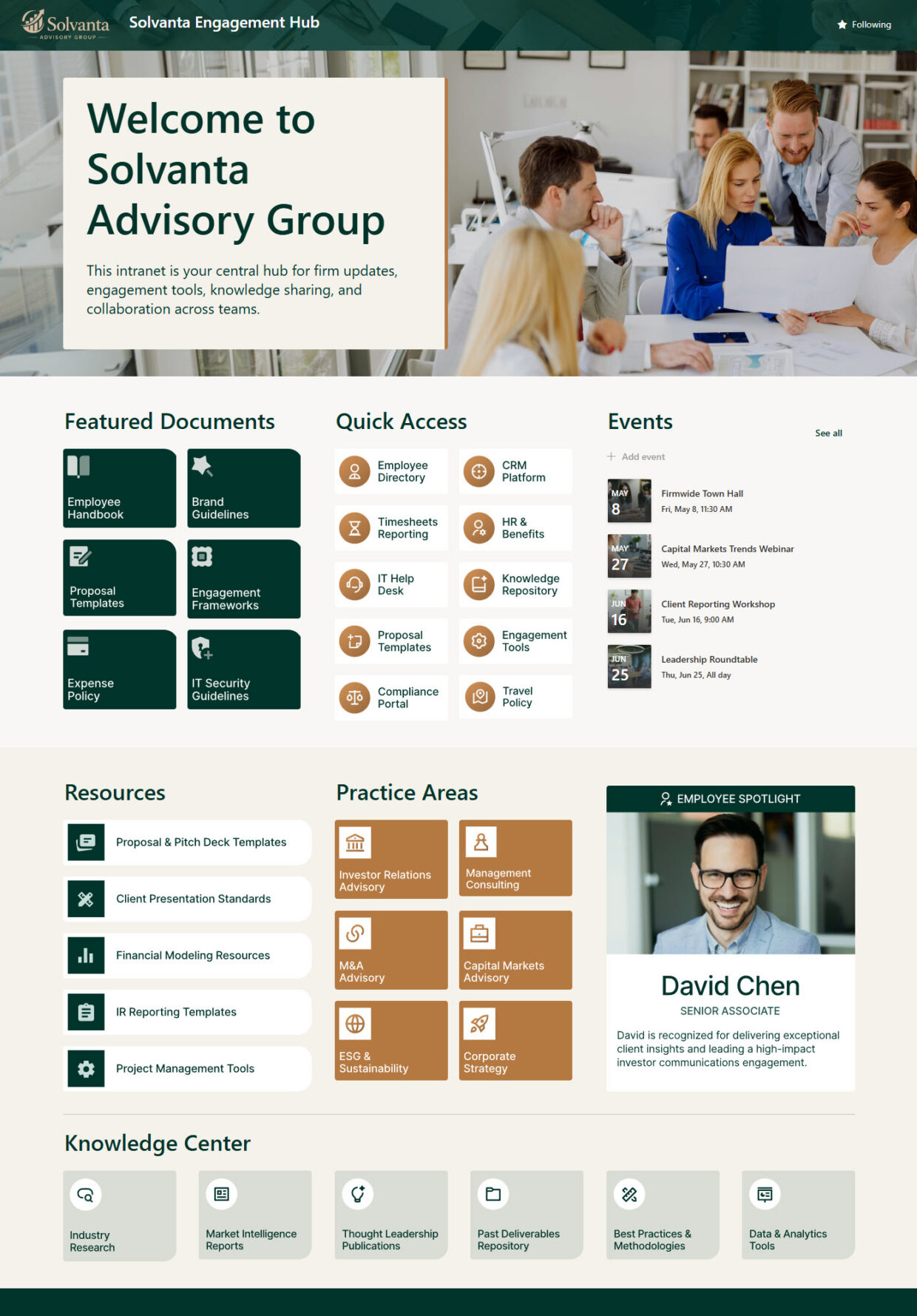
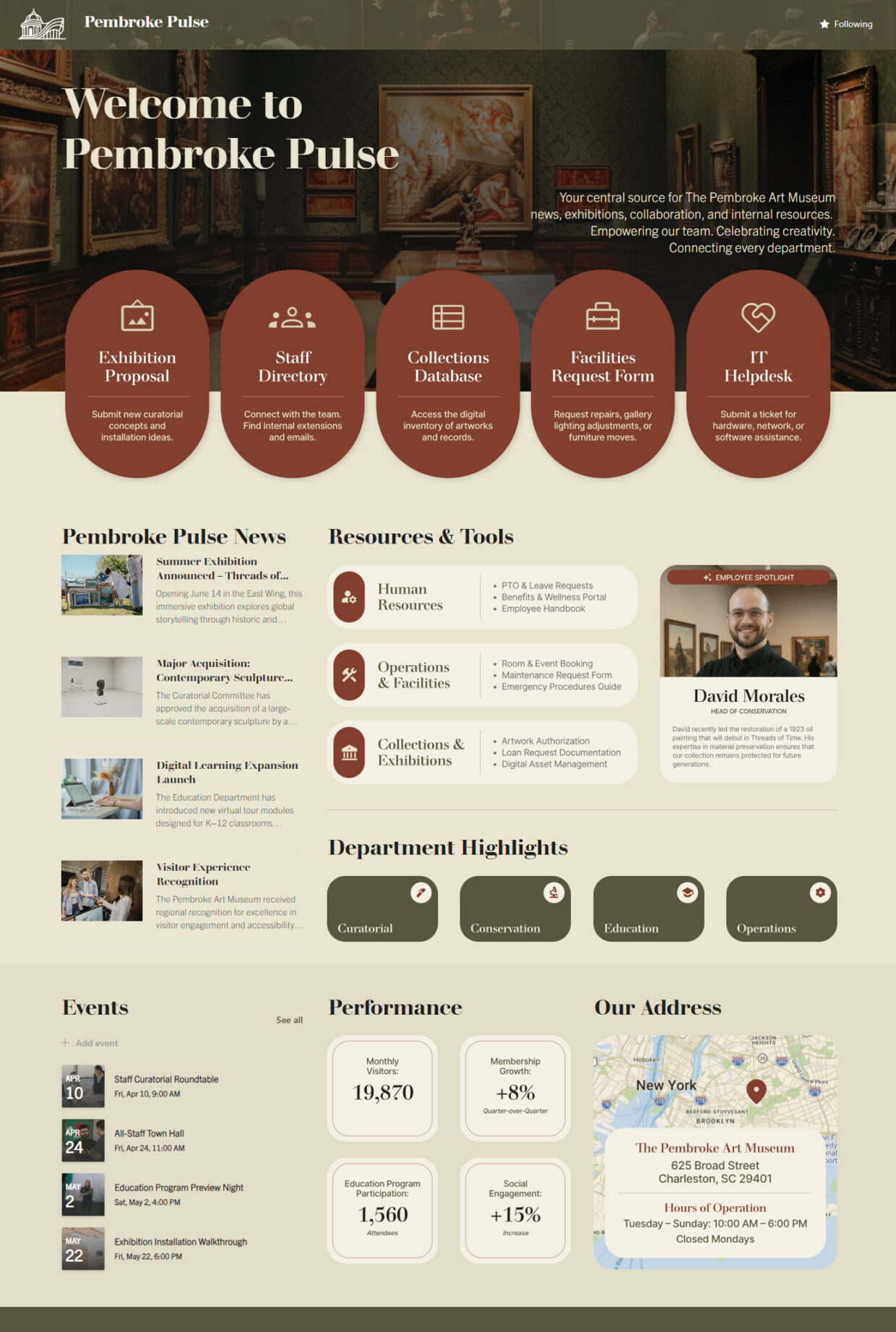
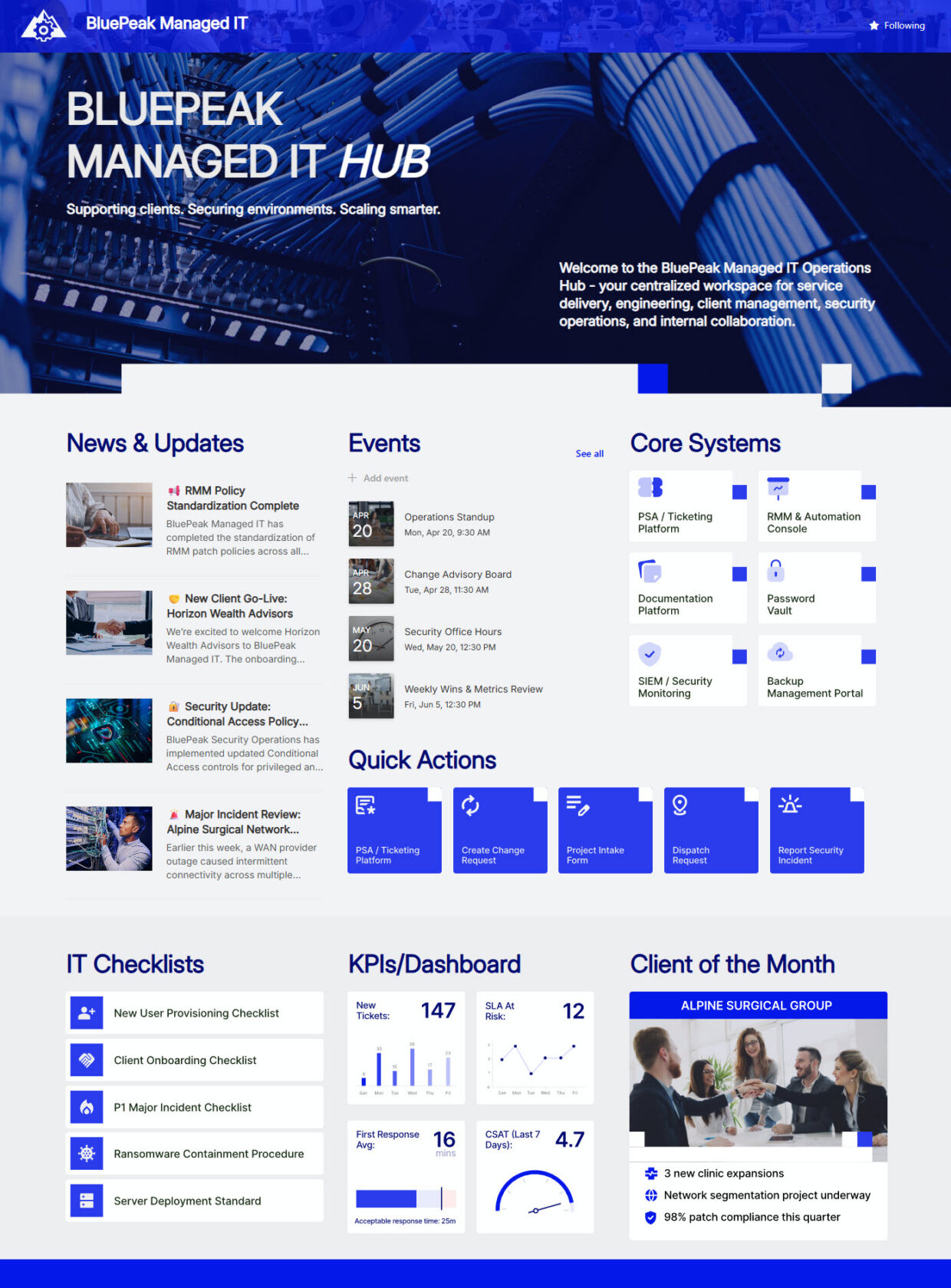
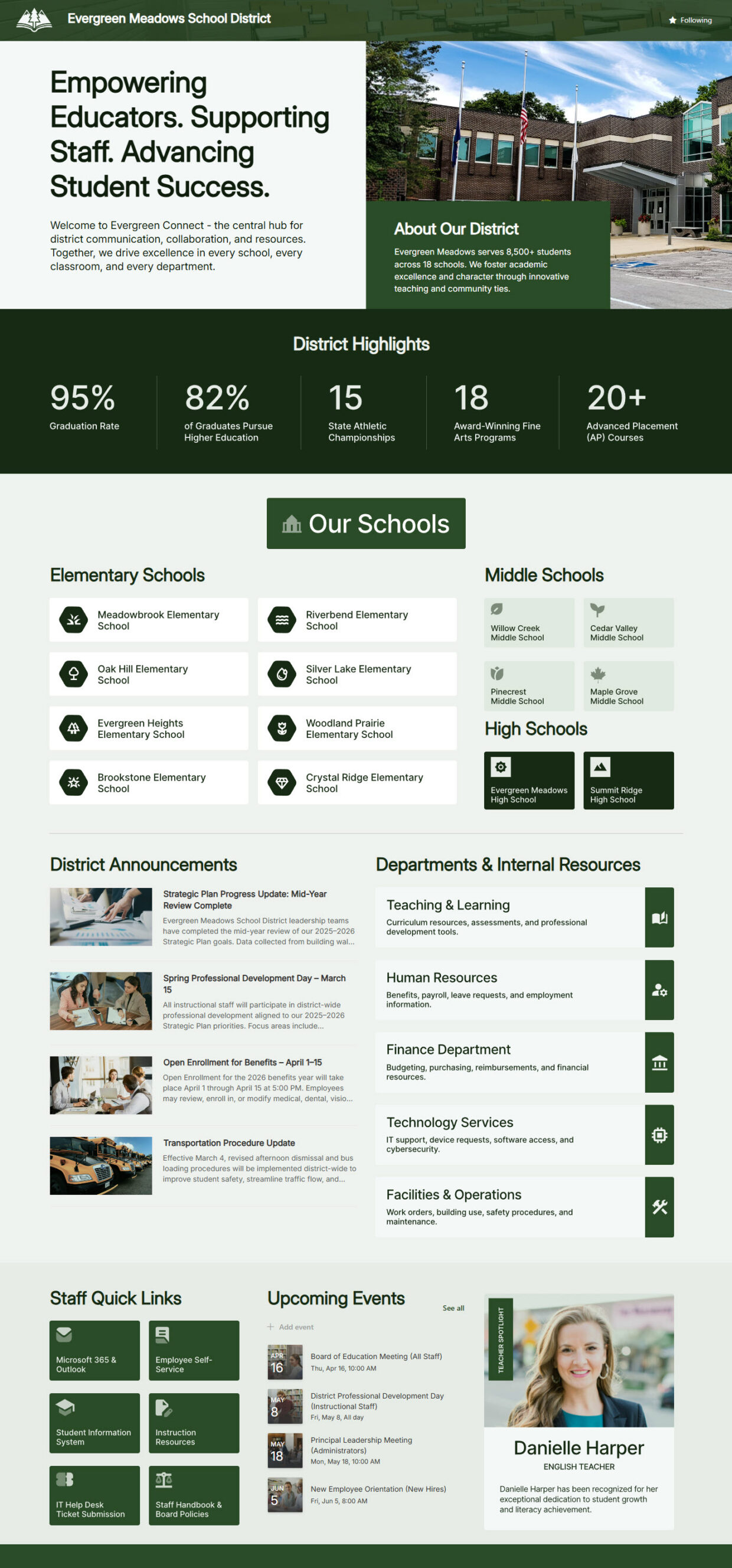
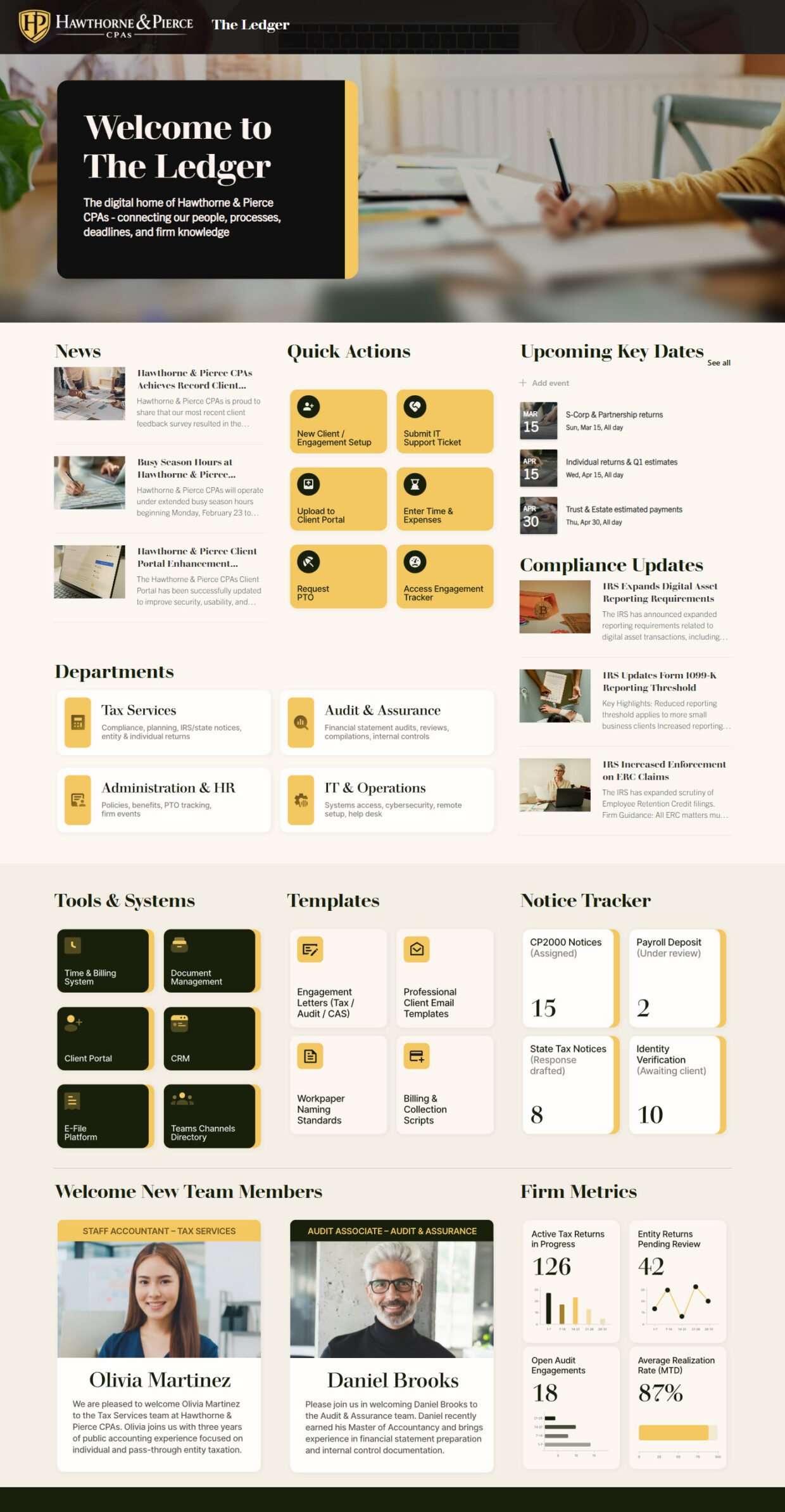
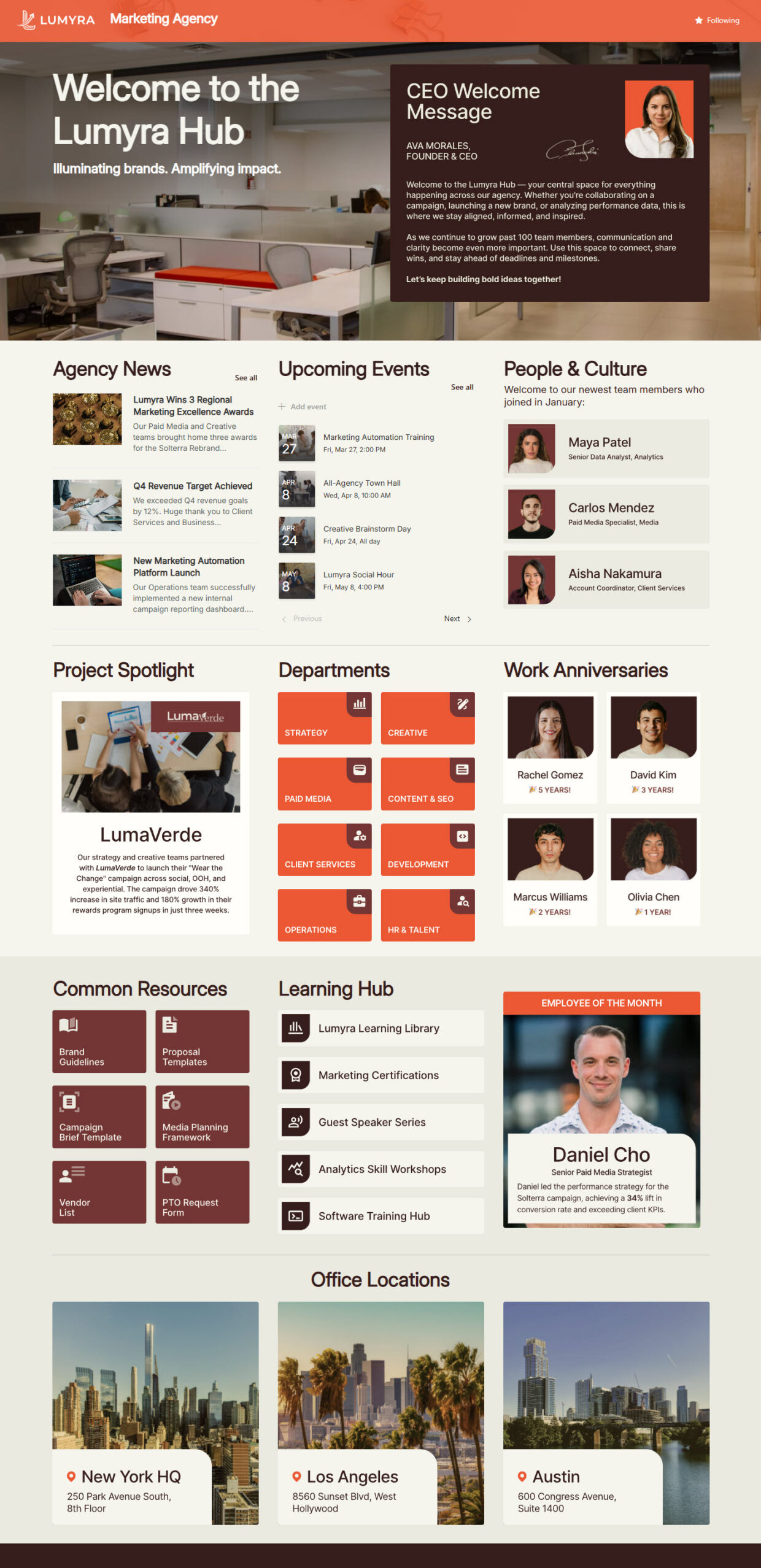
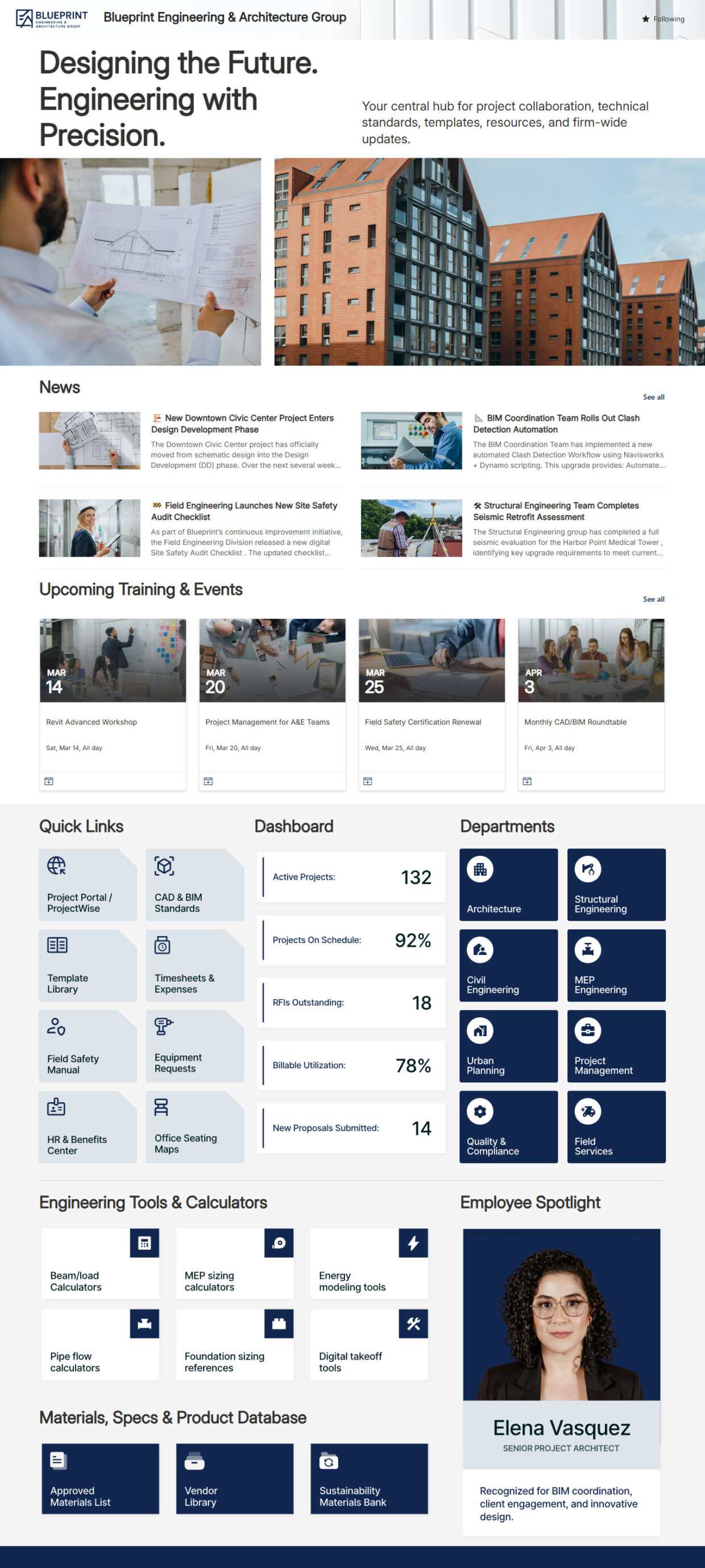
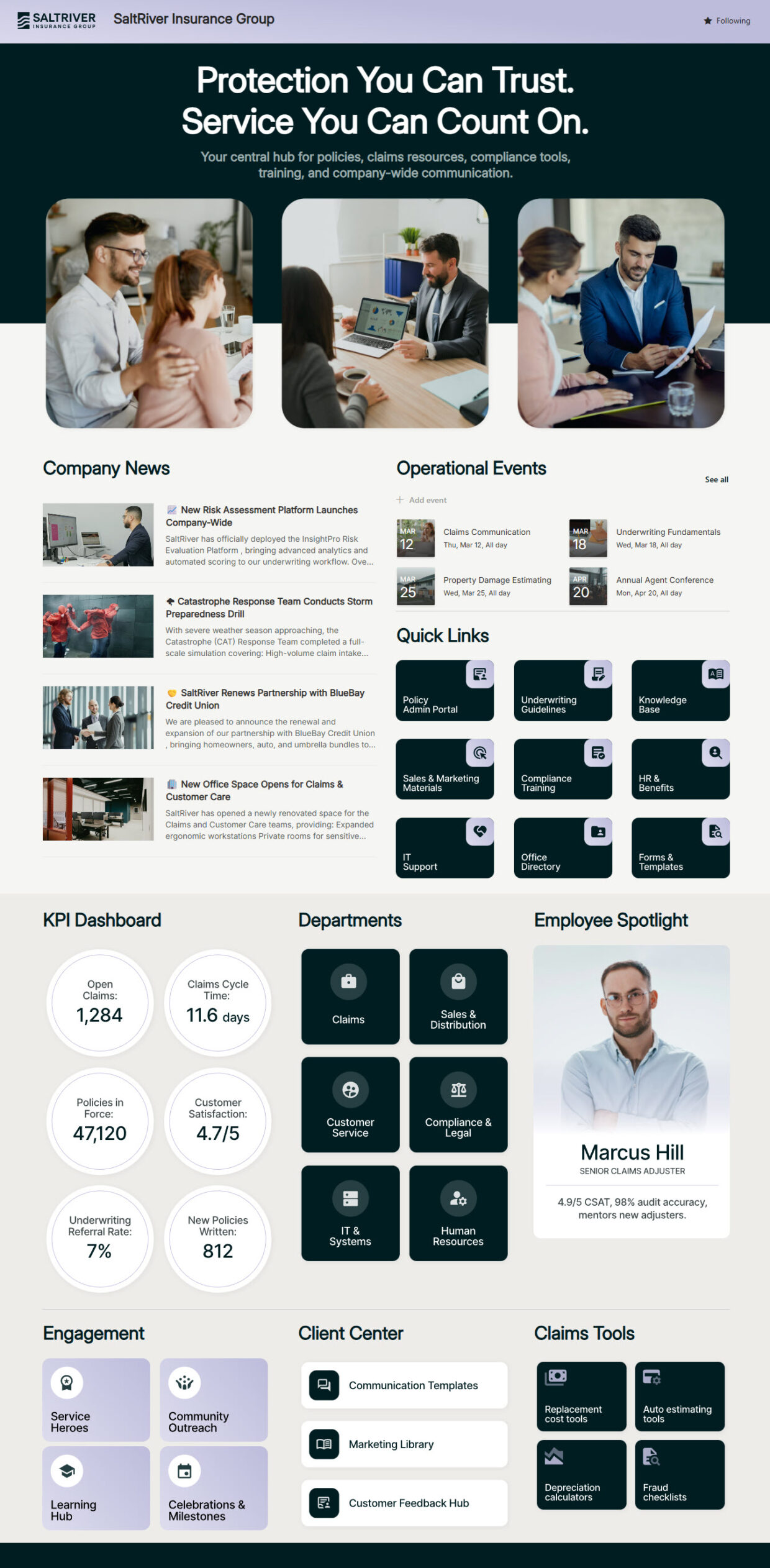
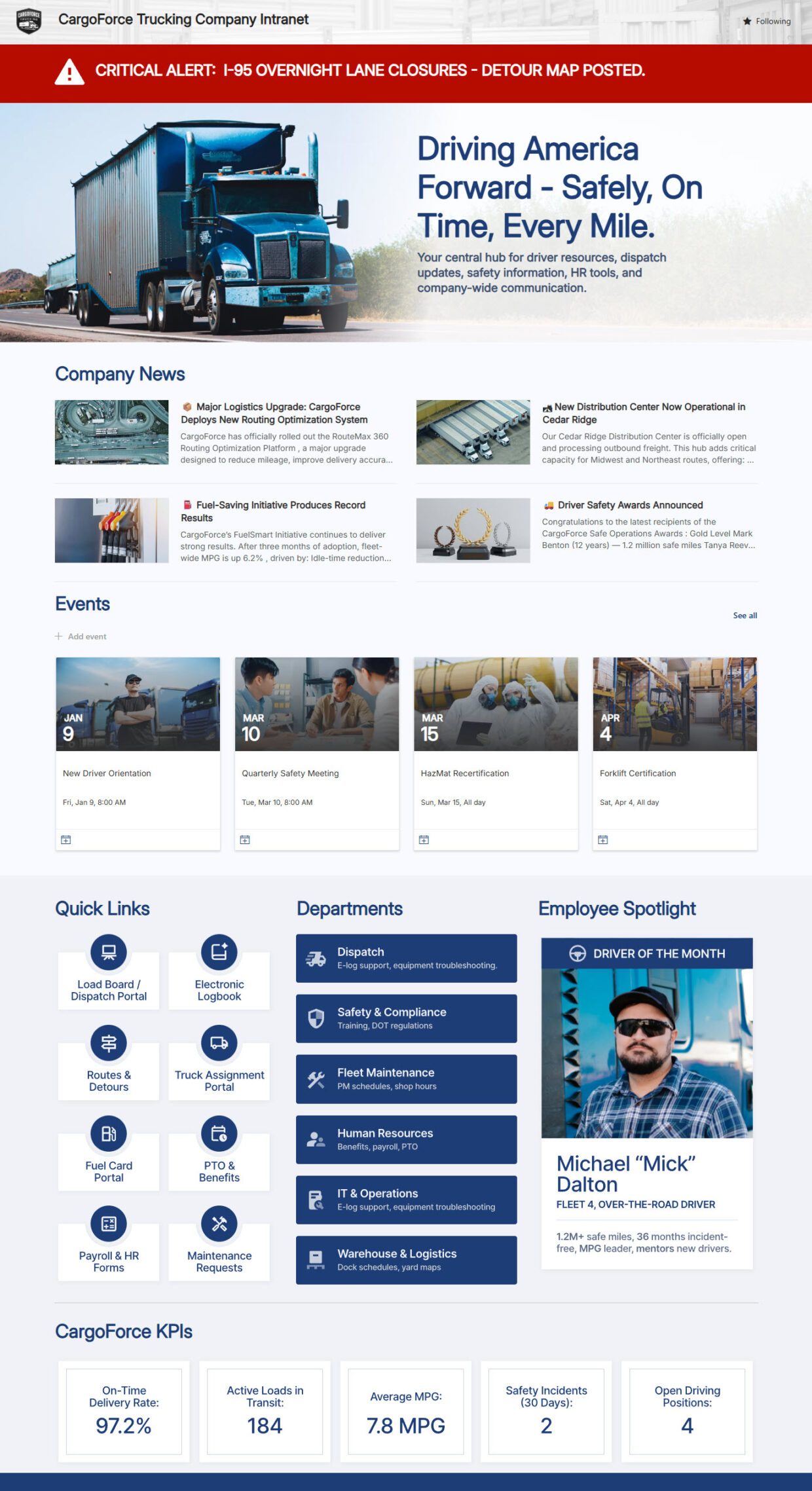
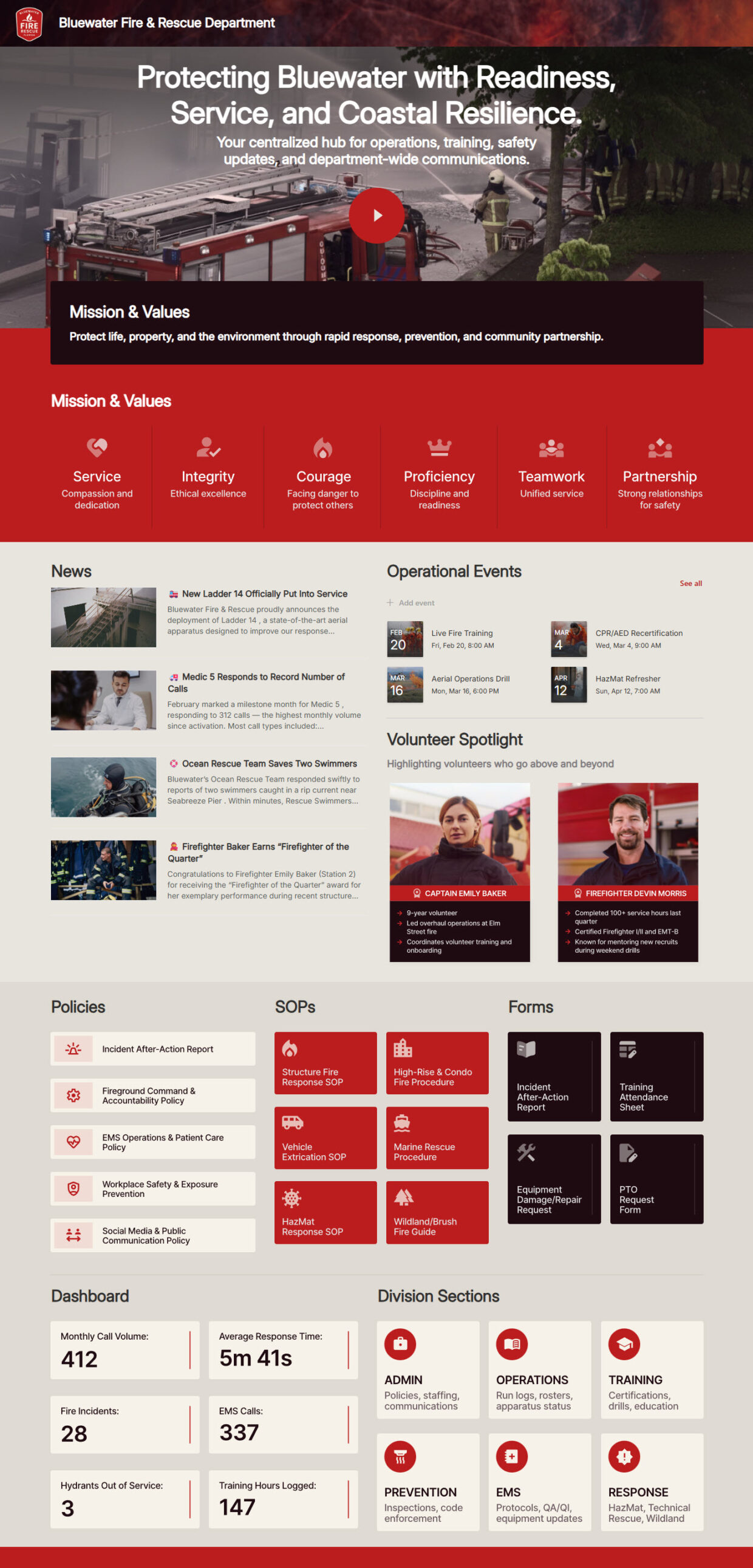
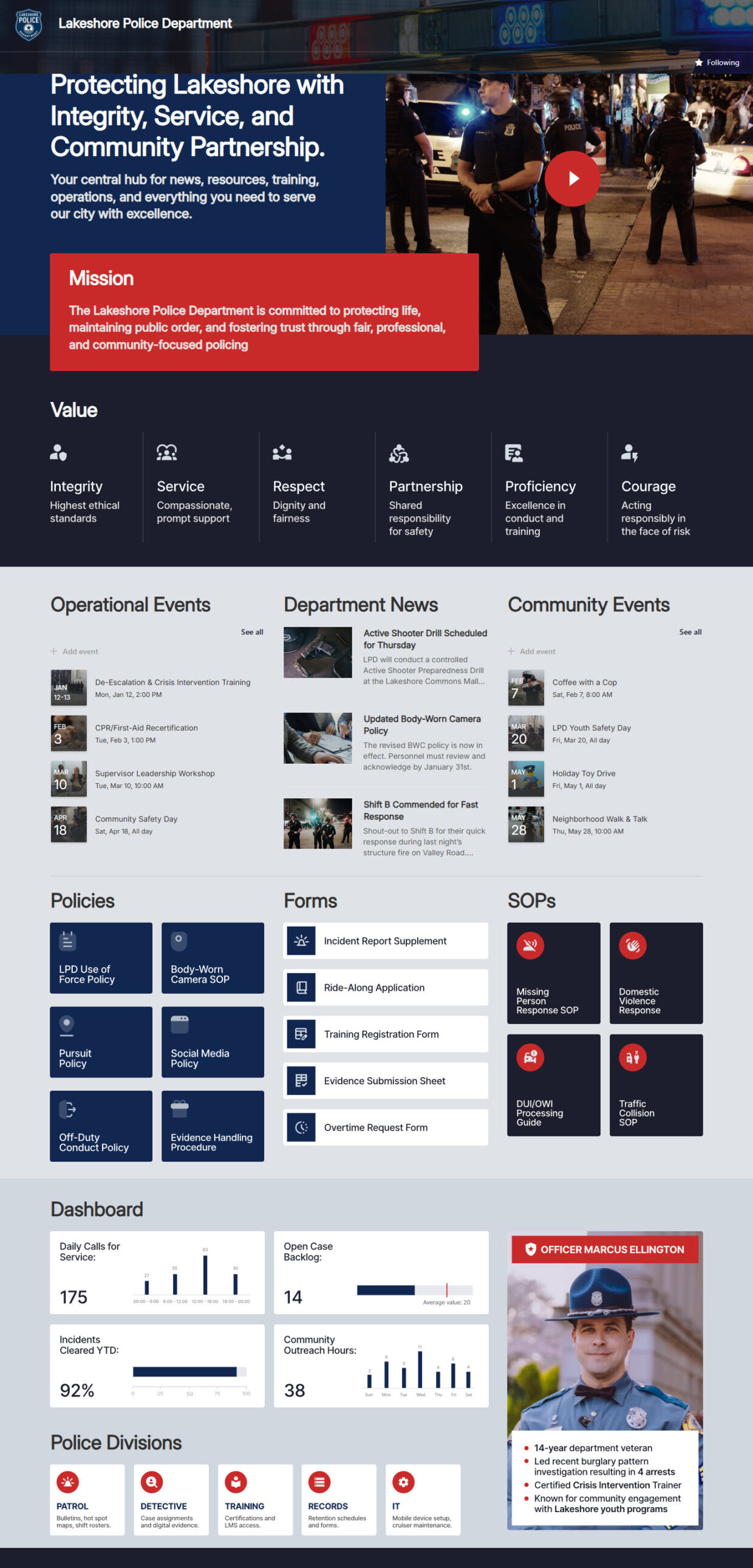
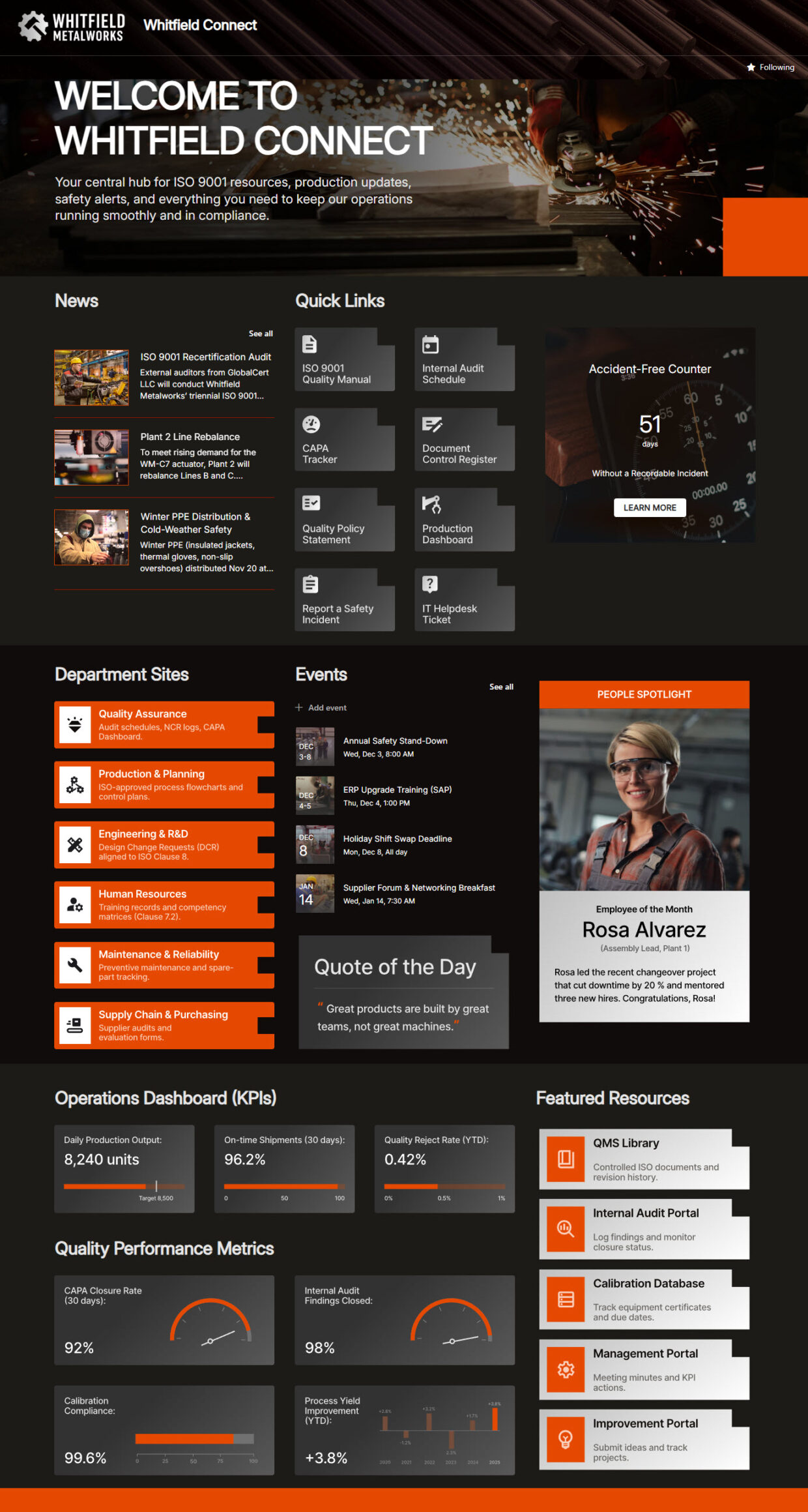
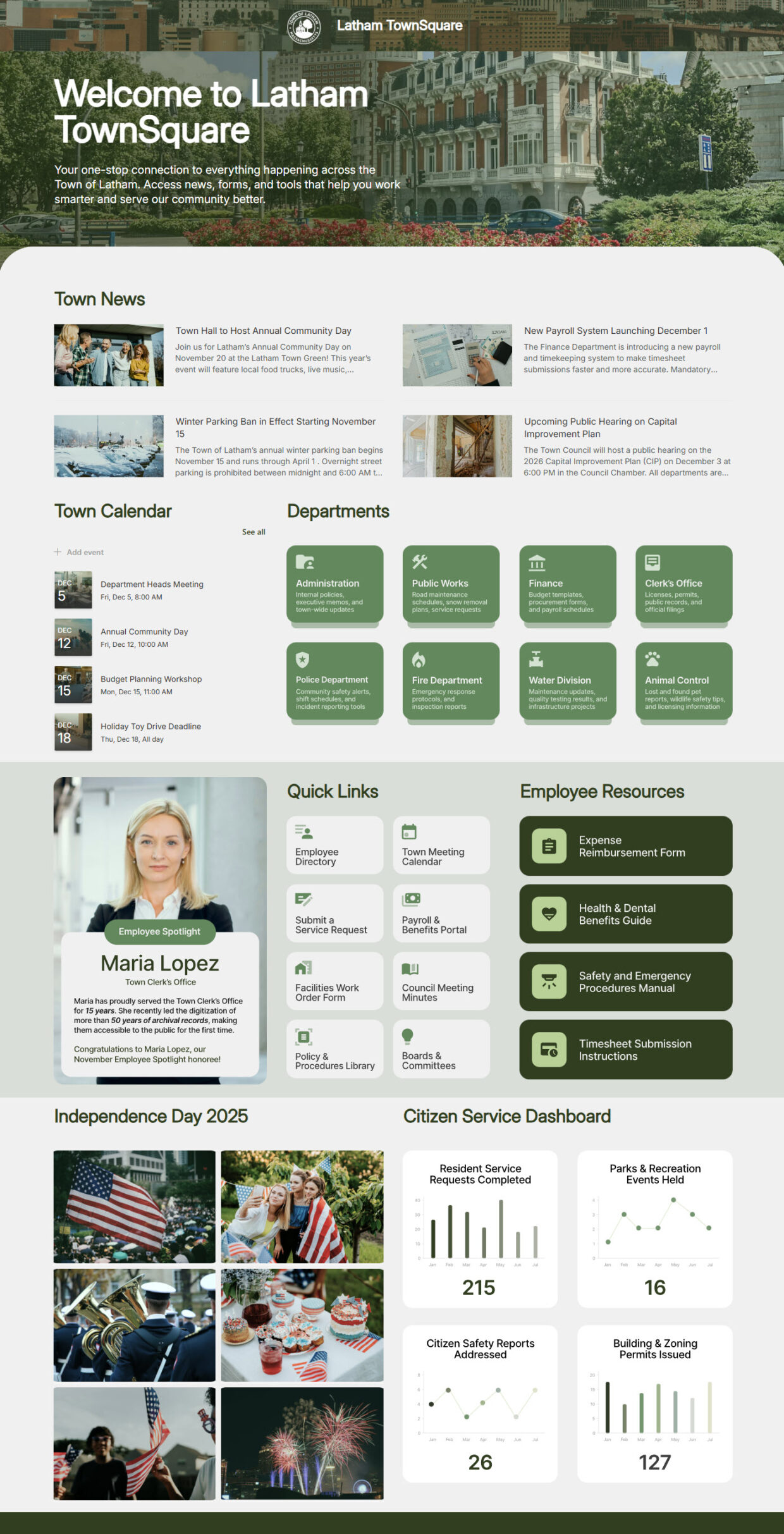
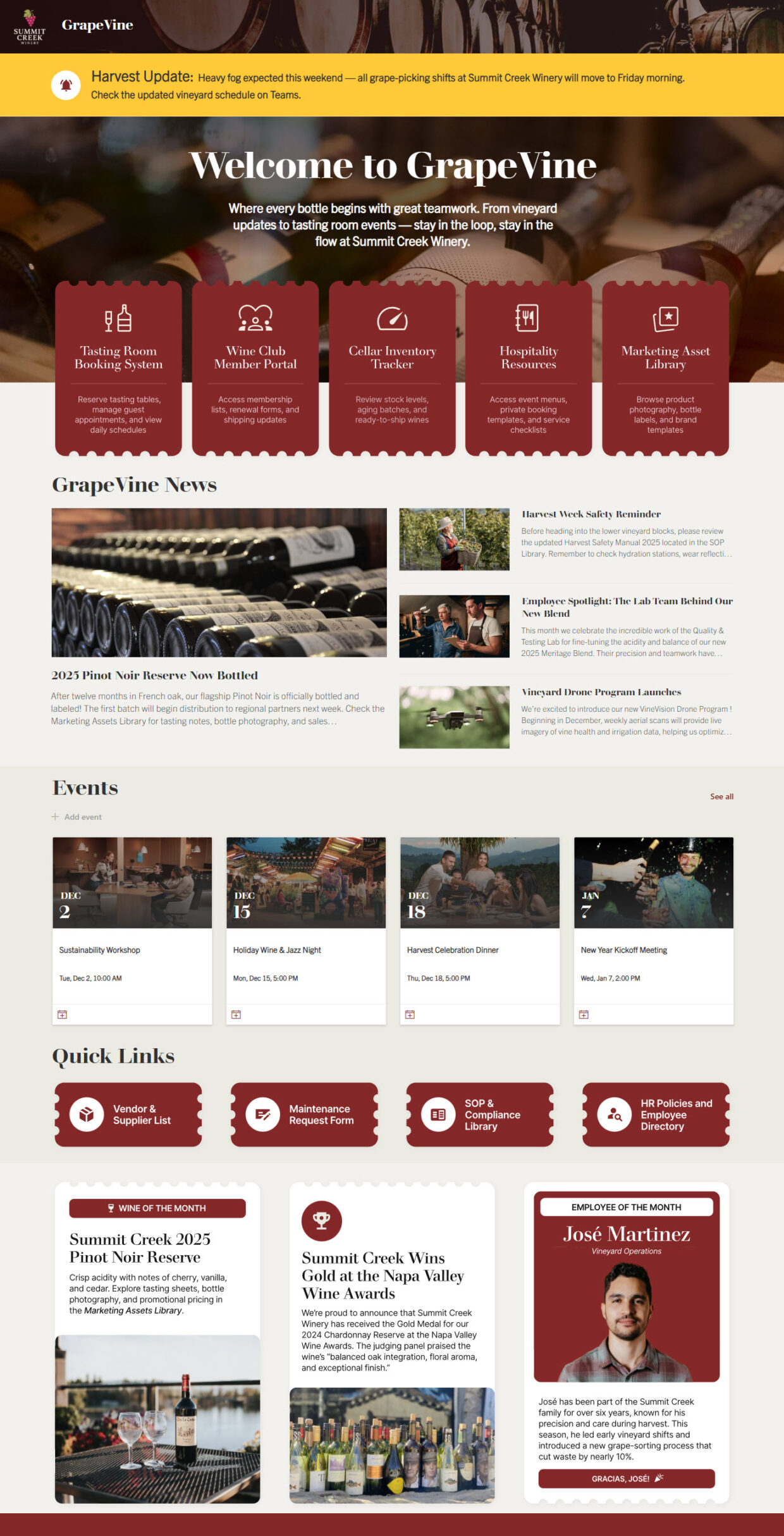
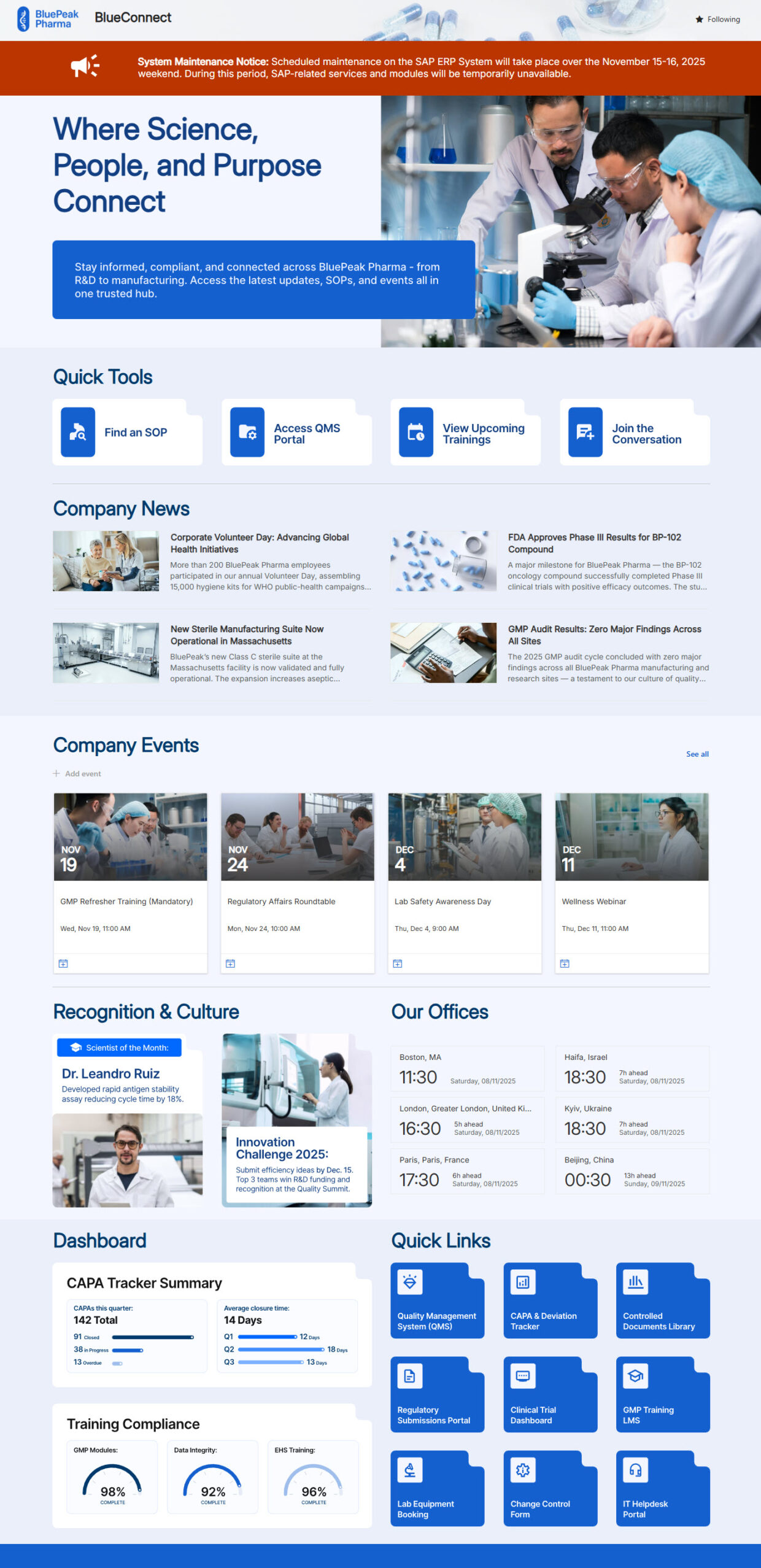
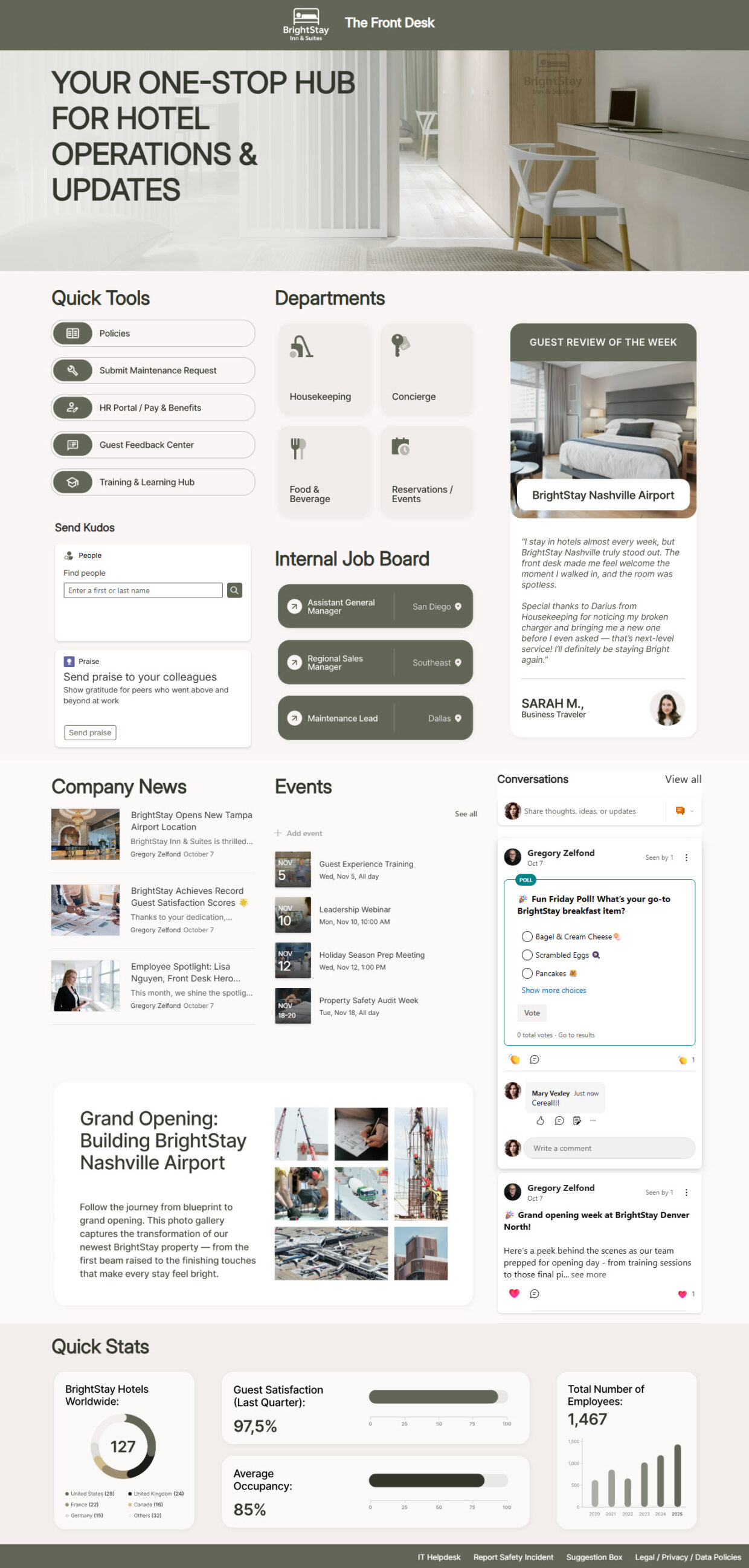
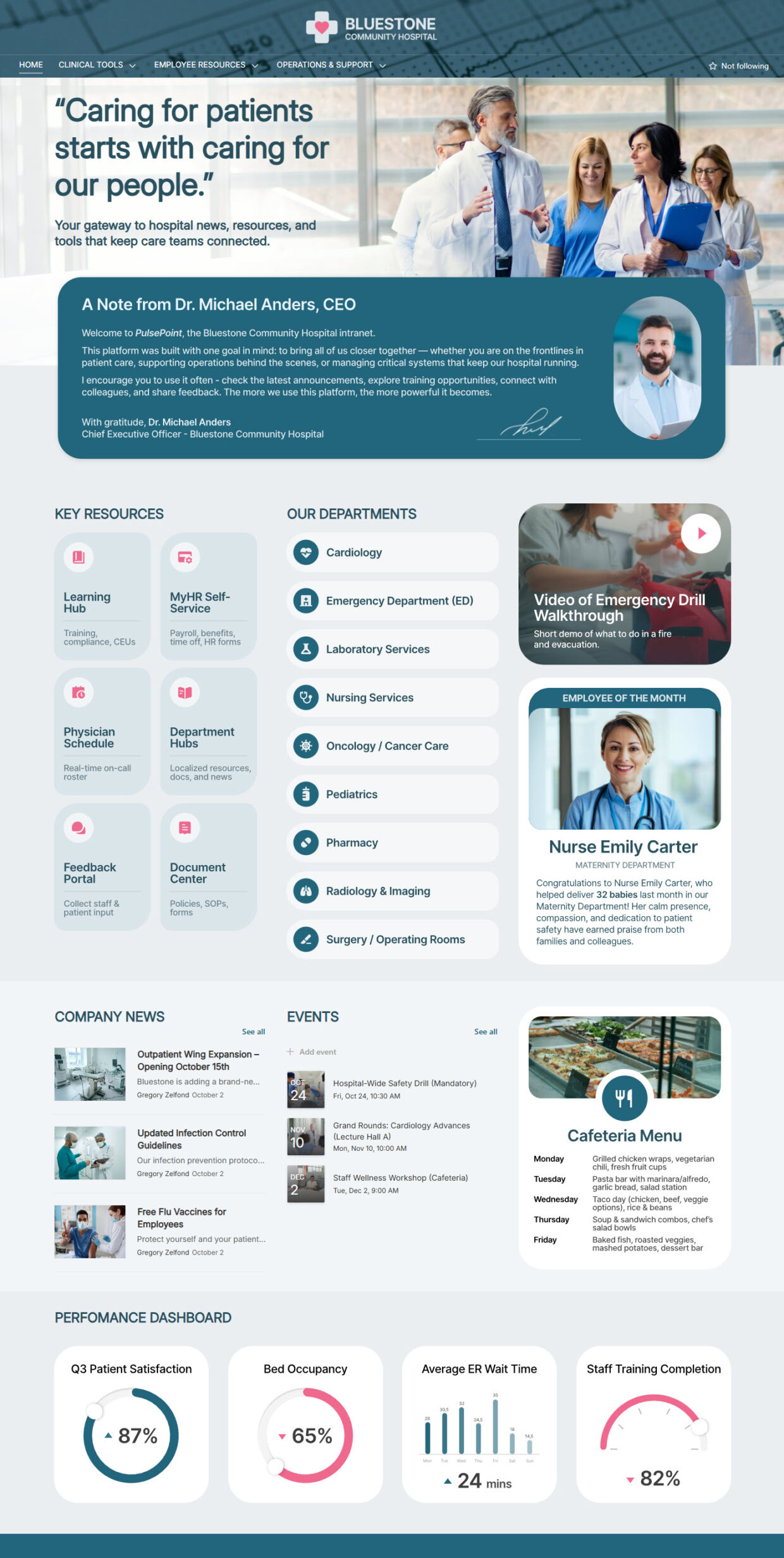
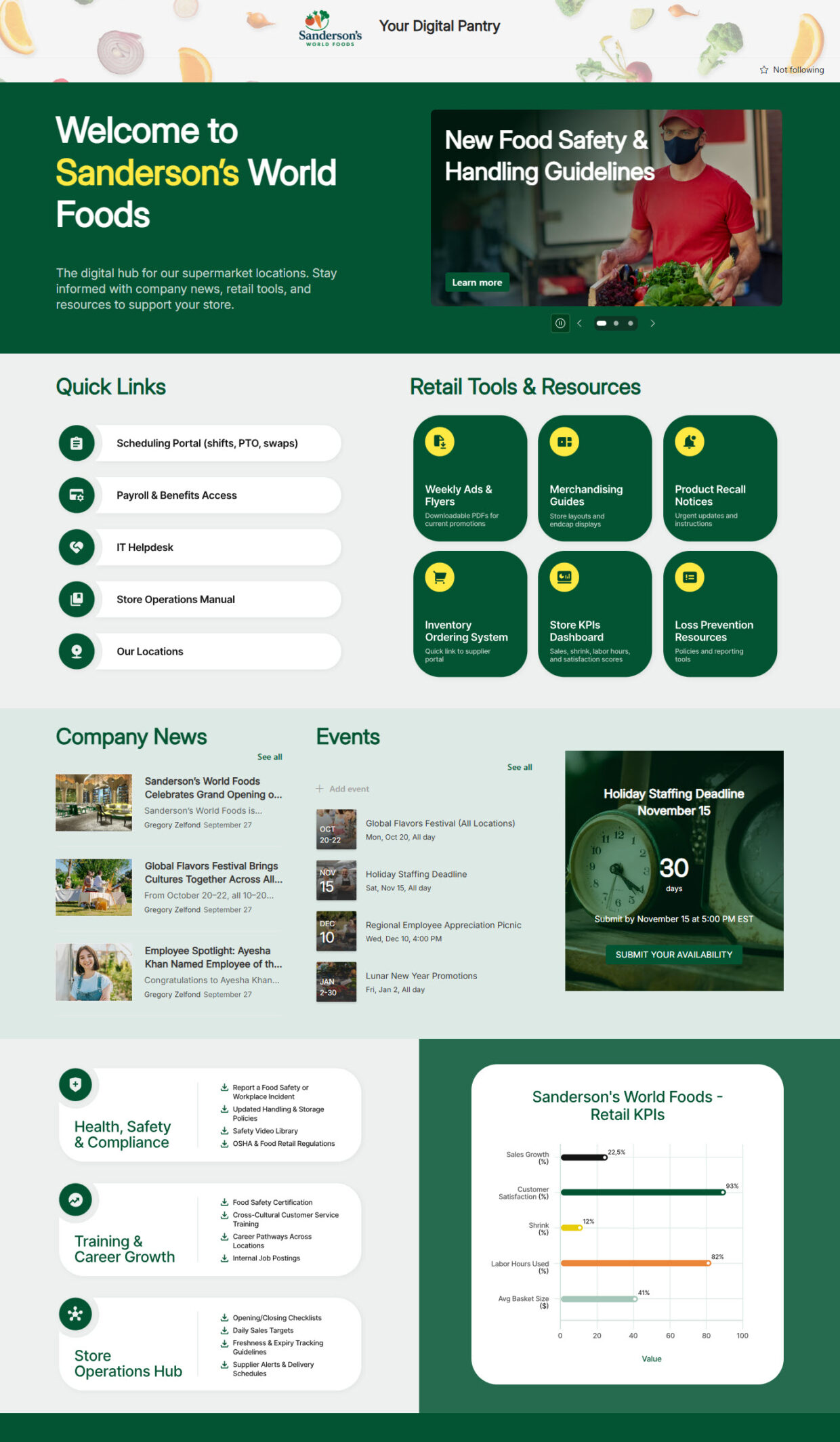
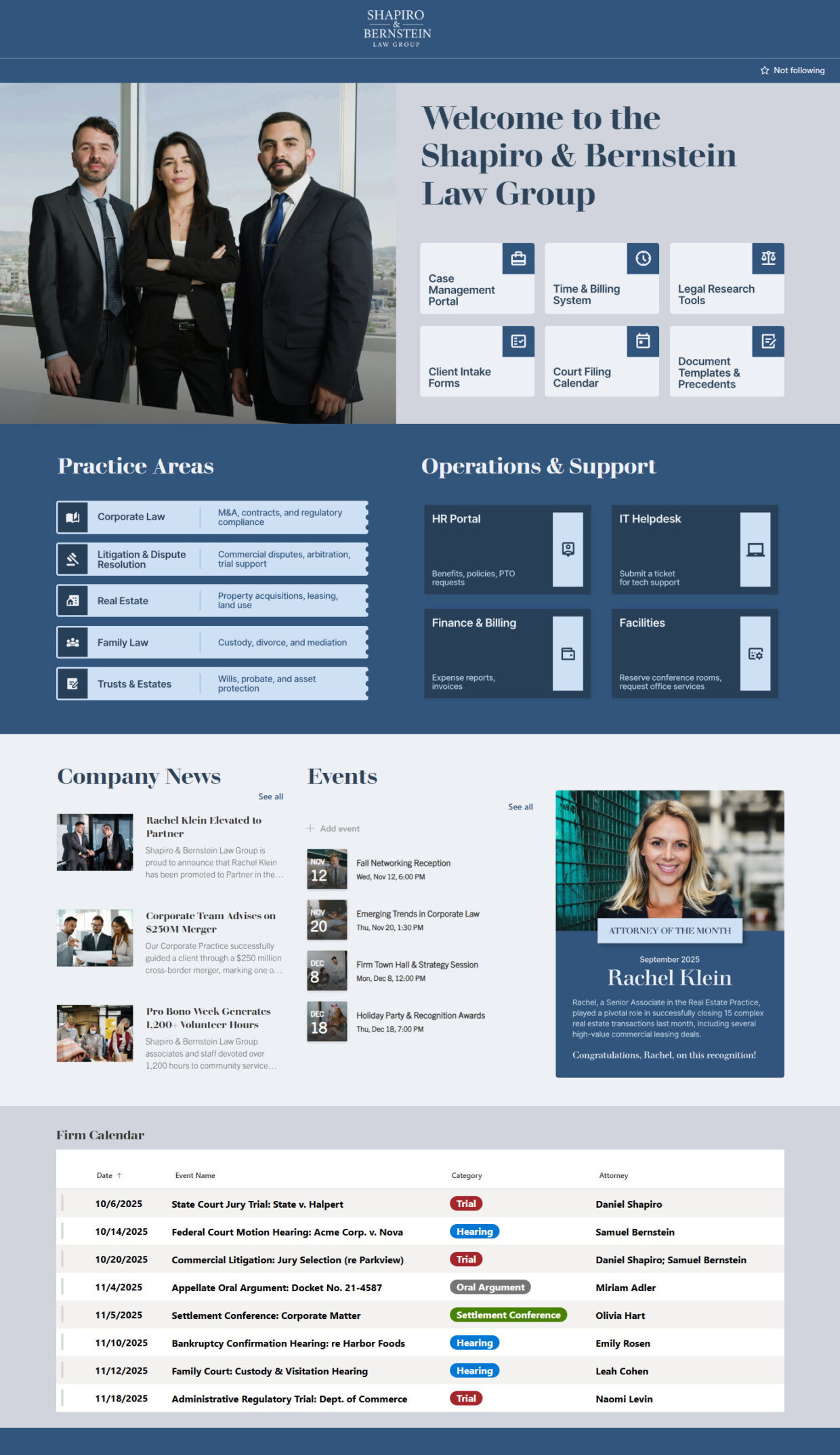
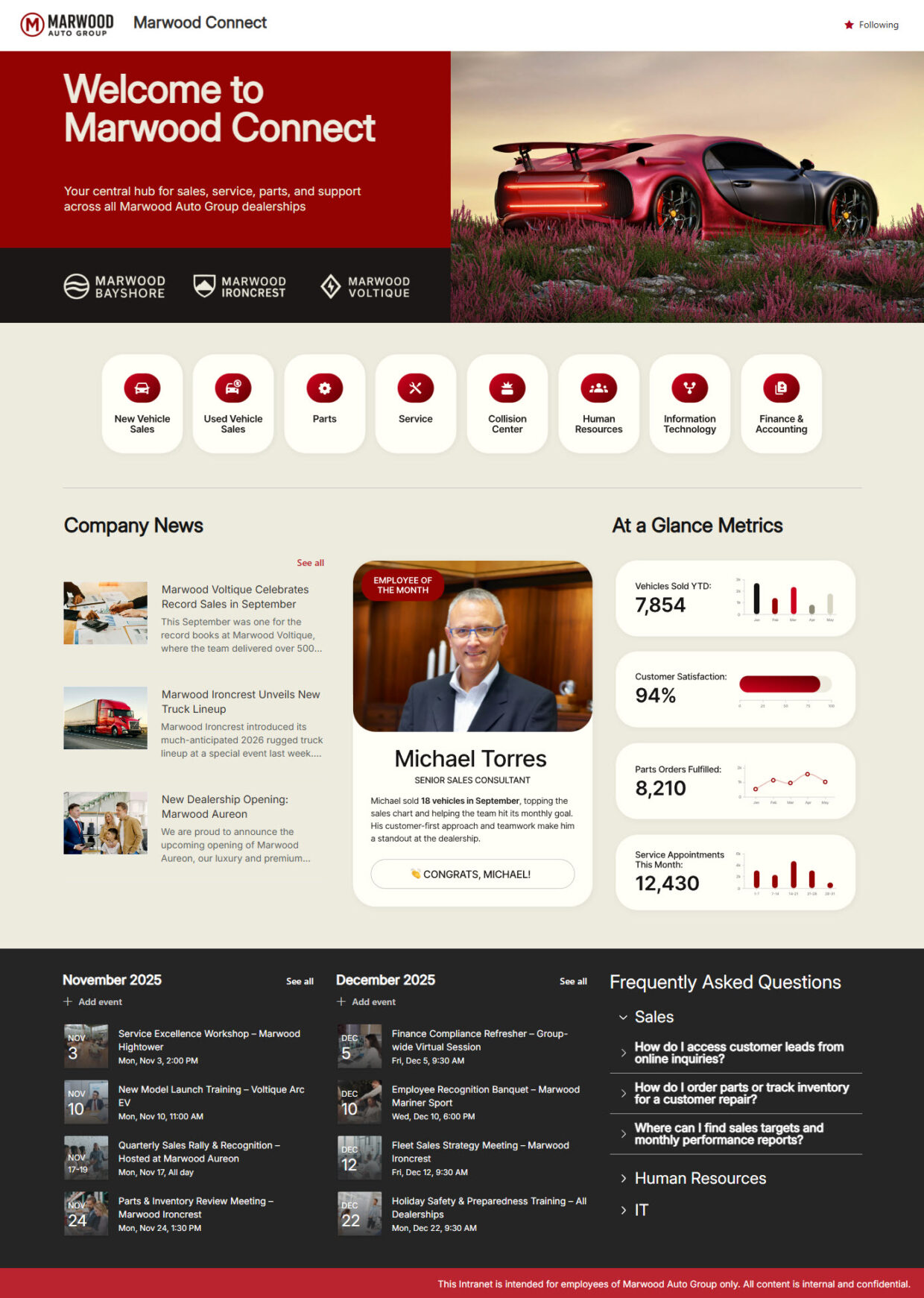
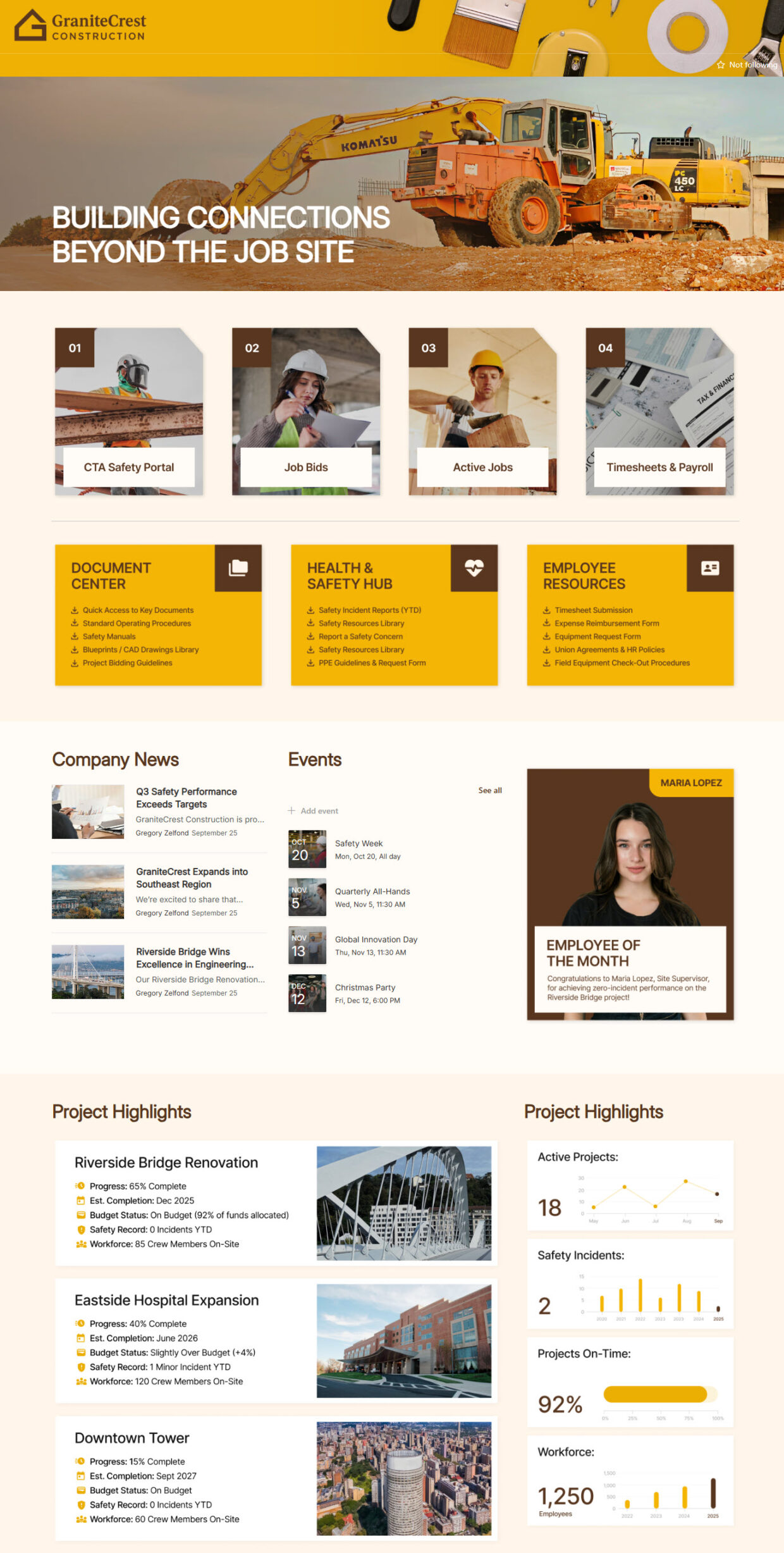
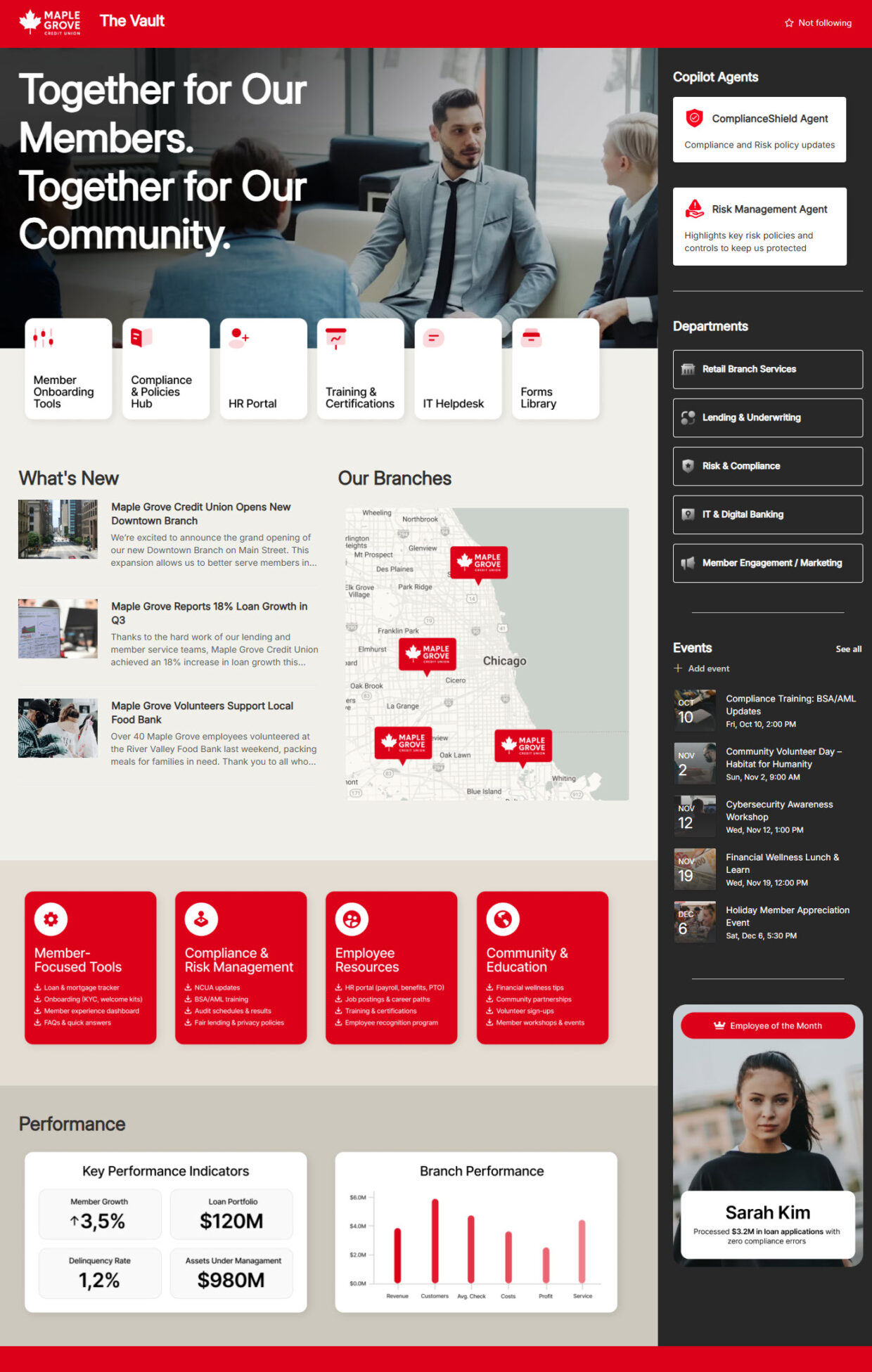
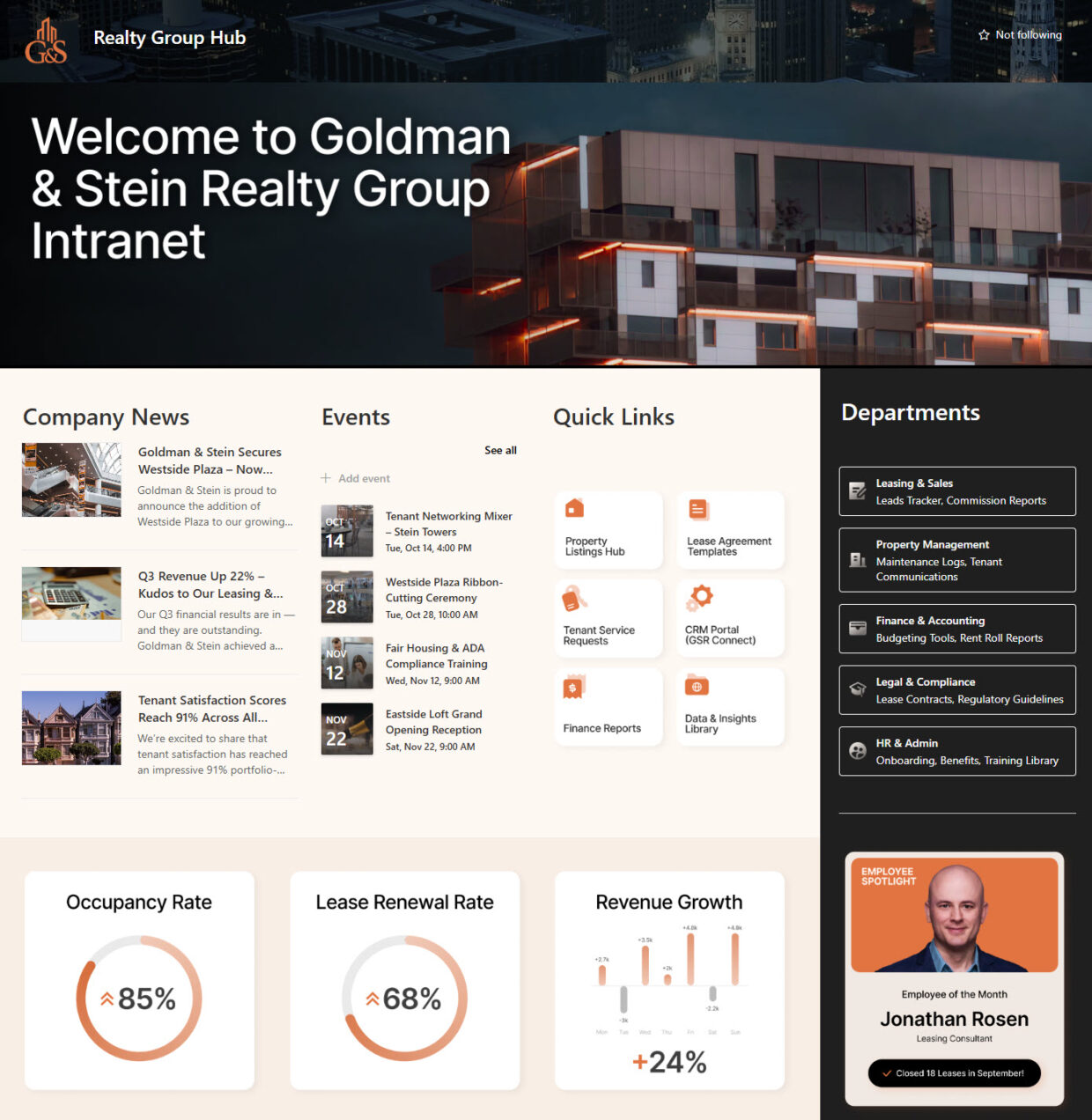
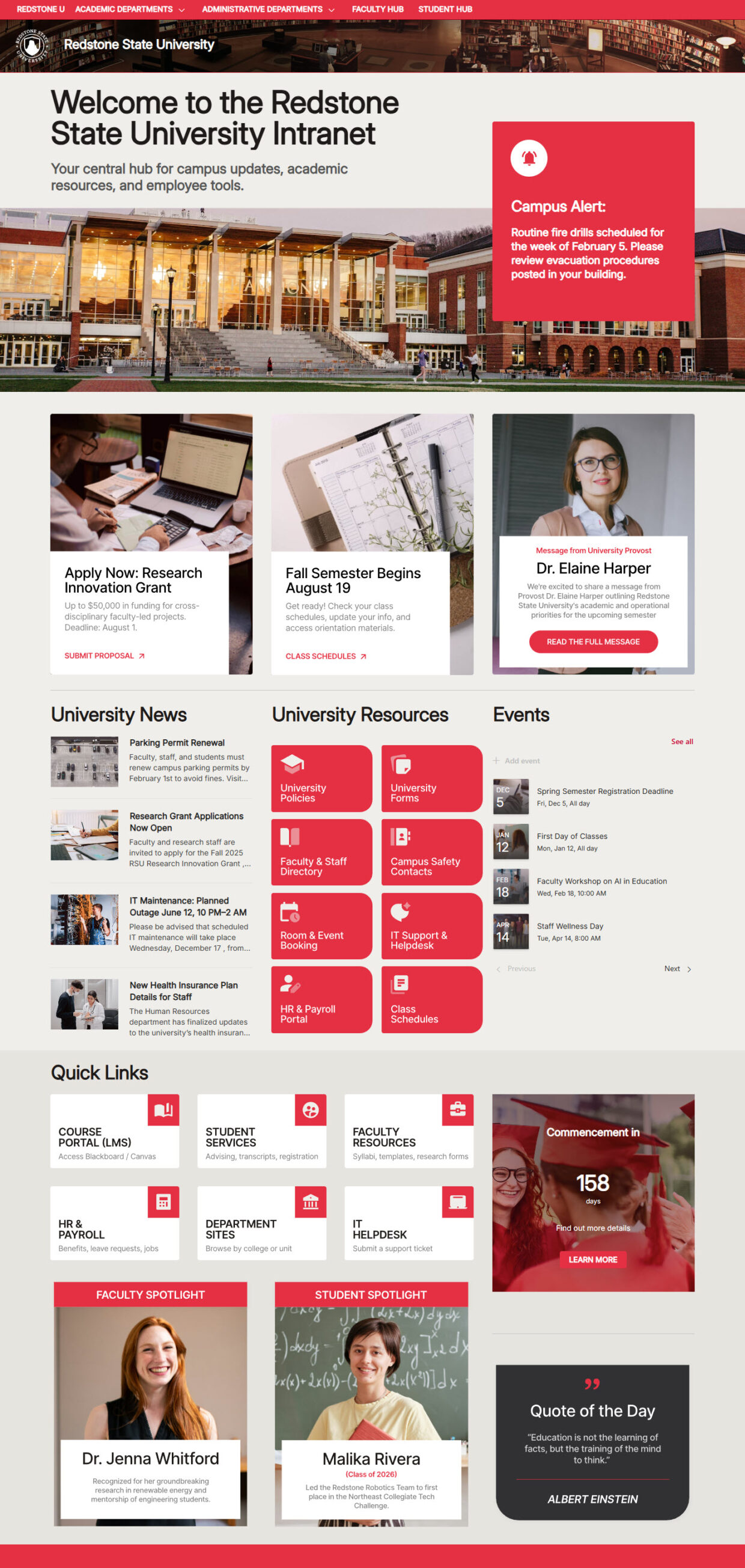
Each example shows a complete intranet landing page – typically a branded hero, company news, quick links, upcoming events, employee spotlights, and resource sections. The designs span 30+ industries, from healthcare and legal to finance, government, manufacturing, and education. Every page is tagged with the specific web parts and features Greg Zelfond used to build it.
Yes. Every intranet in the gallery uses only out-of-the-box SharePoint and Microsoft 365 features – no custom code, no SPFx, no third-party add-ons, and no extra licenses. That keeps each intranet stable, secure, and easy to maintain, with nothing that breaks when Microsoft ships updates. Out-of-the-box is the only way Greg Zelfond builds.
An intranet is the organization-wide home base – the top-level hub everyone sees, with company news, links, and events. A department site is a focused site for a single team like HR, IT, or Finance. They work together: the intranet ties everything in, and department sites connect to it through hub navigation. Both are shown in this gallery.
A SharePoint intranet is built on SharePoint Online and brings in other Microsoft 365 tools as needed – News and Events web parts for communication, Viva Connections for the Teams experience, and integrations with Teams, Lists, and Planner. Each example on the gallery names the exact web parts and features used, so you can see how it is assembled.
Absolutely. Because these intranets are built out-of-the-box, they scale to organizations of any size without extra licensing or development costs. Small and midsize businesses and nonprofits are exactly who Greg Zelfond builds for – a clean, professional intranet using the SharePoint and Microsoft 365 tools they already pay for.
Designing & Launching an Intranet
Yes. Greg Zelfond adapts every intranet to your organization – your logo, colors, fonts, navigation, and the news, links, and tools your teams rely on. The gallery shows 40+ industry designs precisely because the same out-of-the-box foundation flexes to fit any brand, from a polished corporate look to a simple, functional layout.
Yes. SharePoint is responsive by default, so these intranets adapt automatically to phones and tablets, and employees can also reach the experience through the SharePoint mobile app and Viva Connections in Microsoft Teams. That matters for frontline and on-the-go staff who need company news and quick links without sitting at a desk.
Through SharePoint Maven, Greg Zelfond delivers a basic out-of-the-box intranet in about five weeks and a fully branded custom intranet in about eight weeks, fixed-fee from $4,800. The timeline covers requirements, information architecture, configuration, and training for both admins and site owners, agreed up front with no mid-project surprises.
Yes – that is a primary design goal. Because every intranet uses only out-of-the-box SharePoint features, your business users can post news, edit pages, and update links through the standard interface, with no coding or developer needed. Greg Zelfond includes admin and site owner training so your team is fully self-sufficient at handoff.
Yes – this is exactly the kind of work Greg Zelfond does. As an independent SharePoint consultant and Microsoft MVP, he designs and builds out-of-the-box intranets like the ones in this gallery, delivered personally from first call to handoff. Reach out through the contact page and mention which examples inspired you.
Yes. Free Figma templates are available for select intranet examples, so you can explore the layout and design up close before building. The intranets themselves use only standard SharePoint and Microsoft 365 features, so there is nothing proprietary to license – or Greg Zelfond can build the full intranet for you, out of the box.