Community College (Intranet)


Overview
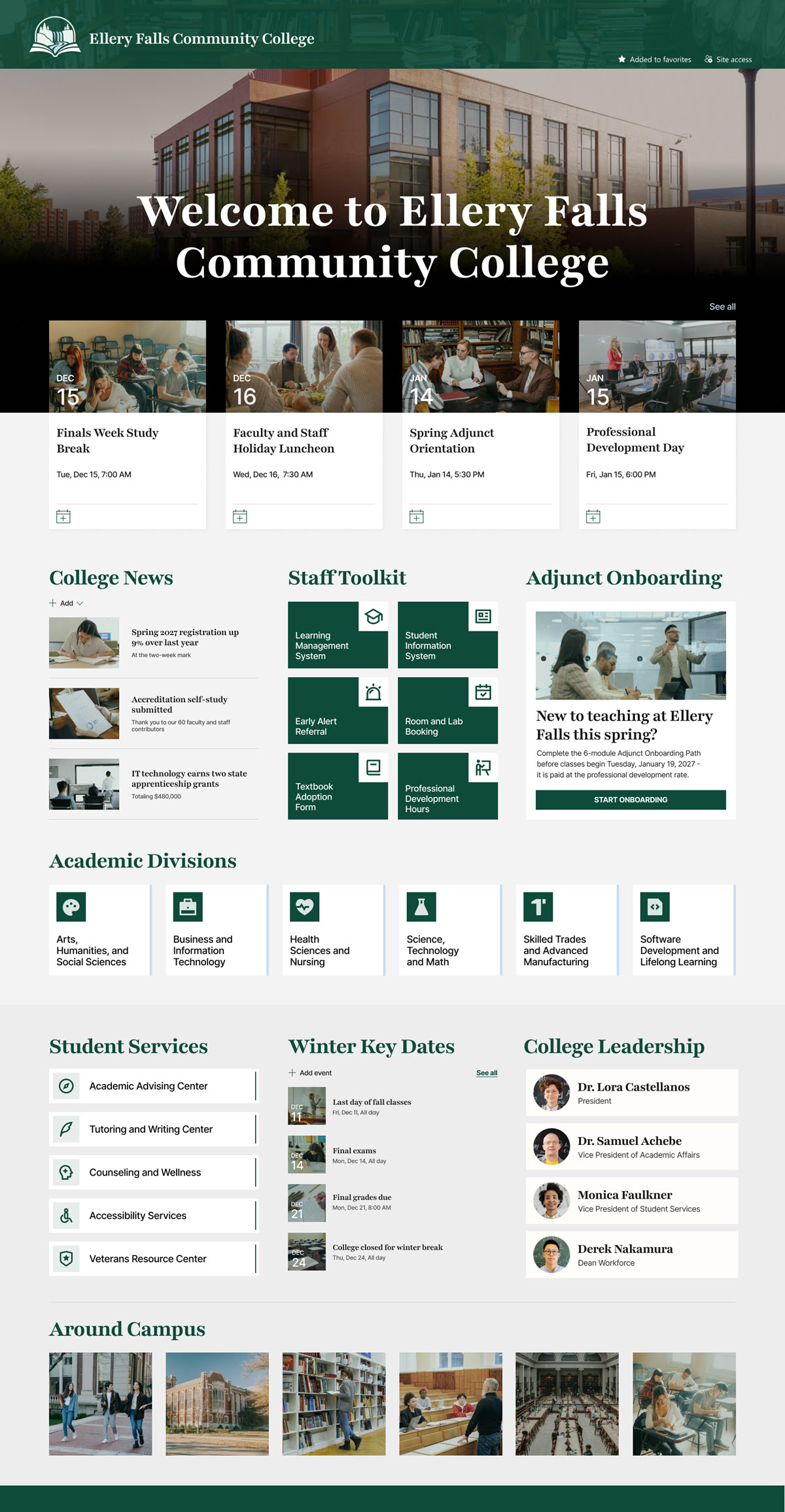
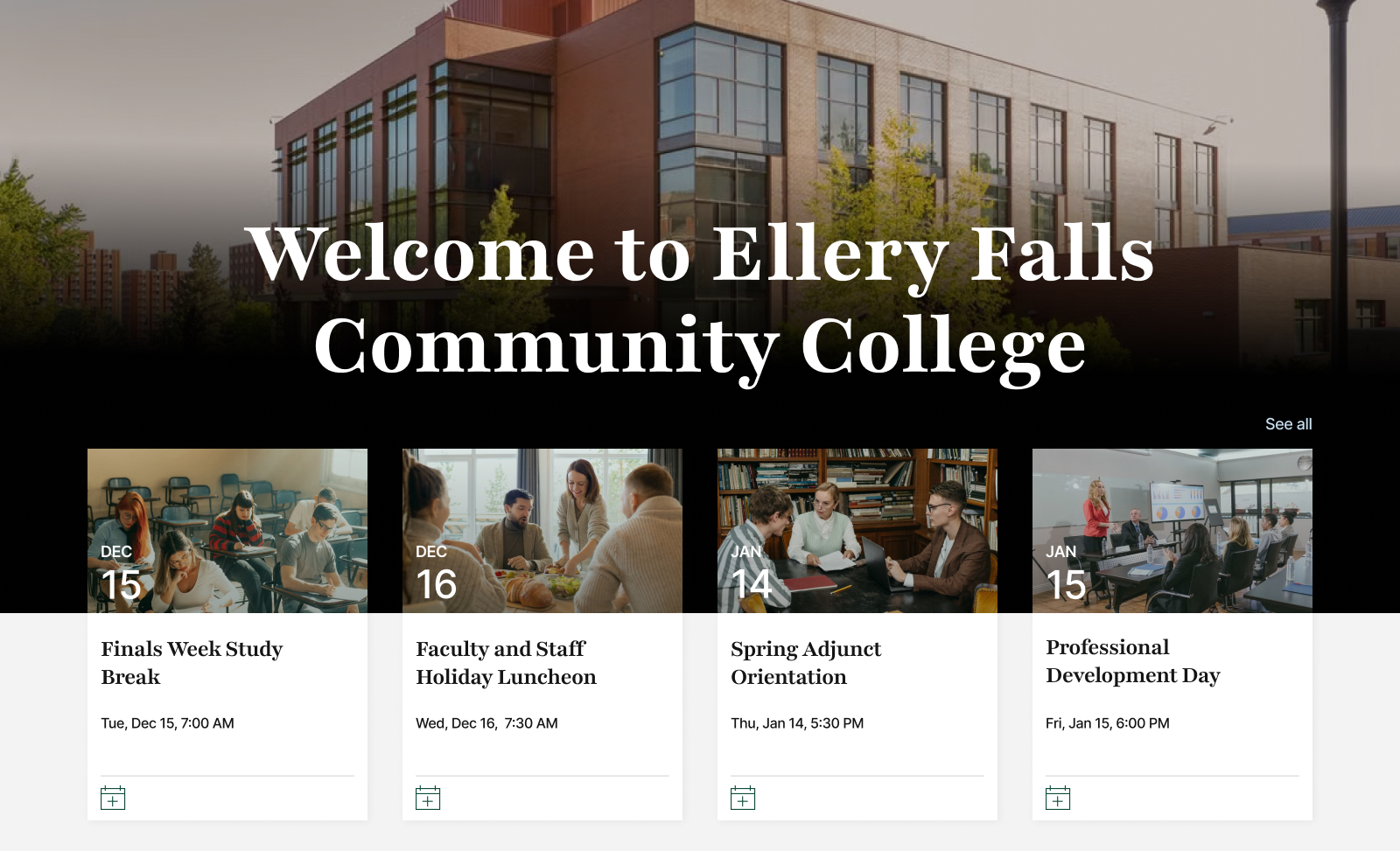
- Hero and Upcoming Events: A full-width hero welcomes employees to campus and features upcoming events such as the finals week study break, holiday luncheon, adjunct orientation, and professional development day.
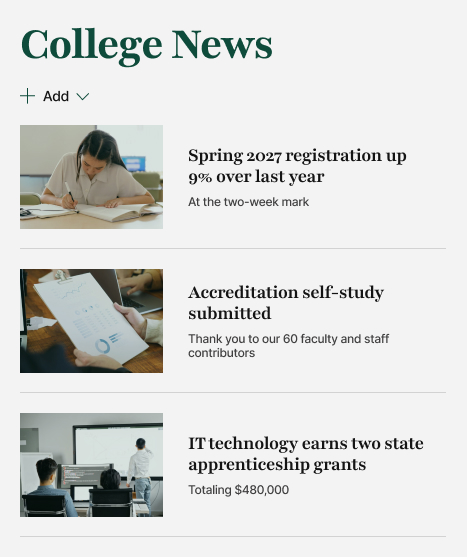
- College News: A College News section shares campus updates like registration growth, the accreditation self-study, and new state apprenticeship grants.
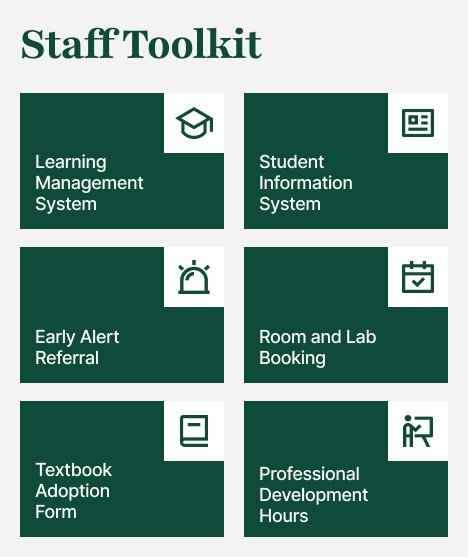
- Staff Toolkit: A Staff Toolkit gives one-click access to the learning management system, student information system, early alert referrals, room and lab booking, textbook adoption, and professional development hours.
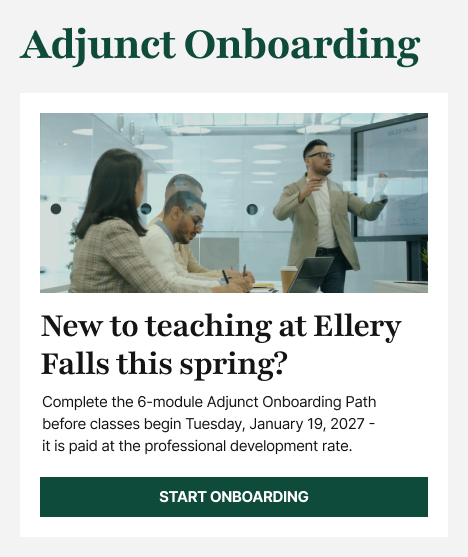
- Adjunct Onboarding: An Adjunct Onboarding section points new part-time faculty to a 6-module onboarding path before spring classes begin.
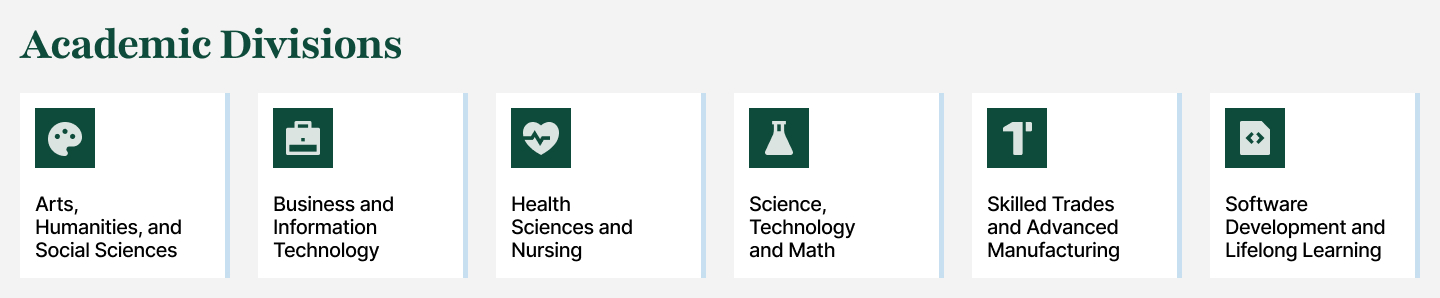
- Academic Divisions: Academic Divisions tiles link to each division, from Health Sciences and Nursing to Skilled Trades and Advanced Manufacturing.
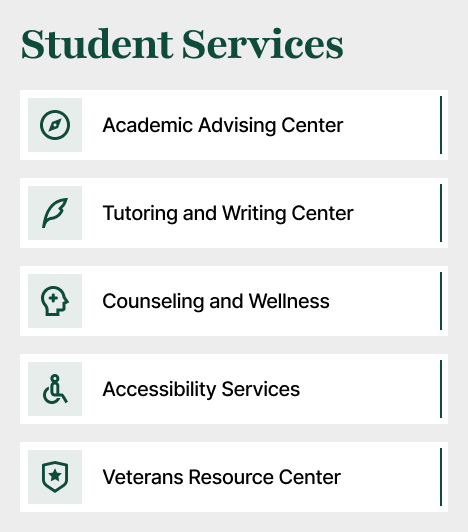
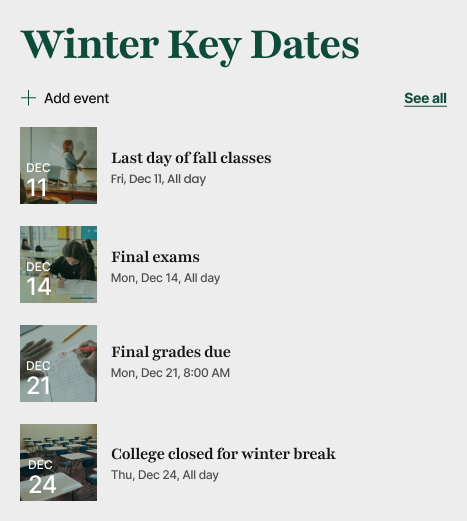
- Student Services and Winter Key Dates: A Student Services directory and Winter Key Dates calendar help staff refer students to advising, tutoring, counseling, accessibility, and veterans services while keeping finals, grade deadlines, and closures in view.
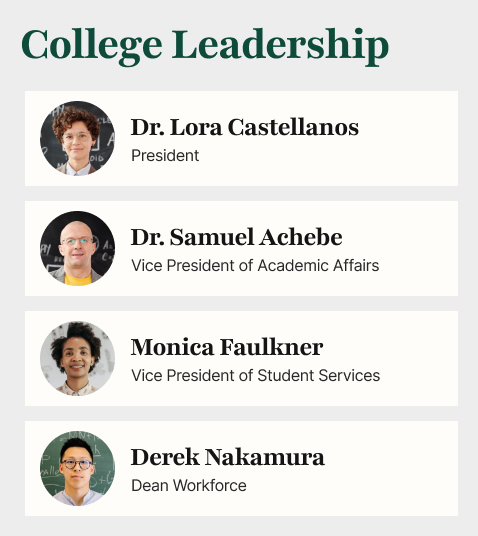
- College Leadership and Around Campus: College Leadership profiles and an Around Campus photo gallery put faces to names and showcase everyday campus life.
Benefits
- One Front Door: Gives faculty, adjuncts, and staff one central place for campus news, dates, and resources.
- Calendar Clarity: Keeps the academic calendar front and center, so grade deadlines and closures are never missed.
- Time Savings: Saves time with one-click access to the systems employees use every day.
- Faster Adjunct Onboarding: Helps new adjunct faculty get onboarded quickly and feel part of the college before the term starts.
- Better Student Referrals: Makes it easy for any employee to refer a student to the right support service.
- Campus Community: Builds community and pride by highlighting campus life and college leadership.
- Easy to Maintain: Uses only out-of-the-box SharePoint, so the college IT team can maintain it with confidence.
Common Questions About This Community College Intranet
What is this community college intranet built with?
This intranet is built entirely with standard SharePoint web parts such as Events, News, and Image Gallery, combined with a custom theme and custom fonts that reflect the college brand. There is no custom code and no third-party tools. It is the kind of clean, maintainable intranet Greg Zelfond builds for colleges and education organizations.
What’s included on the community college intranet homepage?
The homepage opens with a welcome hero and upcoming campus events, followed by College News, a Staff Toolkit of everyday systems, and an Adjunct Onboarding feature. It also includes Academic Divisions tiles, a Student Services directory, a Winter Key Dates calendar with finals and grade deadlines, College Leadership profiles, and an Around Campus photo gallery that celebrates student and campus life.
Does this design use any custom code or third-party tools?
No. Every element on this page uses out-of-the-box SharePoint functionality. That matters because out-of-the-box sites are stable, secure, and easy to maintain – nothing breaks when Microsoft rolls out updates, and there are no extra licenses or developers to manage. Out-of-the-box is the only way Greg builds SharePoint intranets.
Can this design be customized for our college?
Absolutely. The colors, fonts, logo, and imagery can match your college brand, and every section can be tailored – your academic divisions, your student services, your staff systems, and your leadership team. Greg adapts the layout to how your campus actually works, whether that means adding workforce programs, dual enrollment resources, or multiple campus locations.
Will this community college intranet work on mobile devices?
Yes. Because it is built with standard SharePoint web parts, the intranet automatically adapts to phones and tablets. Faculty can check key dates between classes, adjuncts can open onboarding resources from anywhere, and staff can look up student services on the go – all through a browser or the SharePoint mobile app, with no extra setup.
Can Greg build this intranet for our community college?
Yes – this is exactly the kind of work Greg Zelfond does. As an independent SharePoint consultant and Microsoft MVP, he designs and builds out-of-the-box intranets like this one for colleges, schools, and education organizations, tailored to your structure, brand, and campus culture. Reach out through the contact page to talk about your intranet.