Airline (Intranet)


Overview
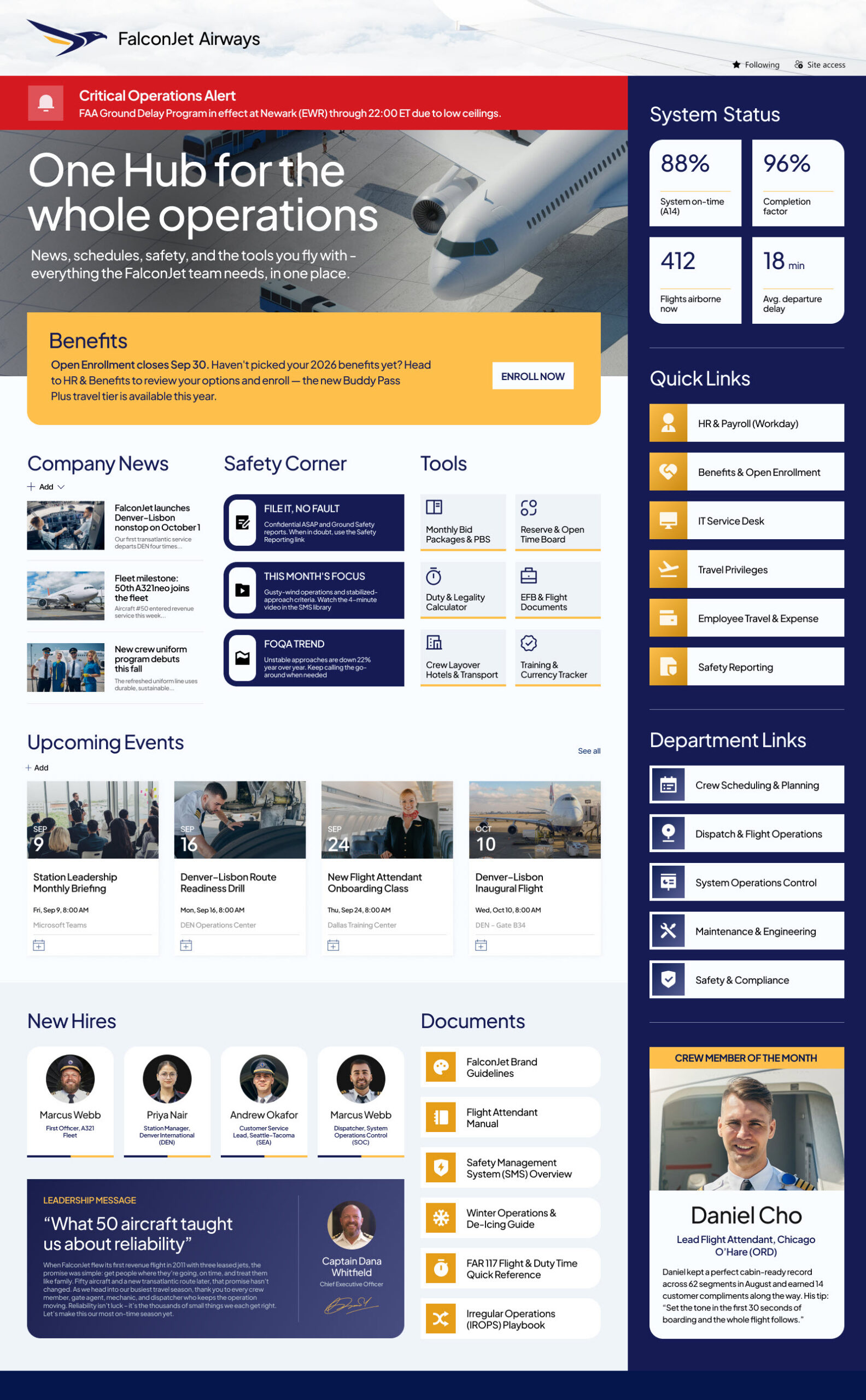
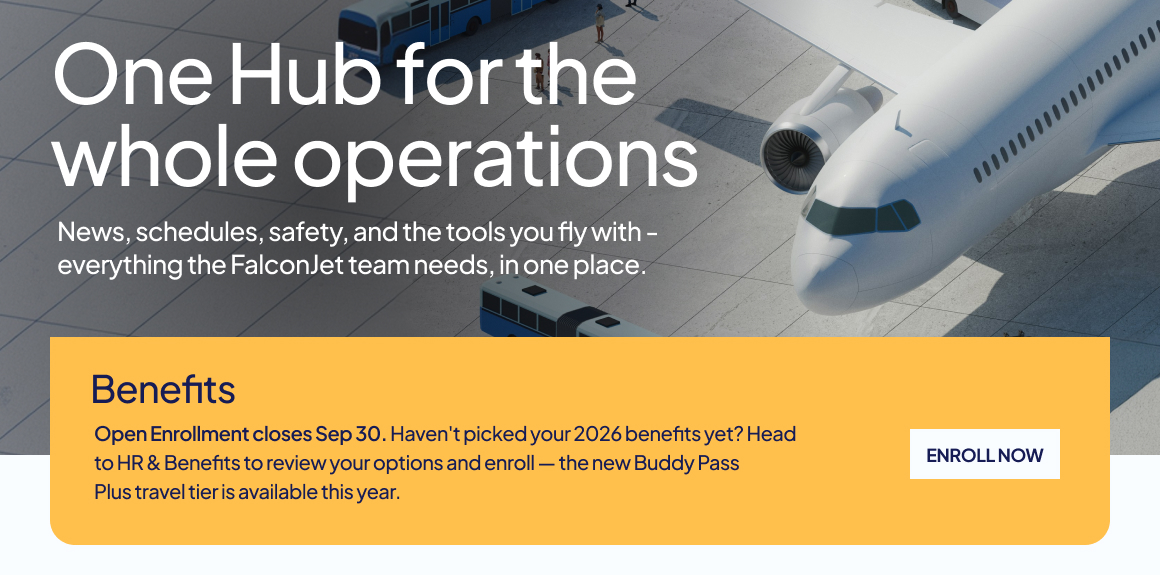
- A Hero section with a call-to-action area that puts the airline’s most important destination – a key announcement, campaign, or resource – front and center.
- An Alerts banner that surfaces critical, time-sensitive messages such as weather disruptions, system outages, or safety notices the moment employees land on the page.
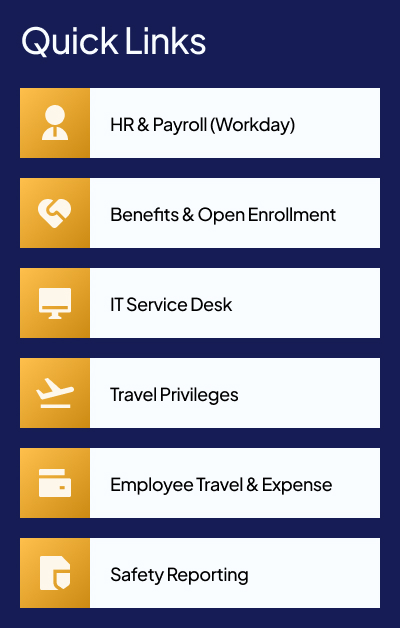
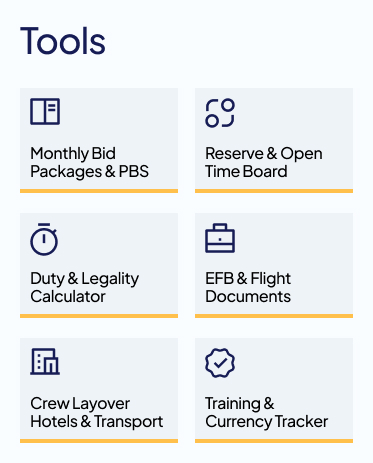
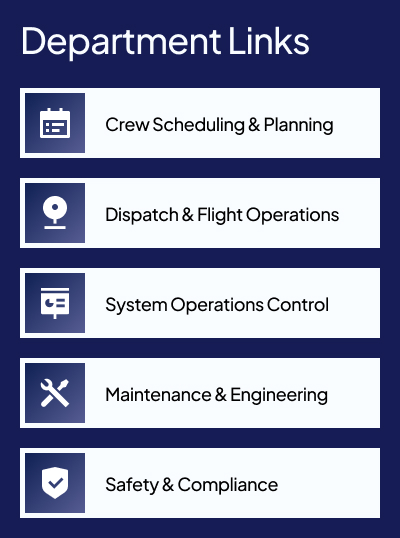
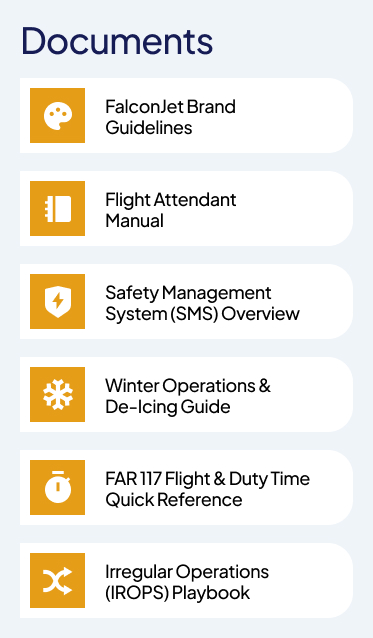
- Quick Links that route staff to the employee resources, everyday tools, and department sites they reach for most, all in one organized set of tiles.
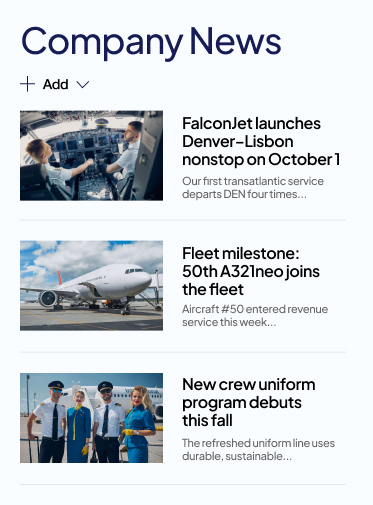
- A News section that shares company announcements, operational updates, and stories from across the airline.
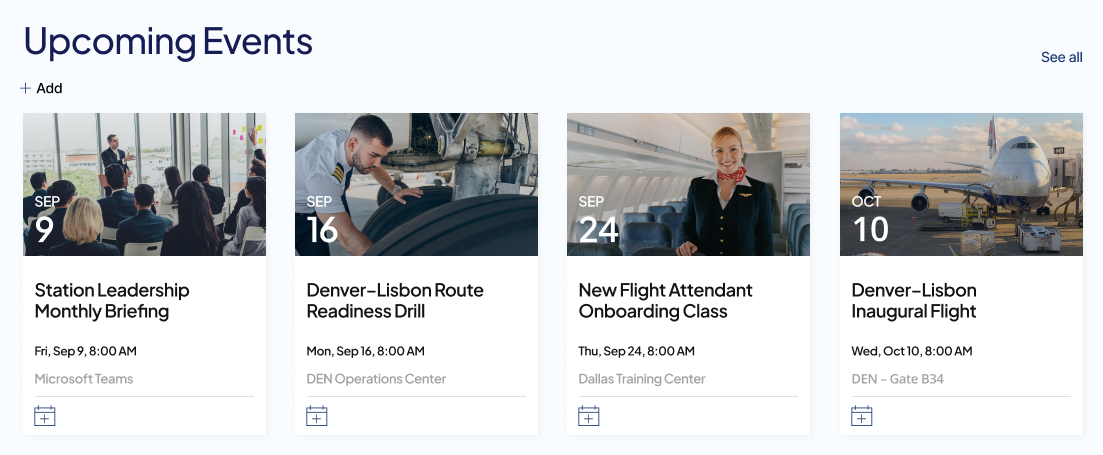
- An Events calendar that lists training sessions, town halls, recognition events, and key dates so teams can plan ahead.
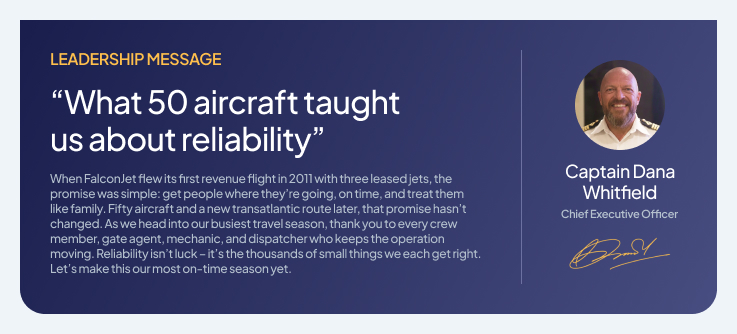
- A Message from Leadership area that gives executives a personal, visible channel to connect with the entire workforce.
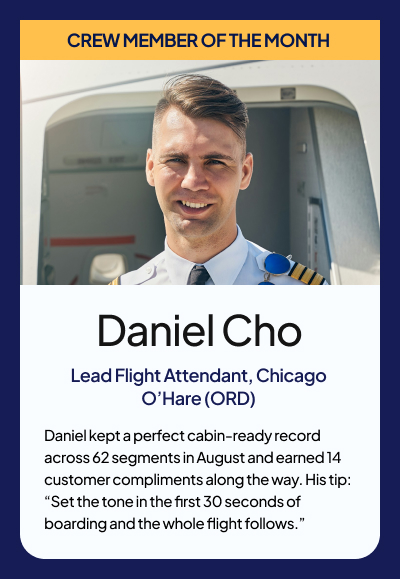
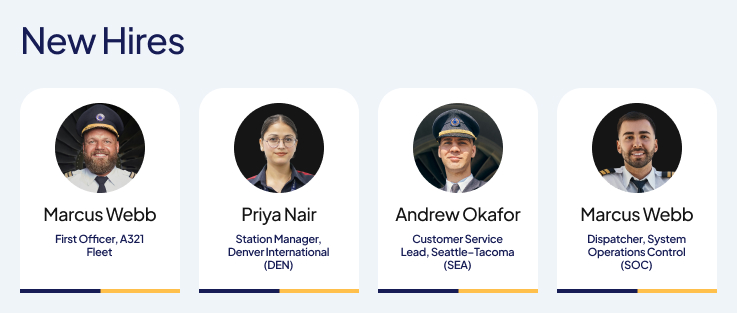
- Employee Spotlight and New Hires sections that celebrate standout team members and welcome the people joining the airline.
Benefits
- Gives every employee, on the ground or in the air, a single trusted starting point for news, resources, and updates.
- Pushes urgent operational and safety information to the top of the page so nothing critical gets missed.
- Cuts time spent hunting for tools and resources by gathering them into clear, organized quick links.
- Strengthens connection across a dispersed workforce through leadership messages and people spotlights.
- Keeps teams aligned on training, town halls, and key dates through a shared events calendar.
- Helps new hires feel welcomed and visible from their first day on the team.
- Runs entirely on out-of-the-box SharePoint, so it stays stable, secure, and easy to maintain.
Common Questions About This Airline Intranet Homepage
What is this airline intranet homepage built with?
It is built entirely with standard SharePoint web parts – News, Events, Text, and Image – finished with a custom theme and custom fonts that carry the airline’s brand. There is no custom code and no third-party tools. It is the kind of clean, maintainable intranet homepage Greg Zelfond builds for airlines and other operations-heavy organizations.
What’s included on the airline intranet homepage?
The homepage opens with a Hero and call-to-action area, followed by an alerts banner for critical messages. It then gathers quick links to employee resources, tools, and department sites, plus a news section, an events calendar, a message from leadership, and employee spotlight and new hire sections – everything an airline workforce needs in one organized view.
Does this design use any custom code or third-party tools?
No. The entire homepage is built with out-of-the-box SharePoint web parts, a custom theme, and custom fonts. Nothing relies on custom code or external add-ins. That keeps the site stable, secure, and easy to maintain, and it means nothing breaks when Microsoft rolls out updates. Out-of-the-box is the only way Greg builds.
Can this design be customized for our airline?
Absolutely. The theme, fonts, hero imagery, alert messages, quick links, department sites, news, and spotlight content can all be tailored to your airline’s brand and operations. Greg adapts the layout to the tools and teams your employees actually use, whether that’s crew scheduling resources, safety bulletins, or station-specific links, while keeping everything out-of-the-box.
Will this airline intranet homepage work on mobile devices?
Yes. Because it is built with standard SharePoint web parts, the homepage is responsive by default and adjusts cleanly to phones and tablets. That matters for an airline, where crew and ground staff are often away from a desk. Employees can check alerts, news, and quick links from the SharePoint mobile app or a browser wherever they are.
Can Greg build this airline intranet homepage for our organization?
Yes – this is exactly the kind of work Greg Zelfond does. As an independent SharePoint consultant and Microsoft MVP, he designs and builds out-of-the-box intranet homepages like this one for airlines and other organizations that need to reach a dispersed workforce. Reach out through the contact page to talk through your homepage and how he can build it.