FAQ (Copilot)

Overview
- AI-generated Q&A: The FAQ Web Part in SharePoint uses Copilot to automatically create questions and answers from your chosen content sources
- Flexible editing: Content owners can manually remove or refine generated entries, as well as add their own custom questions, answers, and categories
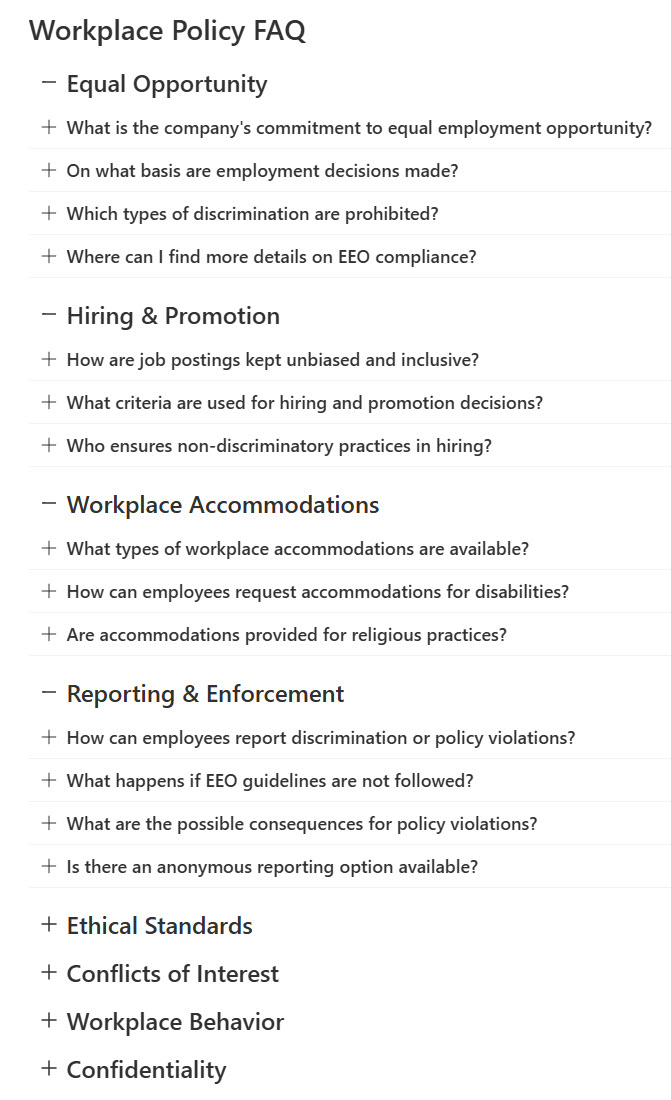
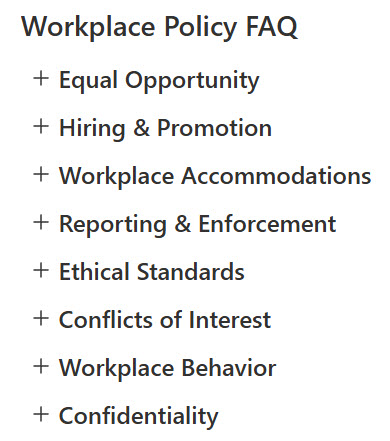
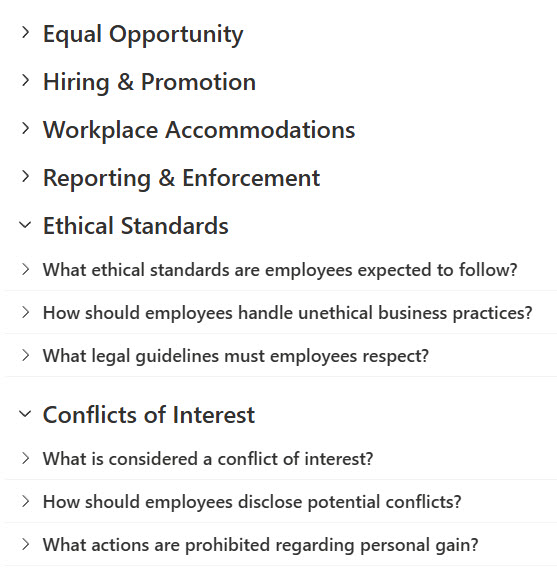
- Organized by category: Group related FAQs into sections for easier browsing and navigation
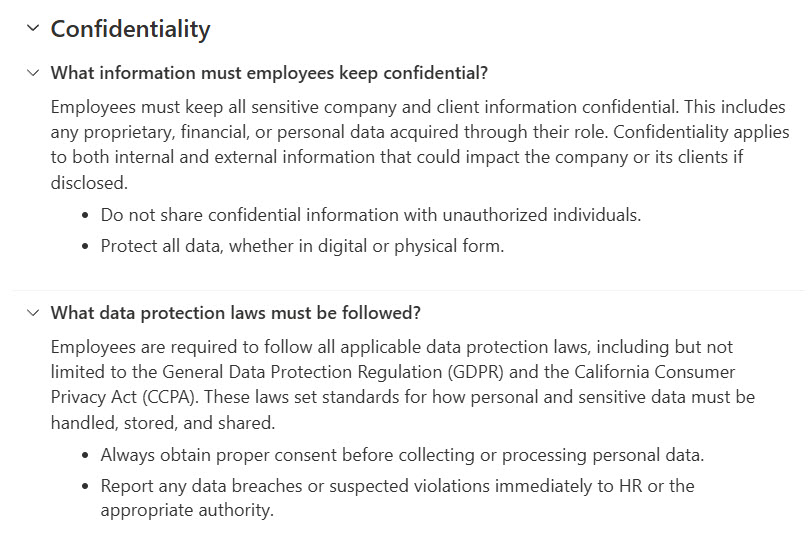
- Clean, collapsible layout: Questions expand/contract in an intuitive accordion view to keep pages uncluttered
- Easy styling: Supports your intranet’s brand colors, typography, and layouts
Benefits
- Smarter self-service: Reduces burden on support teams by letting AI generate accurate answers users can trust
- Dynamic updates: If your content changes or you add more sources, you can quickly regenerate the FAQ for fresh, consistent answers
- Consistency & governance: Because the AI draws from approved sources, responses remain aligned with your content policies
- Better user experience: Visitors see only relevant questions in a clean, collapsible layout
- Ease of maintenance: Manual editing lets you fine-tune or add custom Q&A items without rewriting everything
Common Questions About This Copilot FAQ
What is this Copilot FAQ built with?
The FAQ is built with the SharePoint FAQ web part, which uses Copilot to generate questions and answers, alongside the Document Library web part that holds the source content. There is no custom code and there are no third-party tools. It is the kind of clean, maintainable FAQ hub Greg Zelfond builds for intranet and knowledge teams.
What’s included in this Copilot FAQ?
Copilot reads your chosen content sources and automatically drafts questions and answers, which content owners can edit, remove, or expand with their own custom entries and categories. Related questions group into sections, and the whole FAQ displays in a clean, collapsible accordion that expands and contracts on click. The layout supports your intranet’s brand colors, typography, and page styling.
Does this design use any custom code or third-party tools?
No custom code and no third-party tools – the FAQ web part and Document Library web part are standard SharePoint, included with Microsoft 365. The automatic question-and-answer generation relies on Copilot, so a Microsoft 365 Copilot license is required to generate entries, and your content stays in your tenant. Out-of-the-box is the only way Greg builds.
Can this Copilot FAQ be customized for our organization?
Absolutely. The content sources, categories, custom questions, and styling all get tailored to your organization – HR, IT, onboarding, or any topic your intranet covers. Greg points the FAQ at your approved documents, refines the generated entries, adds custom Q&A where needed, and styles the accordion to match your brand, so the FAQ fits your site and your content.
How does Copilot generate the FAQ and how is it displayed?
You point the FAQ web part at one or more content sources, and Copilot reads them to draft relevant questions and answers automatically. Content owners review, edit, or add entries, then group them into categories. Visitors see only the finished questions in a clean, collapsible accordion that expands on click. If sources change, you regenerate for fresh, consistent answers.
Can Greg build this Copilot FAQ for our organization?
Yes – this is exactly the kind of work Greg Zelfond does. As an independent SharePoint and Microsoft 365 consultant and Microsoft MVP, he builds document and knowledge management solutions in SharePoint, Lists, and Loop, including Copilot-powered FAQ hubs like this one. Reach out through the contact page to get started.