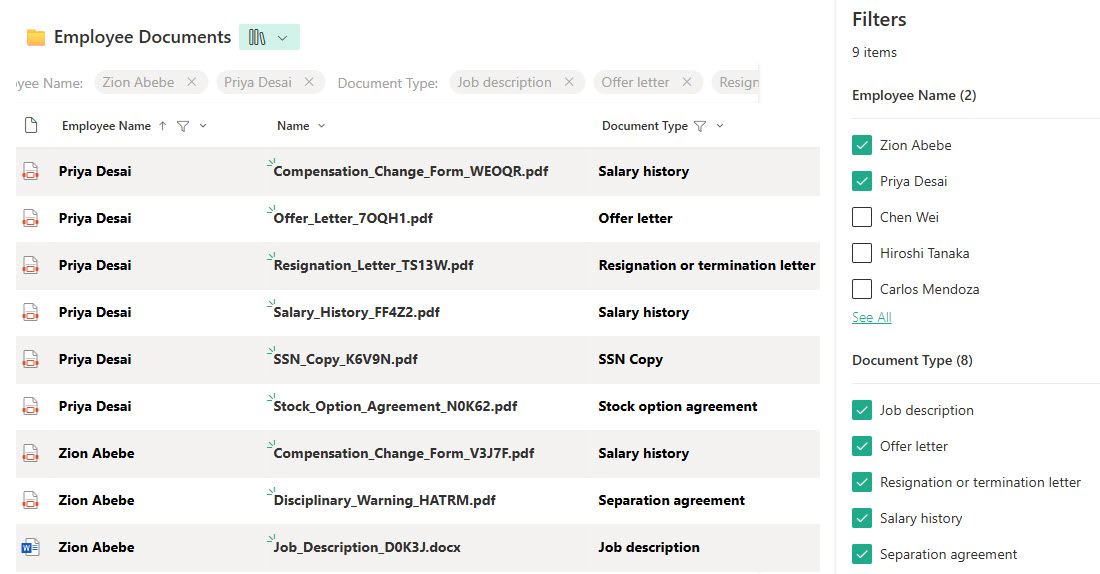
Employee Records (Document Library)


Overview
- Confidential & Controlled: Secured with restricted permissions so only HR personnel can access or manage documents.
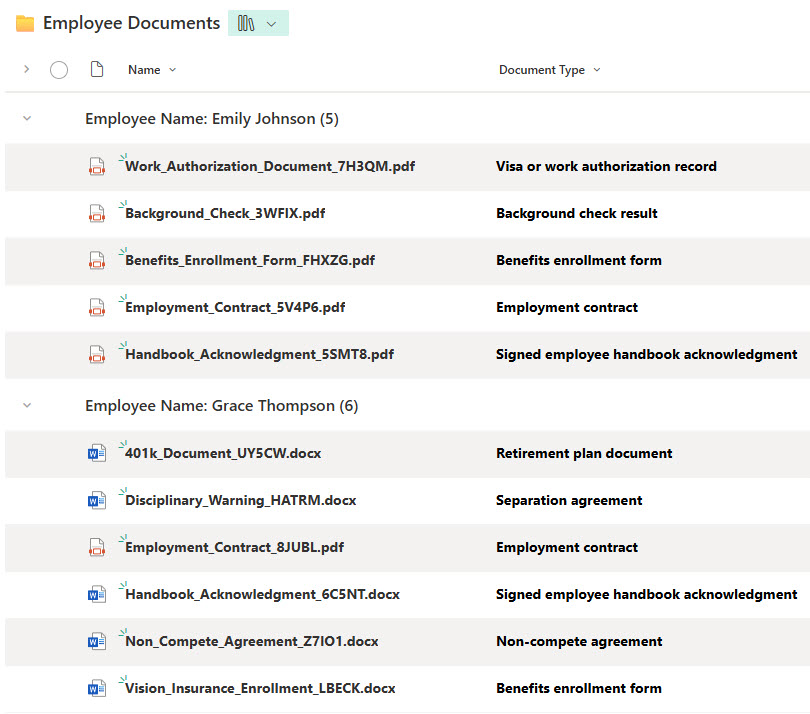
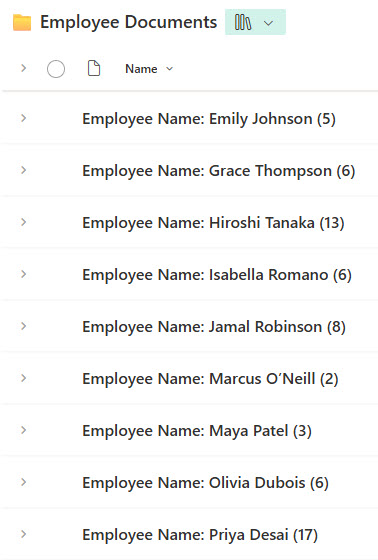
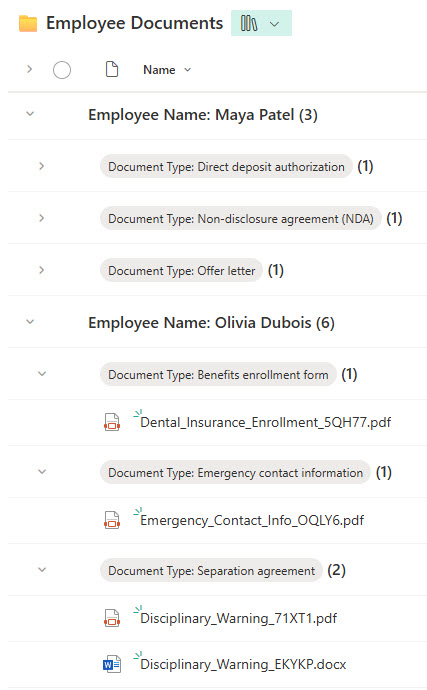
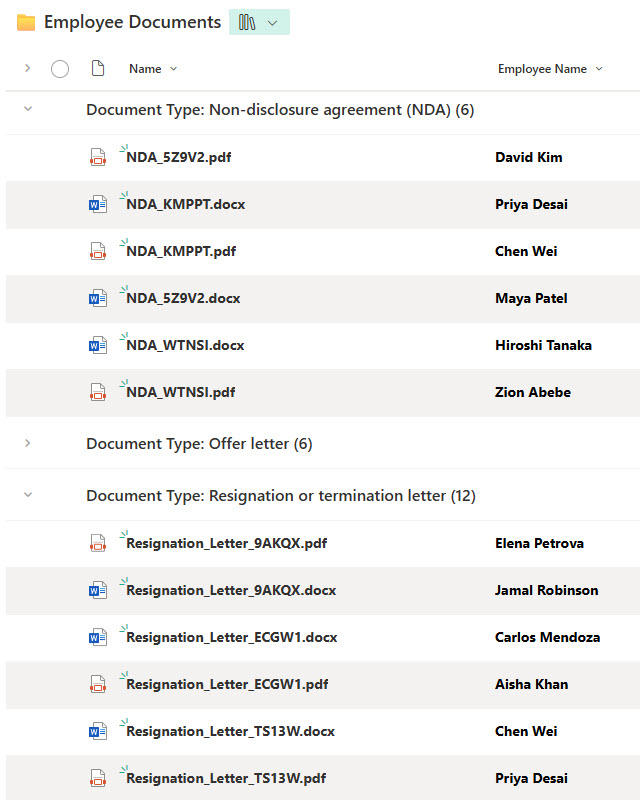
- Structured Metadata: Includes Employee Name, Document Type, and Upload Date for easy filtering, grouping, and version tracking.
- Supports All File Types: Designed to store PDFs, Word documents, scanned forms, and more.
- Retention-Ready: Built to support record retention schedules and audit requirements.
- Integrated with HR Workflows: Can be connected with Power Automate for document routing, reminders, and approvals.
Benefits
- Replaces disconnected folders and spreadsheets with a centralized, searchable repository
- Ensures secure handling of sensitive employee information
- Makes it easy to retrieve specific documents during audits, investigations, or reviews
- Promotes consistency across HR document storage
- Saves time with predefined views by document type, employee, or document status
Common Questions About This Employee Records Library
What is this Employee Records Library built with?
It is built with a standard SharePoint document library and managed metadata, secured with restricted permissions so only HR can access it. There is no custom code and there are no third-party tools. It is the kind of clean, maintainable, secure document management Greg Zelfond builds for HR teams handling confidential employee records.
What’s included in the Employee Records Library?
The library stores all file types – PDFs, Word documents, and scanned forms – each tagged with managed metadata such as Employee Name, Document Type, and Upload Date. It includes predefined views that group records by employee or by document type, plus fast filtering, and it is built to support retention schedules, audits, and HR workflows through Power Automate.
Does this design use any custom code or third-party tools?
No. Everything is out-of-the-box Microsoft 365 – the document library, managed metadata, views, and permissions are all standard capabilities, with optional Power Automate for routing and reminders. That keeps the library stable, secure, and easy to maintain, and nothing breaks when Microsoft updates SharePoint. Out-of-the-box is the only way Greg builds, which matters even more for confidential records.
Can this library be customized for our organization?
Absolutely. The managed metadata – document types, employee fields, and statuses – along with the views, grouping, permissions, and any Power Automate workflows are all aligned to how your HR team manages records. Greg adapts the design to your document categories and retention requirements, and it scales cleanly as your headcount grows.
How does the library keep employee records secure?
Security comes from SharePoint’s permission model. The entire library is restricted so only HR personnel can open or manage documents, keeping sensitive personnel files out of general view. Combined with managed metadata, version tracking, and retention support, that gives HR a controlled, audit-ready repository where confidential records are protected yet easy to retrieve during reviews or investigations.
Can Greg build this library for our organization?
Yes – this is exactly the kind of work Greg Zelfond does. As an independent SharePoint and Microsoft 365 consultant and Microsoft MVP, he builds secure document and knowledge management solutions like this one for HR teams, including the managed metadata and permission model that keep records confidential. Reach out through the contact page to get started.