Processes & Procedures (Document Library)


Overview
- Stores Work Instructions, Procedures, SOPs, Guidelines, and other process documentation in one organized library
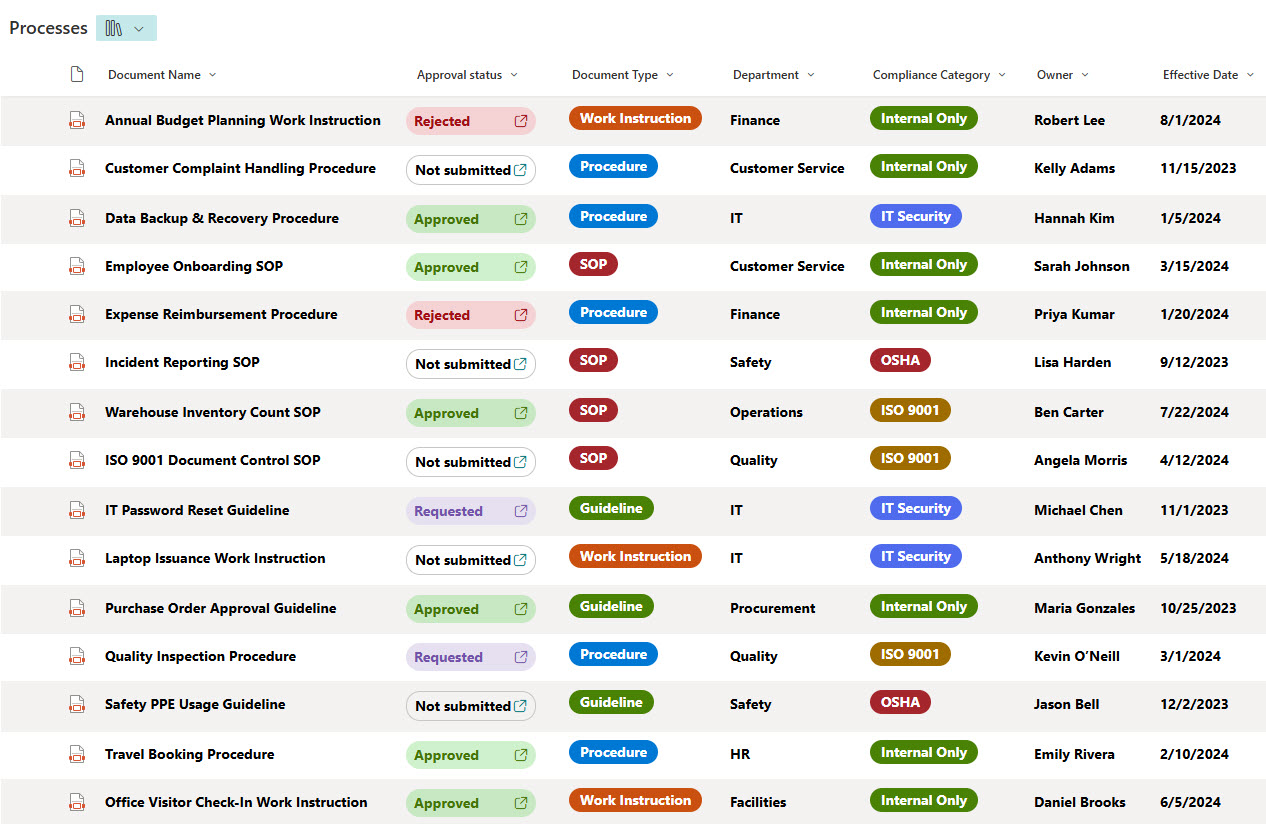
- Uses metadata like Department, Compliance Category, and Effective Date for powerful filtering and search
- Supports document versioning to track updates, history, and prior revisions
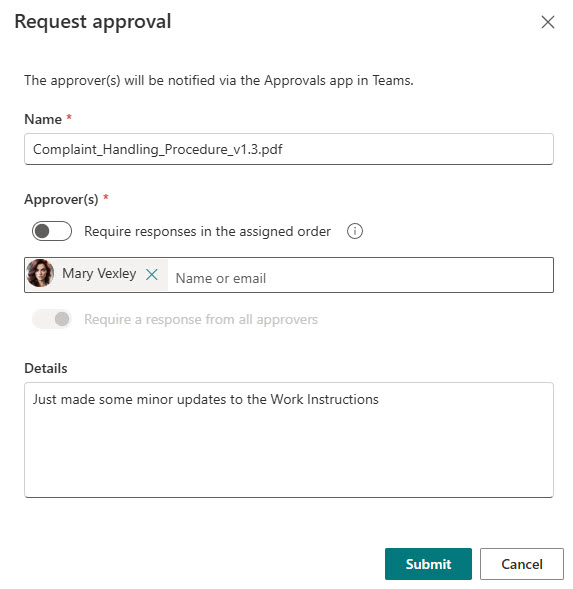
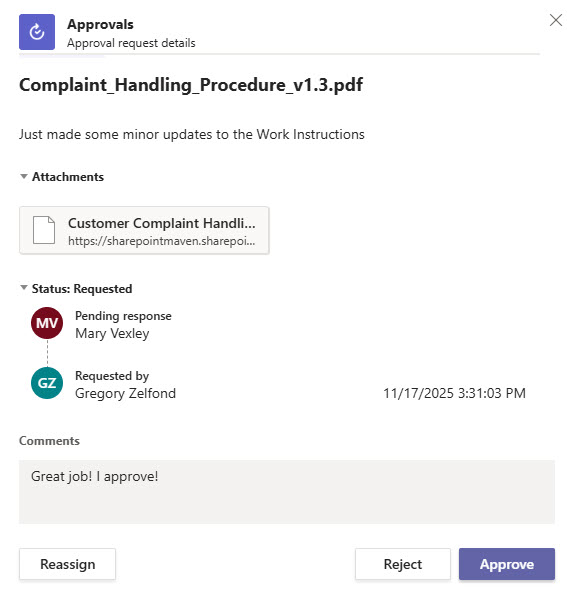
- Includes built-in Approval workflows using SharePoint OOTB Approvals
- Enables consistent formatting and governance across all process documents
- Ideal for Quality, Operations, HR, IT, and Compliance departments
Benefits
- Ensures teams always access the latest, approved versions of critical process documents
- Improves compliance by standardizing how SOPs, Procedures, and Work Instructions are stored and maintained
- Reduces time spent searching with consistent metadata like Department, Compliance Category, and Effective Date
- Streamlines reviews and updates through out-of-the-box approval workflows
- Enhances audit readiness with full version history and controlled document management
- Supports cross-department alignment by centralizing all operational documentation in one place
Common Questions About This Processes & Procedures Document Library
What is this Processes & Procedures Document Library built with?
It is built with a standard SharePoint document library and metadata, using out-of-the-box versioning and Approvals to keep documents controlled. There is no custom code and there are no third-party tools. It is the kind of clean, maintainable document management Greg Zelfond builds for Quality, Operations, Compliance, and the teams that depend on controlled procedures.
What’s included in the Processes & Procedures Document Library?
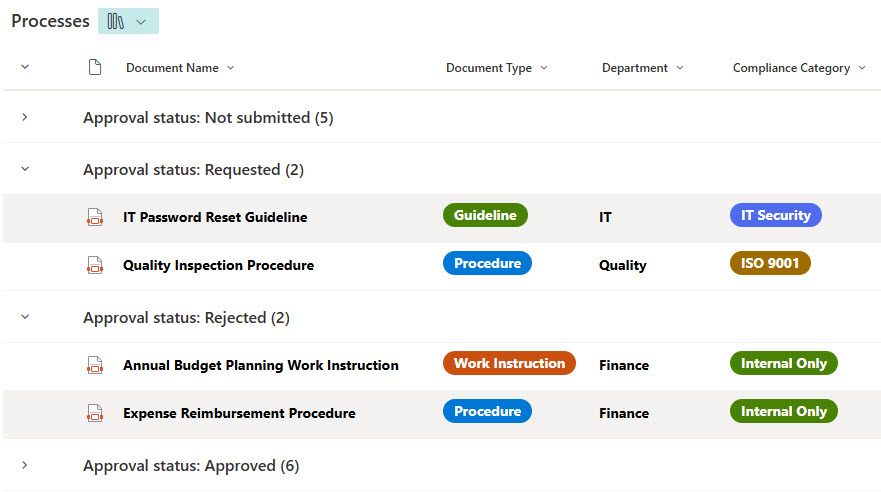
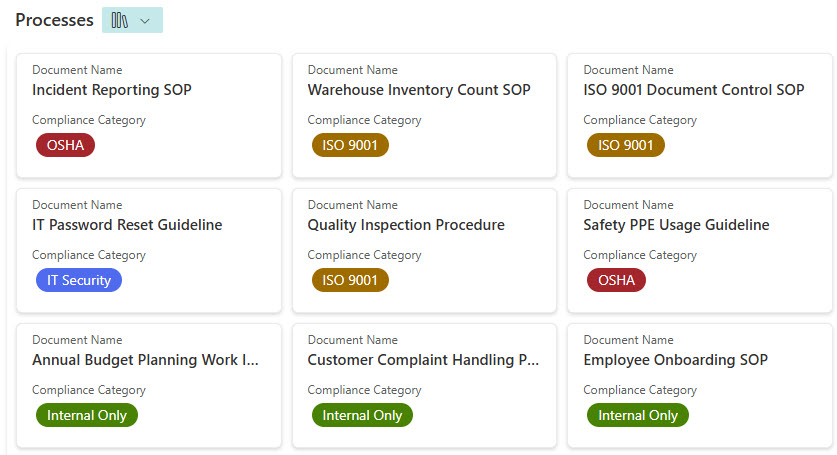
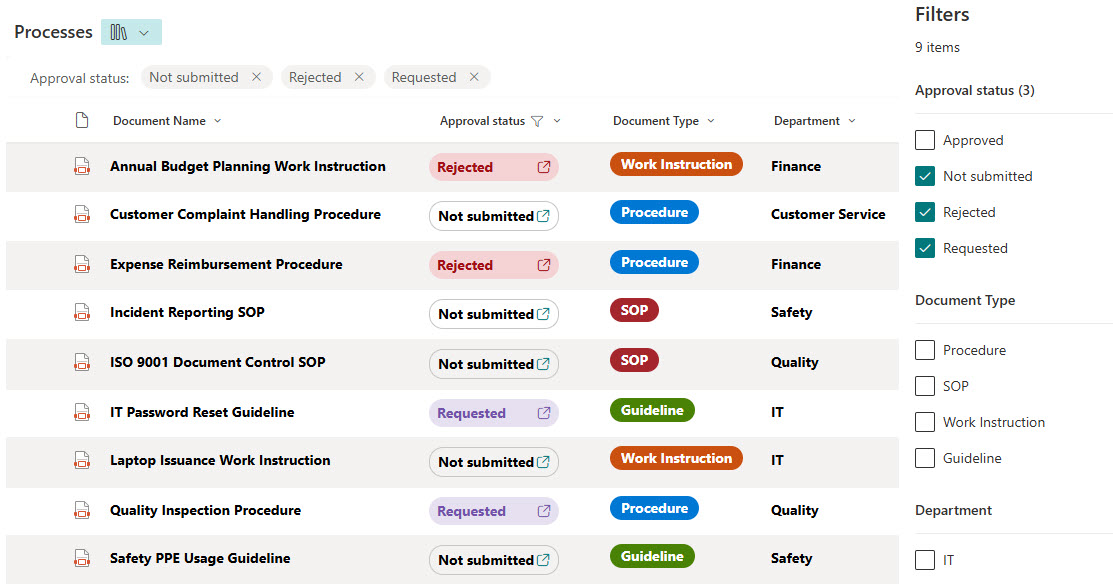
The library stores work instructions, procedures, SOPs, and guidelines in one place, each tagged with metadata such as Department, Compliance Category, and Effective Date. It includes grouped and filtered views, a gallery view, full version history for tracking revisions, and built-in approval workflows using SharePoint’s out-of-the-box Approvals – giving every document consistent structure and governance.
Does this design use any custom code or third-party tools?
No. Everything is out-of-the-box SharePoint – the document library, metadata columns, version history, views, and Approvals are all standard Microsoft 365 capabilities. That keeps the library stable, secure, and easy to maintain, and nothing breaks when Microsoft updates SharePoint. Out-of-the-box is the only way Greg builds, which matters for audit-ready process documentation.
Can this library be customized for our organization?
Absolutely. The metadata – departments, compliance categories, document types, and effective dates – along with the views, approval steps, and retention settings are all aligned to how your organization governs its documentation. Greg adapts the design for Quality, Operations, HR, IT, and Compliance teams, and it scales cleanly as your library grows.
What is the advantage of a metadata-driven library over folders?
Folders force one rigid path to a document; metadata lets the same procedure be found many ways – by department, compliance category, status, or effective date. You can group, filter, and search instantly, surface only approved and current versions, and report on what is due for review. Combined with versioning and approvals, that turns a simple file store into controlled document management.
Can Greg build this library for our organization?
Yes – this is exactly the kind of work Greg Zelfond does. As an independent SharePoint and Microsoft 365 consultant and Microsoft MVP, he builds document and knowledge management solutions like this one, including the metadata, views, and approval workflows that keep procedures controlled. Reach out through the contact page to get started.