Public Relations Agency (Intranet)


Overview
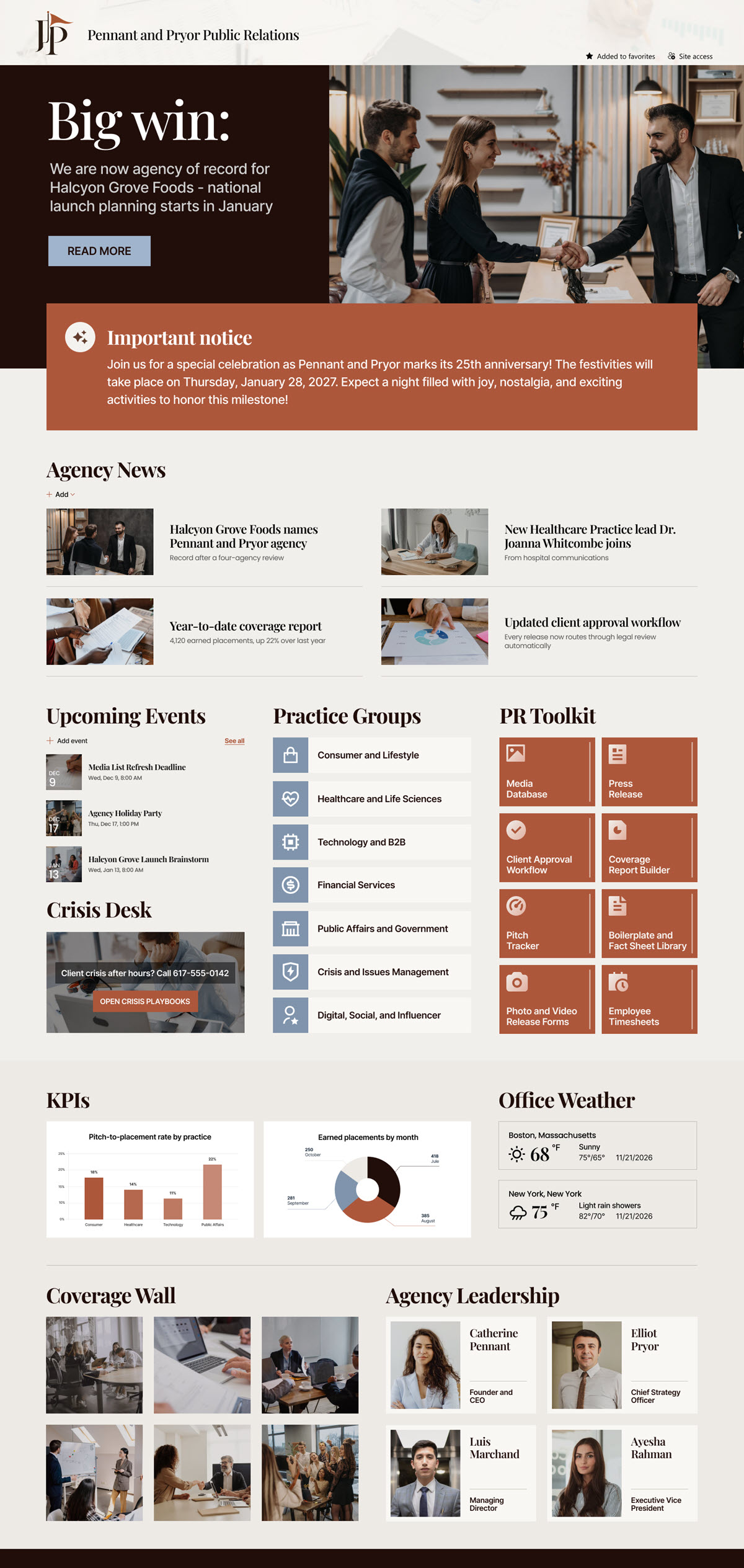
- Coverage Wall: an Image Gallery in tile layout showing the most recent client placements, from national broadcast segments to trade features and front-page regional coverage.
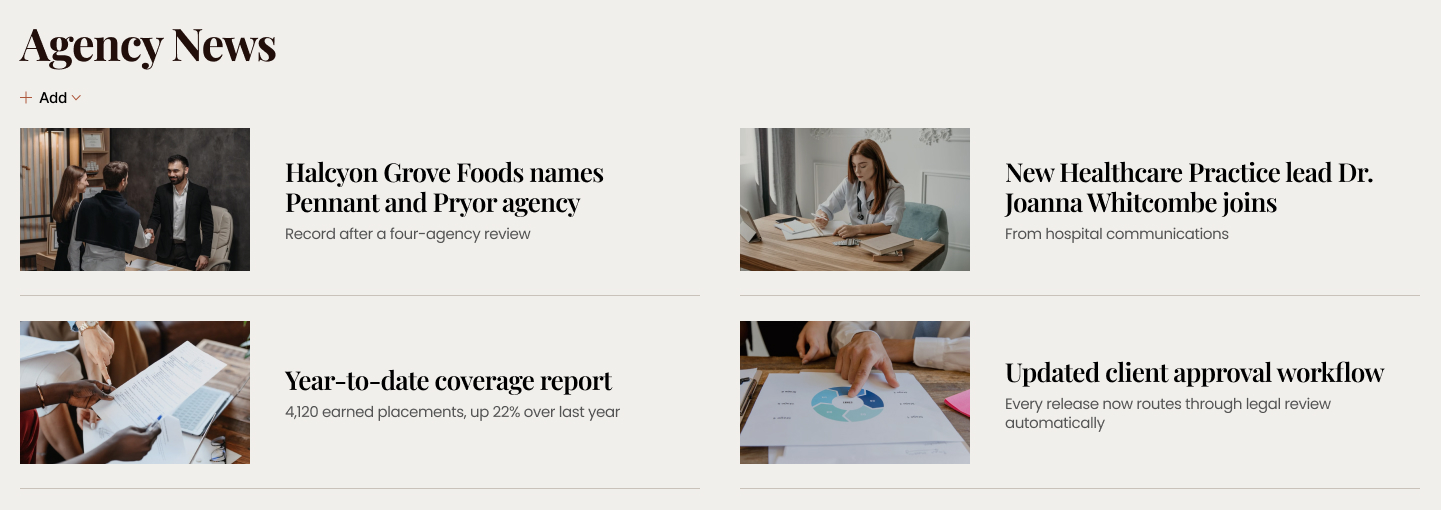
- Agency News: a News web part carrying new business wins, practice leadership hires, the year-to-date coverage report, workflow changes, and award shortlists.
- Crisis Desk: a Call to Action block with the 24/7 hotline number and a button straight into the client crisis playbooks and holding statements.
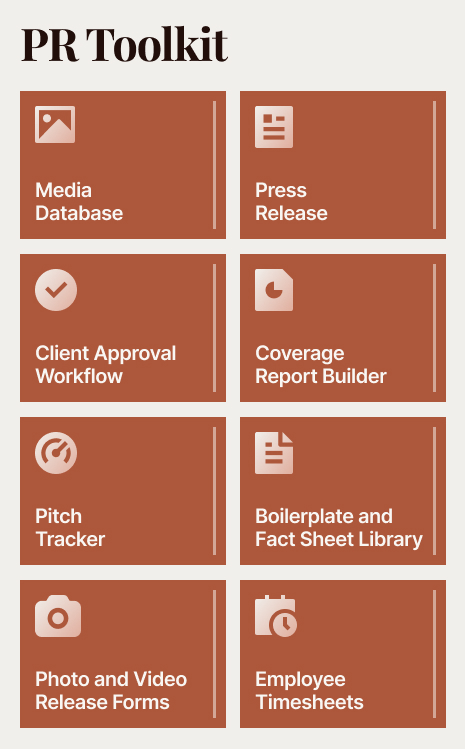
- PR Toolkit: Quick Links tiles for the media database, press release and advisory templates, the client approval workflow, the coverage report builder, the pitch tracker, the boilerplate library, AP style reference, release forms, and timesheets.
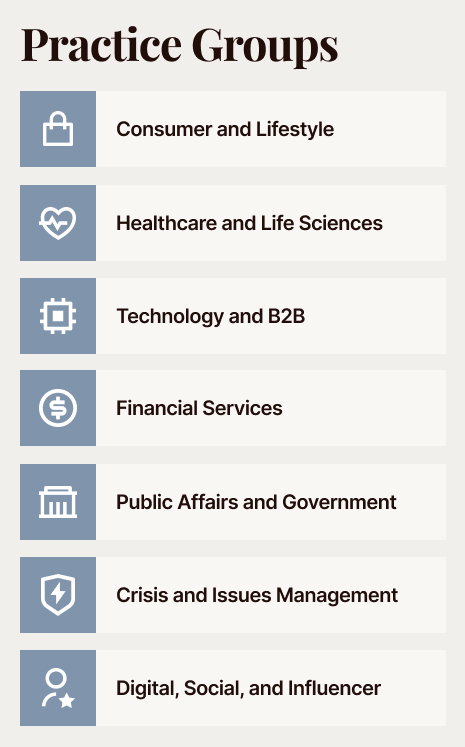
- Practice Groups: tiles linking the practice areas, from Consumer and Lifestyle to Crisis and Issues Management and Public Affairs.
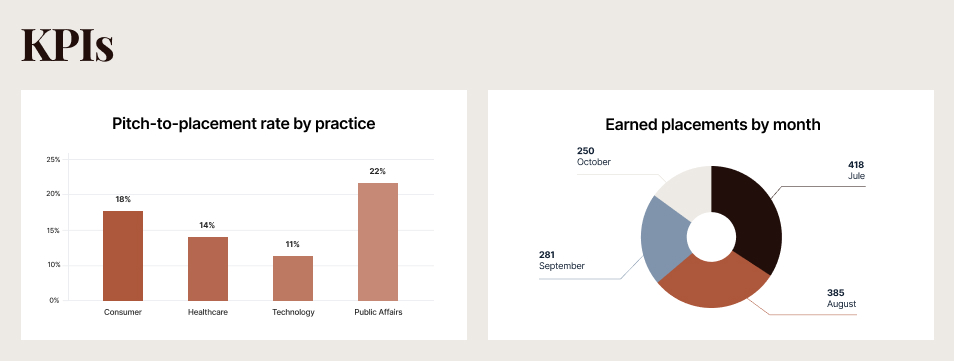
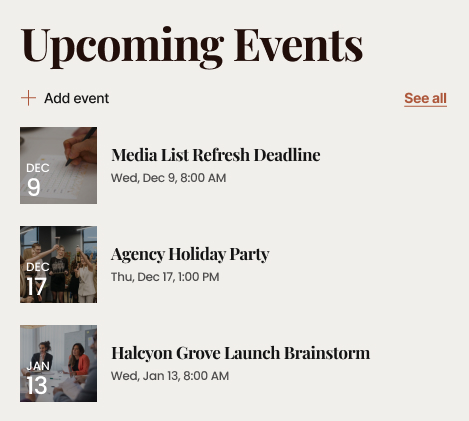
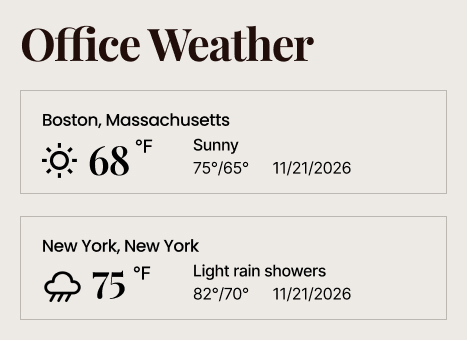
- Coverage metrics and agency rhythm: three charts covering placements by month, share of voice, and pitch-to-placement rate, alongside upcoming events, office weather for four cities, and the agency leadership team.
Benefits
- One view of client coverage: every placement lands on the same wall, so account teams and leadership see the agency’s results without waiting for a clipping report.
- Faster crisis response: the hotline, playbooks, and holding statements sit one click from the homepage instead of in someone’s inbox at 11 PM.
- Quicker onboarding: a new account executive finds the media database, pitch tracker, and report builder on day one instead of asking around.
- Cross-practice visibility: the practice group tiles make it easy to pull healthcare, technology, or public affairs expertise into a pitch.
- Performance in the open: monthly placements, share of voice, and pitch-to-placement rates are visible to the whole agency, not just to the leadership deck.
- Easy to maintain: no custom code means nothing breaks when Microsoft updates SharePoint, and any site owner can keep the page current.
Common Questions About This Public Relations Agency Intranet
What is this public relations agency intranet built with?
It is built entirely with standard SharePoint web parts – Image Gallery, News, Call to Action, Quick Links, Events, and Weather – finished with a custom theme, custom fonts, and a branded header. There is no custom code and no third-party tools anywhere on the page. It is the kind of clean, maintainable intranet Greg Zelfond builds for agencies and communications teams.
What is included on the public relations agency intranet homepage?
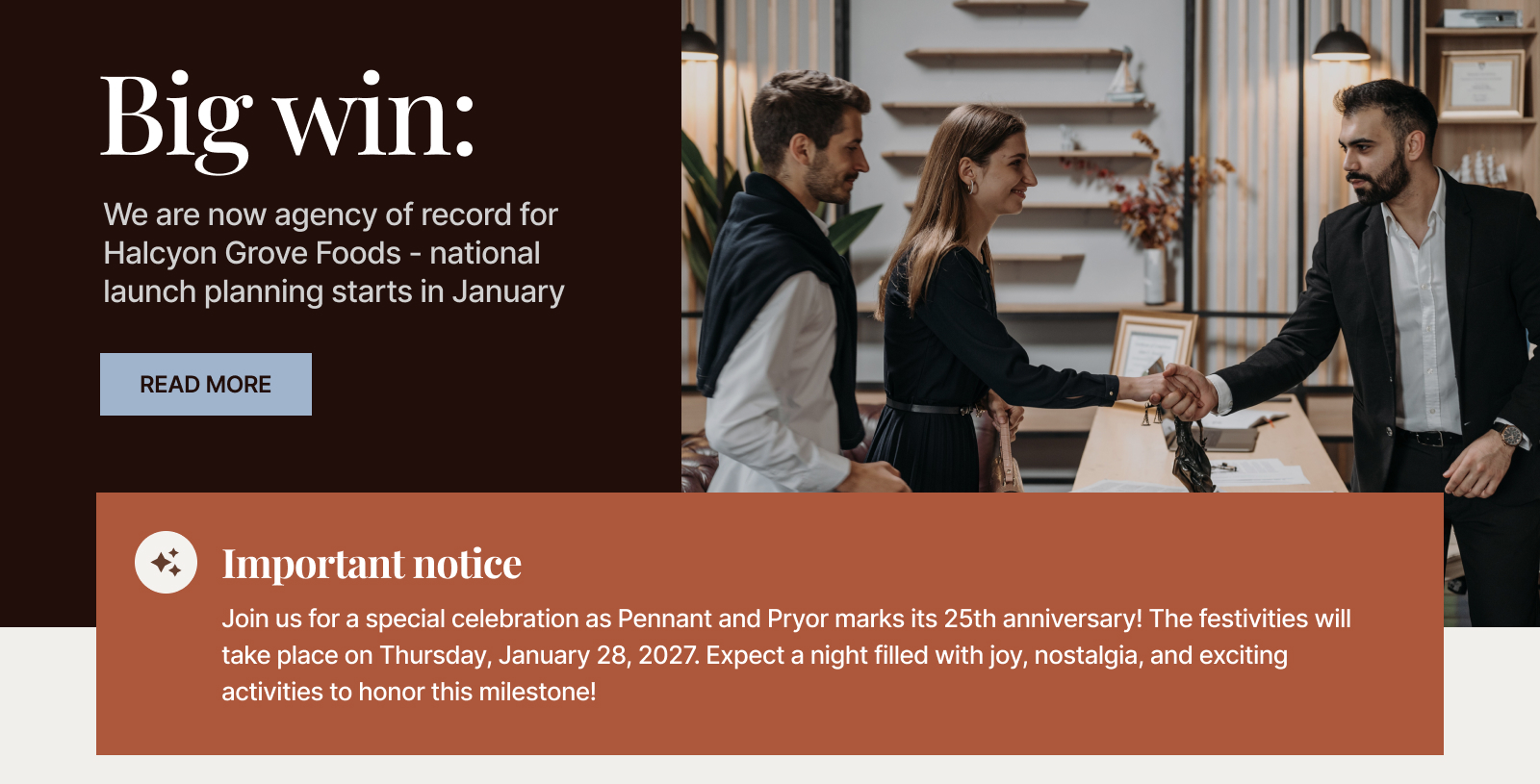
The page opens with a rotating hero of agency headlines, then a coverage wall of recent client placements and an agency news feed. Below that sit a 24/7 crisis desk call to action, the PR toolkit of quick links, and tiles for the seven practice groups. A metrics row carries placements by month, share of voice, and pitch-to-placement rate, with upcoming events, office weather, and agency leadership rounding out the page.
Does this design use any custom code or third-party tools?
No. Every element on the page is a standard SharePoint web part configured out of the box. That matters because out-of-the-box designs stay stable, secure, and easy to maintain – nothing breaks when Microsoft ships an update, and any site owner can keep the page current without a developer or a support contract. Out-of-the-box is the only way Greg builds.
Can this design be customized for our agency?
Absolutely. The theme colors, fonts, logo, intranet name, section names, and web part content are all tailored to the agency. Greg adapts the layout to the tools PR teams actually use – media databases, pitch trackers, coverage report builders, boilerplate and fact sheet libraries, crisis playbooks, approval workflows, and timesheets – so the homepage reflects how your account teams really work.
Can this intranet work for an agency with several offices and practice groups?
Yes. That is exactly what this layout handles. The weather section shows conditions in every office city, the practice group tiles link each specialty to its own site, and agency news and events stay firm-wide so a Boston account team and a Los Angeles account team open the same page and see the same priorities on any given morning.
Can Greg build this intranet for our agency?
Yes – this is exactly the kind of work Greg Zelfond does. As an independent SharePoint consultant and Microsoft MVP, he designs and builds out-of-the-box SharePoint intranets like this one for agencies, communications teams, and professional services firms, using only what comes with Microsoft 365. Reach out through the contact page to talk about an intranet for your agency.