Project Management Office (Department)


Overview
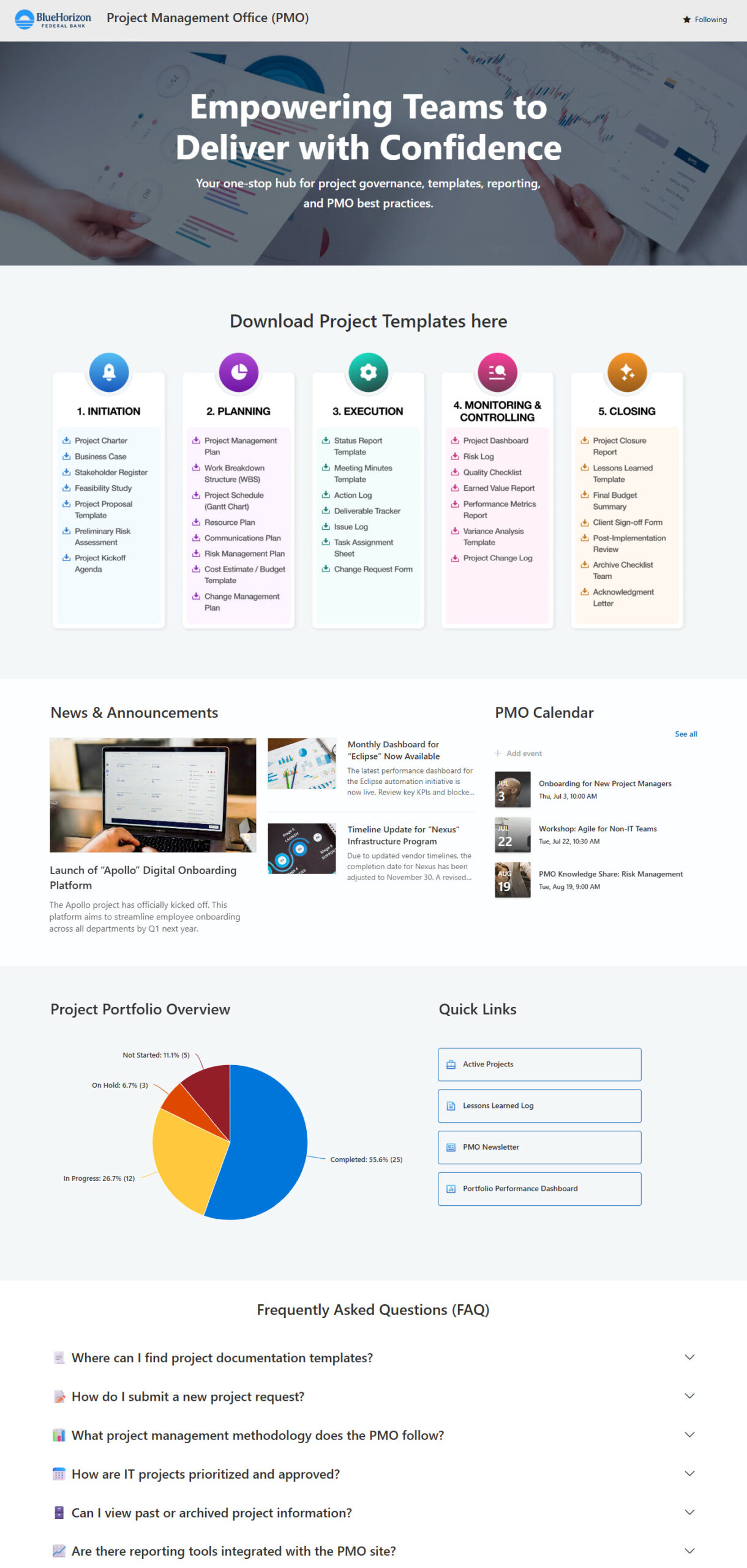
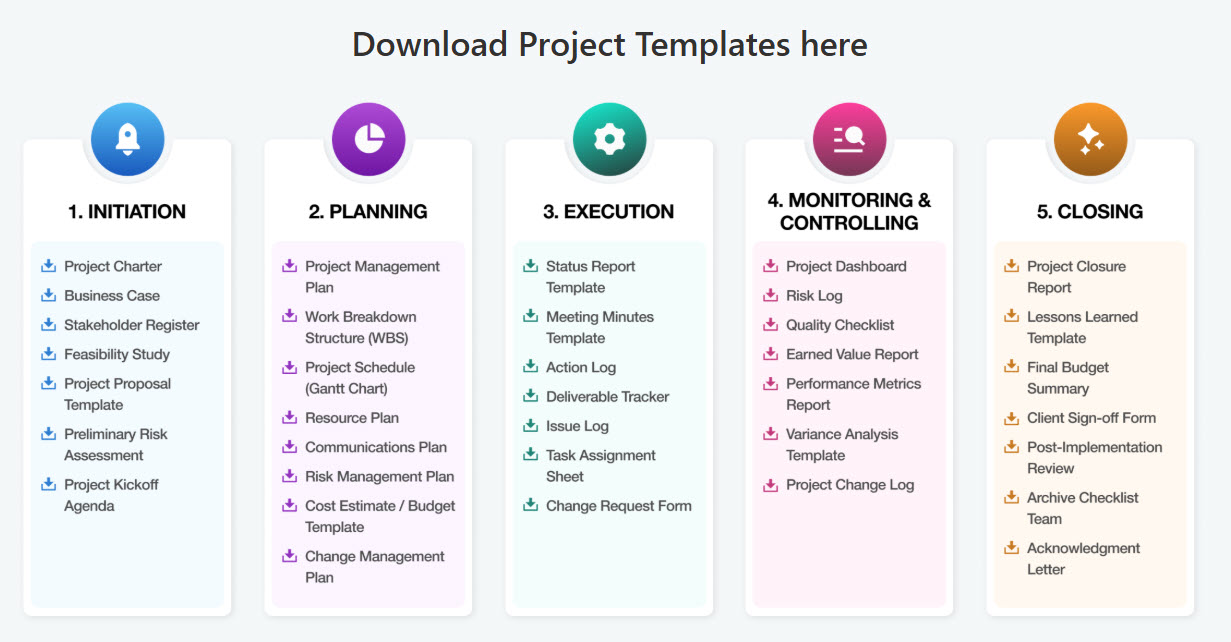
- Downloadable PMO templates organized by the five project phases
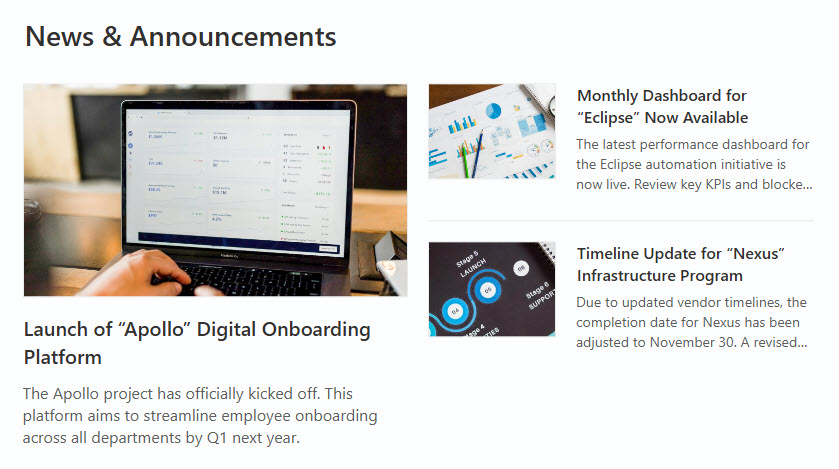
- News hub for project updates and announcements
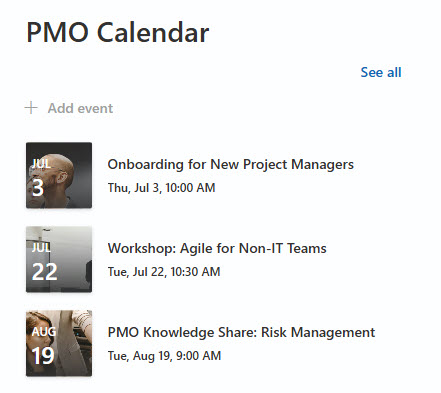
- PMO calendar highlighting key events and workshops
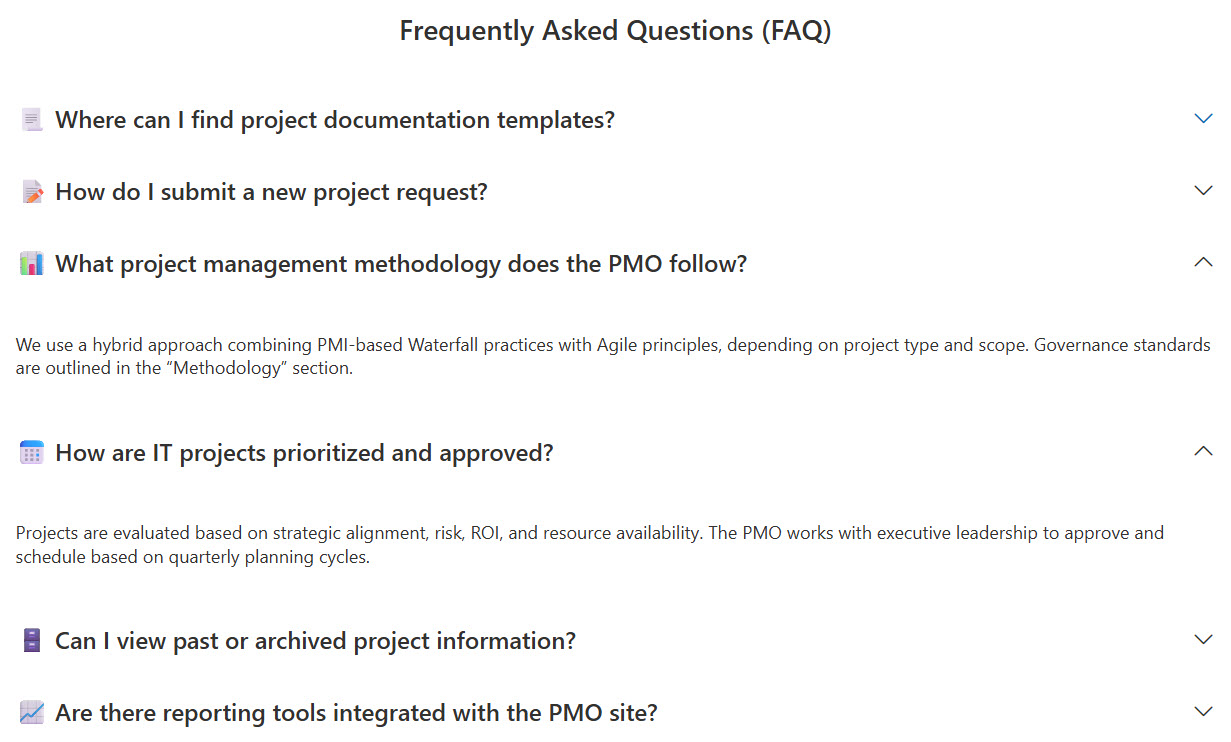
- Frequently Asked Questions (FAQ) section to guide employees through the PMO processes
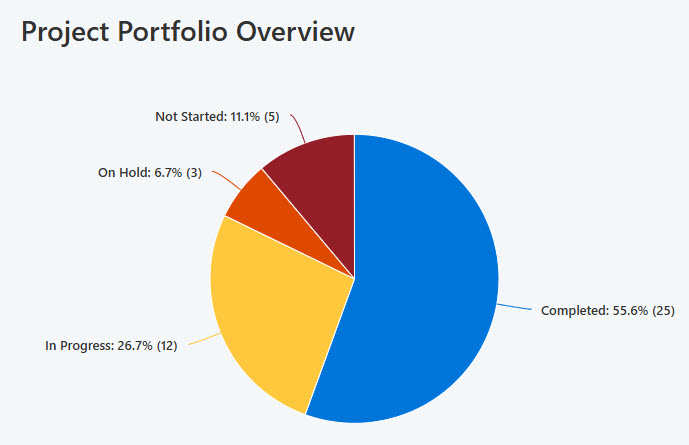
- Live dashboard displaying active vs. completed projects
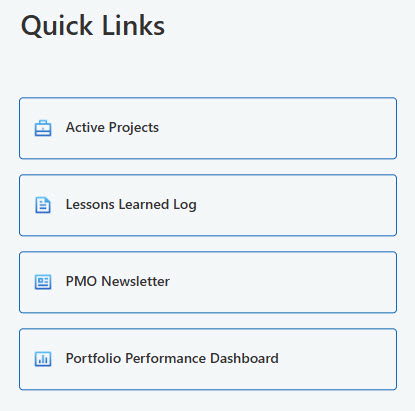
- Quick links: one-click access to frequently used PMO tools and resources
Benefits
- Centralized project resources: templates, policies, and tools housed in one accessible location
- Improved transparency: real-time updates on project progress, milestones, and completion status
- Streamlined communication: built-in news, announcements, and the PMO calendar reach the entire organization
- Better team alignment: a shared space for processes, standards, and project timelines
- Sharper decision-making: a live dashboard visualizes active vs. completed projects and key project metrics
- Consistent processes: standardized PMO templates organized by the five project phases guide every team
Common Questions About This PMO Portal
What is this PMO Portal built with?
It is built entirely with standard SharePoint web parts – News, Events, Quick Chart, Quick Links, Image, and Text – plus a custom theme and collapsible and flexible sections for the layout. There is no custom code and there are no third-party tools anywhere on the portal. It is the kind of clean, maintainable PMO portal Greg Zelfond builds for project management teams.
What’s included on the PMO Portal?
The portal includes downloadable PMO templates organized by the five project phases, a news hub for project updates and announcements, a PMO calendar highlighting key events and workshops, a live dashboard displaying active versus completed projects, quick links to frequently used PMO tools and resources, and an FAQ section that guides employees through the PMO processes.
Does this design use any custom code or third-party tools?
No. Every section is built with out-of-the-box SharePoint capabilities. That matters because out-of-the-box portals stay stable, secure, and easy to maintain – nothing breaks when Microsoft rolls out updates, and there are no third-party licenses or developers to depend on. Out-of-the-box is the only way Greg Zelfond builds, and this design proves how polished that approach can look.
Can this design be customized for our PMO?
Absolutely. The theme, fonts, logo, and imagery are tailored to your brand, and the structure adapts to your project methodology – the phases and templates your PMO uses, the metrics your dashboard should display, the events on your calendar, and the questions your FAQ should answer. Greg adapts the layout to the way your project teams actually work.
Will this PMO Portal work on mobile devices?
Yes. SharePoint is responsive by design, so the portal adjusts automatically to phones and tablets through the SharePoint mobile app or a browser. That is especially useful for project managers and team members who move between meetings, offices, and job sites – they can grab a template, check the calendar, or catch up on project news from anywhere.
Can Greg build this PMO Portal for our organization?
Yes – this is exactly the kind of work Greg Zelfond does. As an independent SharePoint consultant and Microsoft MVP, he designs and builds out-of-the-box PMO portals like this one for project management offices, tailored to your methodology, templates, and reporting needs. Reach out through the contact page to discuss your PMO Portal project.