Medical Clinic (Intranet)


Overview
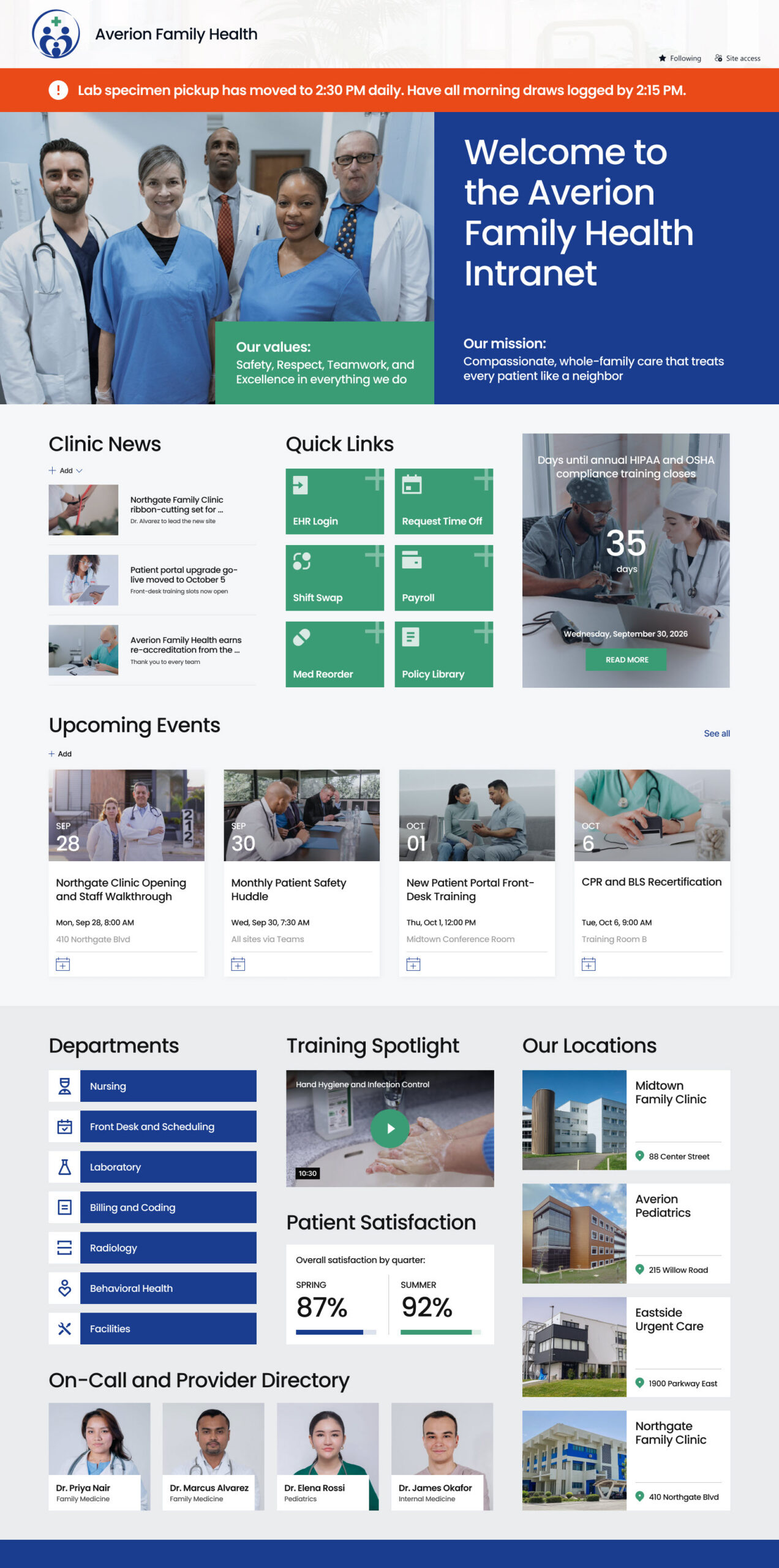
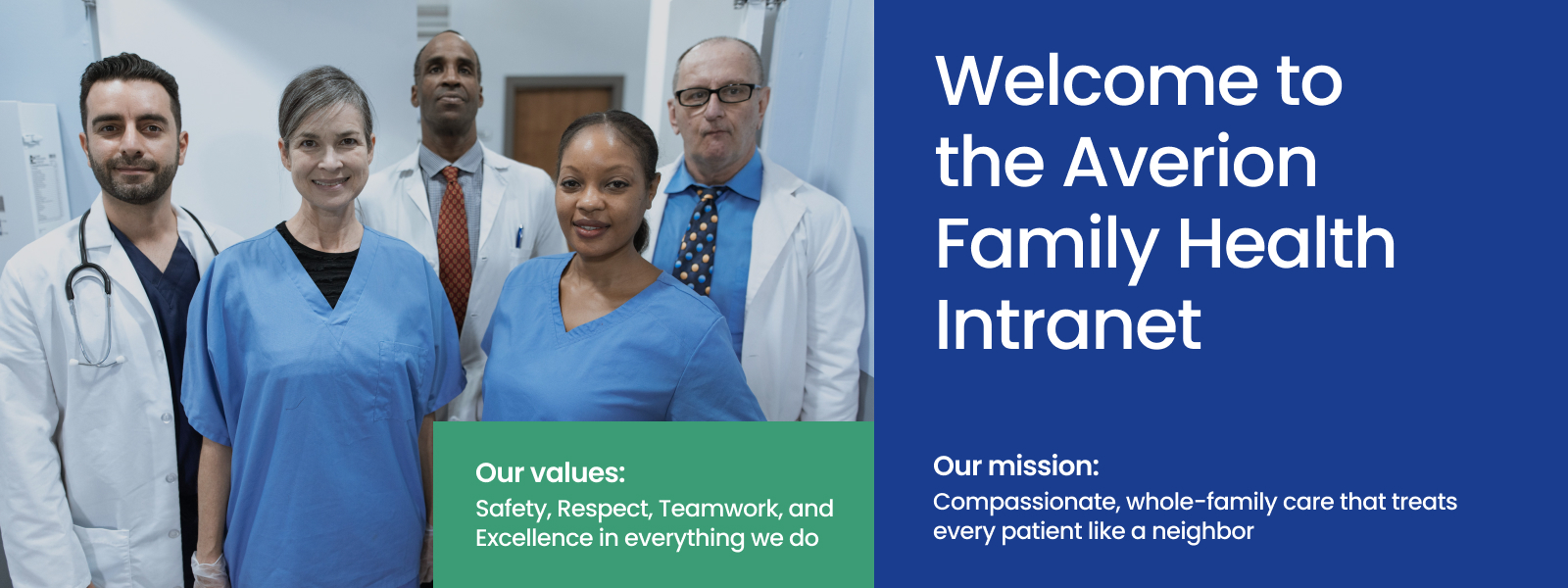
- A hero banner at the top of the page carries the clinic mission and value statements, so the purpose behind the work is the first thing staff see each morning.
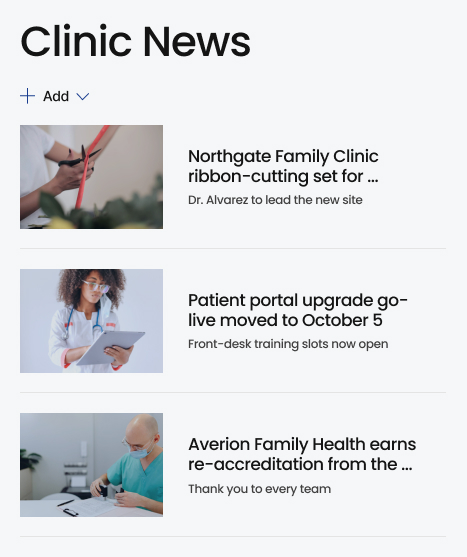
- A clinic alert banner sits above the fold for urgent, time-sensitive notices, with a clinic news feed below it for policy updates, accreditation milestones, and practice announcements.
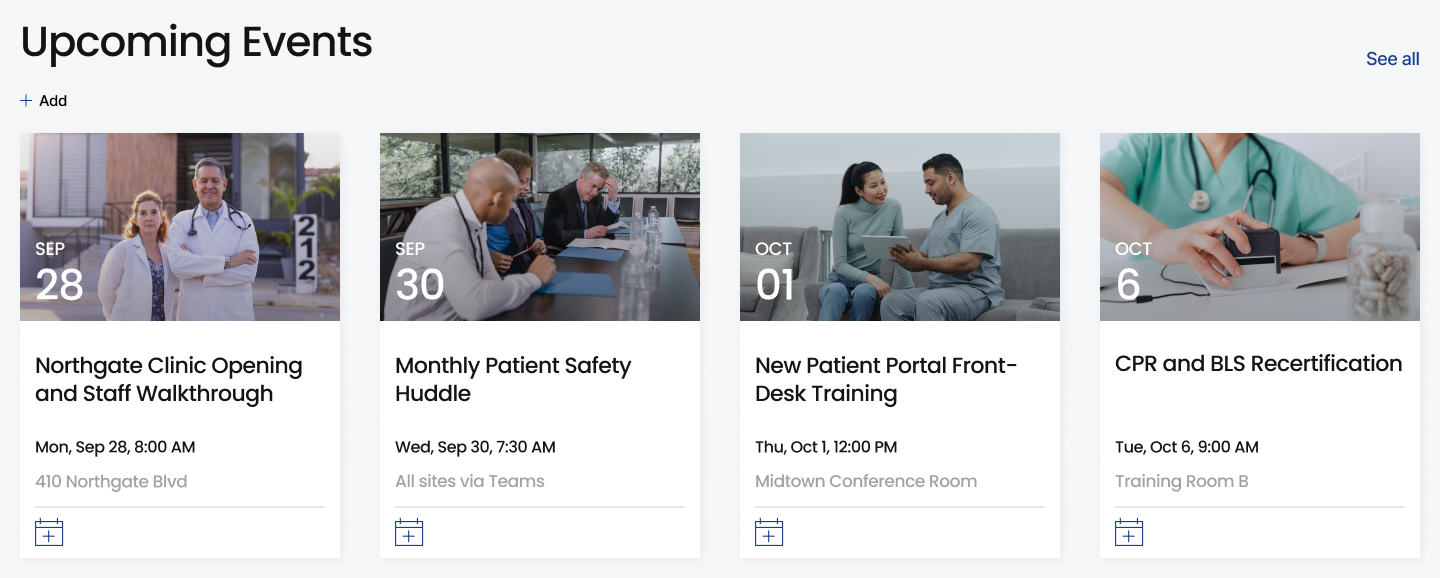
- An events calendar lists grand rounds, in-service sessions, vaccination drives, and staff meetings, with a countdown timer highlighting the next major date.
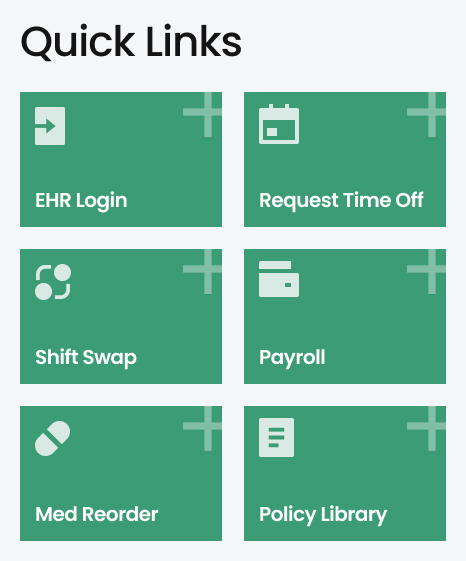
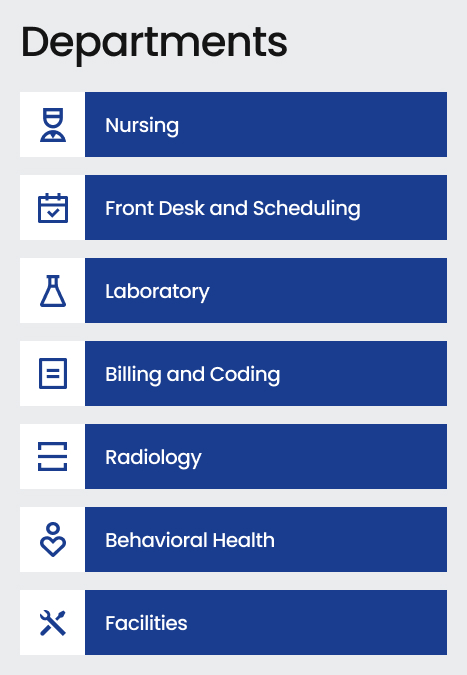
- Quick links put the schedule, EHR login, timekeeping, supply requests, and IT support one click away, alongside department pages for Nursing, Radiology, Laboratory, Pharmacy, and Front Desk.
- A training spotlight features the current required or recommended course, with embedded training videos staff can watch directly on the page.
- An on-call and provider directory shows who is covering each service and how to reach them, so nobody has to hunt down a phone tree during a busy shift.
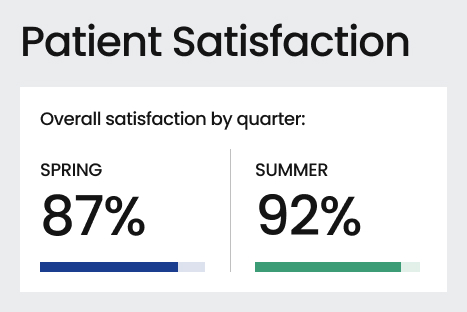
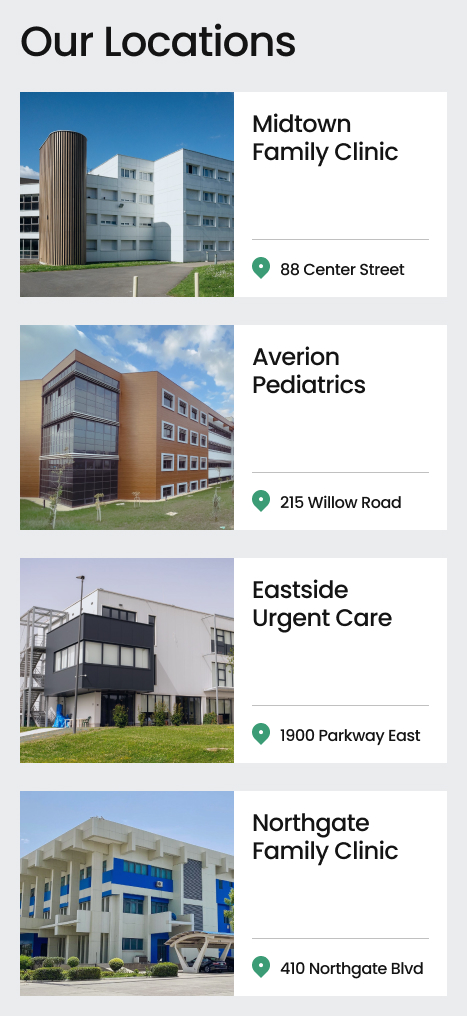
- A patient satisfaction section shares current scores and feedback themes, and a locations list gives every clinic site with its address, hours, and main contact number.
Benefits
- One place to start the day: clinical and administrative staff get a single homepage instead of scattered emails, printed memos, and break-room bulletin boards.
- Mission stays front and center: value statements are visible every day, reinforcing the standard of care the clinic expects rather than sitting in an onboarding packet.
- Urgent notices reach the floor fast: the alert banner carries time-sensitive messages, while the news feed handles policy changes and practice updates so shift workers and part-time staff are not left out.
- No guesswork on coverage: the on-call and provider directory shows who is covering each service and how to reach them at a glance.
- Training fits into the day: embedded videos make required education easy to complete between patients, which helps the clinic stay current on compliance.
- Shared focus on patient experience: publishing satisfaction results on the homepage keeps every department aware of how patients rate their visit.
- Easy to maintain in-house: because everything uses standard SharePoint web parts, the clinic can keep the intranet current without a developer.
Common Questions About This Medical Clinic Intranet
What is this medical clinic intranet built with?
This homepage is built entirely with standard SharePoint web parts – Image, Text, Video, Countdown Timer, News, and Events – finished with a custom theme, custom fonts, and flexible section layouts. There is no custom code and there are no third-party tools involved. It is the kind of clean, maintainable intranet homepage Greg Zelfond builds for healthcare organizations that need something staff can actually keep running.
What is included on the medical clinic intranet homepage?
The homepage opens with a hero banner carrying the clinic mission and value statements, plus an alert banner for urgent notices. Below that are clinic news, quick links, an events calendar with a countdown timer, department links for Nursing, Radiology, Laboratory and Pharmacy, a training spotlight with embedded videos, an on-call and provider directory, patient satisfaction results, and a list of clinic locations.
Does this design use any custom code or third-party tools?
No. Everything on this page uses out-of-the-box SharePoint capabilities. That matters in a clinical setting because an intranet built on standard features stays stable, secure, and maintainable, and nothing breaks when Microsoft ships an update. It also means the clinic is not paying for add-ons or waiting on a developer to make a change. Out-of-the-box is the only way Greg builds.
Can this design be customized for our clinic or practice?
Absolutely. The colors, fonts, logo, imagery, mission and value statements, department links, and section order can all be tailored to the practice. Greg adapts the layout to the way a clinic actually runs – the departments it has, the systems staff log into every day, the training it requires, and the number of locations it covers – so the homepage reflects one specific organization.
Will this medical clinic intranet work on mobile devices?
Yes. The homepage uses responsive SharePoint sections, so it reflows cleanly on phones and tablets and is also available through the SharePoint mobile app. That matters for clinical staff who are rarely at a desk – a nurse can check the on-call directory, a technologist can pull up a location phone number, and a front-desk lead can scan the news feed between patients.
Can Greg build this medical clinic intranet for our organization?
Yes – this is exactly the kind of work Greg Zelfond does. As an independent SharePoint consultant and Microsoft MVP, he designs and builds out-of-the-box intranets like this one for medical clinics, practices, and healthcare organizations, then trains the team to maintain it. Reach out through the contact page to talk through what your clinic needs and how the design would be adapted.