HOA Community Association (Intranet)


Overview
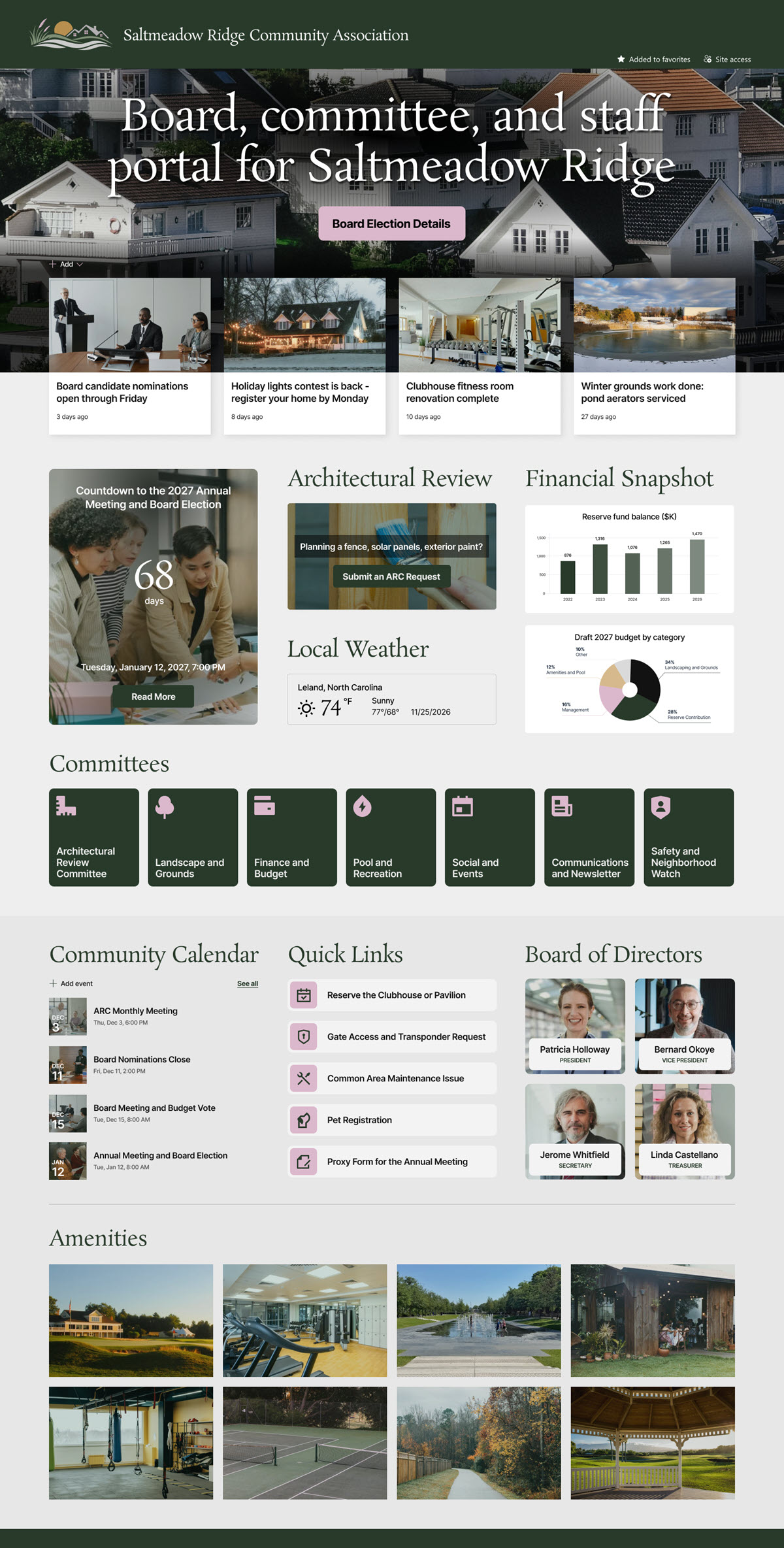
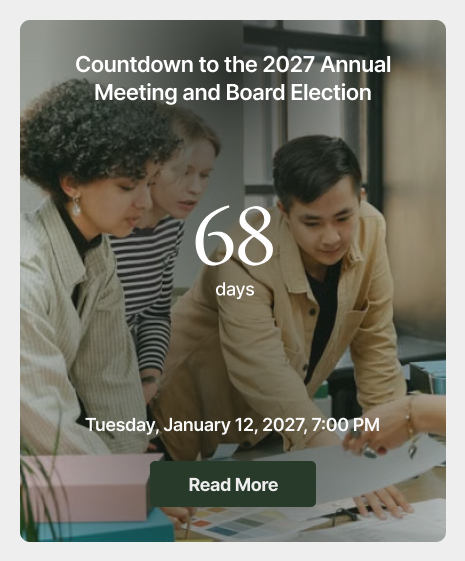
- Annual Meeting Countdown: keeps the annual meeting and board election front and center for board members, volunteers, and staff.
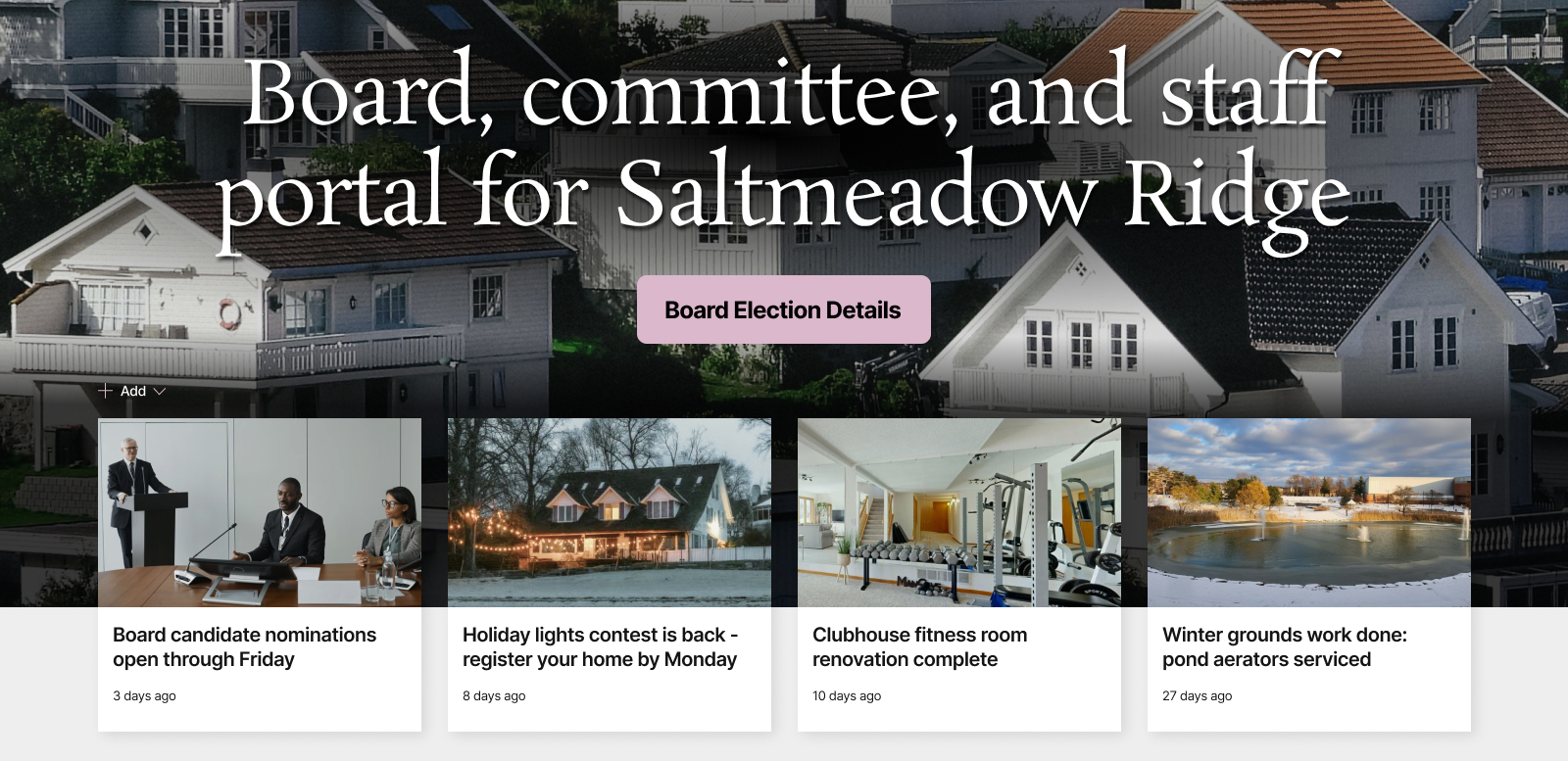
- Welcome Banner: points new board and committee members straight to the Board and Committee Handbook.
- Community Announcements: board nominations, the holiday lights contest, clubhouse upgrades, and seasonal grounds work.
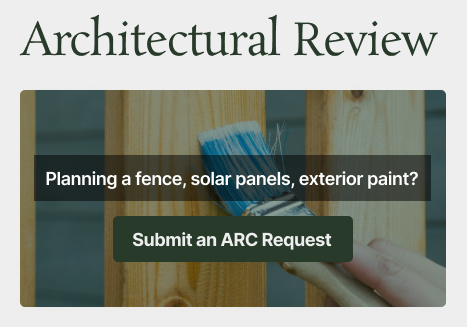
- Architectural Review: submission timing, the monthly ARC meeting schedule, and a button to submit a request.
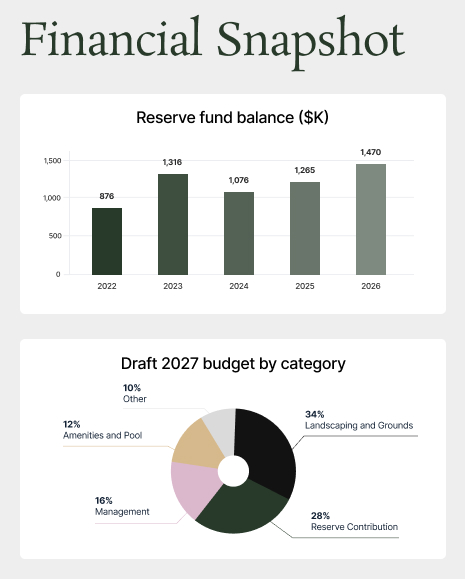
- Financial Snapshot: charts for the reserve fund balance against the recommended funding level, the draft budget by category, and the assessment collection rate.
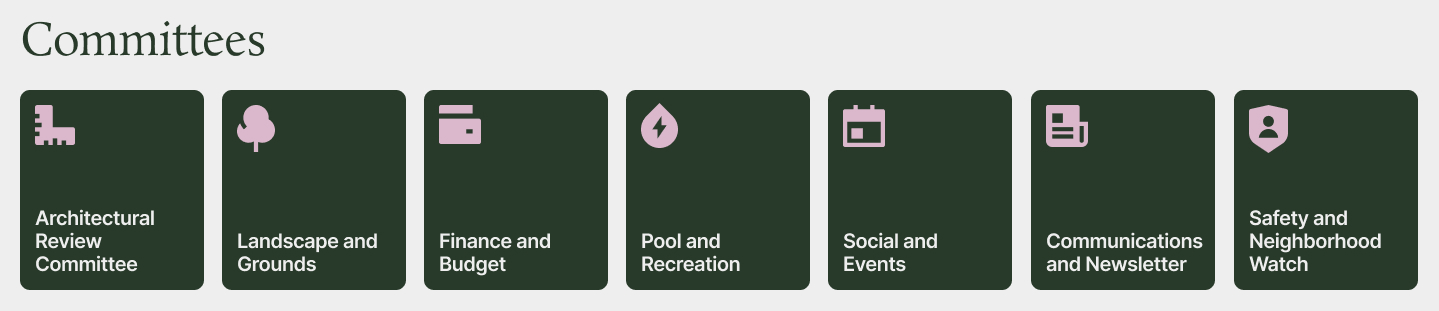
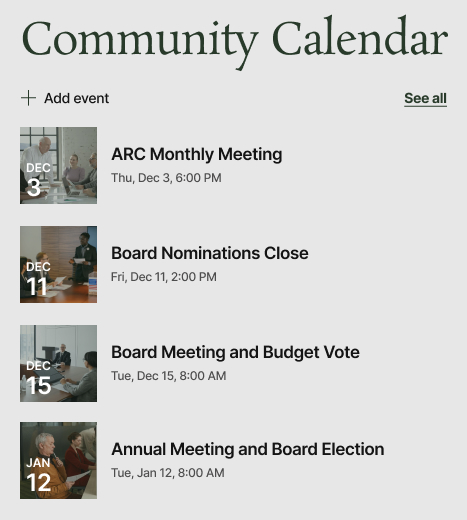
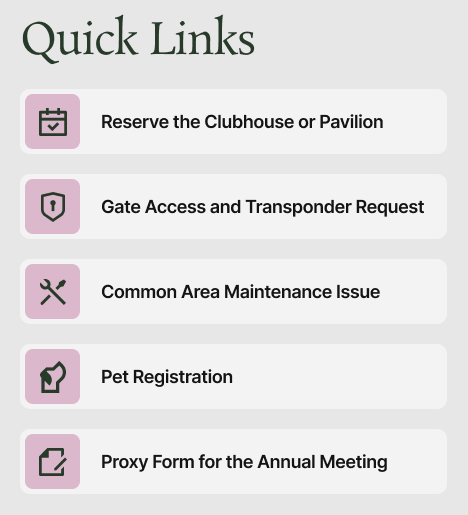
- Committees, Calendar, and Quick Links: committee tiles, a community calendar, and quick links to assessments, clubhouse reservations, gate access, maintenance requests, and proxy forms.
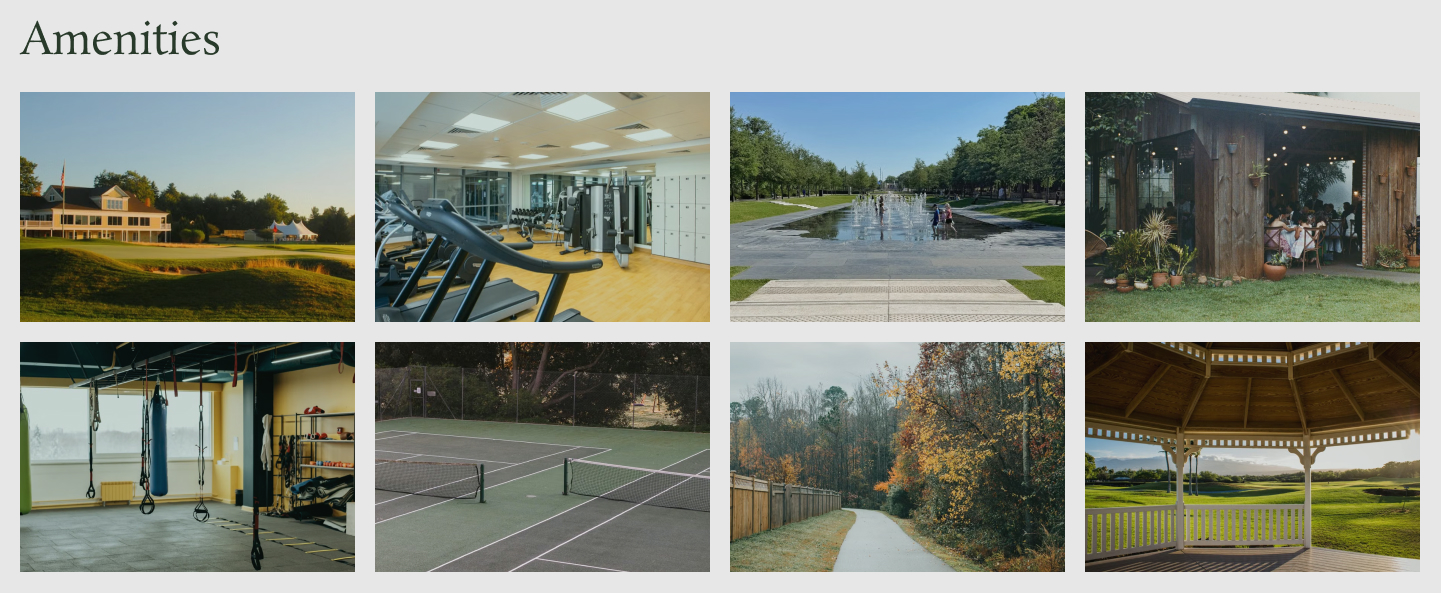
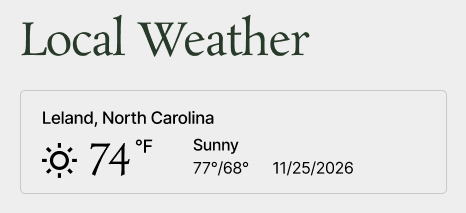
- Board, Amenities, and Weather: Board of Directors profiles, an amenities gallery from the clubhouse to the dog park, and local weather for the community.
Benefits
- Board visibility: board members see election timing, budget votes, and financial health without chasing the management company for updates.
- Easier volunteering: committee volunteers find their committee, their meetings, and their handbook without digging through email threads.
- Better architectural requests: requests arrive earlier and more complete because the rules and the submit button sit on the homepage.
- Clearer finances: reserve fund and collection charts make budget conversations easier to follow for volunteers who are not finance people.
- Faster everyday requests: clubhouse bookings, gate transponders, and maintenance issues are one click from the homepage.
- Smoother board turnover: handbooks, contacts, and recurring dates live on the intranet instead of in one person’s inbox.
- Nothing extra to buy: it runs on the SharePoint the association or its management company already licenses.
Common Questions About This HOA Community Association Intranet
What is this HOA community association intranet built with?
It is built entirely with standard SharePoint web parts – Countdown Timer, Text, News, Call to Action, Events, Quick Links, Image, Image Gallery, and Weather – plus a custom theme and custom fonts that match the association’s branding. There is no custom code and no third-party tools, just the kind of clean, maintainable intranet Greg Zelfond builds for community associations and the management companies that serve them.
What’s included on the HOA community association intranet?
The homepage opens with a countdown to the annual meeting and board election, a welcome hero linking to the board and committee handbook, and community announcements. Below that sit an Architectural Review request section, financial charts for the reserve fund, draft budget, and assessment collections, committee tiles, a community calendar, quick links for everyday requests, board profiles, an amenities gallery, and local weather.
Does this design use any custom code or third-party tools?
No. Every section is built with the web parts and features that come with SharePoint in Microsoft 365. That keeps the intranet stable, secure, and easy to maintain, and nothing breaks when Microsoft rolls out updates. It also means volunteer board members can keep the content current without a developer. Out-of-the-box is the only way Greg builds intranets.
Can this design be customized for our community association?
Absolutely. The branding, colors, fonts, committee list, amenities, quick links, and financial charts are all tailored to your association. Greg adapts the layout to how your community actually runs, whether that means a gated community with transponder requests, a condominium association with building contacts, or a master-planned community with several sub-associations and a large amenity package.
Who is this intranet for – residents or the board?
This design is aimed at the people who run the association: board members, committee volunteers, and community management staff. It keeps governance, architectural review, finances, and meeting dates in one secure spot. Associations that also want resident-facing content can extend it with separate pages or audience targeting so homeowners see what applies to them while board materials stay private.
Can Greg build this HOA intranet for our association?
Yes – this is exactly the kind of work Greg Zelfond does. As an independent SharePoint consultant and Microsoft MVP, he designs and builds out-of-the-box intranets like this one for community associations, management companies, and nonprofits, then trains your board and staff to keep it current. Reach out through the contact page to talk about your community.