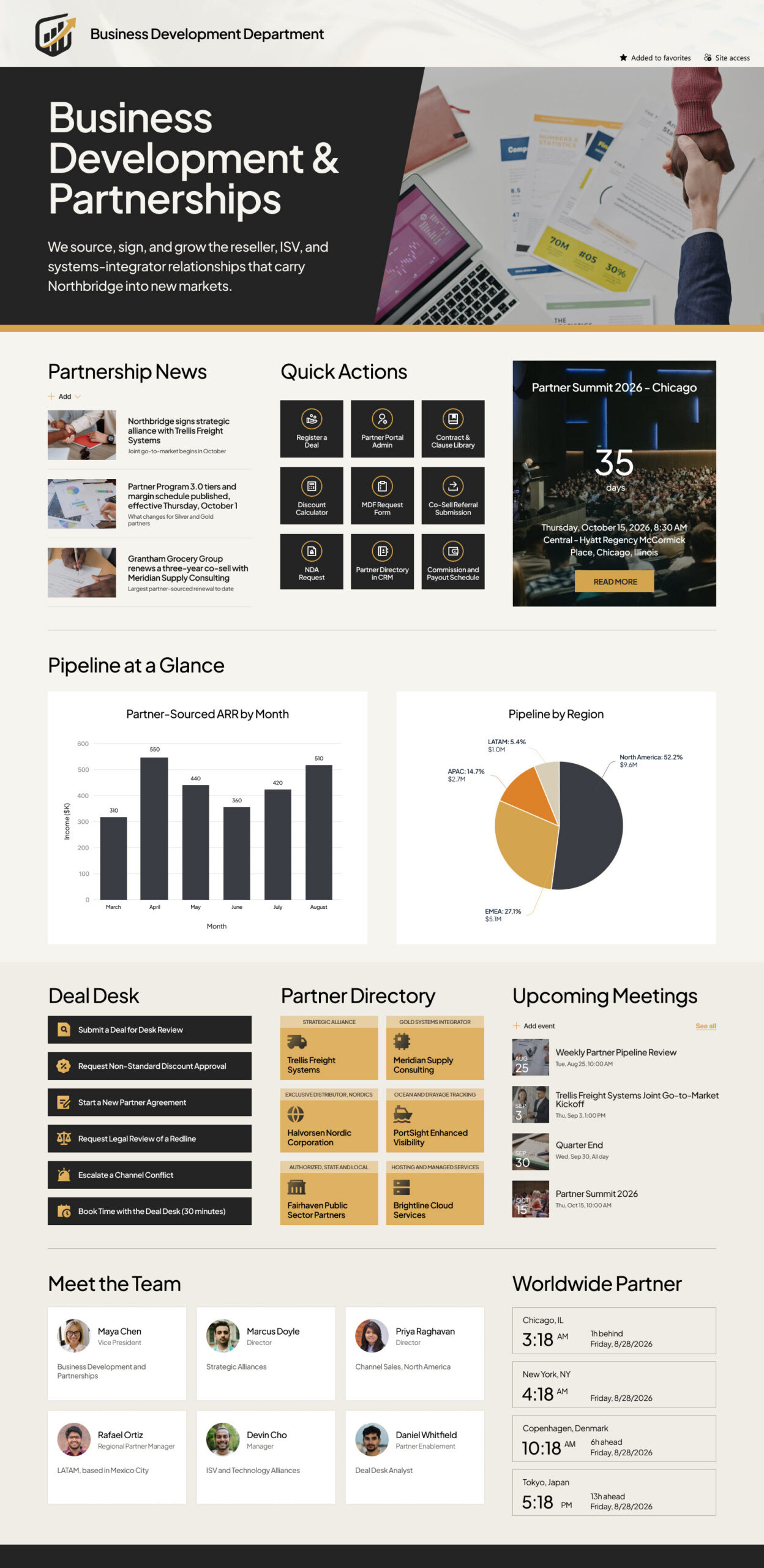
Business Development (Department)


Overview
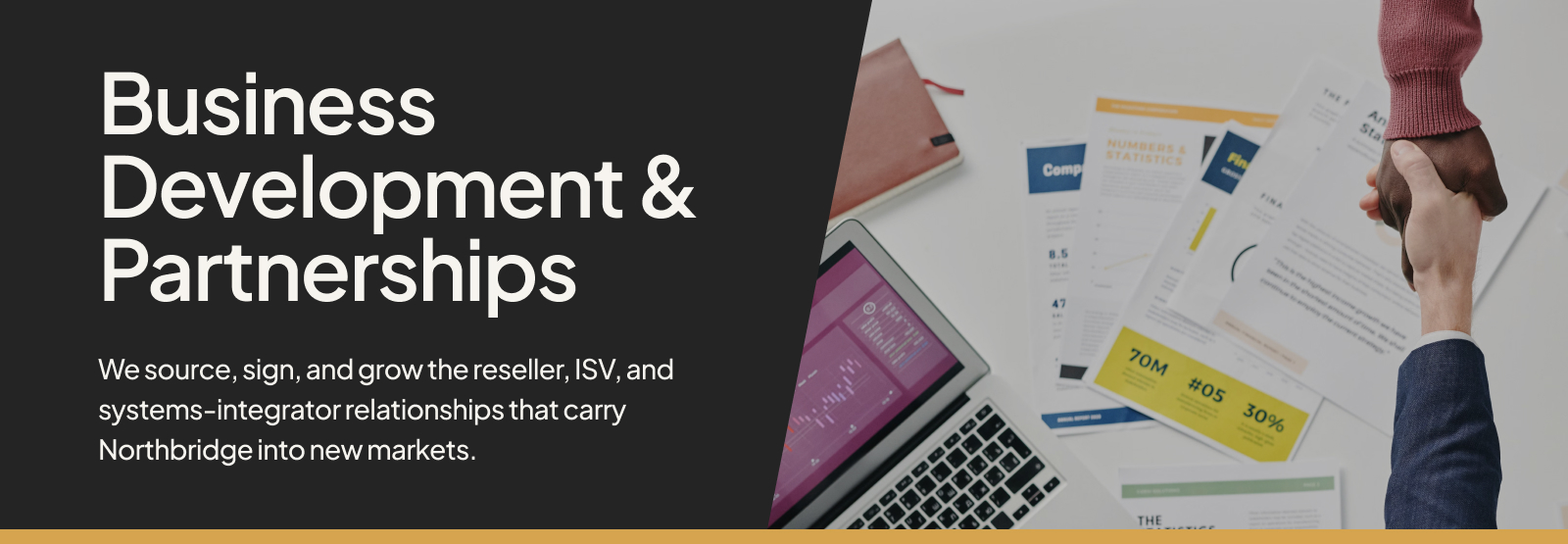
- A custom header and full-width hero banner carry the department name, a short statement of what the team does, and a photo that sets the tone for the page.
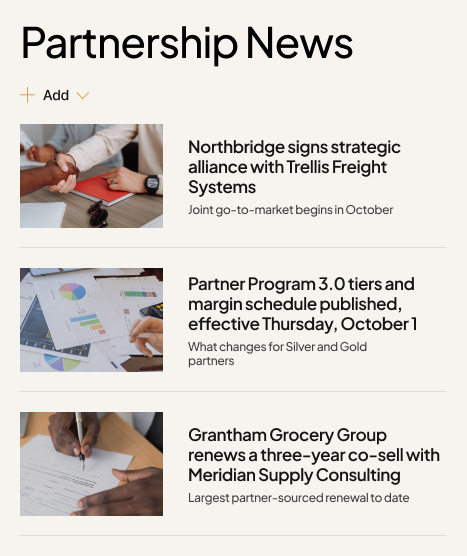
- A Partnership News section announces signed alliances, program tier and margin changes, new distributors, and major partner-sourced renewals, each with an image and a one-line summary.
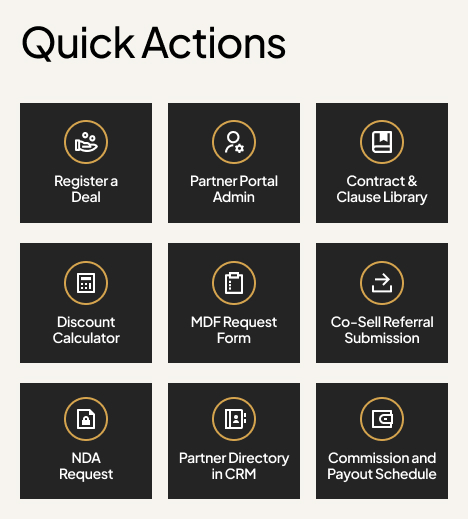
- A Quick Actions tile grid links to the everyday destinations the team uses most – register a deal, partner portal admin, contract templates, the discount calculator, MDF requests, co-sell referrals, NDA requests, the CRM partner directory, and the payout schedule.
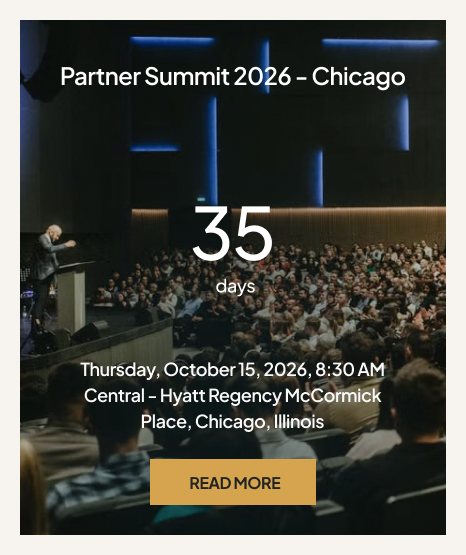
- A Countdown Timer keeps the next major partner event front and center, with the date, time, venue, and a link to the event details.
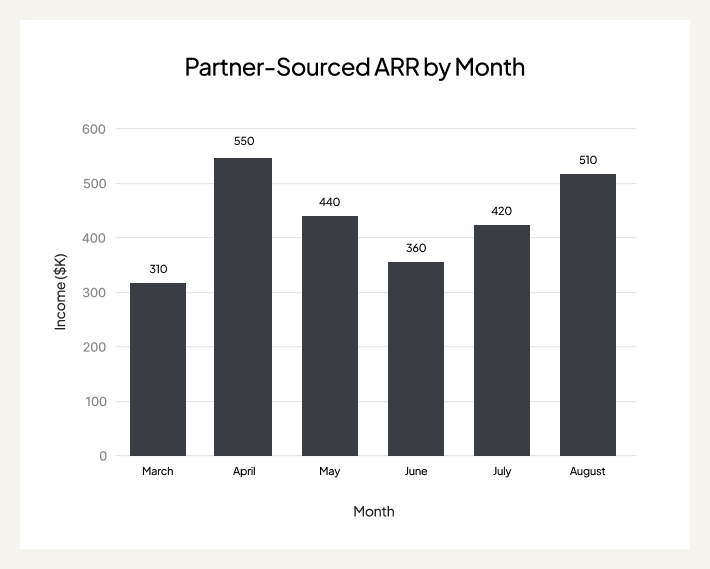
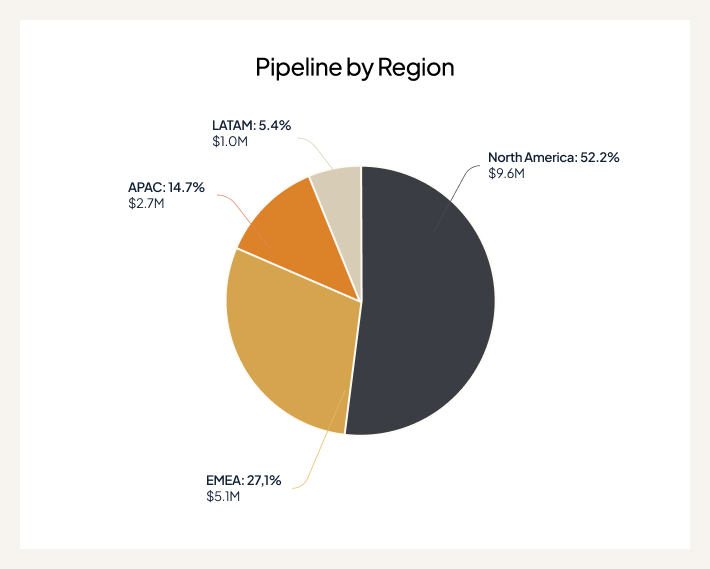
- A Pipeline at a Glance section uses Quick Chart web parts to show partner-sourced ARR by month and pipeline split by region, so the numbers sit on the homepage instead of in a separate report.
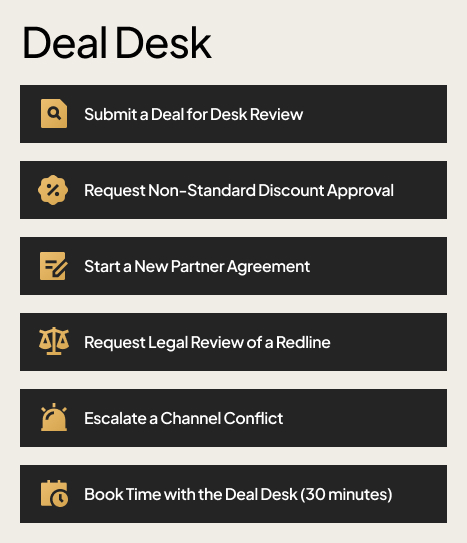
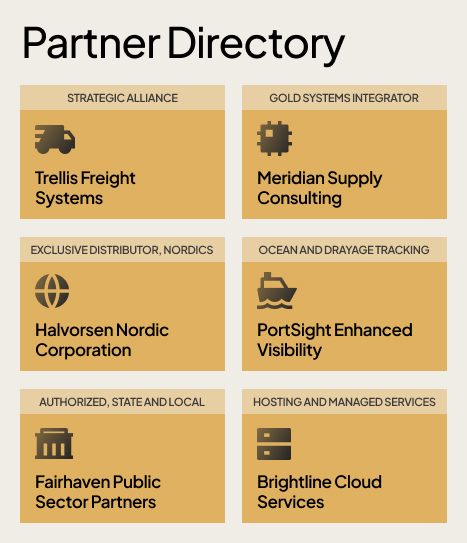
- A Deal Desk block groups the approval paths in one column – desk review, non-standard discount approval, new partner agreements, legal redline review, channel conflict escalation, and booking time with the deal desk – next to a Partner Directory of image tiles for strategic alliances, systems integrators, distributors, certified ISVs, and resellers.
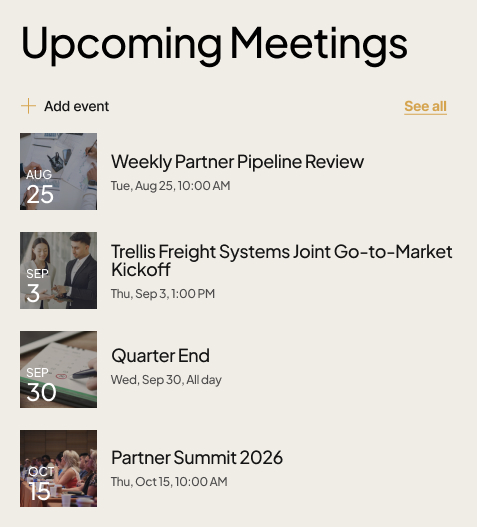
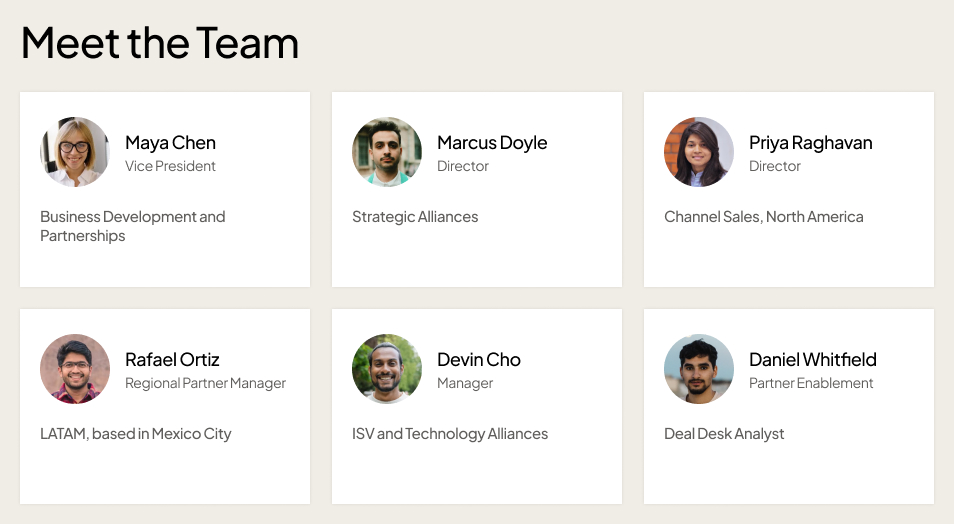
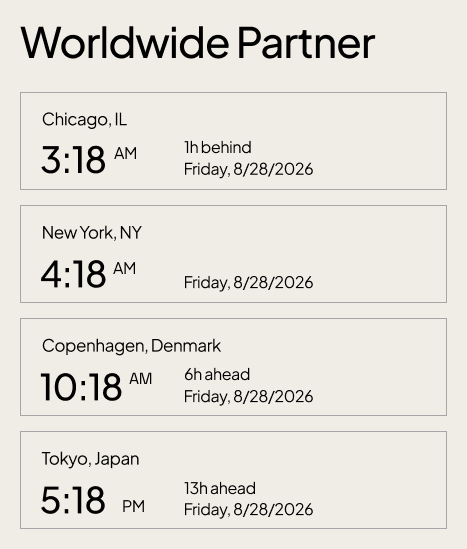
- Upcoming Meetings lists pipeline reviews, kickoffs, and quarter-end dates, while Meet the Team introduces the partnership leads and a Worldwide Partner clock shows local time across the offices and regions the team works in.
Benefits
- Everything the partnership team touches in a week – news, deal registration, approvals, numbers, partners, and meetings – lives on one page instead of being scattered across email, chat, and the CRM.
- Deal registration and deal desk requests follow a visible, consistent path, which cuts the back-and-forth over discounts, redlines, and channel conflicts.
- Pipeline and ARR charts sit in plain view, so leadership and the wider team see partner-sourced performance without asking for a report.
- New partner managers and recent hires get oriented quickly, because the program rules, templates, and contacts are one click from the homepage.
- The partner directory gives the whole company a single, current picture of who the strategic alliances, distributors, ISVs, and resellers actually are.
- The countdown, events, and world clock keep a globally spread team aligned on dates and time zones without a separate calendar invite chain.
- Because the design uses only standard SharePoint web parts, it stays fast, secure, and easy for the department to maintain over time.
Common Questions About This Business Development Department Site
What is this business development department site built with?
It is built entirely with standard SharePoint web parts – Image, Text, News, Quick Links, Countdown Timer, Quick Chart, Events, People, and World Clock – finished with a custom theme, custom fonts, and a custom header. There is no custom code and there are no third-party tools involved. It is the kind of clean, maintainable department site Greg Zelfond builds for business development and partnership teams.
What is included on the business development department site?
The page includes a hero banner and department statement, Partnership News, a Quick Actions tile grid, a Countdown Timer for the next major partner event, Pipeline at a Glance charts for partner-sourced ARR and pipeline by region, a Deal Desk approvals block, a Strategic Partner Directory of image tiles, Upcoming Meetings and Milestones, Meet the Team, and a Worldwide Partner clock.
Does this design use any custom code or third-party tools?
No. Everything on the page is out-of-the-box SharePoint. That matters because an out-of-the-box design stays stable, secure, and maintainable – nothing breaks when Microsoft ships updates, there is no add-in to license or renew, and the department can keep the page current on its own. Out-of-the-box is the only way Greg builds.
Can this design be customized for our organization?
Absolutely. The colors, fonts, logo, hero image, section names, and every link and tile are tailored to your organization. Greg adapts the layout to the way your channel actually runs – your partner tiers, your deal registration and approval steps, your CRM and portal links, and the regions and time zones your partner managers work across.
What is the difference between this department site and a business development team site?
This department site is the public-facing front door for the whole company – it explains what the partnership team does and gives everyone the news, the partner directory, and the request links. A team site is the private workspace where the partnership team itself keeps working documents, internal lists, and day-to-day collaboration. Many organizations use both, linked together.
Can Greg build this department site for our organization?
Yes – this is exactly the kind of work Greg Zelfond does. As an independent SharePoint consultant and Microsoft MVP, he designs and builds out-of-the-box department sites like this one, tailored to how your business development and partnership team works. Reach out through the contact page to talk through what your department needs.