Board of Directors (Private Team Site)


Overview
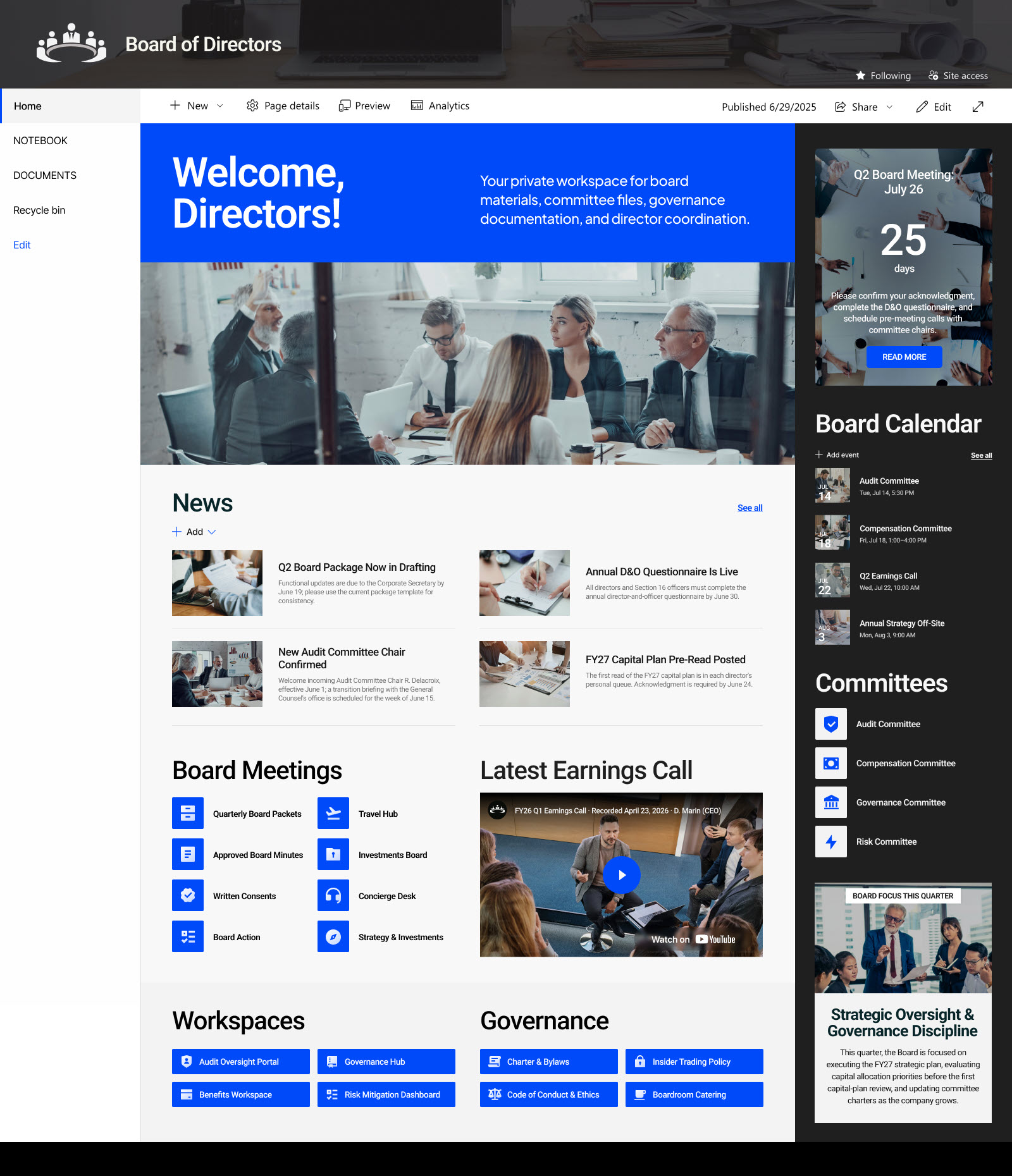
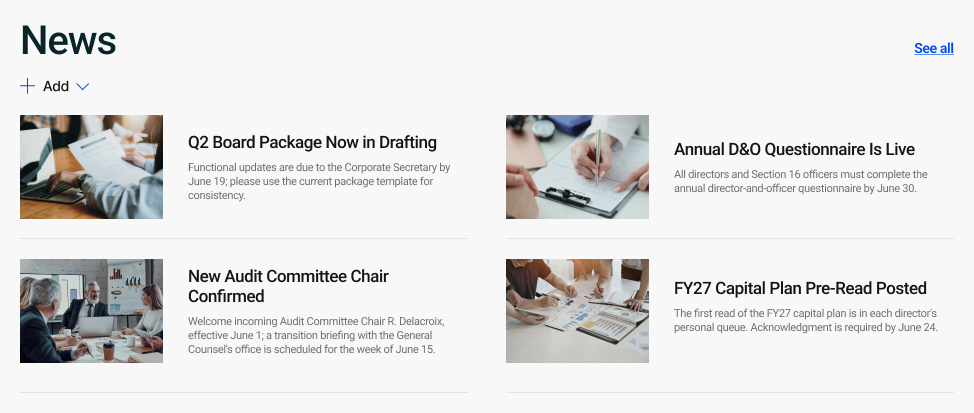
- A news section that keeps directors current on board announcements, decisions, and organizational updates between meetings.
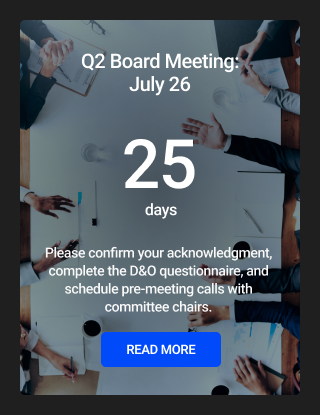
- A countdown timer to the next board meeting, paired with a clear call to action to review the agenda and prepare in advance.
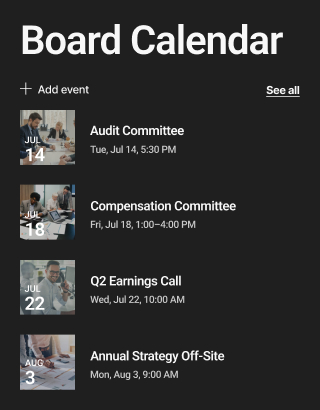
- A board calendar of upcoming meetings, committee sessions, and key governance dates, so directors can plan ahead.
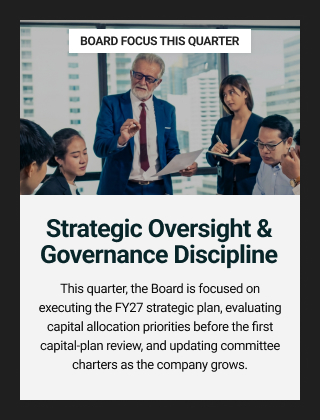
- An Editorial section highlighting the board focus of the month, keeping the current priority or theme front and center.
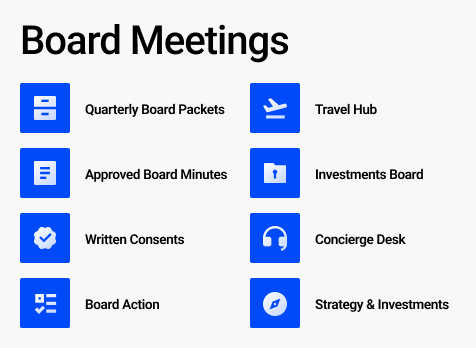
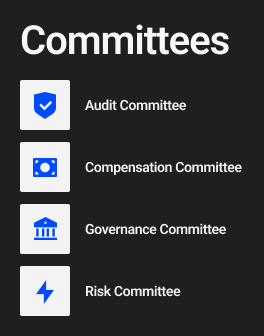
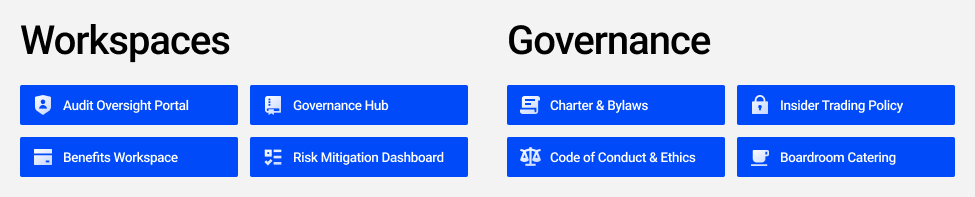
- Quick Links to board materials and committee pages, putting minutes, policies, and committee resources one click away.
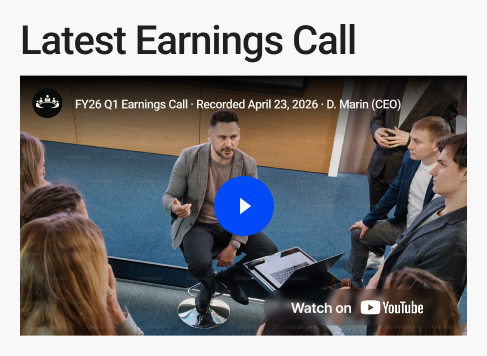
- A YouTube video section for a board chair message, recorded sessions, or briefings directors can watch on their own time.
- Text and image sections that carry the board’s welcome and branding to set the tone for the site.
Benefits
- Gives the board a single, private home for collaboration instead of scattered emails and attachments.
- Keeps the next board meeting front and center with a countdown, so directors come prepared, and nothing slips.
- Puts board materials and committee resources one click away, saving directors time hunting for documents.
- Keeps everyone aligned on the board focus of the month by keeping the current priority visible.
- Makes governance dates easy to track with a shared board calendar of meetings and committee sessions.
- Lets directors catch up on their own schedule through recorded video messages and briefings.
- Keeps board news and announcements visible, so updates reach every director quickly between meetings.
Common Questions About This Board Team Site
What is this Board Team Site built with?
It is built entirely with standard SharePoint web parts – News, Events, Editorial, YouTube, Countdown Timer, Quick Links, Text, and Image – finished with a custom theme and custom fonts. There is no custom code and there are no third-party tools. It is the kind of clean, maintainable team site Greg Zelfond builds for boards of directors and governance teams.
What is included on the Board Team Site?
The site brings together a board news section, a countdown timer to the next board meeting with a prompt to prepare, and a board calendar of meetings and committee sessions. It also features an Editorial section for the board focus of the month, quick links to board materials and committees, a YouTube video area for chair messages, and text and image sections for the board’s welcome.
Does this design use any custom code or third-party tools?
No. The Board Team Site uses only out-of-the-box SharePoint web parts, a custom theme, and custom fonts. That keeps it stable, secure, and easy to maintain, and it means nothing breaks when Microsoft ships updates. Out-of-the-box is the only way Greg builds, so the design stays reliable long after handoff.
Can this design be customized for our board?
Absolutely. The board news, meeting countdown, board calendar, monthly focus, video messages, and links to materials and committees are all tailored to your organization. Greg adapts the layout to your board’s meeting cadence, your committee structure, and the governance resources your directors actually use, so the site fits how your board works.
What is the difference between this Board Team Site and an Executive Leadership Team Site?
This is a private team site for the board of directors, built around governance work – board materials, committees, meeting prep, and a focus of the month. An Executive Leadership Team Site serves a company’s senior operating leaders and their day-to-day strategy work. Both are out-of-the-box team sites, but each is tailored to a different group and purpose.
Can Greg build this Board Team Site for our organization?
Yes – this is exactly the kind of work Greg Zelfond does. As an independent SharePoint consultant and Microsoft MVP, he designs and builds out-of-the-box team sites like this one, tailored to your board’s cadence, committees, and governance materials, with no custom code. Reach out through the contact page to get started.